Tips for Getting Used to a Standing Desk Converter
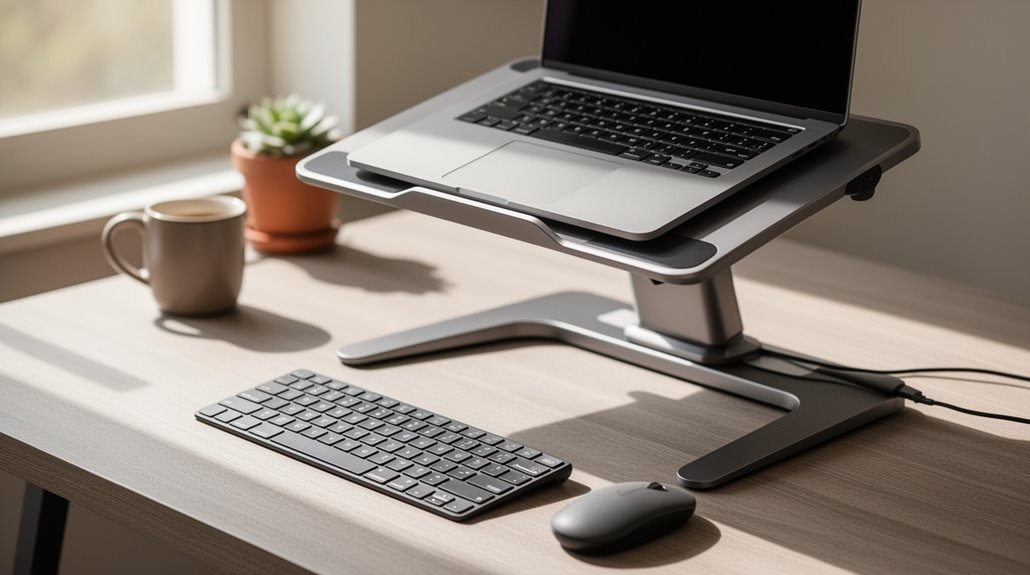
To get used to a standing desk converter, begin with gradual changes. Stand for 20–30 minutes each hour and increase that time by about 5–7 minutes each week.
Keep a proper ergonomic setup: your elbows should be at roughly a 90-degree angle, and the top of your monitor should sit at or just below eye level.
Take active breaks every 30–60 minutes to stretch or walk briefly to reduce stiffness and fatigue.
Consider comfort accessories such as an anti-fatigue mat or supportive shoes to make standing more comfortable.
Continue exploring additional strategies—like shifting weight, using a footrest, or varying tasks—to adapt effectively over time.
Start With Gradual Transitions
As you begin using a standing desk converter, it’s important to implement gradual shifts to adapt your body to standing for extended periods.
Start with short standing intervals, around 20-30 minutes each hour, to prevent fatigue. Gradually increase your standing time each week, adding 5 to 7 minutes per hour. Proper standing desk ergonomics can help you maintain better posture and reduce discomfort during these transitions.
Avoid standing for more than two consecutive hours to minimize strain on your legs and lower back. Shift between sitting and standing every 45 to 60 minutes to maintain comfort and efficiency.
Use timers to remind you of these shifts, ensuring controlled adjustments. Allow several weeks for your body to acclimate fully, balancing standing and sitting to enhance your overall workstation experience.
Maintain Proper Ergonomic Setup
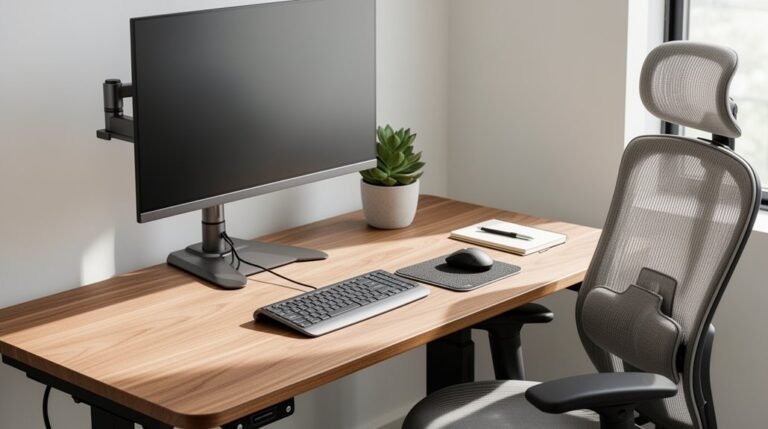
Achieving an ergonomic setup is essential for maximizing comfort and productivity while using a standing desk converter. Adjust the converter height so your elbows rest at a 90-degree angle when typing, whether seated or standing. Position your keyboard tray low enough for seated use and high enough for standing, aligning with elbow height. Make certain your monitor top is at or slightly below eye level to prevent neck strain. Keep the primary monitor directly in front of you, and angle secondary monitors toward your line of sight. Align your keyboard and mouse at the same height, maintaining flat wrists. Use an anti-fatigue mat for comfort while standing, and consider cable management for a clutter-free workspace. Incorporating a standing desk converter can promote ergonomic support for a healthier workspace, enhancing your overall work experience.
Take Active Breaks and Movement Pauses
Active breaks and movement pauses play a significant role in enhancing your overall well-being while using a standing desk converter.
These breaks help reduce the risk of musculoskeletal disorders linked to prolonged standing. Aim for short movement pauses every 30–60 minutes, lasting at least 1–2 minutes.
Simple stretches, like shoulder rolls or neck tilts, can be performed at your desk. Walking in place or around the office for 2–5 minutes boosts circulation and reduces muscle fatigue. Incorporating light exercises, such as calf raises or squats, engages muscles effectively. Regular movement breaks can lower discomfort in the back, neck, and shoulders by up to 54%, while also improving cognitive function and focus throughout your workday. Additionally, these breaks promote enhanced circulation and heart health, contributing to your overall well-being.
Invest in Comfort Accessories
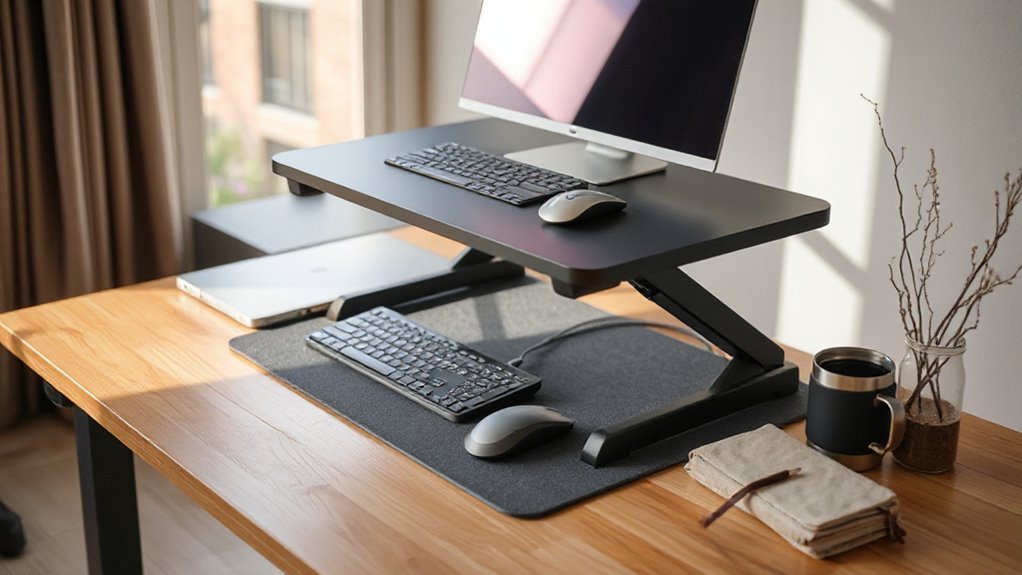
Investing in comfort accessories greatly enhances your experience while using a standing desk converter.
Anti-fatigue mats provide cushioning, reducing foot, leg, and back discomfort during prolonged standing. They improve blood circulation and help maintain energy levels.
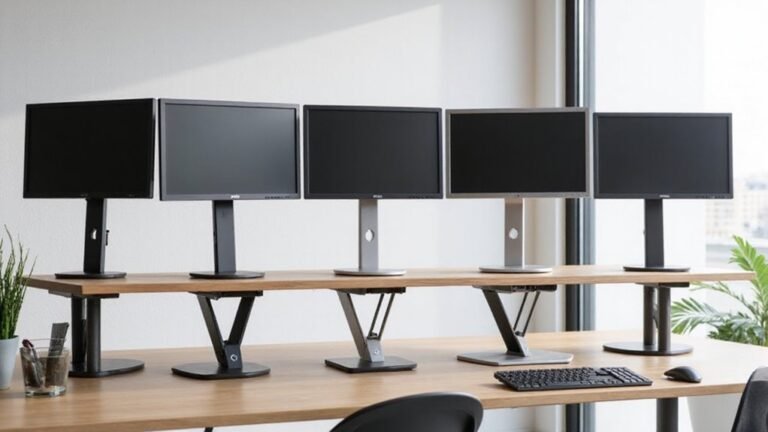
Monitor arms enable height and tilt adjustments, promoting ergonomic eye-level alignment and reducing neck strain. These can accommodate single to triple monitor setups, optimizing desk space.
Ergonomic footrests offer support for your legs, encouraging micro-movements and proper alignment during standing.
Finally, effective cable management keeps your workspace organized, preventing clutter and distractions.
Each accessory contributes to a more comfortable and efficient working environment, allowing you to maximize the benefits of your standing desk converter.
Build Confidence Through Initial Adjustment Period
While shifting to a standing desk converter, it’s important to establish a routine that facilitates gradual adaptation. Start with the 30-for-30 Rule: alternate standing for 30 minutes and sitting for 30 minutes. This 1:1 ratio helps your body adjust without overwhelming your muscles and joints. Use timers or calendar reminders to maintain this habit throughout the workday.
As you grow comfortable, consider gradually increasing standing time. Change to a 1:3 ratio—standing for 15 minutes every hour—before moving to a 3:1 ratio.
Focus on ergonomic height adjustments, ensuring your workstation accommodates your body’s measurements for ideal comfort. Monitor your progress, but remember that initial discomfort is normal and typically resolves as you adapt to this new setup.
Monitor Progress and Track Benefits
Monitoring your progress when using a standing desk converter is essential, as it helps you understand your usage patterns and the benefits of your new setup. Implementing best practices for standing desk setup can significantly enhance your productivity and comfort. Adjusting your monitor to eye level and ensuring your feet are flat on the ground are key considerations that contribute to better posture. Additionally, it’s important to alternate between sitting and standing throughout the day to prevent fatigue and maintain focus.
Utilize dedicated desk apps like UPLIFT or YO-YO WELLNESS to track standing time and shifts. These apps connect via Bluetooth, providing real-time feedback on your activity levels.
Regularly check metrics such as your percentage of desk time spent standing and the number of shifts per workday. Set daily standing goals to maintain motivation.
Use software reminders to prompt you for position changes. Additionally, integrate fitness trackers to monitor overall activity.
Periodically review this data to adjust routines and optimize your sit-stand rhythm for improved productivity and well-being.
Create a Supportive Work Environment
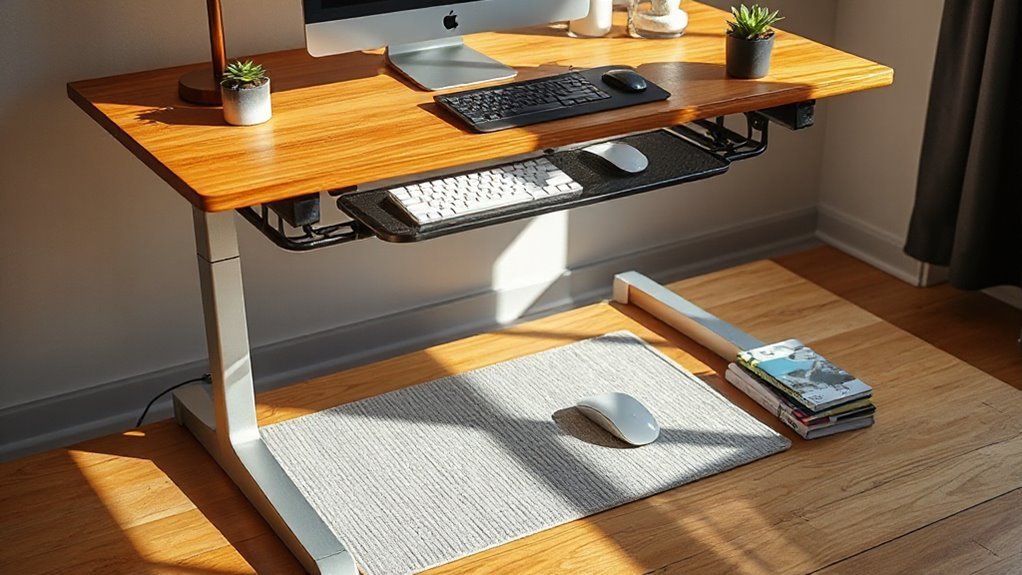
Creating a supportive work environment is essential for maximizing the benefits of a standing desk converter. Select a desk converter with an appropriate height range, ensuring it accommodates both sitting and standing positions. When considering various options, a standing desk converter brands comparison can help you identify the best features for your needs. Take note of user reviews and warranties, as these insights can reveal the durability and functionality of different models. Additionally, comparing prices across different retailers may lead you to a more budget-friendly choice.
The keyboard tray should be adjustable to maintain ergonomic wrist and elbow angles. Choose a model with a stable base to minimize wobble during adjustments.
Position your monitor about an arm’s length away, with the top edge at or just below eye level to reduce neck strain. Adjust your chair height so your feet rest flat, and use lumbar support to maintain healthy posture.
Incorporate ergonomic accessories, like footrests and wrist rests, to enhance comfort while promoting proper alignment and circulation throughout your workday.
Stay Consistent With Routine Changes
To stay consistent with routine changes when using a standing desk converter, establish a regular schedule that incorporates specific times for both standing and sitting throughout your workday. This method helps your body adapt efficiently.
Consider implementing the following strategies:
- Set specific times for standing and sitting, building a structured routine.
- Use a timer or app to remind you to switch positions every 30–60 minutes.
- Track your daily standing and sitting durations to monitor progress.
- Gradually increase standing intervals, starting with 15–30 minutes, to prevent strain.
Frequently Asked Questions
How Do I Choose the Right Standing Desk Converter Size?
To choose the right standing desk converter size, measure your existing desk width and depth. Aim for a minimum of 1000 mm wide and 650 mm deep for standard models.
Assess your work surface requirements; larger setups need converters with at least 915 mm width.
Check weight capacity, guaranteeing it supports your equipment.
Finally, consider height adjustment ranges, especially for taller users, to guarantee comfortable use during height changes without obstruction.
Can a Standing Desk Converter Fit on Any Desk?
Yes, a standing desk converter can fit on most desks, provided the desk meets specific size requirements.
Check the width compatibility of the converter, which can range up to 47.2 inches for dual-monitor setups.
Confirm the minimum desk depth allows for proper monitor viewing without strain.
The desk must also support the converter’s weight capacity, typically between 28.6 to 33 pounds, depending on the model and equipment you’ll use.
What Should I Do if I Feel Dizzy While Standing?
If you feel dizzy while standing, first, stand up slowly to allow your body to adjust.
Stay hydrated by drinking water throughout the day, as dehydration can cause dizziness.
Verify your workspace is well-lit and your monitor is at eye level to reduce eye strain.
Take regular breaks to stretch and move around.
If dizziness persists, consult a healthcare professional to rule out any underlying health issues or medication effects.
How Can I Encourage Coworkers to Use Standing Desks?
You can promote standing desk usage by sharing productivity statistics. Highlight that standing desks can boost productivity by 10-20%.
Organize group sessions to demonstrate proper desk adjustments, ensuring everyone understands ergonomic benefits.
Create a friendly competition around desk usage, tracking changes throughout the week.
Finally, advocate for company wellness initiatives that include standing desks, showcasing how they improve posture and reduce absenteeism, ultimately benefiting both employees and the organization.
Are There Specific Exercises to Do While Standing?
Exercises for Standing
You can perform several effective exercises while standing. Begin with calf raises to enhance lower leg circulation.
Incorporate gentle torso twists and side bends to improve spinal mobility. Leg lifts and knee extensions activate lower body muscles without requiring much space.
Include shoulder rolls and neck stretches to alleviate muscle tension. Additionally, standing marches or stepping in place can increase energy expenditure and break sedentary periods throughout your workday.
Conclusion
Adapting to a standing desk converter requires patience and intentionality. Begin with gradual changes and maintain an ergonomic setup to minimize strain.
Incorporate active breaks, invest in comfort accessories, and monitor your progress.
Create a supportive work environment, and stay consistent with your routine changes.
As you navigate this adjustment, think of it as planting a seed; with time and care, you’ll cultivate a healthier, more productive workspace.