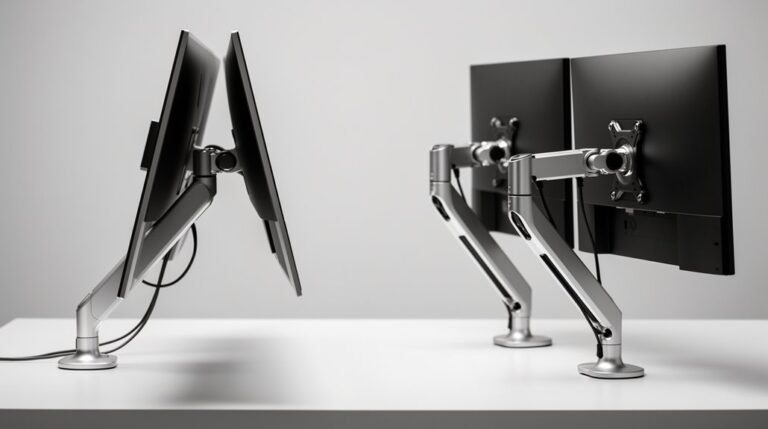
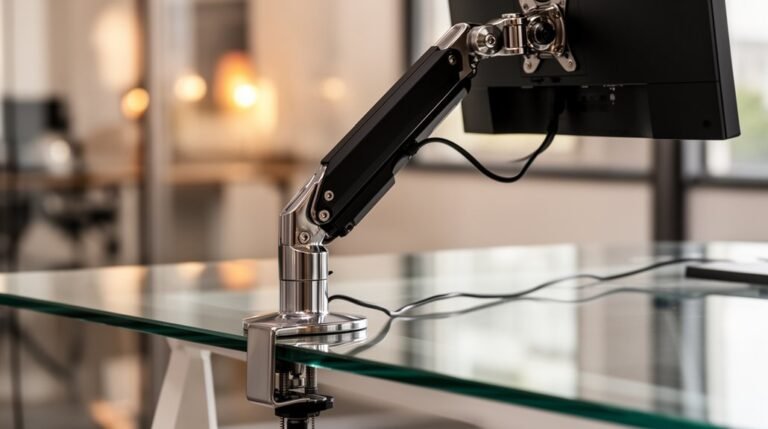
Can Monitor Arms Damage Your Desk?
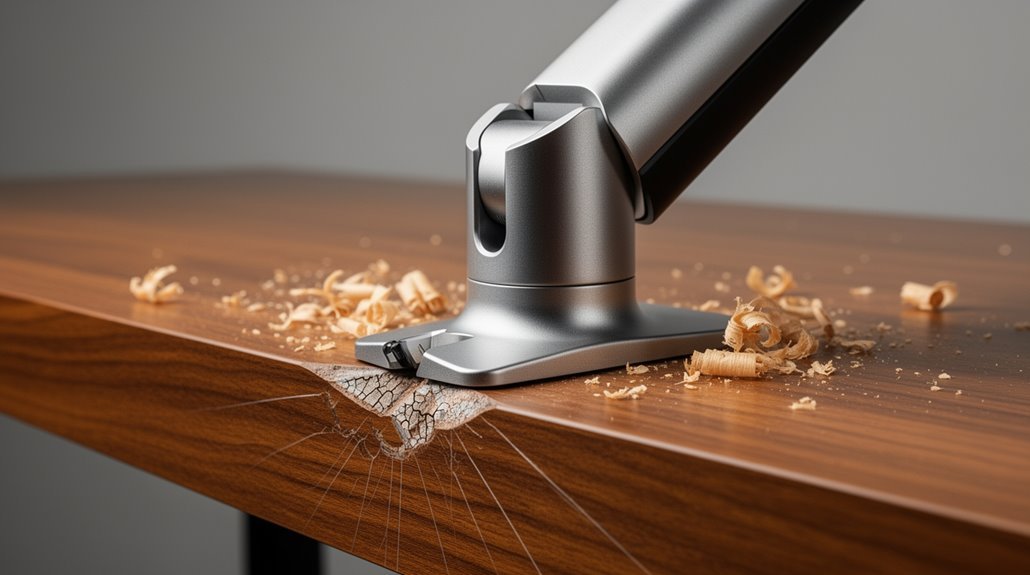
Can monitor arms damage your desk? Yes—especially if the desk is made from delicate materials like glass, soft wood, or thin composites.
Clamps concentrate pressure on a small area, which can cause indentations or cracks if over-tightened. Desks thinner than 0.75 inches are particularly vulnerable to structural failure.
You can reduce damage with reinforcement plates and protective pads under the clamp. Choosing a solid desk designed for monitor arms is essential for longevity.
If you’d like, I can share more strategies to protect your desk and recommend suitable monitor arms for different desk types.
Types of Desk Materials at Risk
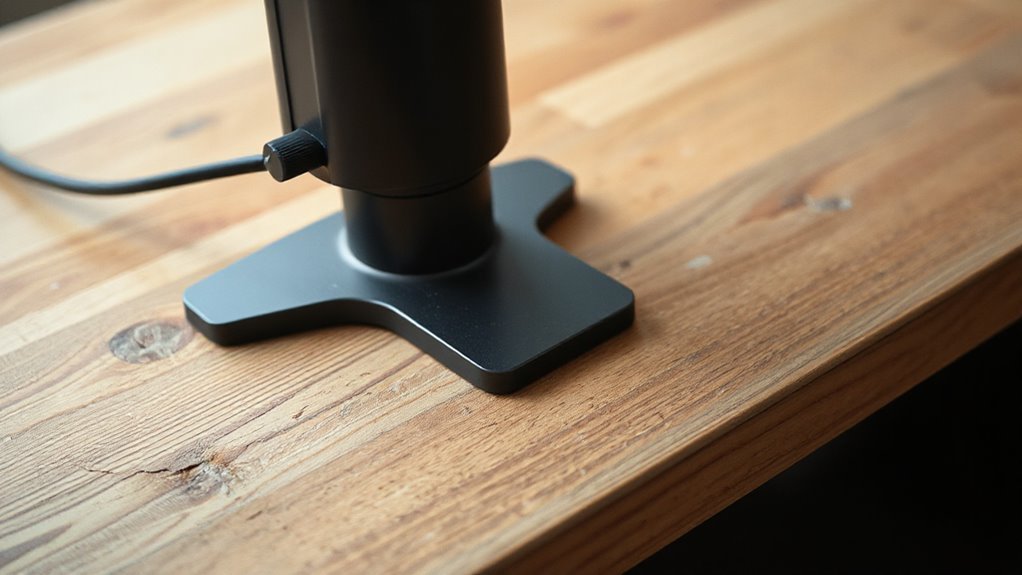
Various desk materials can be at risk of damage from monitor arms, especially when they’re not designed to handle concentrated loads. Glass table tops can crack under clamp pressure, as even tempered glass may fail if overtightened. Hollow-core table tops, like honeycomb cardboard, collapse easily due to inadequate support. Soft wood surfaces, such as pine, dent and gouge from clamps digging in. Particleboard and MDF desks may crumble or split under stress, particularly at clamp points. Desktops with thin veneers can dent, scratch, or peel, especially when the clamp is too tight. Recognizing these vulnerabilities helps you choose a desk that can withstand the forces exerted by monitor arms, ensuring longevity and functionality. Additionally, proper installation is crucial to prevent damage, as it ensures that the monitor arm is securely attached and compatible with the desk material.
Clamping and Grommet Mount Damage Mechanisms
When you install a monitor arm, understanding the clamping and grommet mount damage mechanisms is essential for protecting your desk.
Improper installation or excessive force can lead to significant damage. Here are key considerations:
- C-Clamp Pressure: Concentrates force on a small area, risking indentations and instability.
- Uneven Desk Edges: Beveled or irregular surfaces reduce contact area, increasing the chance of surface damage.
- Over-tightening: Excessive clamp pressure can compress soft materials, leading to permanent damage.
- Grommet Mount Risks: Requires drilling, which permanently alters desk structure and may weaken stability. Additionally, using metal reinforcement brackets can help distribute the load and reduce the risk of damage.
Understanding these factors helps you mitigate risks and maintain your desk’s integrity while using monitor arms.
Desk Thickness Requirements for Safe Installation
Understanding desk thickness requirements is essential for safely installing monitor arms. Most monitor arms fit desks ranging from 0.5 inch to about 2–3 inches thick. If your desk exceeds 3 inches, you’ll need specialized or heavy-duty arms. For desks around 4 inches thick, consider heavy-duty clamps or alternative mounts like grommet or floor stands. Always check the maximum supported thickness specified by the manufacturer. Weight capacity is also a critical consideration, as selecting a monitor arm that can support your monitor’s weight ensures safety and stability during use. Desk material also matters; solid wood and metal provide the best support, while thin particleboard may crumble under pressure. Verify your desk edge is flat for clamps to grip securely.
Mitigation Strategies and Protective Solutions
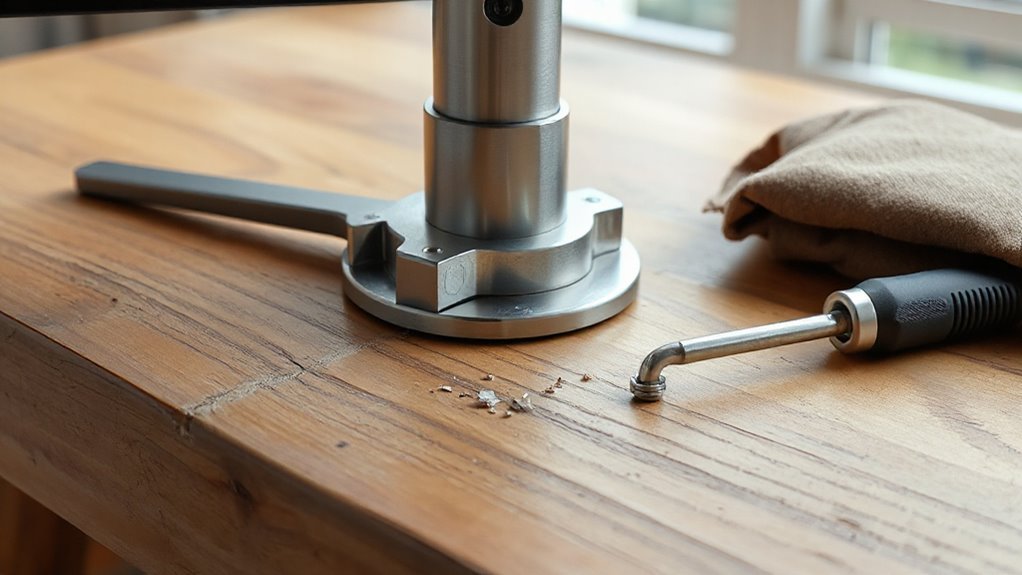
To protect your desk from potential damage caused by monitor arms, implementing effective mitigation strategies is essential.
Here are four protective solutions you should consider:
- Reinforcement Plates: Use steel plates to distribute clamp pressure evenly, reducing the risk of cracks or indentations.
- Grommet Mounts: Opt for grommet mounts which drill securely into your desk, providing a stable attachment that minimizes stress.
- Load Distribution: Position your monitor close to the mounting post to reduce leverage, ensuring stability and preventing damage.
- Desk Material Awareness: Be cautious with fragile materials like glass or thin wood; reinforcement is crucial to avoid stress damage.
Long-Term Damage Outcomes and Prevention
Long-term use of monitor arms on desks can lead to significant damage if not managed properly.
Monitor arms exert leverage on desk surfaces, increasing pressure at the mounting point. Over time, this can create indentations, dents, or cracks, especially in softer materials like particleboard or MDF. Desks thinner than 0.75 inches are particularly vulnerable to structural failure.
Repeated tightening of clamps can weaken the desk edge, risking splits or cracks. To prevent damage, choose a desk designed to support monitor arms, ideally with a thickness of at least 0.75 inches.
Use protective pads under clamps to distribute pressure evenly. Regularly inspect the mounting area for visible signs of wear, ensuring your workspace remains functional and intact.
Frequently Asked Questions
How Do I Choose the Right Monitor Arm for My Desk?
To choose the right monitor arm for your desk, first measure the desk thickness. Confirm it’s at least 0.75 inches for proper support.
Next, consider the desk material; solid wood or metal is ideal. Check the monitor’s weight against the arm’s weight capacity to prevent sagging.
Look for grommet mounts for better stability, and confirm the edge profile is flat and wide for secure clamping.
Finally, review movement clearance to avoid obstruction.
Can I Use Monitor Arms on Curved Desks?
Yes, you can use monitor arms on curved desks, but you need to be cautious.
Standard clamp mounts struggle with curved edges, leading to instability. If the curvature exceeds one inch, the clamp’s grip weakens, increasing the risk of failure.
Consider using grommet mounts or wider clamps to distribute pressure evenly.
Always check the desk material and thickness, as softer surfaces may compress under pressure, resulting in potential damage over time.
What Are the Best Materials for a Durable Desk?
Solid wood offers exceptional durability, lasting decades with care. It can be sanded and refinished, enhancing longevity.
Metal, particularly steel, provides high resistance to damage, supporting heavy loads with minimal maintenance.
Laminate and melamine are affordable, durable options, resistant to scratches and stains, though less repairable.
Bamboo is lightweight and eco-friendly but requires more maintenance.
Each material serves specific needs, so choose based on your workspace requirements and aesthetic preferences.
How Often Should I Check My Monitor Arm Installation?
You should check your monitor arm installation monthly.
Inspect clamp tightness and screw security to prevent slips.
Examine for indentations or scratches, especially on softer surfaces.
Confirm proper alignment to minimize torque stress.
If your desk moves frequently, increase inspection frequency.
Check cable tension to avoid destabilization.
Using rubber pads can help protect the desk.
Reinforce mounting with additional brackets if necessary, guaranteeing a secure setup for maximum stability.
Are There Specific Brands Known for Desk-Friendly Monitor Arms?
Herman Miller’s Jarvis and Ergotron’s LX arms are highly praised for their durable designs and ease of installation.
UPLIFT Desk offers lightweight, gas spring-supported options that minimize desk stress.
Vivo’s Premium HD arms feature sturdy construction and effective cable management.
HumanScale’s M8.1 focuses on secure clamping, reducing damage risks.
These brands excel in providing various mounting options, ensuring safety and stability for your desk while accommodating different monitor sizes.
Conclusion
Monitor arms can potentially damage your desk if you’re not careful.
Materials like particleboard or thin laminate are particularly vulnerable. Improper clamping or excessive weight can lead to cracks or indentations.
To avoid these issues, make sure your desk meets thickness requirements and consider using protective pads.
Long-term damage can be severe, but with the right precautions you can keep your workspace safe. Don’t let a monitor arm turn your desk into a battlefield.