How to Transition to a Standing Desk
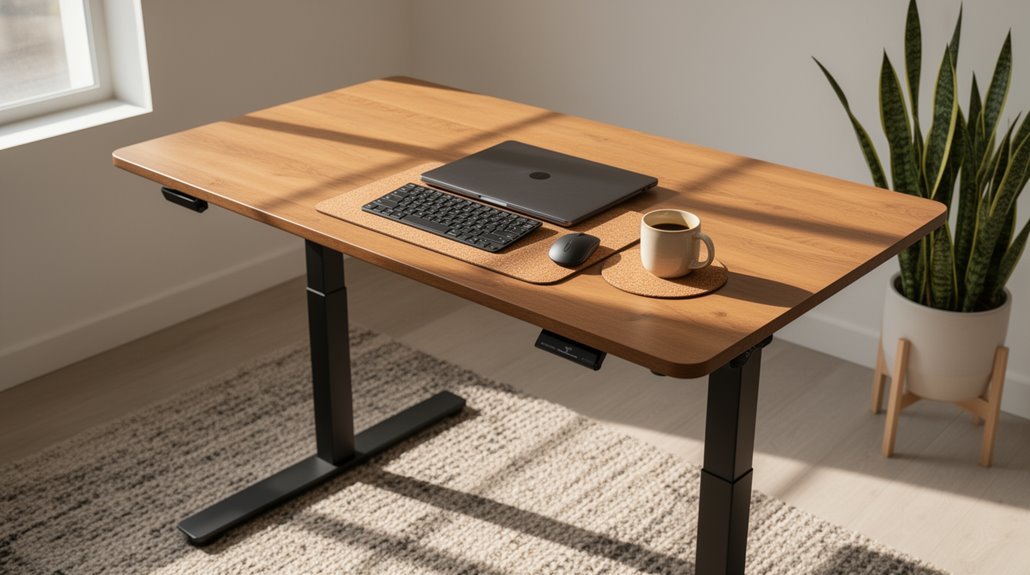
How to Transition to a Standing Desk: Start by assessing your workspace and ensuring there’s enough clearance around the desk. Choose a height-adjustable desk so you can set it to a comfortable working height; aim for a 90-degree elbow angle and position your monitor at eye level.
Begin by standing 15–30 minutes each hour, alternating with sitting for periods of 20–60 minutes. Add regular movement breaks and pay attention to your body’s feedback so you can make adjustments to posture, footwear, or desk height.
Set progressive goals for increased standing duration to help form the habit. Making these gradual changes and understanding how your body responds will improve comfort and the overall experience of switching to a standing desk.
Understanding the Benefits of a Standing Desk
Shifting to a standing desk offers several notable benefits that can enhance your overall well-being. You’ll likely experience a significant reduction in neck, shoulder, and lower back discomfort after six months of use. Alternating between sitting and standing reduces muscle and joint strain, contributing to better musculoskeletal health. Improved circulation and energy expenditure can lead to decreased fatigue after work. Additionally, standing desks help reduce sedentary time by about 90 minutes daily, positively impacting your cardiovascular health. You may also notice improvements in posture. Since reduced discomfort correlates with higher self-rated work performance, your productivity and mood can improve as well. Overall, a standing desk promotes a more active and healthier work environment, which is linked to improved workplace culture.
Assessing Your Current Workspace
To guarantee a smooth changeover to a standing desk, start by evaluating your current workspace layout.
Here are four key factors to take into account:
- Space Clearance: Confirm enough room around your desk for movement and postural adjustments while standing.
- Desk Height: Verify your desk allows for a 90-degree elbow angle when typing, promoting ergonomic posture. This ensures that your workspace adheres to ergonomic standards.
- Monitor Positioning: Place your monitor directly in front of you, with the top edge at or slightly below eye level to minimize neck strain.
- Clutter Management: Maintain a tidy work surface, keeping frequently used items within easy reach to prevent unnecessary stretching or straining.
Choosing the Right Standing Desk
When selecting a standing desk, consider various essential features that directly impact your comfort and productivity.
Electric frames offer smooth height adjustments, with dual motors providing stability and speed, suitable for heavier setups. If you’re on a budget, manual crank frames are affordable, though less convenient.
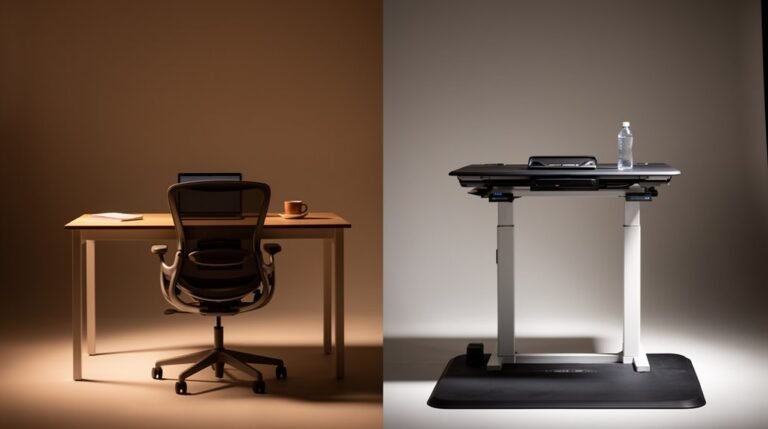
Avoid fixed desks, as they limit your ability to switch between sitting and standing.
Evaluate frame designs; C-frames provide more legroom and stability, while T-frames offer a traditional look. The choice between C-frame and T-frame designs can significantly influence both the aesthetics and functionality of your workspace.
Check the weight capacity; dual and triple motor desks can support 220 to 330+ lbs.
Finally, think about size; desktops range from 42″ to 80″ wide, accommodating various workspace layouts and user heights.
Ergonomics: Setting Up Your Desk Properly
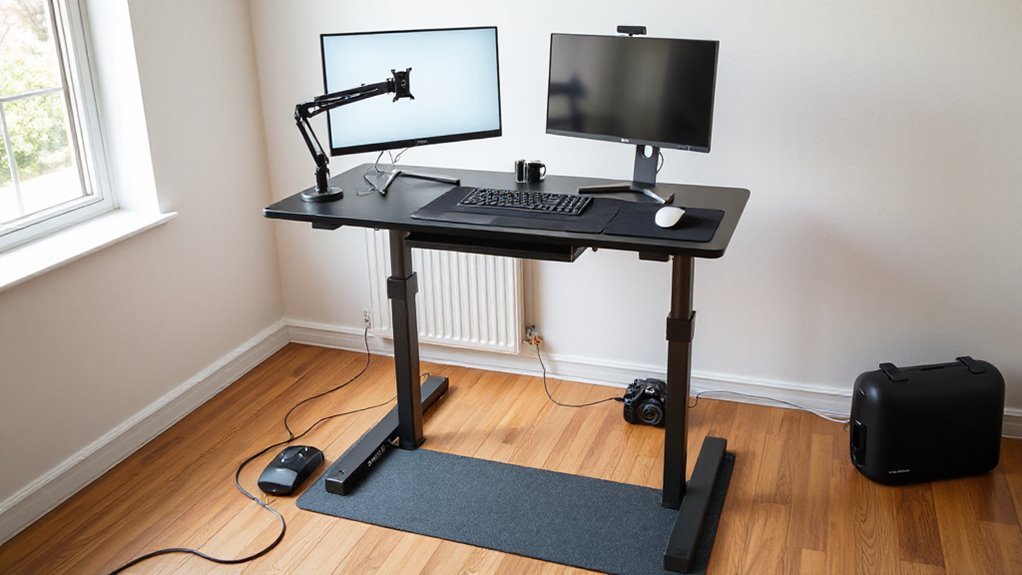
Setting up your desk ergonomically is essential for maintaining comfort and productivity throughout your workday. Follow these guidelines for ideal positioning:
- Elbow and Arm Positioning: Keep elbows bent at a 90-degree angle, with forearms parallel to the floor. Make sure wrists remain straight and close to the body.
- Monitor Height and Position: Position the top of your monitor at eye level or slightly below, about 26 to 30 inches away, to prevent neck strain.
- Desk Height and Work Surface: Adjust your desk so the keyboard surface aligns with elbow height, allowing your forearms to rest comfortably.
- Foot and Leg Support: Stand with feet hip-width apart, and consider using an anti-fatigue mat to reduce pressure during prolonged standing.
Gradual Transition: How to Start
Shifting to a standing desk can enhance your work experience by improving posture and reducing sedentary time, but it requires a thoughtful approach.
Start by standing for 15-30 minutes each hour. If you’re new, begin with just 5 minutes per hour during the first week. Gradually increase your standing time weekly to build endurance, but avoid standing for more than 2 hours continuously.
Alternate between sitting and standing every 20 to 60 minutes to maintain productivity and reduce fatigue. Use timers to remind you when to switch positions.
Pay attention to your body’s feedback; adjust your posture or take breaks if you feel discomfort. Incorporating these strategies will create a smoother adjustment to standing effectively.
Incorporating Movement Into Your Day
Incorporating movement into your day is essential for maximizing the benefits of a standing desk. Regular movement breaks can greatly improve your comfort and productivity.
Here are four effective strategies to integrate movement:
- Alternate Postures: Change your position every 30 minutes, switching between sitting and standing to reduce fatigue.
- Walking Breaks: Take short walking breaks hourly, enhancing cardiovascular health and invigorating your mind.
- Heel Raises: Perform heel raises or balance board exercises to promote muscle activity and counteract static standing.
- Active Workstations: Utilize stepping machines or walking pads to incorporate low-intensity cardio, breaking up prolonged sedentary periods.
These movements not only improve posture but also enhance cognitive function, keeping you alert and productive throughout the day.
Managing Discomfort During the Adjustment Period
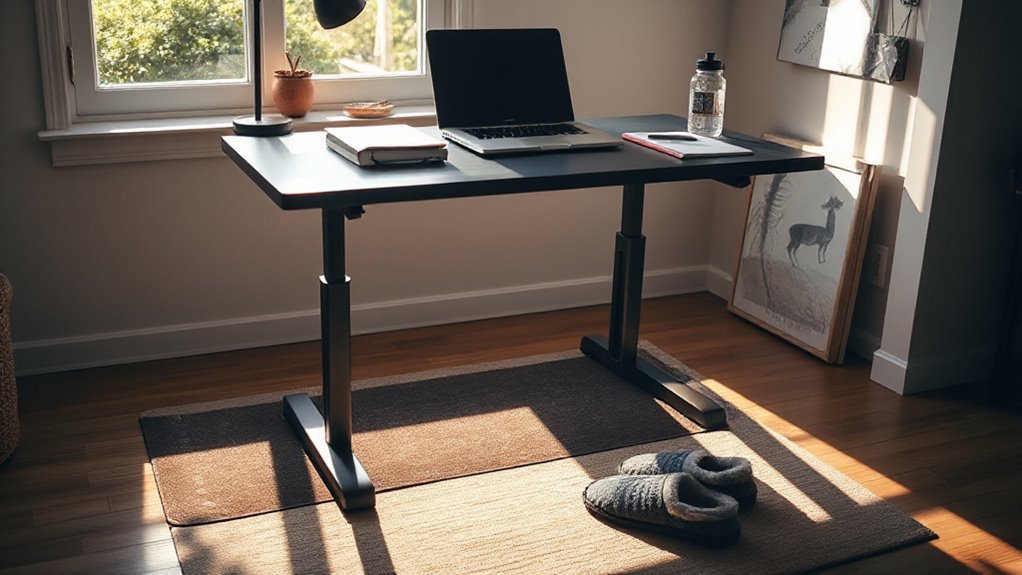
As you shift to a standing desk, it’s common to experience initial discomfort, especially in your legs, feet, and lower limbs. This discomfort often arises from unaccustomed muscle use and increased load.
To manage this, implement gradual adaptation by standing for shorter periods, such as 30 minutes, and take breaks every hour. Incorporate stretching exercises targeting hip flexors and spinal muscles to alleviate stiffness.
Using anti-fatigue mats and supportive footwear can markedly reduce leg fatigue. Adjust the desk height to guarantee neutral wrist and elbow positions, preventing upper limb discomfort.
Monitor pain locations and intensity to modify standing duration or workstation setup as needed. Over time, discomfort should decrease as your body adapts to the new posture.
Balancing Sitting and Standing
Balancing sitting and standing during your workday is essential for optimizing health and productivity.
To achieve this balance, consider the following strategies:
- Aim for a 1:2 Ratio: Start with one-third of your workday standing, adjusting based on comfort and productivity.
- Incorporate Movement: Break up sitting every 30 minutes with standing or light movement to improve circulation.
- Monitor Time: Limit standing to under two hours at a stretch to reduce the risk of circulatory issues.
- Gradual Adjustments: Increase your standing time slowly to avoid discomfort and facilitate adaptation to new routines.
Tracking Your Progress and Adjustments
Tracking your progress and making adjustments is essential for maximizing the benefits of a standing desk. Utilize software monitoring to collect objective data on your desk usage, which records your active computer time and desk position changes. This data helps you evaluate patterns over days and weeks to assess your progress.
Consider using standing desk companion apps that sync via Bluetooth, providing reminders to switch between sitting and standing. These apps track metrics like standing time and calories burned.
Implement sensor-based feedback systems for real-time alerts if your posture deviates. Additionally, wearables like FitBits can monitor your standing habits and activity levels.
Combine these technologies for a thorough approach to enhance your standing desk experience.
Sustaining Long-Term Use and Engagement
To maintain long-term use of a standing desk, it’s essential to establish a structured routine and ergonomic setup that encourages consistent engagement.
Here are four key strategies:
- Ergonomic Adjustments: Use a height-adjustable desk and position your monitor at eye level to prevent strain.
- Gradual Shift: Start with short standing intervals, gradually increasing your standing time to avoid fatigue.
- Movement Encouragement: Incorporate light movements, like shifting weight or stretching, to reduce discomfort and enhance circulation.
- Goal Setting: Set progressive goals for standing duration to support habit formation.
Frequently Asked Questions
How Can I Encourage My Coworkers to Use Standing Desks?
To encourage your coworkers to use standing desks, share data on health benefits, like reduced back pain and increased productivity.
Organize ergonomic workshops that demonstrate proper usage and posture.
Provide infographics highlighting key advantages.
Suggest trial periods for hands-on experience.
Promote adjustable desks as standard equipment and advocate for policies supporting their use.
Finally, create communal standing zones to foster a collaborative environment, encouraging gradual adaptation while sharing the benefits collectively.
What Accessories Can Enhance My Standing Desk Experience?
To enhance your standing desk experience, consider integrating ergonomic support accessories.
Use monitor arms to position screens at eye level, reducing neck strain.
Keyboard trays facilitate wrist alignment, promoting typing efficiency.
An anti-fatigue mat cushions your feet, encouraging circulation during prolonged standing.
Incorporate lumbar support cushions to maintain lower back curvature, easing discomfort.
Finally, utilize cable management systems to organize cords, minimizing clutter and enhancing workspace safety.
Each accessory supports ideal functionality and comfort.
Are Standing Desks Suitable for All Body Types?
Standing desks aren’t suitable for all body types.
Height-adjustable desks accommodate various users when properly adjusted, but fixed heights can disadvantage shorter or taller individuals.
Improper desk height may cause musculoskeletal strain, leading to discomfort.
Alternating between sitting and standing can reduce risks, but prolonged standing without movement can lead to fatigue.
Accessories like anti-fatigue mats can help, but individual ergonomic needs must be considered to prevent discomfort and enhance productivity.
Can I Use a Standing Desk While Wearing Heels?
Yes, you can use a standing desk while wearing heels, but you should proceed with caution.
Prolonged standing in heels increases foot pain and injury risk. Limit standing to under one hour continuously and no more than four hours total daily.
Incorporate breaks and consider supportive footwear for better comfort. Using anti-fatigue mats can also help reduce stress on your feet.
Maintain proper posture to enhance stability and minimize discomfort while standing in heels.
How Do I Clean and Maintain My Standing Desk?
Cleaning Your Standing Desk
Dust the surface regularly with a microfiber cloth to avoid scratches. For spills, use warm water and mild soap, then dry immediately.
Maintaining Wooden Surfaces
Apply wood polish every few months to prevent drying and cracking. Use coasters to avoid water rings.
Caring for Electronics
Inspect moving parts for wear and lubricate as needed. Keep liquids away from motors and electronics to avoid damage.
Regular maintenance extends your desk’s lifespan.
Conclusion
Shifting to a standing desk can feel like learning to ride a bike. At first, it’s awkward, and you might wobble. However, with practice and adjustments, you’ll find balance and comfort.
Remember, a standing desk isn’t just about standing; it’s about creating an ergonomic workspace that supports your health. Start gradually, manage your discomfort, and track your progress.
With time, you’ll develop a routine that enhances productivity and well-being, ensuring you’re not just standing, but thriving at work.