Keyboard Tray Vs Desk: Do You Need One?
Keyboard Tray Vs Desk: Do You Need One?
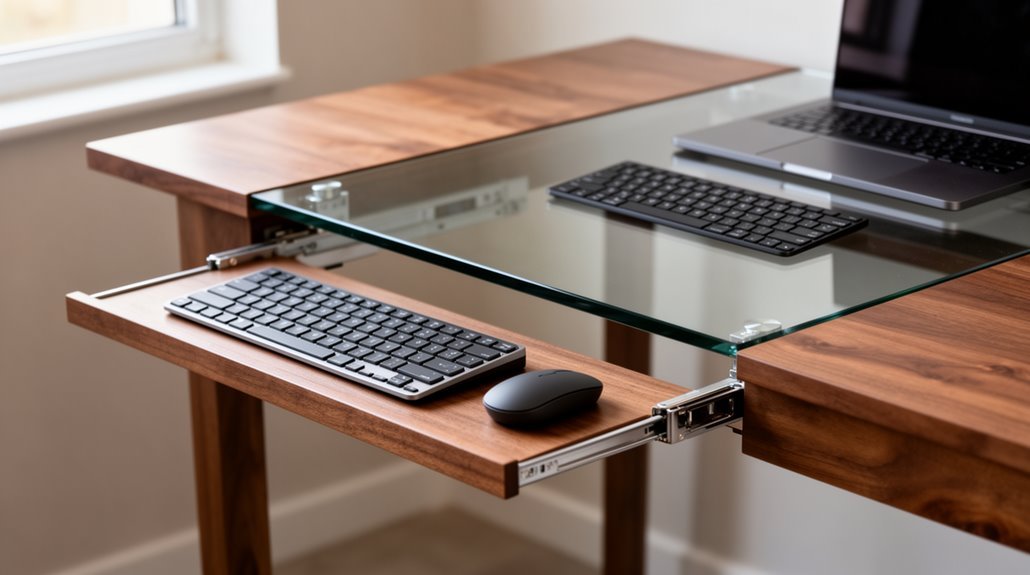
A keyboard tray improves your ergonomic setup by aligning your wrists and forearms correctly, reducing strain. It also frees up desk space, giving you a cleaner, more organized workspace.
Adjustable keyboard trays offer customizable height and tilt options, which can enhance comfort during prolonged typing sessions. This makes them especially useful if you switch between sitting and standing or need precise wrist positioning.
However, some designs can restrict leg space or limit the surface area available for larger keyboards. Depending on your desk and equipment, a tray might not be the best fit.
Overall, you might find a keyboard tray beneficial for comfort and organization, but weigh the pros and cons for your specific setup.
Ergonomic Advantages of Keyboard Trays
When you consider the ergonomic advantages of keyboard trays, it’s clear they offer significant benefits for users.
Adjustable keyboard trays allow you to match the height to your individual body measurements, promoting proper wrist and forearm alignment. This alignment reduces neck, shoulder, and arm strain, minimizing the risk of musculoskeletal disorders like carpal tunnel syndrome.
The downward tilt capability supports natural wrist extension, enhancing seated posture. Studies indicate that over 80% of wrist movements remain within a neutral zone when using these trays. Furthermore, ergonomics in the workplace emphasizes the importance of designing workspaces that fit employees’ needs for comfort and efficiency.
Maximizing Desk Space With Keyboard Trays
Maximizing desk space is essential for maintaining an efficient and organized workspace. Keyboard trays mount underneath the desk, freeing up valuable surface area for documents or peripherals. This placement reduces clutter, giving you a cleaner environment, especially in small or shared offices. Ergonomics optimizes human well-being by promoting healthy typing posture, which is further enhanced by the use of keyboard trays.
Trays with smooth gliding mechanisms allow easy retraction, enabling quick tucking away when not in use. The space saved can accommodate additional office essentials, such as mouse pads or wrist rests. By separating the keyboard from the desk surface, you enhance multitasking capabilities and improve focus.
Additionally, keyboard trays support better cable management, minimizing visible clutter and preventing accidental disconnections, contributing to a more professional workspace.
Customization and Flexibility of Keyboard Trays
Keyboard trays offer a wide range of customization options that enhance ergonomics and improve workflow.
You can choose from various types, such as under-desk mounts or clamp-on designs, catering to different desk materials. Adjustable trays allow height, tilt angle, and depth changes, guaranteeing ideal positioning. Some units include articulating arms for extensive adjustments, while integrated mouse platforms support both right- and left-handed users. Features like memory foam wrist rests improve comfort during extended typing sessions. Keyboard trays help reduce wrist and shoulder strain during typing, contributing to a healthier work experience.
Clamp-on options facilitate non-invasive installation, making them suitable for diverse work environments. Advanced models even support modular designs, allowing you to combine components for a personalized ergonomic setup. This flexibility guarantees you can create a workspace tailored to your needs.
Challenges and Limitations of Using Keyboard Trays
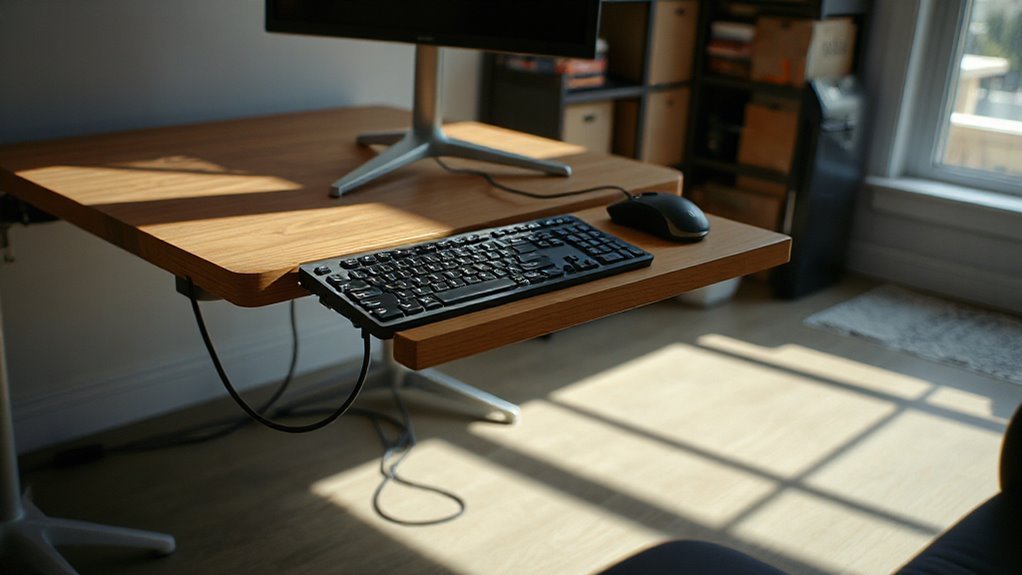
While they promise ergonomic benefits, keyboard trays come with several challenges that can hinder their effectiveness.
- Knee and Leg Space Obstruction: Trays can limit legroom, forcing awkward postures and causing discomfort.
- Limited Surface Area: Many trays restrict space for larger keyboards or mice, impacting comfort and efficiency.
- Awkward Adjustment: Users may find it difficult to adapt to tray height and angle, complicating setup.
- Installation and Space Constraints: Proper installation requires sufficient desk depth, often overlooked, and can interfere with under-desk structures.
- Cost and Quality Trade-offs: High-quality trays can be expensive, while budget options may compromise stability and adjustability.
These limitations can affect productivity, making it essential to assess your workspace needs before investing in a keyboard tray.
Comparing Keyboard Trays to Desk-Only Setups
When comparing keyboard trays to desk-only setups, it’s clear that ergonomic benefits play an essential role in user comfort and productivity.
Keyboard trays position keyboards at or slightly below elbow height, promoting neutral wrist alignment. This setup keeps your forearms parallel to the floor, reducing strain on your shoulders and back.
In contrast, desk-only configurations often force you into slouched positions, leading to discomfort. Trays provide negative tilt capabilities for more natural typing angles.
Additionally, they retract under desks when not in use, freeing up valuable surface area, unlike desk-only setups that occupy permanent space.
Frequently Asked Questions
Can Keyboard Trays Fit Any Desk Type?
Compatibility Overview
Keyboard trays don’t fit all desk types. They require a minimum desk thickness of 0.78 inches for secure attachment.
Wooden, metal, and composite desks usually accommodate them best. Glass or thin materials may not support trays effectively.
Adjustable and L-shaped desks can work, but pre-drilled holes or specific mounting solutions are often necessary.
Measure your desk’s underside and features before installation to guarantee compatibility with your chosen keyboard tray model.
How Long Does It Take to Adjust to a Keyboard Tray?
Adjusting to a keyboard tray typically takes about two weeks.
Initially, you might experience discomfort, but consistent use fosters comfort. Negative-tilt trays promote neutral wrist positions, reducing strain.
Your previous keyboard habits, exposure time, and training can influence adaptation speed. If you encounter any mechanical issues, such as loose components, it may further delay your adjustment.
What Is the Average Cost of a Quality Keyboard Tray?
The average cost of a quality keyboard tray ranges from $90 to $600.
Entry-level ergonomic trays start around $90, offering basic adjustability. Mid-range options, priced between $200 and $300, feature better materials and enhanced adjustability. Premium models, exceeding $500, provide advanced tilt and durability.
Factors affecting costs include material quality, adjustability, and warranty options. Online retailers and specialty stores often stock various models, catering to different budgets and ergonomic needs.
Are There Specific Brands Known for Reliable Keyboard Trays?
When choosing a reliable keyboard tray, consider brands like Fellowes, 3M, and iMovR.
Fellowes offers ergonomic functionality with a lifetime warranty, while 3M provides exceptional adjustability and durability.
iMovR features a unique trackless design for stability and easy installation.
Each brand balances price and performance, catering to different desk setups.
For ideal comfort and functionality, assess your specific needs and preferences when selecting a keyboard tray.
Do Keyboard Trays Require Professional Installation?
No, keyboard trays don’t require professional installation.
Most trays are designed for DIY setup, needing only basic tools like a screwdriver and measuring tape. Installation can take from a few minutes to about an hour, depending on the model.
You’ll measure your desk, mark positions, attach brackets, and secure the tray, ensuring it’s level.
Some standing desk models might need additional hardware, but clear instructions simplify the process.
Conclusion
To sum up, choosing between a keyboard tray and a desk setup depends on your specific needs.
Keyboard trays offer ergonomic benefits, enhance desk space, and provide customization options.
However, they can also present challenges, such as installation difficulties and limited compatibility with certain desks.
Weigh your preferences against these factors. Ultimately, the right choice can greatly impact your comfort and productivity, creating a workspace that feels tailored to you.
Consider what best suits your workflow.