Can I Use Two Monitors on a Standing Desk Converter?
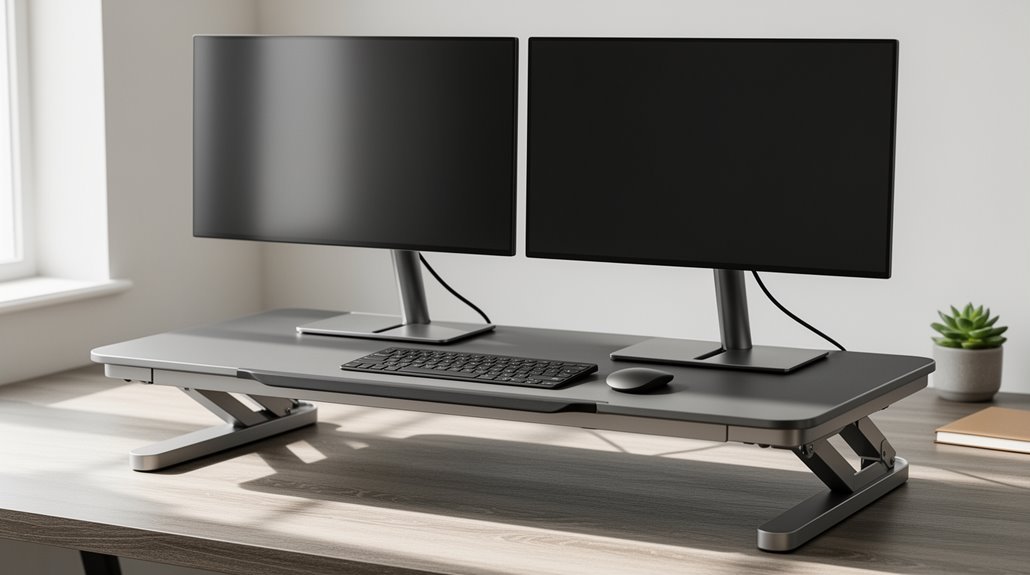
Can I use two monitors on a standing desk converter? Yes — you can use two monitors on a standing desk converter as long as the converter supports the monitors’ weight and size.
Most converters can handle dual monitors weighing roughly 33 to 55 lbs each and typically accommodate screens from about 13″ to 32″. Check your converter’s specifications to be sure it’s rated for your specific monitors.
Make sure your monitors are VESA‑compliant for secure attachment. Proper installation also includes securing the converter to the desk, adjusting each monitor so the top of the screen is at eye level, and organizing cables to prevent strain and clutter.
Understanding Dual Monitor Support on Standing Desk Converters
When you consider using dual monitors on a standing desk converter, it’s vital to evaluate compatibility and load capacity. Most converters support dual monitors weighing between 33 to 55 lbs each. Check that your monitors fit within the size range of 13″ to 32″ diagonal. Verify your converter has VESA-compliant mounting, typically 75x75mm, for secure attachment. Additionally, ensure that the converter has a maximum weight capacity of 33 lbs for the desktop to maintain stability. Electric or gas-powered height adjustments offer the stability needed for two monitors, reducing the risk of wobble. Remember, proper weight distribution and compatibility are important to avoid instability or damage. Look for reinforced mechanisms to support your setup, and always verify product reviews for insights on real-world performance when using dual monitors. This preparation helps guarantee a functional workspace.
Types of Standing Desk Converters for Dual Monitors
Exploring the types of standing desk converters designed for dual monitors reveals a variety of options tailored to different needs and setups.
Here are four main types to evaluate:
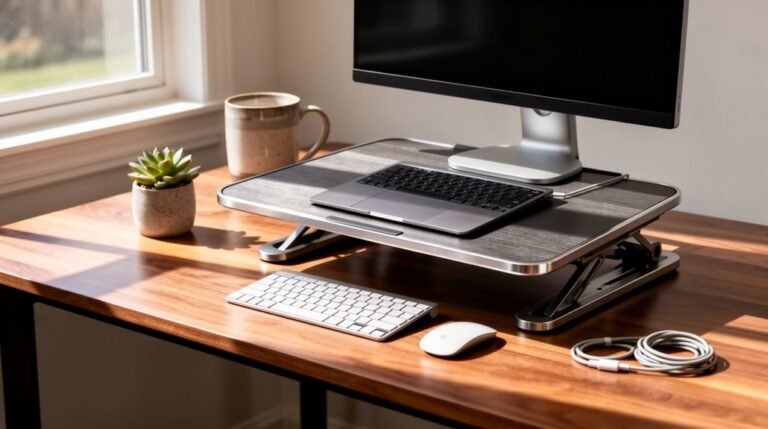
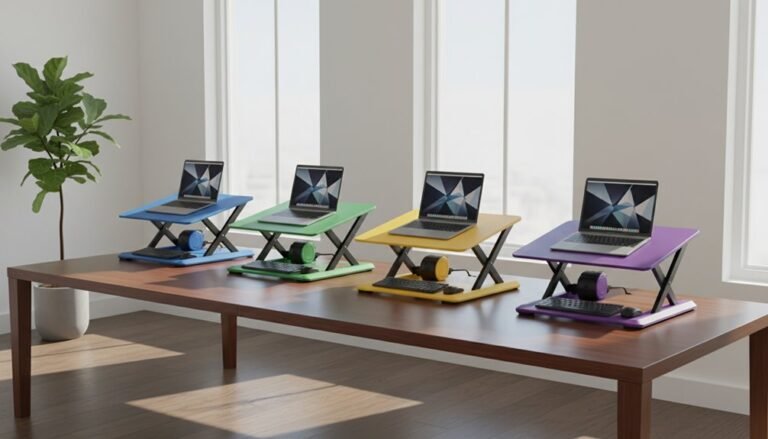
- Tabletop Units: These sit directly on your desk, require no installation, and offer wide platforms for dual monitors, supporting 30–55 lbs. These units are especially beneficial for enhancing comfort and productivity during prolonged work hours.
- Pedestal Units: Attached to the desk’s edge, they provide a stable base for heavier setups, ideal for limited surface spaces.
- Desk Arm Units: These attach to the back of the desk, allowing for flexible positioning and supporting up to 30 lbs per arm.
- Electric Converters: Motorized for convenience, they support up to 55 lbs per monitor, making them perfect for users prioritizing minimal effort. [Electric converters also offer push-button height adjustment to enhance user experience and convenience.
Installation Process for Dual Monitor Setups
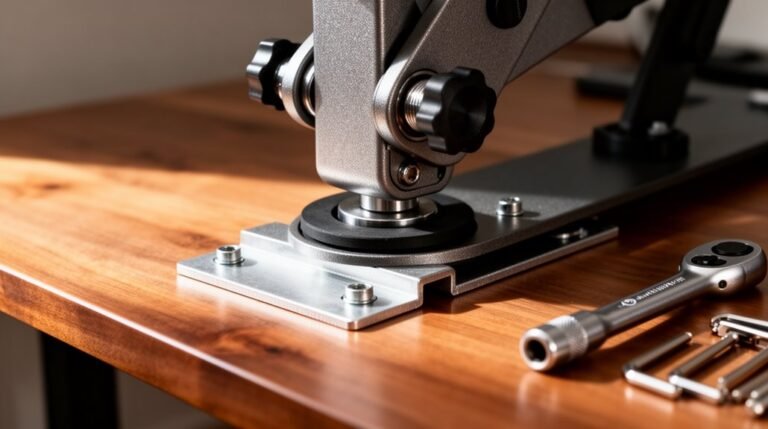
Installing a dual monitor setup on your standing desk converter requires careful preparation and attention to detail. First, gather tools like Allen wrenches and screwdrivers. Use at least two people for heavy lifting to prevent injury.
Unbox the converter, placing non-slip pads at the base corners. Securely attach the converter to your desk using provided clamps, ensuring all bolts are tightened to prevent wobbling. Additionally, raise the desk converter to its highest position by pulling the lever upwards before beginning the installation.
Next, assemble the monitor arms on the converter frame, aligning them with the VESA standard. Attach the VESA plates to each monitor, ensuring they fit securely.
Manage cables using clips to keep them out of the way during height adjustments. Finally, test the setup in both sitting and standing positions for stability and visibility.
Ergonomic Considerations When Using Two Monitors
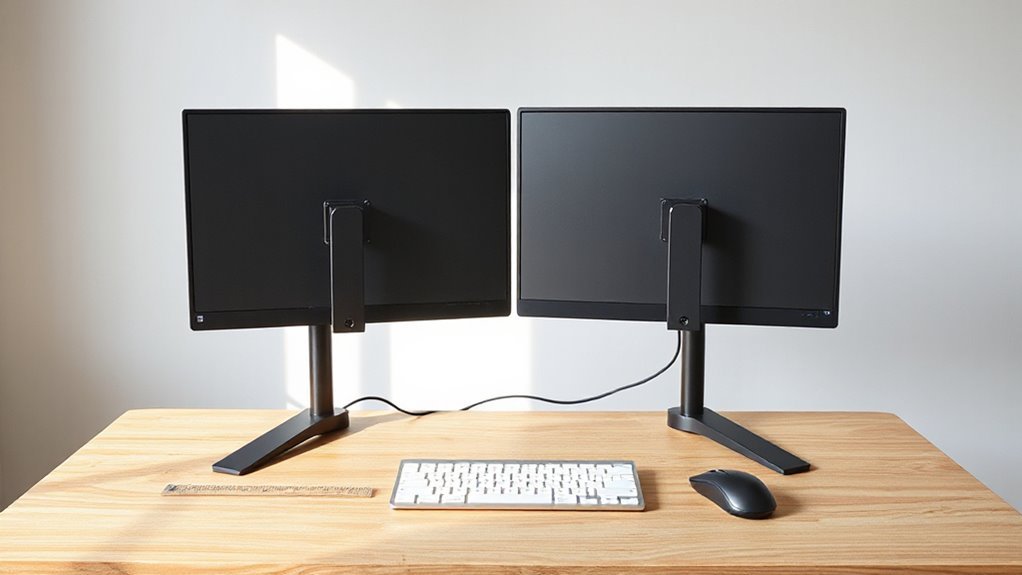
To maximize your dual monitor setup, proper positioning and alignment are essential for reducing strain. Follow these guidelines:
- Position the primary monitor directly in front of you, with the secondary monitor slightly to the side, forming a semi-circle for natural alignment.
- Verify the top of both monitors is at eye level, with a slight upward tilt between 10 and 20 degrees to minimize neck strain.
- Place monitors an arm’s length away to prevent eye strain, and angle the outer edges inward in a V-shape for enhanced visibility.
- Maintain an upright posture, with elbows aligned with the desk surface, guaranteeing your legs bend at 90 degrees for ideal comfort.
Space Efficiency With Dual Monitor Converters
Maximizing your workspace with dual monitor converters involves understanding how these devices are designed to optimize space.
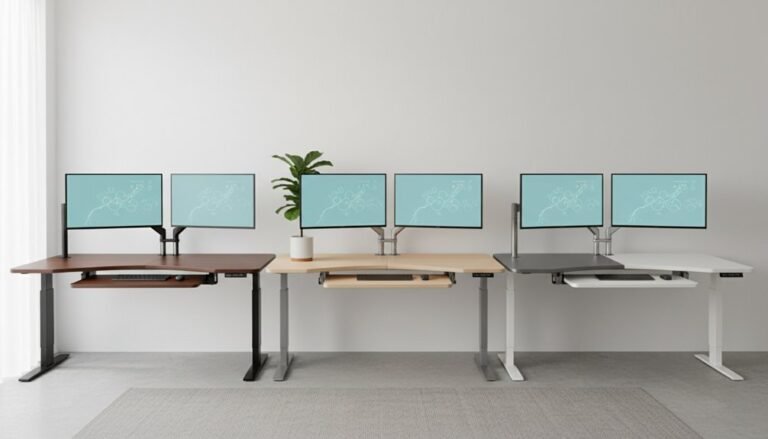
Dual monitor converters typically feature a compact footprint, allowing you to support two screens without sacrificing desk area. Many models utilize a column-style or corner configuration, which reduces front-to-back space requirements. Integrated monitor arms free up additional surface for keyboards and documents.
Some units offer tiered designs, enabling vertical stacking to minimize horizontal spread. Space-efficient models generally have depths of 18–28 inches, fitting well in smaller workspaces. Corner converters are specifically designed to utilize unused desk corners, while keyboard trays save valuable real estate.
Popular Brands and Models for Dual Monitor Compatibility
When selecting a dual monitor converter, various brands and models stand out for their compatibility and features.
Here are four notable options:
- VIVO DESK-V000K-M2: Supports screens from 13″ to 30″, with a maximum weight capacity of 17.6 lbs per monitor.
- Mount-It! Standing Desk Converter: Includes a detachable dual monitor mount, accommodating screens up to 27 inches.
- Mount-It! MI-7934: Handles monitor sizes from 13″ to 32″, with a robust 55 lbs weight capacity per monitor.
- VersaTables Power Riser: Features a 2-tier design tailored for dual monitor setups, with a 32″ x 24″ work surface.
These models provide a range of compatibility, ensuring you can find a suitable option for your dual monitor needs.
Weight Capacity and Stability Factors
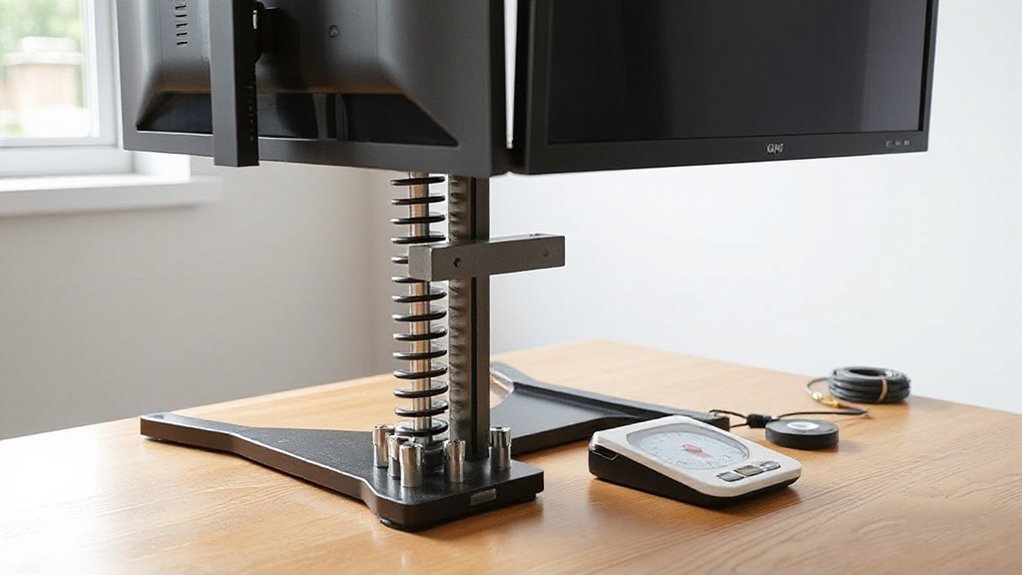
Understanding weight capacity and stability factors is essential for effectively using a standing desk converter with dual monitors. Most converters support between 22 lbs and 44 lbs for dual setups, but some models, like the UPLIFT ATX, can handle up to 110 lbs.
Always check the per-screen limit of monitor arms, typically ranging from 13.2 lbs to 22 lbs. Exceeding these limits compromises stability and could damage your converter.
Choose a platform at least 36 inches wide to fit two monitors comfortably. Stability features such as weighted bases and dual stability bars minimize wobbling.
Electric converters maintain stability better than manual ones, especially at higher positions. Select high-quality materials to guarantee durability and support your specific setup.
Cable Management Solutions for Dual Monitors
Effective cable management is essential for maintaining a tidy workspace when using dual monitors on a standing desk converter.
Consider these solutions to streamline your setup:
- Under-desk cable trays: These stabilize power strips and minimize floor clutter, preventing tangles.
- Cable raceways: These conceal wires neatly along walls or desk edges, enhancing aesthetics and safety.
- Clamp-on vertebrae kits: These adapt to height-adjustable desks, offering flexible cable organization.
- Cable sleeves and zip ties: These bundle wires efficiently, reducing tangles while allowing for easy routing.
These accessories help keep cables organized, maintain functionality, and extend cable lifespan, ensuring a clean and efficient workspace as you shift between sitting and standing positions.
Practical Tips for Setting Up Dual Monitors
Setting up dual monitors effectively can greatly enhance your productivity and comfort. Start by choosing a converter rated for dual setups, ideally with a width of at least 890 mm and a weight capacity of 10–16 kg.
Look for a model featuring a separate keyboard platform and monitor arm attachment for flexible positioning. When mounting, use VESA-compatible bolts, installing the top two bolts first, then securing the bottom.
Position monitors at eye level, angling them slightly inward. Adjust the height so the top of the screen is 2–3 inches above eye level, ensuring a comfortable viewing distance.
Finally, distribute weight evenly across the converter to maintain stability and avoid tipping during use.
Benefits of Using Two Monitors on a Standing Desk Converter
Using two monitors on a standing desk converter greatly boosts your work efficiency and organization. Here are some key benefits:
- Increased Workspace: Dual monitors expand your visual area, allowing for enhanced multitasking and workflow.
- Reduced Task-Switching: You can view multiple applications at once, minimizing the time spent switching between tabs.
- Improved Posture: Standing desk converters position monitors at eye level, promoting better posture and reducing neck strain.
- Enhanced Focus: With all necessary information visible, your cognitive load decreases, allowing you to concentrate on tasks more effectively.
These advantages lead to a more organized, efficient workspace that supports both productivity and health.
Frequently Asked Questions
Can I Use Monitors Larger Than 27 Inches on Converters?
Yes, you can use monitors larger than 27 inches on some converters, but you need to check the specifications.
Models like the Mount-It! MI-8053 support dual monitors up to 32 inches and a weight capacity of 33 lbs each.
However, confirm your converter has adequate depth and stability features, as larger monitors may hang over the edge.
Always verify VESA compatibility and consider ergonomic positioning for comfortable use.
What Is the Average Cost of Dual Monitor Converters?
The average cost of dual monitor converters ranges from $194 to $482, depending on features.
Gas-powered models typically fall between $229 and $279, while electric models start at $378 and can exceed $482.
High-end converters offer advanced weight capacity and additional features.
Entry-level options provide basic functionality around $194 to $229.
Monitor weight limits vary, with gas models supporting up to 17.6 lbs each, while electric models reach 55 lbs.
Are There Specific Monitor Brands That Work Better With Converters?
Preferred Monitor Brands for Converters
You’ll find brands like LG, Dell, Samsung, and ViewSonic work well with standing desk converters. These manufacturers typically offer monitors with standard VESA mount compatibility, making installation straightforward.
Focus on models weighing between 17.6 and 55 lbs, as this aligns with most converter weight limits. Additionally, monitors with ergonomic features like height adjustment, tilt, and swivel enhance usability alongside converters, improving your overall workspace experience.
Can I Convert My Existing Desk Into a Dual Monitor Setup?
Yes, you can convert your existing desk into a dual monitor setup.
Choose a standing desk converter that fits your desk’s dimensions, ensuring stability. Look for models with adjustable monitor arms, capable of supporting screens between 27-32 inches.
Verify the weight capacity, ideally up to 55 lbs per monitor. Select a converter with pneumatic or electric height adjustments for smooth changes.
Consider additional features like cable management systems to keep your workspace organized.
How Do I Clean and Maintain My Standing Desk Converter?
To clean your standing desk converter, use a soft, damp cloth for daily maintenance.
For tough stains, apply a mild soap solution carefully. Avoid harsh chemicals, as they can damage surfaces.
Regularly dust using microfiber cloths to prevent buildup.
Inspect mechanical parts periodically, lubricating moving components as needed.
Tighten screws and check cables for wear to guarantee stability and safety.
Always follow manufacturer guidelines for best maintenance practices.
Conclusion
Using two monitors on a standing desk converter is not only feasible but also beneficial. Studies show that dual monitor setups can increase productivity by 20–30%.
Confirm your converter supports the weight and size of your monitors while maintaining stability. Prioritize ergonomic positioning to reduce neck and eye strain.
Plan thoughtful cable management and installation to keep the workspace tidy and safe. With these steps, you can enjoy a more efficient workspace.
Embrace the advantages of dual monitors for enhanced multitasking and overall effectiveness in your work environment.