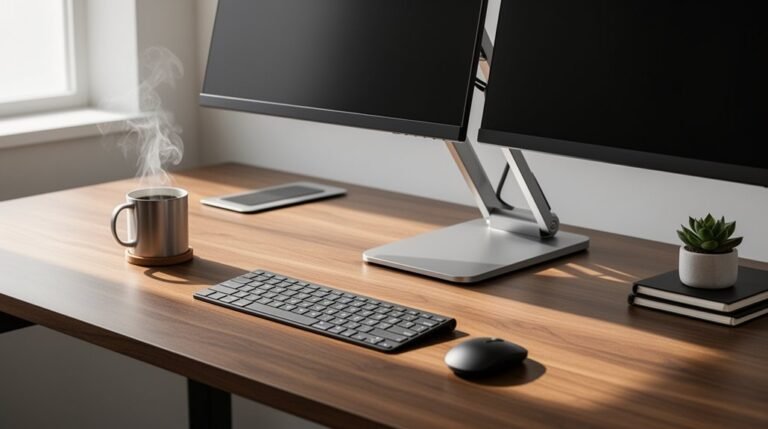
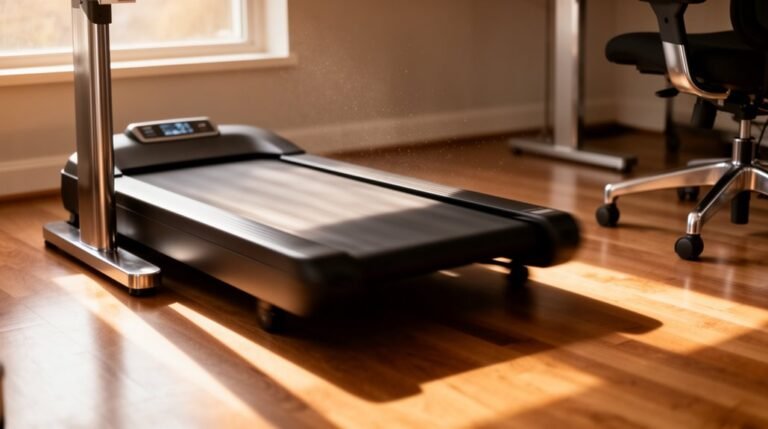
Standing Desk Converter Tips for Beginners
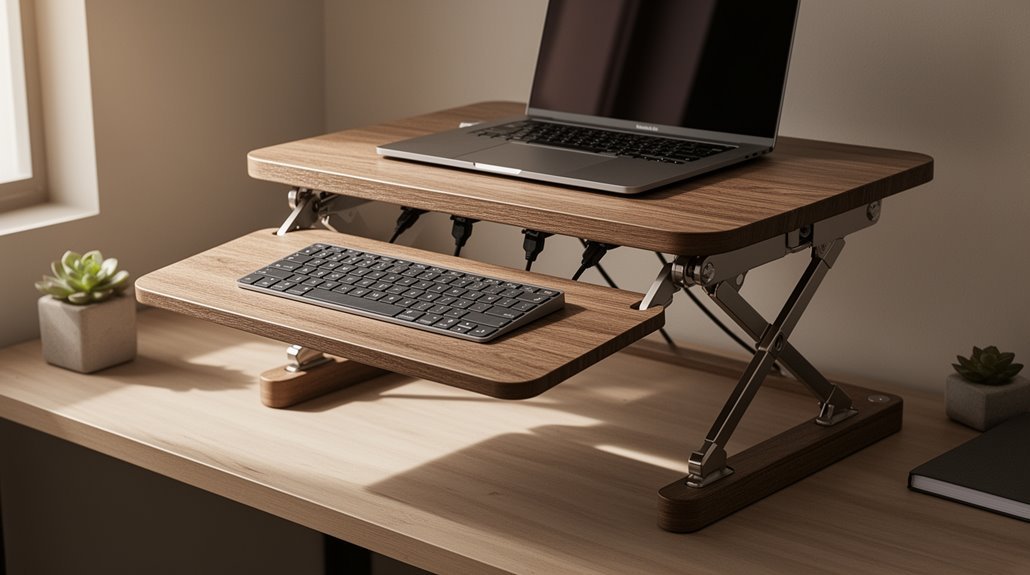
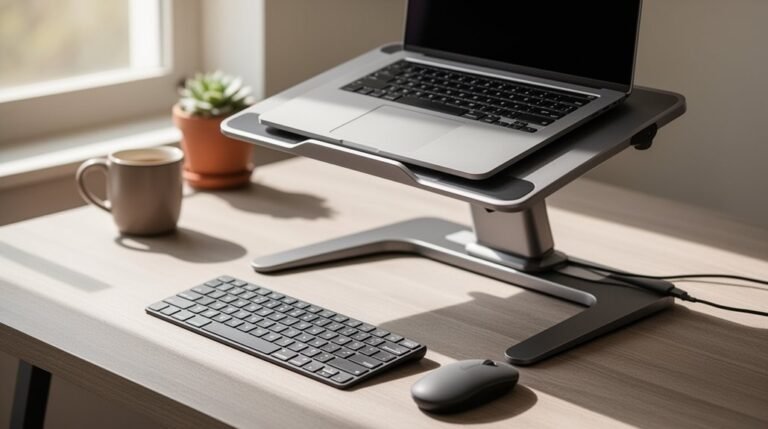
Standing desk converter users should begin with an ergonomic setup: adjust the converter height so your elbows form a 90-degree angle and position your monitor at eye level.
Shift gradually by standing 20–30 minutes each hour, increasing as you build endurance. Alternate between sitting and standing every 45–60 minutes to maintain comfort.
Incorporate movement breaks every half hour to enhance circulation. Following these guidelines can boost productivity, improve posture, and contribute to extra caloric burn.
Benefits of Using a Standing Desk Converter
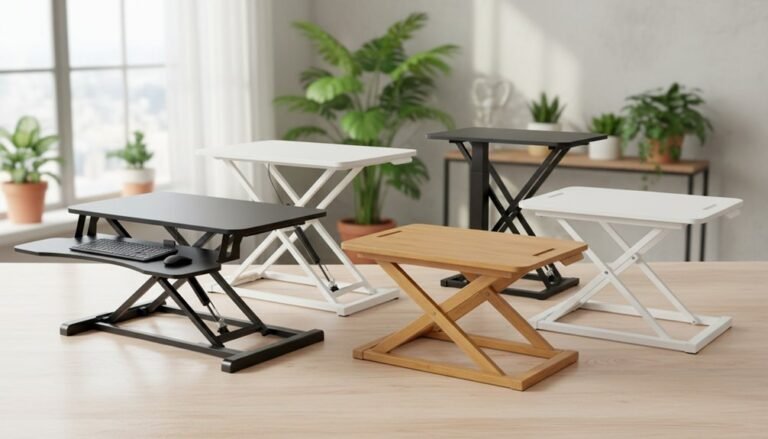
While traditional desks have dominated office environments for years, standing desk converters present a compelling alternative that offers numerous benefits. Standing desk converter benefits overview highlight the ergonomic advantages of adjusting workstations to encourage healthier posture and reduce the risk of long-term health issues. Additionally, these converters can boost productivity by providing flexibility for movement throughout the day, leading to improved focus and concentration. Many users also report enhanced energy levels, which can positively impact overall job satisfaction.
First, they promote improved posture by allowing you to alternate between sitting and standing. This shift reduces back pain and neck strain, particularly if you change positions every 30 minutes. Research shows that users report lower rates of discomfort in the lower back and neck when using these converters. Additionally, standing increases circulation, which helps combat the cardiovascular risks associated with prolonged sitting. Regular movement while standing is essential to prevent muscle stiffness, and it also promotes blood flow and reduces strain on the heart.
Ergonomic Setup for Optimal Comfort
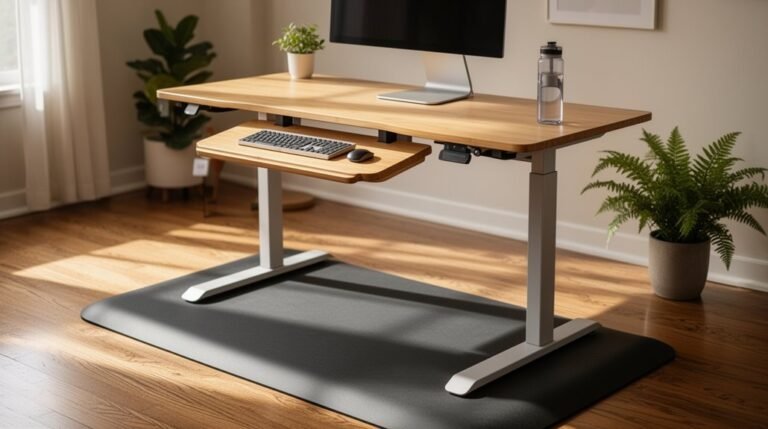
To achieve ideal comfort when using a standing desk converter, it’s essential to adjust the desk and monitor height correctly. Set your desk height so your elbows form a 90-degree angle when typing, preventing shoulder strain. Make sure the monitor’s top edge is at or slightly below eye level, reducing neck strain. Center the monitor directly in front of you to avoid twisting your neck. Use adjustable monitor arms for precise positioning, maintaining a distance of about an arm’s length. Place your keyboard and mouse close together at the same height, keeping wrists straight. Consider a keyboard tray that tilts, supporting neutral wrist alignment. Finally, utilize anti-fatigue mats to enhance comfort during prolonged standing. Incorporating a standing desk converter can further support your ergonomic setup and encourage healthier work habits.
Tips for Gradual Transitioning
Switching to a standing desk converter requires a thoughtful approach to guarantee comfort and productivity.
Start with short standing intervals of 20-30 minutes per hour. Gradually increase your standing time over weeks to build endurance. Avoid standing for more than two hours continuously to prevent strain.
Alternate between sitting and standing every 45-60 minutes to enhance comfort. Maintain a neutral posture with your head up and elbows at 90 degrees. Align your monitor top at eye level to prevent neck strain. Proper ergonomics can significantly enhance your productivity and focus while using the standing desk converter.
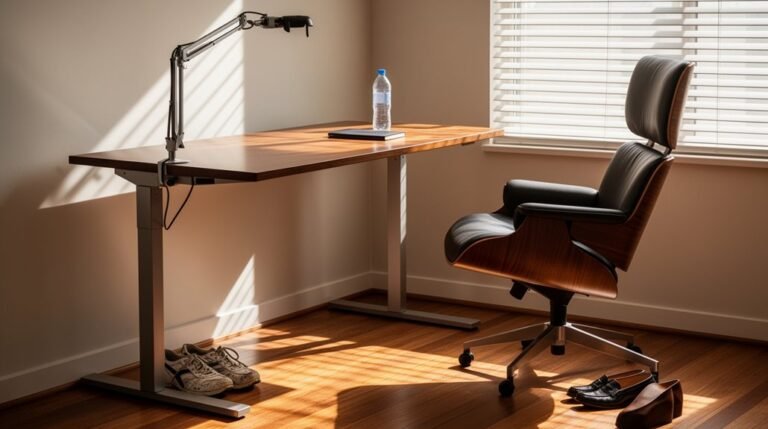
Wear supportive shoes and consider using an anti-fatigue mat for additional comfort. Incorporate movement breaks every 30-60 minutes to enhance circulation.
Use a timer app to track intervals, ensuring smooth height adjustments without abrupt changes.
Enhancing Productivity With Standing Desks
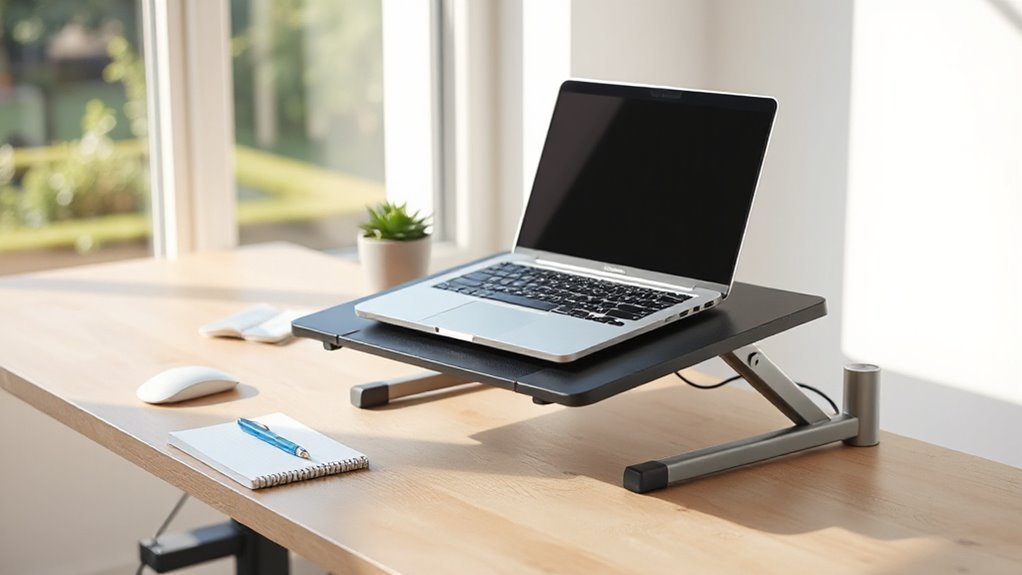
Enhancing productivity with standing desks involves understanding their impact on work efficiency and focus. Studies indicate standing desks can boost employee productivity by up to 46% and task efficiency by 45%.
Alternating between sitting and standing typically improves productivity by an average of 23%. Additionally, standing during work reduces work breaks by approximately 30%, contributing to a more continuous workflow.
Users often report a 33% increase in focus and concentration compared to prolonged sitting. Reduced musculoskeletal discomfort, particularly in the back and neck, correlates with heightened engagement and job satisfaction.
Over time, many employees experience improved energy levels, leading to better overall work performance and increased productivity, especially with consistent use.
Caloric Burn and Metabolic Advantages
Standing desks offer notable caloric burn and metabolic advantages compared to traditional sitting arrangements.
When you stand, you burn approximately 95 calories per hour, compared to about 80 calories while sitting. This means you can increase your caloric burn by 10-20 calories each hour, which can add up over time.
If you stand for three hours a day, five days a week, you might burn around 750 extra calories weekly. This could lead to an annual weight loss of about 8 pounds.
Additionally, heavier individuals tend to burn more calories while standing. By incorporating standing into your routine, you can aid weight management and improve overall metabolic health.
Improving Mood and Mental Well-Being
While many may not realize it, using a standing desk can greatly enhance your mood and mental well-being. Standing elevates your energy levels, reducing lethargy associated with prolonged sitting. Improved blood circulation delivers more oxygen to your brain, enhancing focus. Studies indicate a 12% increase in task engagement when standing.
Additionally, standing desks decrease stress and anxiety by improving posture, which promotes better breathing. This reduction in discomfort can alleviate emotional distress. Alternating between sitting and standing combats physical stagnation, further supporting your mental state.
Standing workstations also encourage creativity and clearer thinking, as they reduce distractions and enhance cognitive function. By incorporating these desks, you can actively support your mental health throughout the workday.
Practical Considerations for Daily Use
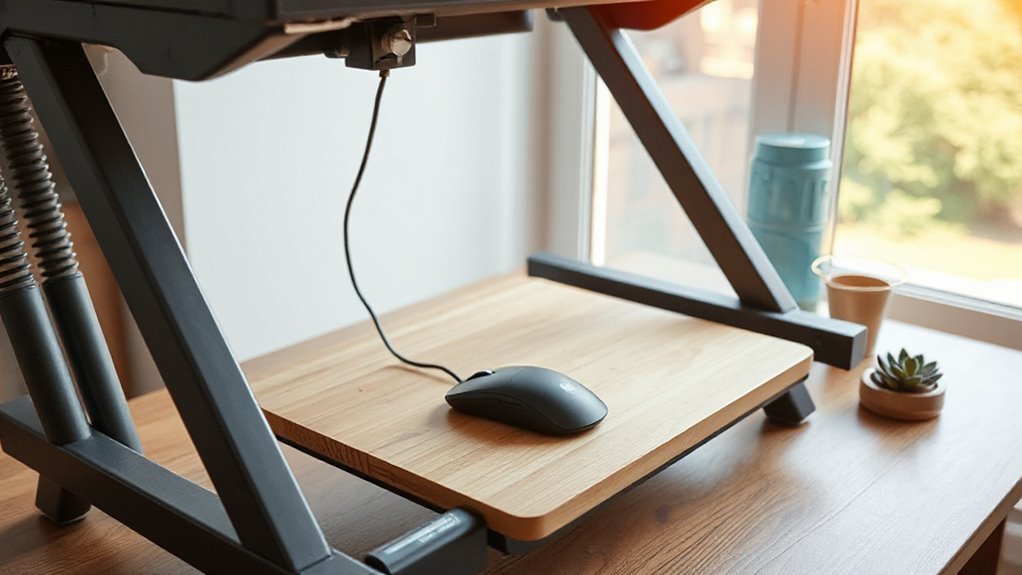
When you start using a standing desk converter, practical considerations for daily use can greatly impact your comfort and productivity. adjusting to a standing desk setup requires some time for your body to adapt, so make sure to take regular breaks to prevent fatigue. Additionally, consider incorporating some gentle stretches throughout the day to enhance circulation and keep your muscles active. Over time, you’ll likely notice an increase in your focus and overall well-being while working.
Begin by standing for 10-15 minutes per hour during your initial weeks. Gradually increase this time to find your preferred sit-stand ratio.
Maintain proper ergonomic alignment by adjusting your monitor and keyboard to eye level, preventing hunching. Use a footrest and anti-fatigue mat to reduce leg strain, and make sure your footwear provides adequate support.
Organize cables with clips to avoid tangling during height adjustments. Regularly inspect the desk for stability, confirming bolts and screws are secure.
Finally, verify that you don’t exceed the weight capacity of your converter to maintain safety and functionality throughout your workday.
Frequently Asked Questions
Can Standing Desk Converters Accommodate Multiple Monitors?
Yes, standing desk converters can accommodate multiple monitors. Many models support dual or triple setups, with compatibility for monitors ranging from 13″ to 32″.
They often feature VESA-compatible mounts, allowing for ergonomic positioning. Weight capacities can reach up to 55 lbs per monitor.
Adjustable mounts enable independent tilt and rotation, and programmable height settings help optimize your workflow.
Make sure you check the converter’s specifications to confirm compatibility with your monitor sizes and weights.
Are Standing Desk Converters Easy to Assemble?
Yes, standing desk converters can be easy to assemble, depending on the model.
Many reputable converters arrive fully assembled, while budget models often require 45-90 minutes of assembly. Higher-end models typically take only 15-20 minutes with power tools.
Clear instruction manuals and online tutorials can assist in the process. Make sure you’re working on a firm, flat surface to prevent wobbling, and check all connections for stability post-assembly.
What Is the Average Price Range for Standing Desk Converters?
The average price range for standing desk converters varies considerably.
Entry-level models typically cost between $100 and $300, while mid-range options range from $300 to $600.
Premium and electric converters often exceed $600, with prices reaching up to $2,500.
Factors affecting pricing include manual versus electric operation, monitor support capacity, and weight capacity.
Discounts during sales events can also influence overall costs, providing potential savings for buyers.
Do Standing Desk Converters Come With Warranties?
Yes, standing desk converters typically come with warranties.
Most include a limited warranty ranging from 1 to 5 years, covering defects in materials and workmanship.
However, these warranties often don’t cover damage from misuse or normal wear and tear.
They’re generally non-transferable and require proof of purchase for claims.
Some manufacturers may ask for visual proof of defects and may require the return of the product for assessment.
How Much Weight Can Standing Desk Converters Typically Support?
Standing desk converters typically support weight capacities ranging from 25 to 55 pounds.
Models like the VariDesk Pro Plus 36 hold up to 55 lb, while compact designs max out around 25 lb.
Electric converters often accommodate 44 lb on the desktop and 4.4 lb on keyboard trays.
Consider your equipment’s total weight, including monitors and accessories, to guarantee your chosen converter meets your needs without exceeding its limits.
Conclusion
In summary, using a standing desk converter can greatly enhance your work experience.
Think of it as shifting gears in a car; gradual changes lead to smoother rides. Start with short standing intervals to build endurance, then increase your time as you adjust.
Research shows that users can burn up to 50% more calories while standing.
By implementing ergonomic practices and maintaining a balance between sitting and standing, you can improve comfort and productivity effectively.