Do You Need a Monitor Arm?
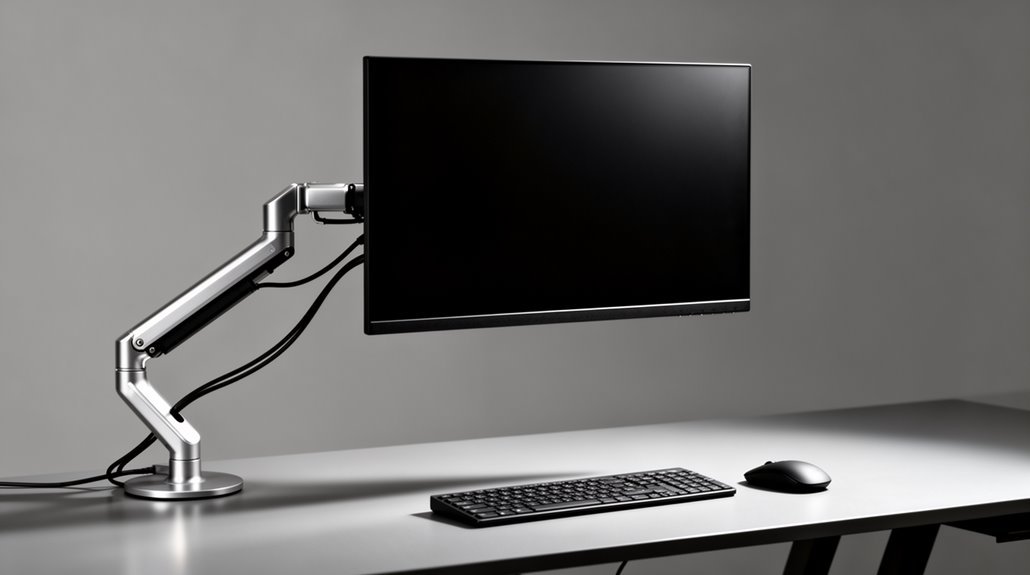
Do you need a monitor arm? A monitor arm can transform your workspace by providing adjustable positioning for your screens. These arms help align monitors at ideal angles, reducing neck strain and improving posture.
They also free up valuable desk space, decluttering your environment and creating a cleaner setup. With more room, you can arrange accessories or paperwork more comfortably.
A monitor arm can boost productivity by allowing quick screen adjustments and easier multitasking. If you’re considering an upgrade to your workstation, learning more about monitor arms will help you decide if one is right for you.
Understanding Monitor Arms and Their Purpose
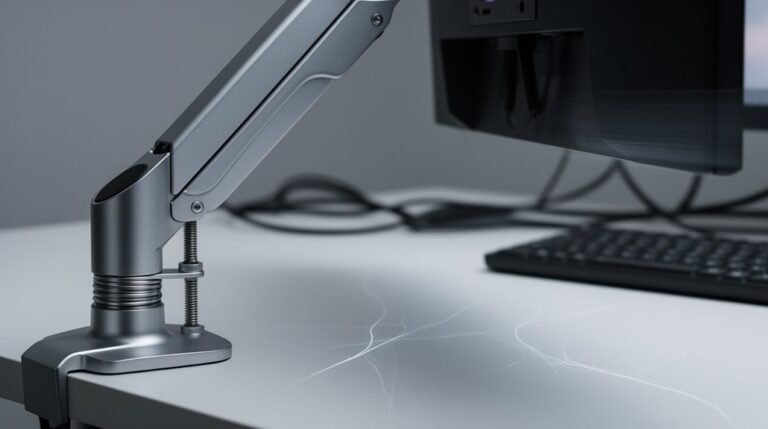
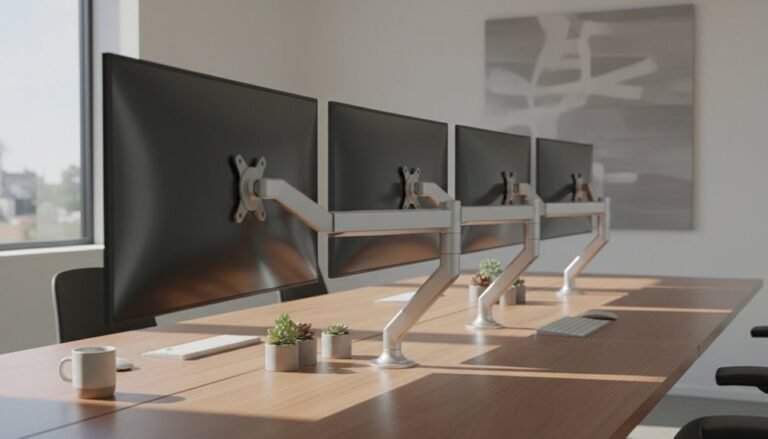
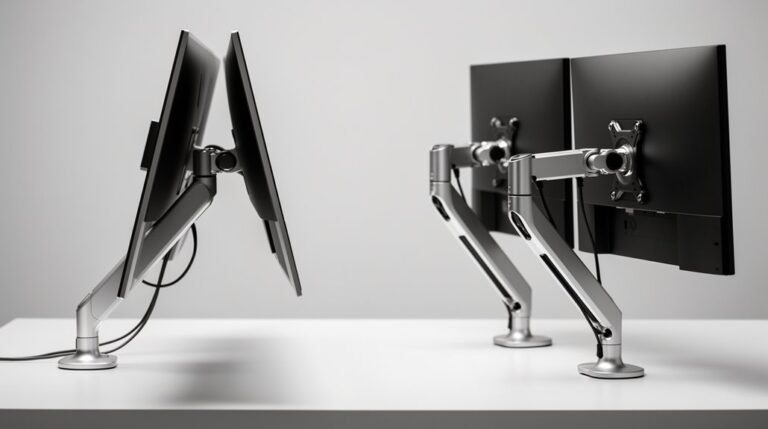
When you consider enhancing your workspace ergonomics, monitor arms play an important role in optimizing your screen setup. These adjustable devices attach through desk clamps, grommets, or wall mounts, accommodating various configurations. You’ll find two main types: fixed arms, which remain stationary post-assembly, and articulated arms, which offer flexible positioning without tools. Monitor arms can support multiple monitors, providing easier alignment while saving desk space and maintaining alignment. They utilize gas or mechanical springs for smooth adjustments, allowing quick repositioning. High-quality models often feature durable materials like aerospace-grade aluminum. You should also verify compatibility with your monitor’s weight and size, as proper support is vital for safety and functionality.
The Ergonomic Advantages of Using Monitor Arms
The ergonomic advantages of using monitor arms are significant and multifaceted. Monitor arms allow precise adjustments of screen height, depth, and angle, supporting a neutral spine and head position.
Research shows 50.6% of users experience decreased neck flexion, while 27.4% show reduced neck protraction, enhancing cervical alignment. Moreover, 42.5% of users report decreased trunk flexion, which promotes better lower back posture. The top quadrant of the screen can be maintained at eye level, minimizing strain. Additionally, monitor arms enable quick repositioning for various tasks and support seamless shifts between sitting and standing. This adaptability reduces musculoskeletal strain, with over half of users reporting less neck tension and improved comfort, fostering a healthier workspace. Furthermore, proper monitor height and angle can significantly reduce eye strain, enhancing overall productivity.
Health and Wellness Benefits Associated With Monitor Arms
Utilizing monitor arms greatly enhances your workspace’s health and wellness aspects. They effectively reduce musculoskeletal strain, which is essential for long-term comfort.
- Reduced Strain: Monitor arms decrease neck flexion by up to 50.6%, minimizing cervical spine strain and promoting better posture.
- Prevention of Injuries: By supporting ergonomic positions, they help prevent repetitive stress injuries, thereby lowering the risk of chronic neck and back pain. Additionally, improved posture can lead to increased productivity as you feel more comfortable throughout the day.
- Eye Comfort: Proper positioning at eye level reduces eye strain and glare, enhancing visual comfort during extended screen time.
Incorporating monitor arms can greatly improve your overall health and well-being. You’ll experience less discomfort, reduced muscle tension, and a lower likelihood of developing work-related injuries.
Enhancing Workplace Productivity With Monitor Arms
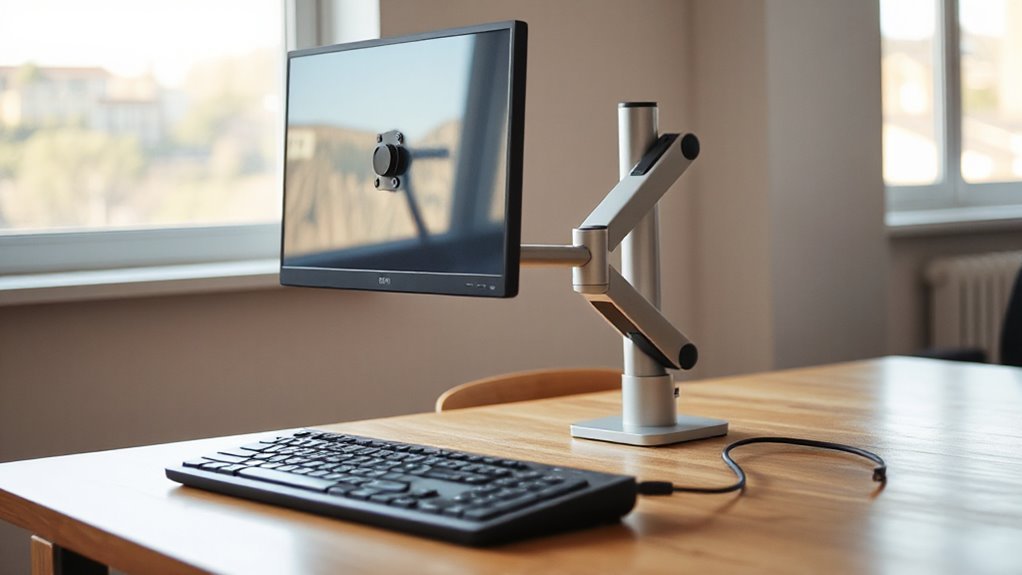
Enhancing workplace productivity is a direct benefit of implementing monitor arms in your setup. Monitor arms enable seamless task shifts by allowing quick repositioning of screens, supporting efficient workflow management.
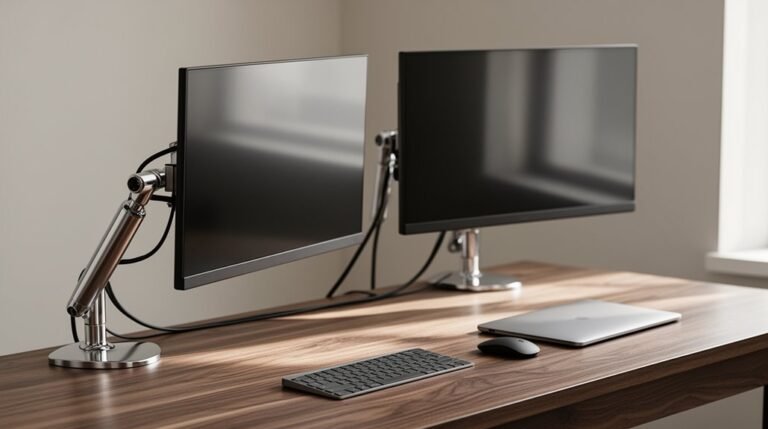
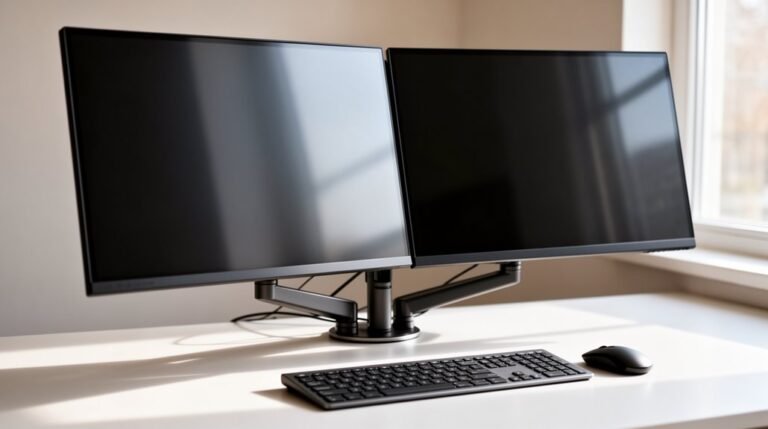
With dual and multi-monitor arms, you can create a unified visual line, reducing unnecessary eye and head movements. Adjustable positioning promotes ideal angles and heights, which is critical for multitasking.
Additionally, these arms eliminate the extra effort needed for monitor adjustments, enhancing your focus. By lifting monitors off the desk, they free up valuable workspace, reducing clutter and improving accessibility to other tools.
Industry Trends in Monitor Arm Adoption
How has the adoption of monitor arms evolved in recent years? The monitor arm market is experiencing significant growth, driven by various factors. As more people recognize the health risks of poor posture, the demand for ergonomic solutions has surged.
Here are three key trends influencing adoption:
- Market Valuation: The global monitor arm market is projected to reach between $2.04 and $2.84 billion by 2033-2034, indicating substantial growth.
- Remote Work Influence: The pandemic accelerated the shift to remote work, increasing demand for ergonomic solutions in home offices.
- Regional Growth: North America holds over 35% of the market share, while rapid growth occurs in Asia-Pacific due to rising disposable incomes and computer usage.
These trends reflect an increasing commitment to workplace ergonomics across various sectors.
Key Features to Consider When Choosing a Monitor Arm
When choosing a monitor arm, it’s essential to contemplate several key features that directly impact functionality and compatibility.
First, check the weight capacity, typically ranging from 5.5 lbs to 19.8 lbs. Ascertain your monitor’s weight and depth match the arm’s specifications, especially for curved monitors.
Next, consider mounting options; C-clamp mounts fit desks from 10mm to 50mm thick, while grommet mounts require a drilled hole.
Assess the range of motion, including tilt, swivel, and rotation capabilities, which usually span ±90°.
Additionally, examine build quality; full aluminum arms offer durability.
Finally, look for extra features like cable management and quick-release VESA plates, which enhance usability and keep your workspace organized.
The Impact of Remote Work on Monitor Arm Demand
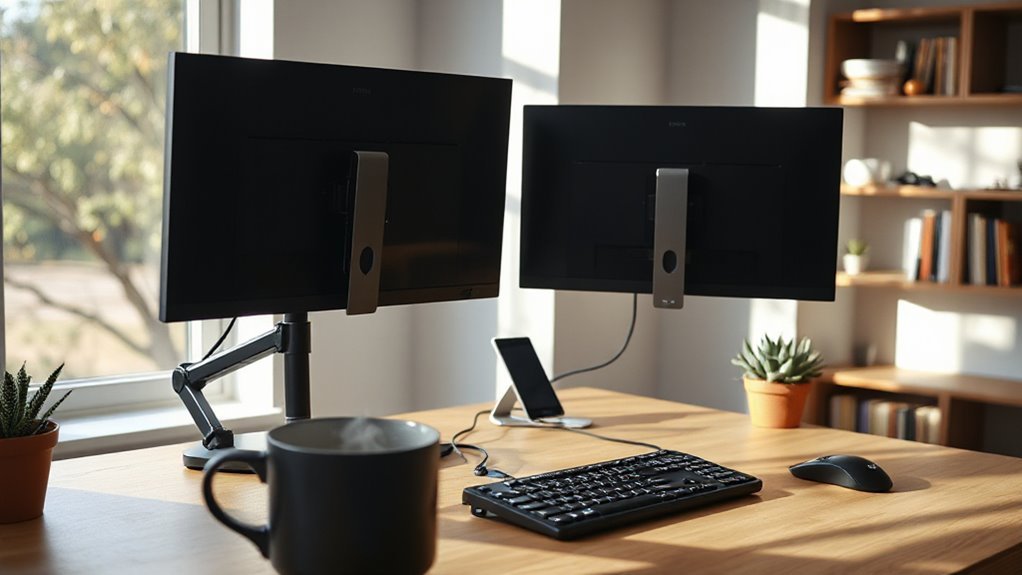
The shift to remote work has considerably influenced the demand for monitor arms, as more individuals set up home offices to accommodate this new work style. This trend has driven the growth of the monitor arm market, emphasizing ergonomic solutions and adaptability. Users seek products that enhance comfort and productivity in limited spaces.
Key factors contributing to this demand include:
- Increased Remote Work: Flexible work models necessitate ergonomic furniture for home offices.
- Product Innovation: Manufacturers develop monitor arms that emphasize ease of installation and compatibility with various monitors.
- Health Prioritization: Users focus on reducing physical strain, prompting a surge in ergonomic accessory purchases.
As remote work remains prevalent, the demand for monitor arms will continue to rise.
How Monitor Arms Can Improve Your Workstation Setup
Incorporating a monitor arm into your workstation setup greatly enhances ergonomic posture and workspace adaptability.
Monitor arms allow precise adjustments of screen height, depth, and angle, supporting neutral neck and spine alignment. This adjustment minimizes neck flexion, reducing the risk of musculoskeletal disorders.
The flexibility of monitor arms enables multiple viewing angles, accommodating portrait and landscape orientations. You can easily rotate and tilt your screen for presentations or collaborative work.
Additionally, monitor arms free up desk space, creating a clean workspace, while built-in cable management keeps cords organized.
Research shows that using multiple screens with monitor arms can boost productivity by 10-15%, enhancing focus and minimizing physical strain, ultimately improving your overall work efficiency.
Evaluating Your Needs: Do You Really Need a Monitor Arm?
Evaluating Your Needs: Do You Really Need a Monitor Arm?
Assessing whether a monitor arm is right for you involves considering your workspace, health, and productivity. Here are three key factors to evaluate:
1. Ergonomics: Poor screen positioning can lead to neck and back strain.
Monitor arms help reduce these risks, promoting better posture.
2. Workspace Configuration: If you use dual or multiple monitors, a monitor arm offers flexibility, enabling ideal screen positioning and saving desk space.
3. Productivity: Proper ergonomic setups can boost productivity by 10-42%.
Monitor arms allow simultaneous viewing of content, reducing time spent switching between windows.
Frequently Asked Questions
Can Monitor Arms Accommodate Different Screen Sizes and Weights?
Yes, monitor arms can accommodate different screen sizes and weights.
Most standard arms support monitors weighing between 4.5 kg (10 lbs) and 15 kg (33 lbs), while heavy-duty options handle up to 16 kg (35.2 lbs).
Size compatibility typically ranges from 13” to 43”, depending on the model.
Confirm your monitor is VESA-compatible and check the arm’s specifications for both weight capacity and size limits to guarantee stability and performance.
How Do I Install a Monitor Arm on My Desk?
First, check your desk thickness and verify it’s suitable for your chosen mount.
Clear the workspace for easy access.
Secure the mounting base using either a clamp or grommet method.
Attach the VESA bracket to the monitor, aligning the holes, and fasten with screws.
Finally, adjust the arm tension and secure cables to maintain a tidy setup.
Test movement for ergonomic comfort before use, confirming stability and functionality.
Are There Any Specific Brands Known for Quality Monitor Arms?
Herman Miller Jarvis and Ergotron LX are top choices for durability and ergonomic design.
The Jarvis excels in ease of setup, while the Ergotron supports monitors up to 34 inches, offering superior range of motion.
Secretlab MAGNUS targets gamers, supporting dual 34-inch monitors with advanced positioning.
For budget-friendly options, Vari and Amazon Basics provide functional arms, ensuring adjustable features and good build quality for dynamic workstations.
Each brand emphasizes ergonomic benefits.
Do Monitor Arms Work With Laptop Setups?
Yes, monitor arms can effectively support laptop setups. Most modern arms accommodate VESA-compatible laptop mounts, allowing you to attach laptops directly without consuming extra desk space.
These mounts typically handle laptops weighing up to 13.2 lbs and measuring between 15-17.3 inches. Installing a laptop mount is straightforward, often requiring minimal tools.
Elevating your laptop promotes better ergonomics, reducing neck strain and freeing up desk area for peripherals, enhancing your overall workspace efficiency.
What Is the Average Lifespan of a Monitor Arm?
The average lifespan of a monitor arm ranges from 5 to 10 years with regular use. High-quality models can last over 20 years with proper maintenance.
Factors like build quality, material durability, and adjustment frequency greatly influence longevity. Overloading the arm or using low-quality materials may lead to sagging or loosening.
Regular inspections and tension adjustments can improve durability, while environmental conditions also play a role in component wear.
Conclusion
A monitor arm can greatly enhance your workstation’s ergonomics and productivity.
These adjustable devices allow precise positioning, reducing neck strain and improving posture.
Research indicates that ergonomic setups can lead to reduced fatigue and increased focus.
Assess your specific workspace needs before investing. If you frequently adjust your monitor’s height or angle, a monitor arm could be beneficial.
Ultimately, the decision hinges on your work habits and comfort preferences.