Why Use an Ergonomic Mouse?
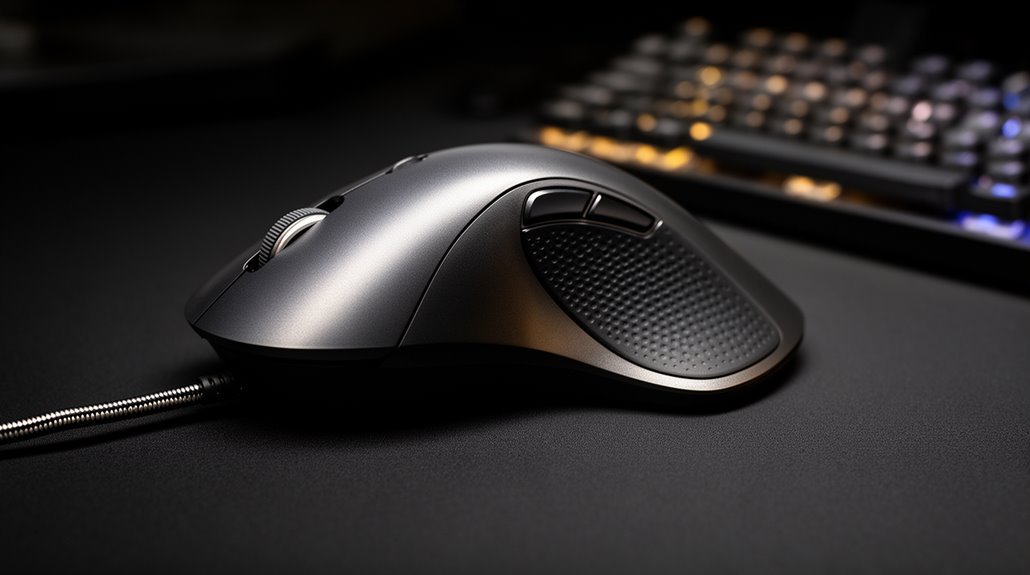
Using an ergonomic mouse improves wrist and forearm posture by promoting a neutral alignment that reduces strain. This better positioning helps prevent repetitive strain injuries, such as carpal tunnel syndrome, by lowering joint stress.
An ergonomic mouse also minimizes muscle fatigue through a more relaxed grip, which decreases activation in the forearm muscles. That reduction in tension makes longer computer sessions more comfortable.
Many ergonomic mice include high-DPI sensors, so you can maintain precision and accuracy for detailed tasks. These benefits extend beyond the mouse, contributing to overall comfort and productivity.
Improved Wrist and Forearm Posture
When you use an ergonomic mouse, it promotes a neutral wrist position that reduces awkward pronation and extension. This design is essential for maintaining proper alignment.
Vertical mice encourage a handshake-like grip, which aligns your forearm and wrist anatomically. Compared to traditional flat mice, angled and vertical designs considerably minimize forearm pronation. Additionally, ergonomic mice are designed to support natural hand position, which further enhances comfort during prolonged use.
Maintaining a neutral wrist decreases pressure on tendons and nerves, lowering the risk of issues like ulnar deviation. Furthermore, proper alignment helps prevent excessive wrist extension.
With ergonomic mice, you can achieve improved posture from wrist to shoulder, supporting a more upright sitting position. Such enhancements lead to a natural flow from wrist to elbow, ultimately promoting better overall upper body alignment.
Decrease in Muscle Strain and Fatigue
Using an ergonomic mouse greatly reduces muscle strain and fatigue during extended computer use.
These mice, designed with a pen grip or vertical orientation, markedly decrease muscle activation in your forearm. Studies show that using these devices can lower muscle load in both the flexor and extensor muscles, promoting a more relaxed hand posture. This design minimizes tension, delaying fatigue onset. Users often report less forearm and hand fatigue after prolonged periods. Additionally, ergonomic designs significantly reduce forearm pronation, further enhancing comfort during use.
Additionally, trackball mice reduce wrist movement, further decreasing repetitive strain. Enhanced comfort from ergonomic mice leads to fewer breaks, allowing for sustained productivity. trackball advantages over traditional mouse include improved precision and control, which can be especially beneficial for graphic designers and gamers. Users can benefit from customizable buttons that enhance workflow, making complex tasks more manageable. The unique design of trackballs minimizes hand movement, reducing the risk of strain and fatigue during extended sessions.
Prevention of Repetitive Strain Injuries (RSI) and Related Disorders
To prevent repetitive strain injuries (RSI) and related disorders, ergonomic mice are designed to promote a neutral hand and forearm posture. This design encourages a “handshake” position, reducing joint stress and neural tension. By maintaining this posture, you lower the risk of conditions like carpal tunnel syndrome. Ergonomic mice also help prevent forearm rotation and wrist deviation, minimizing chronic musculoskeletal stress. Many designs allow alternating use between hands, distributing repetitive stress evenly and reducing overuse injuries. Additionally, improved wrist alignment decreases pressure on the median nerve, alleviating symptoms of nerve compression. By combining ergonomic mice with varied hand movements and regular breaks, you can greatly lower the risk of developing RSI and maintain ideal comfort during prolonged computer use. Regular exposure to vibrating equipment can also contribute to muscle fatigue, highlighting the importance of ergonomic tools in mitigating RSI risks.
Performance and Precision Maintenance
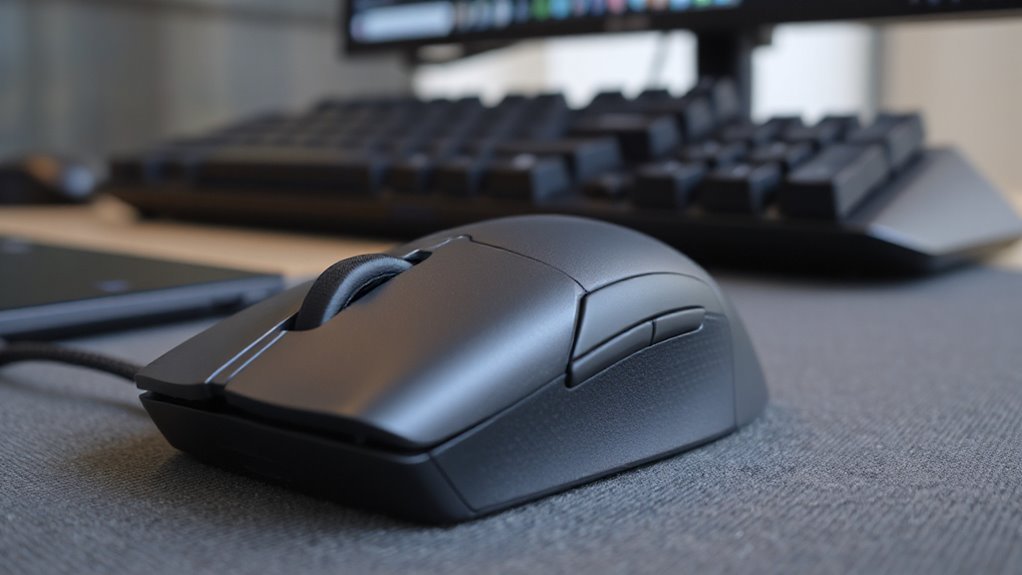
Ergonomic mice deliver accuracy and precision that matches traditional mice, ensuring you don’t sacrifice performance for comfort.
Studies using Fitts’ Law tests show no significant difference in performance between ergonomic models, like the Kensington Pro Fit® Ergo Vertical Mouse, and leading horizontal mice.
These ergonomic designs reduce forearm strain by 14% and ulnar tension by 13%, allowing for steadier control. High-precision sensors, often reaching 4000 DPI, require up to 4x less hand movement for cursor control.
Features such as oversized buttons, customizable placements, and advanced scroll wheels enhance usability. Vertical positioning minimizes wrist pronation, supporting consistent movements.
User feedback highlights improved comfort, reinforcing that ergonomic mice maintain high levels of accuracy and precision across various tasks.
Comprehensive Ergonomics Benefits Beyond the Mouse
When you consider thorough ergonomics, it’s essential to recognize that the benefits extend far beyond just the mouse. Ergonomic designs reduce work-related musculoskeletal disorders, accounting for 34% of lost workdays.
Proper workstation setups maintain spinal curvature and support wrist positions, which can decrease muscle fatigue by up to 60%. Adjustments to chairs and furniture immediately reduce self-reported pain, enhancing comfort.
Improved ergonomics can boost productivity by up to 25%, allowing employees to focus on tasks rather than discomfort. Furthermore, effective ergonomic programs lower absenteeism by an average of 88%, reducing lost workdays and healthcare costs.
Innovation and Customization Potential in Mouse Design
The landscape of mouse design is evolving rapidly, driven by technological advancements and user-specific needs. Advances in sensor technology enhance tracking precision across various surfaces, improving overall performance.
AI integration allows for adaptive ergonomics, adjusting sensitivity and button functions based on your behavior. Non-traditional shapes, like vertical mice, reduce forearm pronation, addressing wrist strain concerns. Wireless charging eliminates battery issues, enhancing convenience.
Customizable features, such as adjustable DPI settings and reprogrammable buttons, tailor the mouse to your workflow. Modular grips accommodate different hand sizes and styles, ensuring an ergonomic fit.
Smart sensors provide better cursor control, while AI-driven evaluations offer personalized adjustments, making your user experience more efficient and comfortable.
Enhanced Comfort for Extended Use
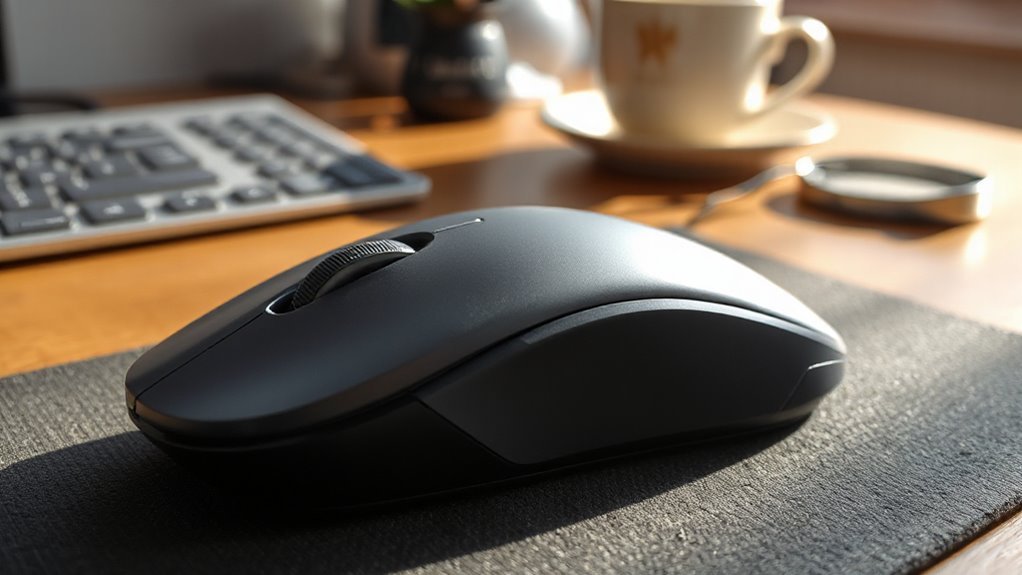
To enhance comfort during extended use, many mouse designs incorporate features that markedly improve user experience. Ergonomic mice reduce forearm pronation by up to 14%, minimizing muscle tension.
Contoured shapes and palm support prevent unnatural wrist extension, lowering the risk of repetitive strain injuries. Users benefit from a neutral wrist posture, which decreases strain on tendons and ligaments. Enhanced designs promote a handshake grip, reducing wrist deviation and pressure on essential nerves.
Lightweight materials and anti-slip textures further decrease grip tension, resulting in less perceived fatigue. These ergonomic solutions are especially advantageous for those with pre-existing conditions, as oversized buttons and natural finger positions alleviate joint strain.
Frequently Asked Questions
How Do I Choose the Right Ergonomic Mouse for My Hand Size?
To choose the right ergonomic mouse for your hand size, start by measuring your hand length and width.
Compare your measurements to sizing categories: Extra Small to Extra Large.
Confirm the mouse design accommodates your grip style—palm, claw, or fingertip.
Look for features like comfortable palm support, easy button access, and minimal strain on fingers.
Select a mouse that allows your hand to rest naturally without tension or overextension for ideal comfort.
Can Ergonomic Mice Improve Gaming Performance or Speed?
Yes, ergonomic mice can improve gaming performance and speed. They offer advanced sensors for precise tracking and customizable DPI settings for sensitivity adjustments, enhancing control in various game types.
Their design stabilizes hand posture, reducing unintended movements, which is essential for accuracy in fast-paced games. However, note that some larger models may hinder dexterity.
Are There Specific Brands Known for Ergonomic Mouse Designs?
Logitech, Keychron, Pulsar, Vaxee, and Razer are recognized for ergonomic mouse designs.
Logitech’s MX Vertical features a 57-degree angle, reducing wrist strain. Keychron’s M5 offers a high-performance sensor with a vertical orientation.
Pulsar provides lightweight models, supporting multiple grip styles. Vaxee emphasizes natural hand alignment, while Razer combines ergonomic form with advanced sensors.
Each brand focuses on comfort and functionality, catering to both productivity and gaming needs effectively.
How Long Does It Take to Adjust to Using an Ergonomic Mouse?
Adjusting to an ergonomic mouse typically takes you between a few days to several weeks.
Most users find comfort within 1 to 4 weeks. Your adaptation speed depends on factors like previous experience with ergonomic devices.
Initially, you may feel discomfort due to new hand positions, but starting with short sessions can help ease this.
Regular breaks and stretching during the shift can also reduce muscle fatigue and support quicker adaptation.
What Maintenance Is Required for Ergonomic Mice to Ensure Longevity?
To guarantee longevity, clean your ergonomic mouse regularly.
Use a damp cloth with a mild alcohol solution weekly. Disconnect it before cleaning to avoid damage.
Monthly, perform a deep clean, focusing on the scroll wheel and button edges with cotton swabs. Utilize canned air for crevices.
Avoid submerging the mouse in water. Maintain a clean desk environment and wash your mouse pad to prevent dirt buildup and bacterial growth.
Conclusion
Incorporating an ergonomic mouse into your workspace can greatly enhance your comfort and productivity.
Improved wrist and forearm posture reduces the risk of strain, while decreased muscle fatigue lets you work longer without discomfort.
These devices can help prevent repetitive strain injuries, keeping you active and effective over time.
With innovative designs tailored to your needs, investing in an ergonomic mouse is a smart step for your health and efficiency. It truly pays to take care of your hands.