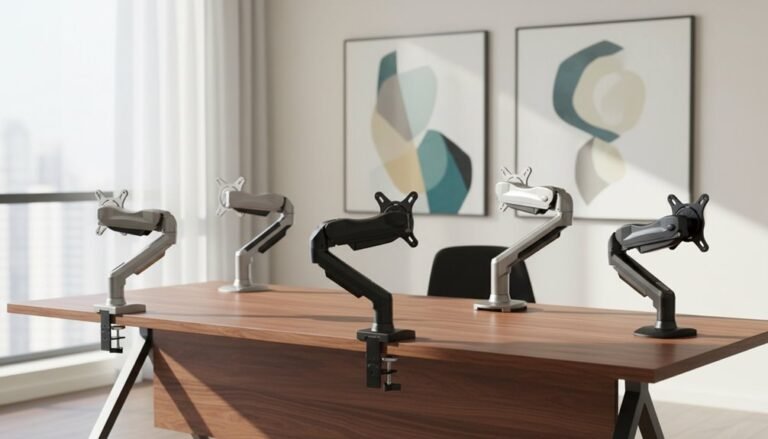
Wall Mount Vs Desk Mount Monitor Arms
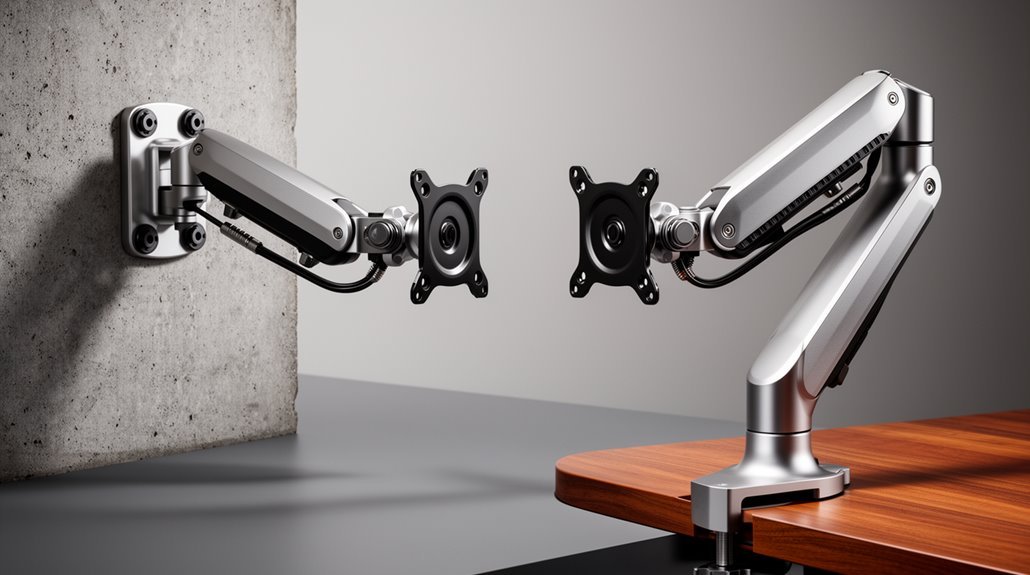
Wall Mount vs Desk Mount monitor arms should be considered based on stability, installation, and support. Wall mounts anchor directly to studs, providing minimal vibration, while desk mounts depend on the rigidity of your desk surface.
Desk mounts offer quick installation without drilling, making them easier to set up. However, they can wobble on lightweight or thin desks.
Wall mounts free up desk space and generally feel sturdier, though installation is more permanent and requires finding studs. Desk mounts typically allow more flexible placement and easier repositioning.
Cost varies: wall mounts often start around $100, while budget desk mounts can be found for under $30. Weigh these factors to decide which monitor arm type fits your needs.
Stability and Vibration Comparison
When comparing wall mount and desk mount monitor arms, structural stability is a crucial factor to take into account.
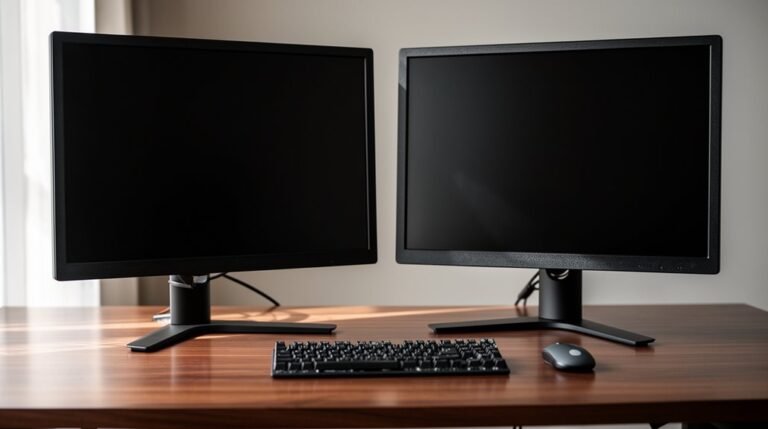
Wall mounts anchor directly into wall studs or solid masonry, offering a rigid support that minimizes movement and vibration. In contrast, desk mounts depend on the desk’s surface rigidity; any instability in the desk translates into monitor movement.
Lightweight or hollow desks exacerbate vibration issues, while wall mounts eliminate this problem by removing the base connection to a flexible surface. Additionally, extending a monitor far from the mounting point increases leverage and vibration risk, particularly for desk mounts. High traffic may also affect the performance of desk mounts, as increased user demand can lead to instability in the setup.
Ultimately, wall mounts provide superior stability, isolating the monitor from desk-related vibrations and ensuring a steadier viewing experience.
Installation and Flexibility
Choosing between a wall mount and a desk mount involves considering the installation process.
Desk mounts typically use a clamp or grommet hole, allowing for a non-invasive setup that doesn’t require wall drilling. Installation is quick, often completed within minutes using basic tools. Additionally, desk mounts are generally more affordable than wall mounts, making them an appealing option for budget-conscious users.
In contrast, wall mounts necessitate drilling into wall studs, making the process more complex and time-consuming.
Regarding flexibility, desk mounts provide repositioning options across the desk surface, accommodating various ergonomic configurations. You can easily adjust or move them as workspace needs change.
Wall mounts, however, fix the monitor in a set position, limiting adjustments. If you anticipate frequent reconfigurations, a desk mount is the more dynamic choice, while wall mounts suit permanent setups.
Space Optimization and Ergonomics
To maximize workspace efficiency, consider the impact of monitor arms on both space utilization and ergonomic design. Wall mounts free up desk space entirely, while desk mounts occupy minimal surface area. Monitor arms allow you to position screens at eye level, reducing neck and back strain. Adjustability features such as adjustable height and angle promote neutral posture, minimizing the risk of repetitive strain injuries. High-quality arms with Constant Force technology enable smooth adjustments without physical effort. For ideal placement, calculate the monitor height by adding half its height to the arm’s maximum height. Fully articulated designs offer maximum movement freedom, while dual-monitor setups maintain an organized workspace. Proper installation guarantees stability, reducing accidental bumps or tips.
Cost Considerations
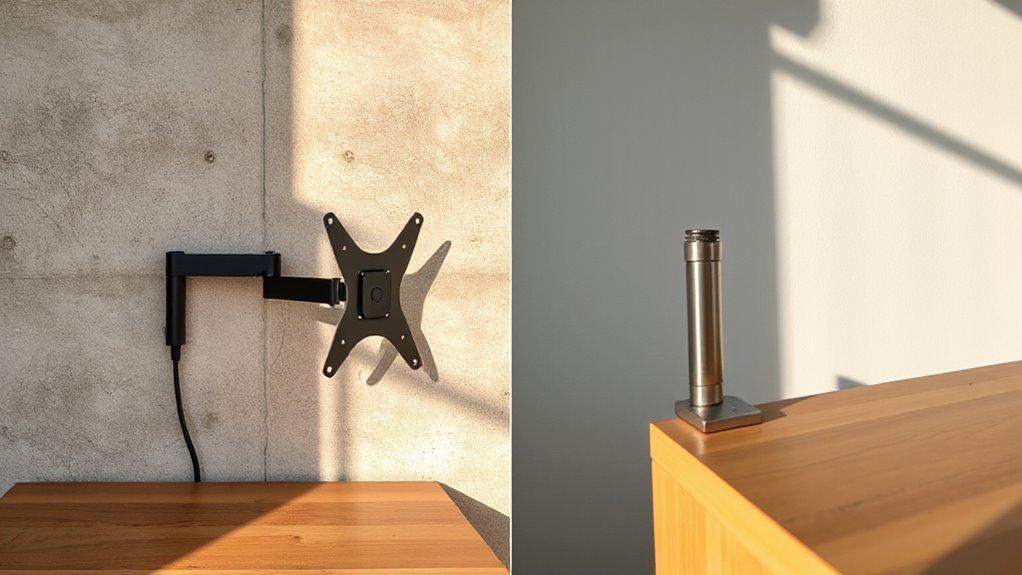
Understanding the price differences between wall mount and desk mount monitor arms is essential for making an informed decision. Here’s what you need to know:
- Wall mount arms start at around $100, with premium models exceeding $900.
- Desk mounts offer more budget options, starting under $30 for basic units.
- High-end desk mounts can range from $200 to $405.
While desk mounts provide more affordable choices, wall mounts feature advanced mechanics and longer warranties.
Budget desk mounts often come with limited features but offer basic functionality.
Premium wall mounts, however, guarantee durability and extensive adjustments.
Ultimately, consider your budget and specific needs, as both types come with distinct advantages and varying price points, impacting long-term investment value.
Monitor Size and Weight Support
When it comes to monitor arms, size and weight capacity are key factors that directly impact performance and compatibility.
Most single monitor arms support between 4.4 to 33 lbs (2–15 kg), while heavy-duty options can hold up to 42 lbs (19 kg) for larger monitors. Typically, arms accommodate monitors ranging from 17” to 40” diagonal.
For ultra-wide monitors, you’ll need higher weight capacity. Dual monitor arms generally reduce the per-monitor weight limit, typically allowing 7–22 lbs per screen.
Structural design also matters; articulated arms distribute weight better, while gas cylinder mechanisms promote smoother movement for heavier displays.
Always consider leaving a weight margin for ideal longevity and stability, preventing sagging or instability in your setup.
Ideal Use Cases
While both wall-mounted and desk-mounted monitor arms serve specific needs, their ideal use cases differ considerably based on workspace requirements.
- Wall mounts are perfect for compact workspaces, eliminating desk footprint entirely and creating a clean, minimalist aesthetic.
- Desk mounts are ideal for users needing flexibility, as they allow for easy repositioning and quick installation without any wall modifications.
- Wall solutions are best suited for permanent setups, while desk mounts cater to those who want to adjust their monitor height frequently, especially in standing desk configurations.
If you’re working in a small office or home setup, wall mounts maximize space.
If you need versatility and easy access, desk mounts offer a practical solution.
Maintenance and Long-Term Considerations
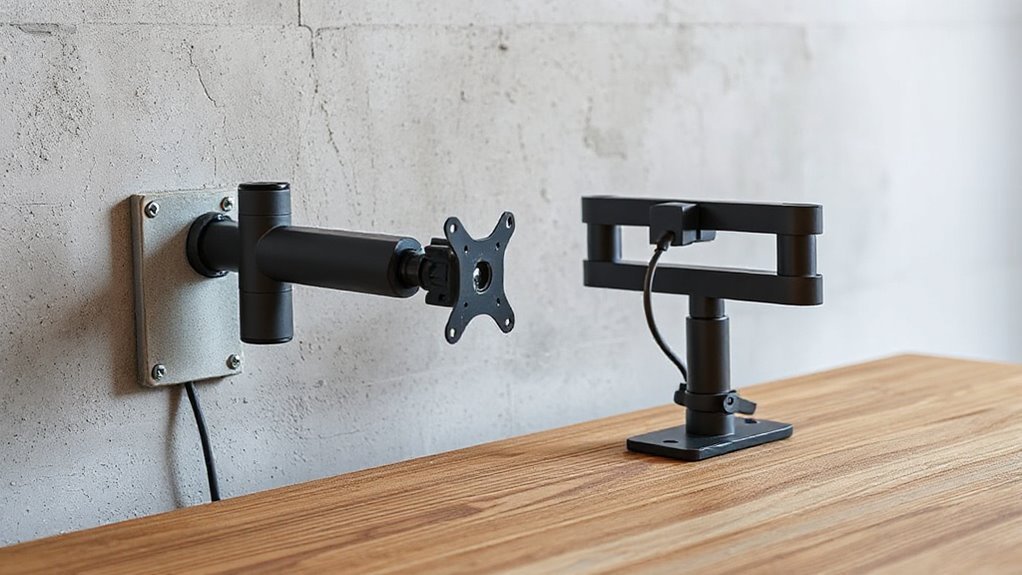
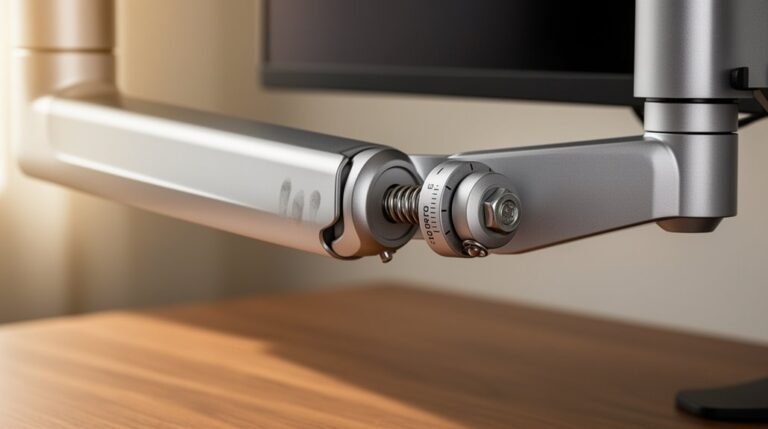
To guarantee the longevity of your monitor arms, regular maintenance is essential. For desk mounts, tighten clamps and arm joints frequently to prevent sagging. Inspect cable management for wear, especially at bending points.
Wall mounts require periodic checks of wall anchors and hardware for any signs of loosening. Both types benefit from cleaning moving parts to avoid dust buildup.
Desk mounts typically last 3–7 years with proper care, while wall mounts can exceed 10 years if installed correctly. Stability is important; desk mounts may sag if the desk flexes, whereas wall mounts maintain stability unless wall structure fails.
For upgrades, desk mounts are easier to reconfigure, while wall mounts may require patching if removed. Always check VESA compatibility when upgrading monitors.
Frequently Asked Questions
Can I Use Wall Mounts in Rental Properties?
Yes, you can use wall mounts in rental properties, but you need landlord approval first.
Most agreements restrict permanent alterations like drilling. Unauthorized modifications may lead to fines or loss of your security deposit.
If allowed, you must patch and repaint any holes before moving out. Always check your lease terms for specific regulations.
Consider alternatives like desk mounts, which don’t require drilling and are generally easier to install and remove.
How Do I Choose Between Single and Dual Monitor Arms?
When deciding, consider your workspace and needs.
Single monitor arms offer independent adjustments, allowing precise positioning without affecting others. They’re ideal for smaller setups.
Dual monitor arms, utilizing one base, save desk space and create a sleek look. However, they may restrict positioning.
Evaluate your budget, as dual arms often cost less overall, but single arms may provide better stability and flexibility in specific environments.
Are Wall Mounts Adjustable for Different Viewing Angles?
Yes, wall mounts are adjustable for different viewing angles. They typically offer tilt functionality ranging from 10-20 degrees backward, allowing you to align your monitor with your eye level.
The swivel and rotation features enable up to 180 degrees of left-right movement, accommodating various viewing positions. Many models also provide 360-degree rotation for portrait or landscape orientation, ensuring ideal screen visibility and comfort while you work or relax.
What Tools Do I Need for Desk Mount Installation?
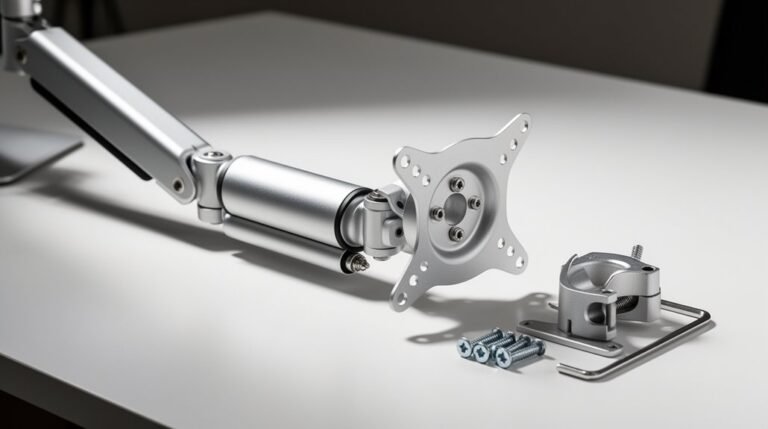
For desk mount installation, gather essential tools like a Phillips head screwdriver for screws, an adjustable wrench for nuts, and pliers for tight spaces.
You’ll need a level to guarantee straight alignment and a drill for grommet holes. Use mounting screws and washers from your kit, along with VESA-compatible screws for the monitor.
Mark your drill points with a pencil, and keep a ruler handy for precise positioning.
Can I Use a Monitor Arm With a Laptop?
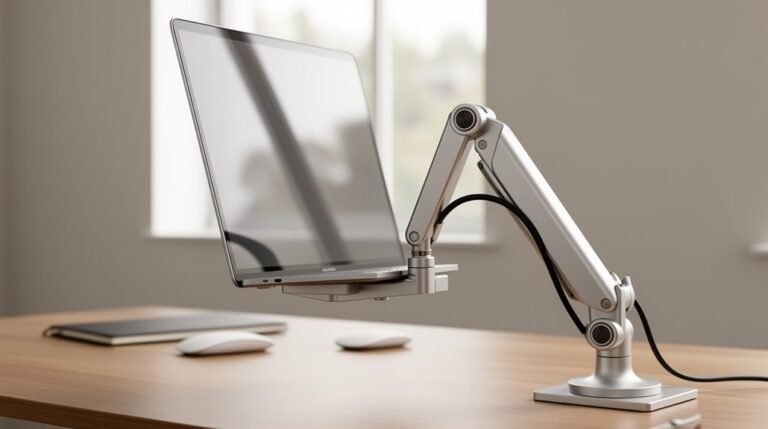
Yes, you can use a monitor arm with a laptop, but you’ll need an additional VESA-compatible laptop holder.
Most monitor arms support weights between 4.4 and 19.8 lbs, accommodating most laptops. Confirm the combined weight of the laptop and holder remains under the arm’s maximum capacity.
Additionally, check the arm’s reach and height adjustability to fit your laptop’s screen size and your preferred viewing position for ideal ergonomics.
Conclusion
In the world of monitor mounts, choosing between wall and desk options is like selecting a ship or a plane for your journey. Each offers unique advantages.
Wall mounts save floor space and enhance stability.
Desk mounts provide flexibility and ease of adjustment.
Consider your specific needs, monitor size, and workspace layout.
Ultimately, both options can lead to a smoother voyage in productivity, so weigh the technical specifications carefully before setting sail.