How to Set Up an Ergonomic Workspace
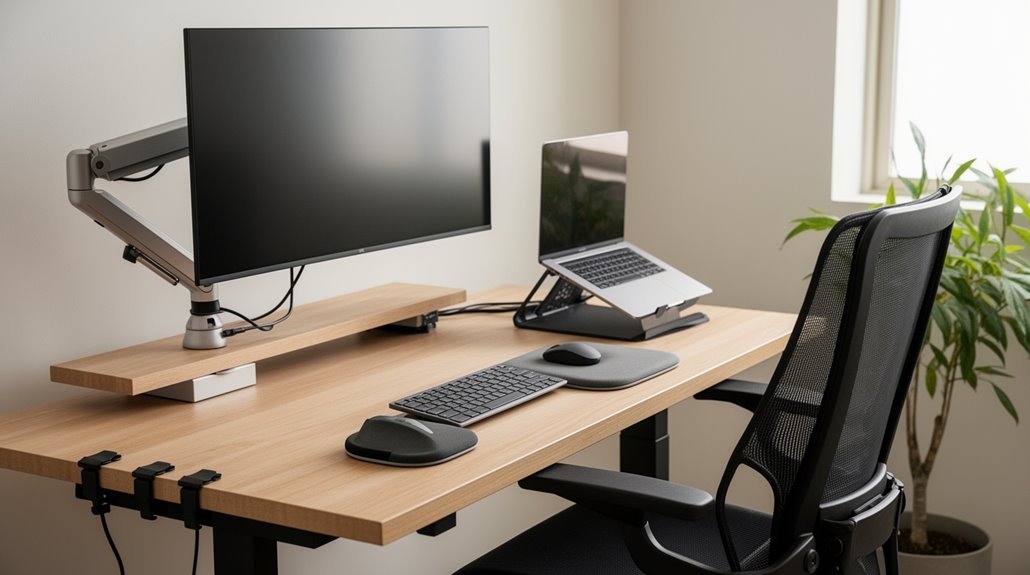
To set up an ergonomic workspace, adjust your chair so that your feet rest flat on the floor and your knees are at or slightly below hip level.
Position your desk and chair so your forearms are parallel to the floor, and keep your keyboard and mouse at elbow height, aligned with your body.
Place your monitor 20 to 30 inches away, with the top of the screen at eye level to reduce neck strain.
Make certain your workspace is well-lit to minimize glare and eye strain. Discover more methods to enhance your comfort and productivity.
Understanding Ergonomics and Its Importance
When you consider how your workspace affects your well-being, it’s essential to understand ergonomics, the science focused on designing environments that accommodate human needs.
Ergonomics, also known as human factors engineering, integrates principles from biology, engineering, and psychology. Its core objectives include maximizing safety by reducing injury risks, enhancing productivity by minimizing discomfort, and improving job satisfaction.
Effective ergonomic design prevents common injuries, such as strains and repetitive stress injuries. It also supports compliance with occupational health regulations. Prioritizing comfort in the workplace not only improves employee engagement but also contributes to overall workplace morale.
A well-designed ergonomic workspace reduces fatigue and frustration, leading to higher efficiency. Consequently, organizations with robust ergonomic programs often report better business outcomes and lower employee turnover, highlighting the importance of ergonomics in workplace safety and productivity.
Key Components of an Ergonomic Workspace
Creating an ergonomic workspace involves several key components that work together to enhance comfort and efficiency.
Chair and Seating Support: Choose a chair with adjustable height, lumbar support, and seat depth. Make sure your backrest tilts between 100-110 degrees, and armrests adjust to keep elbows at a 90-degree angle. A chair with proper lumbar support helps maintain a healthy posture throughout your workday.
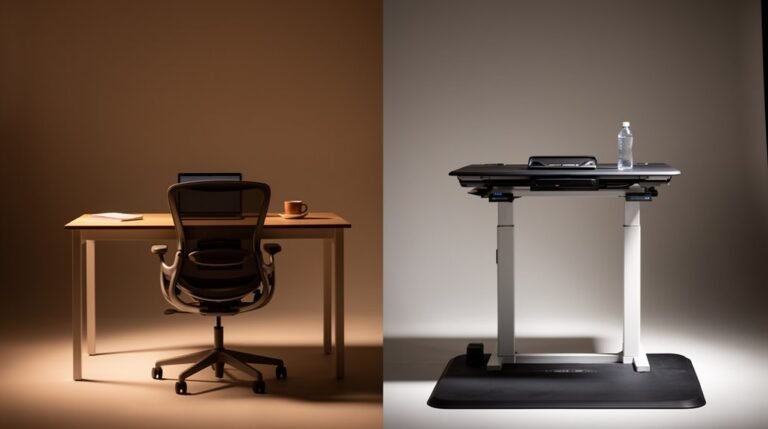
Desk Configuration: Select a desk height that allows forearms to remain parallel to the floor. Consider an adjustable-height desk for sitting and standing options, and make sure ample work surface space.
Monitor Positioning: Position your monitor at eye level, about the screen’s diagonal distance from your eyes, to minimize strain.
Keyboard and Mouse Arrangement: Use ergonomic keyboards and position them at the same level as your mouse to avoid overextension.
Desk Setup for Optimal Comfort
An ideal desk setup enhances productivity while minimizing discomfort.
First, adjust your chair height so your feet rest flat on the floor, with knees bent at about 90 degrees. Verify your armrests support your elbows close to your body, keeping upper arms relaxed.
Position the backrest to provide lumbar support, angled between 100°–110° for neck comfort. Your desk should allow elbows to stay at 90 degrees while typing, with wrists straight and shoulders relaxed. Additionally, ensure adequate space under the desk for legs and feet to promote proper posture.
Maintain clutter-free legroom beneath the desk for proper posture. Place your keyboard and mouse at elbow height, keeping them aligned to reduce strain.
Regularly change your posture and take breaks to maintain overall comfort and productivity.
Monitor Positioning for Eye Health
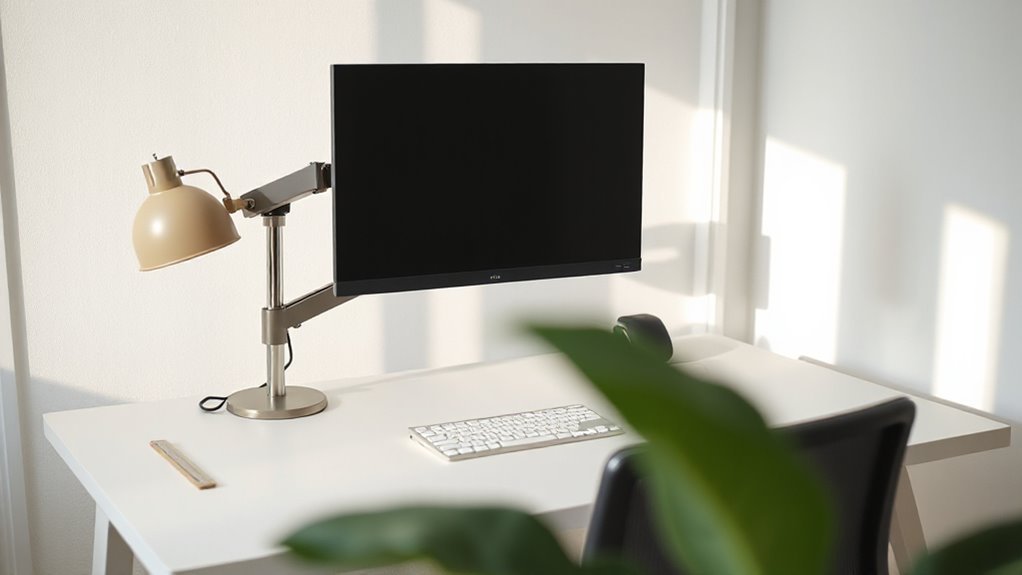
How can you guarantee your monitor setup promotes eye health? Start by positioning the top of your screen at or slightly below eye level. Aim for a viewing angle between 0 to 30 degrees below horizontal, ensuring comfort.
Keep your monitor 20 to 30 inches away, which reduces eye strain. Tilt the screen slightly upward at 10 to 20 degrees to minimize glare.
- Proper positioning reduces neck and shoulder discomfort.
- Correct alignment enhances overall focus and productivity.
- A well-placed monitor can prevent long-term vision issues.
Following these guidelines will create a healthier workspace, allowing you to work efficiently while protecting your vision.
Keyboard and Mouse Placement Techniques
Proper placement of your keyboard and mouse is essential for maintaining comfort and reducing the risk of strain.
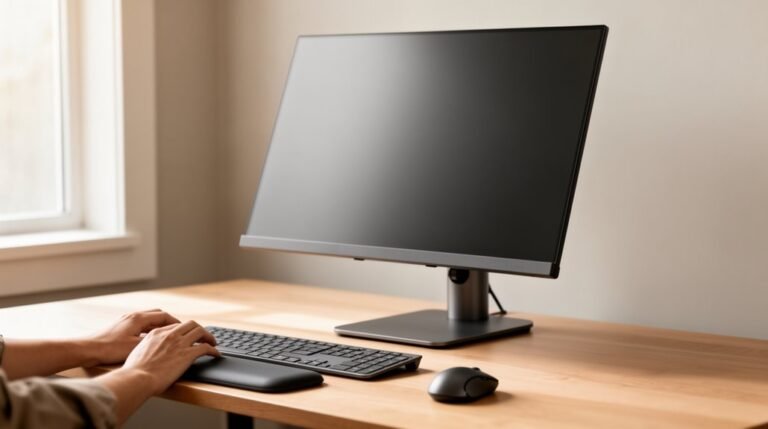
Position your keyboard at or slightly below elbow level, guaranteeing it lies flat or has a slight negative tilt. Keep it directly in front of you and within easy reach to avoid leaning.
For mouse placement, position it next to the keyboard, at the same height, allowing for relaxed shoulders and neutral wrist alignment.
Maintain a straight wrist posture while typing, avoiding bending. Use your whole arm for mouse movements, keeping your upper arm close to your body.
Ascertain both devices are aligned with your body’s midline to prevent twisting and unnecessary strain on your shoulders.
Chair Selection and Adjustment Tips
Selecting the right chair is essential for creating an ergonomic workspace that promotes comfort and productivity.
Look for chairs with adjustable features like seat height, armrests, and backrests to suit different body sizes. A sturdy 5-star base guarantees stability, while a contoured seat with a waterfall edge reduces pressure on your thighs.
Prioritize adjustable lumbar support to fit the natural curve of your lower back.
- The right chair helps prevent discomfort during long hours.
- Adjustable features allow for a personalized fit, enhancing your focus.
- Quality materials improve airflow, keeping you cool while you work.
Organizing Your Workspace Effectively
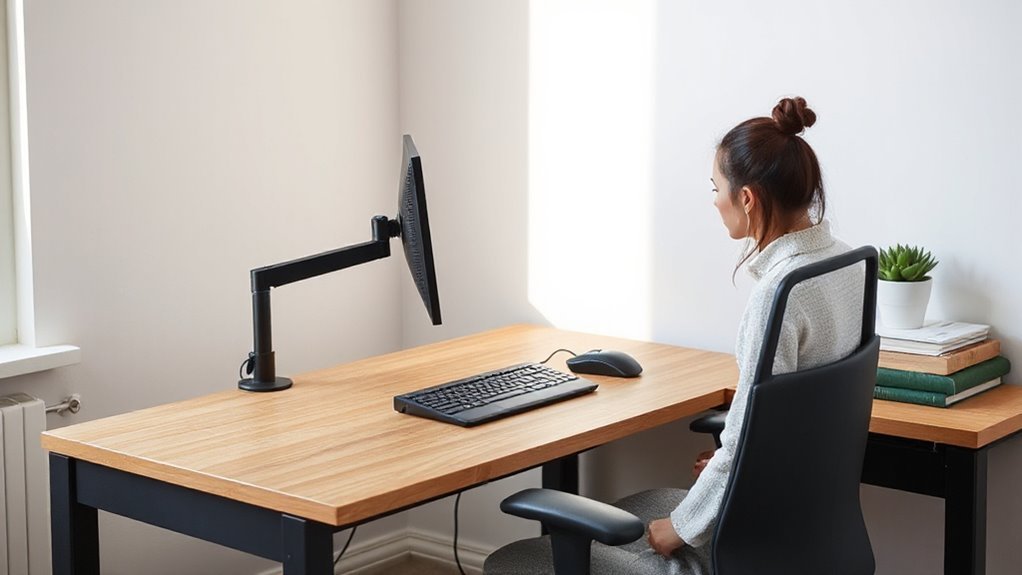
When you organize your workspace effectively, you create an environment that enhances productivity and reduces physical strain.
Start by keeping frequently used items within easy reach, minimizing stretching. Arrange your desk to maintain a clear workspace, which improves focus. Position essential tools, like pens and notepads, close to your dominant hand to reduce repetitive movements.
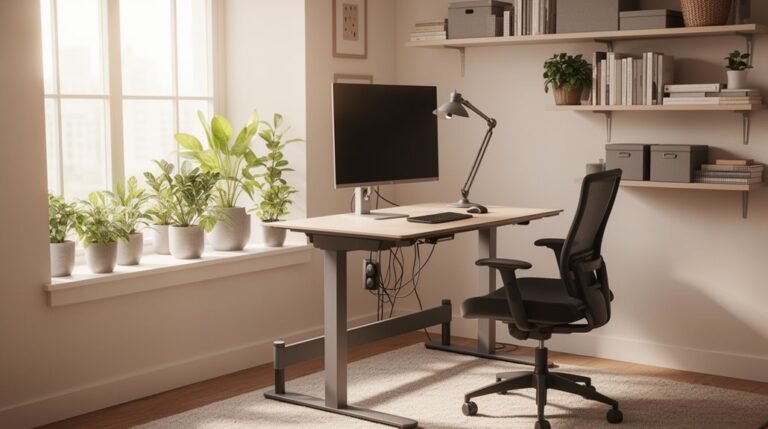
Use desk organizers to group similar items and eliminate visual clutter. Make sure cords are managed to avoid tripping hazards.
For monitor placement, position it directly in front of you, about 20–40 inches away, with the top at eye level.
Finally, keep your keyboard and mouse close together, allowing your wrists to remain neutral, and use document holders to maintain proper posture.
The Role of Lighting in Ergonomics
Effective lighting is essential for maintaining productivity and comfort in your workspace. Proper light levels can greatly impact your focus and health. Aim for 300-500 lux for general tasks, while computer workstations need at least 500 lux to prevent eye strain. For detailed work, such as reading small print, increase the intensity to 500-1000 lux.
- Eye strain can hinder your focus and increase fatigue.
- Poor lighting leads to headaches and discomfort.
- Proper lighting can improve productivity by 23%.
Utilize adjustable task lighting positioned to minimize glare. Consider color temperature as well; 4000-5000K enhances focus, while 2700-3000K helps you unwind.
Implement these lighting strategies to create a healthier, more efficient workspace.
Implementing Regular Breaks and Movement
Implementing regular breaks and movement is essential for maintaining your physical and mental well-being in the workplace. Frequent breaks reduce the risk of musculoskeletal disorders (MSDs) by interrupting prolonged static postures.
Aim for a microbreak of 1–2 minutes every 30–60 minutes, and take longer breaks of 5–10 minutes every 2 hours. During these breaks, engage in stretching exercises targeting the neck, shoulders, and back, or take short walking breaks to improve circulation.
Incorporating dynamic movements, like shoulder rolls and wrist circles, helps maintain joint flexibility. Studies show that regular movement breaks can boost productivity by 25% and enhance job satisfaction.
Frequently Asked Questions
How Often Should I Reassess My Ergonomic Workspace Setup?
You should reassess your ergonomic workspace setup annually for general environments.
If you’re in a high-risk industry, quarterly evaluations are recommended.
Reassess whenever you introduce new equipment, relocate, or modify your workstation.
If you experience discomfort or your job duties change, initiate a review.
Follow up within 2-4 weeks after initial adjustments to guarantee comfort and effectiveness.
Regular feedback helps refine your setup for peak performance and satisfaction.
What Ergonomic Tools Are Essential for Remote Workers?
Invest in ergonomic office chairs with adjustable lumbar support and armrests for comfort.
Use standing desks or converters to switch between sitting and standing, promoting better posture.
Incorporate external monitors and laptop risers to maintain eye-level screen positioning.
Choose ergonomic keyboards and vertical mice to reduce wrist strain.
Additionally, use standing desk mats for comfort and noise-canceling headphones to improve focus, enhancing your overall productivity and well-being.
Can Children Benefit From an Ergonomic Workspace?
Yes, children can greatly benefit from an ergonomic workspace.
Ergonomic furniture promotes proper spine alignment, reducing back and neck pain. Adjustable desks and chairs allow for comfortable positioning, enhancing focus and academic performance.
By minimizing physical discomfort, children experience less fatigue, promoting longer concentration periods. An ergonomic setup encourages healthy sitting habits, which can prevent musculoskeletal issues later in life.
Ultimately, these adjustments lead to improved mental well-being and overall productivity.
Are There Specific Ergonomic Solutions for Standing Desks?
Adjustable height controls allow you to switch between sitting and standing effortlessly.
Aim for a desk height that keeps your elbows at a 90-degree angle while typing.
Utilize keyboard trays to maintain neutral wrist positions.
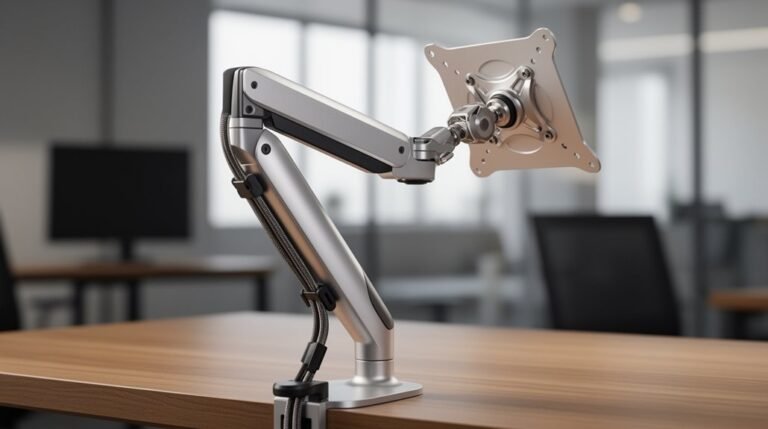
Monitor arms help position screens at eye level, reducing neck strain.
Anti-fatigue mats provide cushioning, enhancing comfort.
Frequent position changes improve circulation and productivity, making your workspace more efficient and supportive.
How Does Ergonomics Affect Mental Health and Productivity?
Ergonomics greatly impacts mental health and productivity. When you optimize your workspace, you reduce physical discomfort, which lowers stress and anxiety levels.
Studies show that improved ergonomic conditions can boost focus and efficiency. Proper alignment of tools and furniture enhances your posture, decreasing fatigue.
Consequently, you experience higher job satisfaction, reduced burnout rates, and improved overall performance. Investing in ergonomics creates a supportive environment, fostering both mental well-being and productivity.
Conclusion
In conclusion, establishing an ergonomic workspace isn’t just beneficial; it’s vital for your long-term health and productivity.
By adjusting your desk height, monitor position, and chair settings, you can greatly reduce discomfort and prevent injury.
Organizing your tools effectively and ensuring proper lighting also plays a key role.
Remember, prioritizing these adjustments is as important as the air you breathe—neglecting them can lead to chronic issues.
Take the time to optimize your environment; your body will thank you.