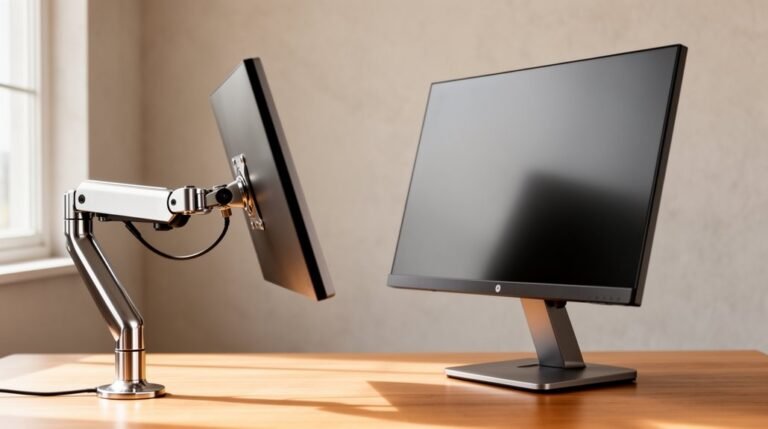
Ergonomic Trends for Remote Work in
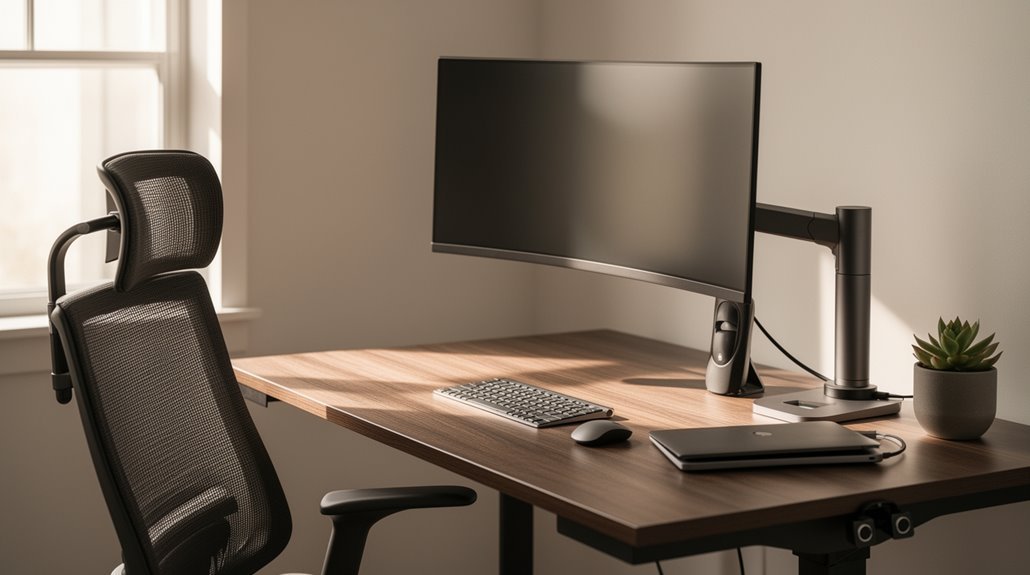
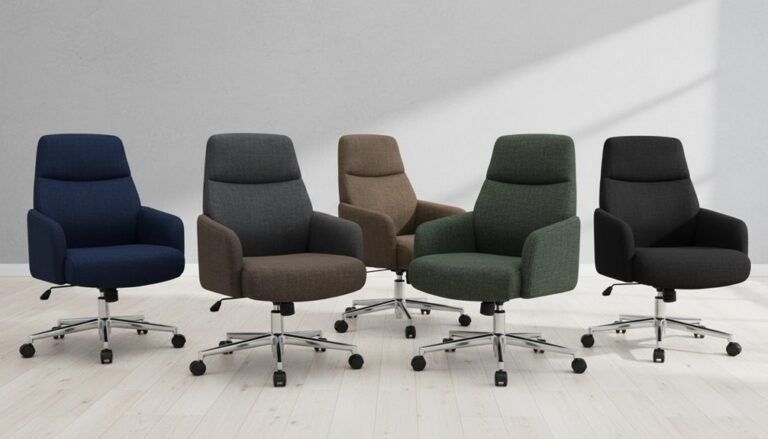
Ergonomic trends for remote work focus on ideal comfort and health as remote work increases. Ergonomic chairs with lumbar support promote good posture and reduce back pain, making them a key component of a healthy home office.
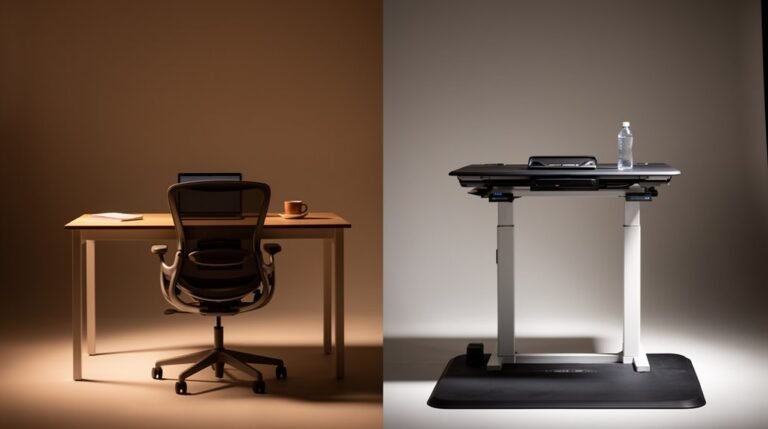
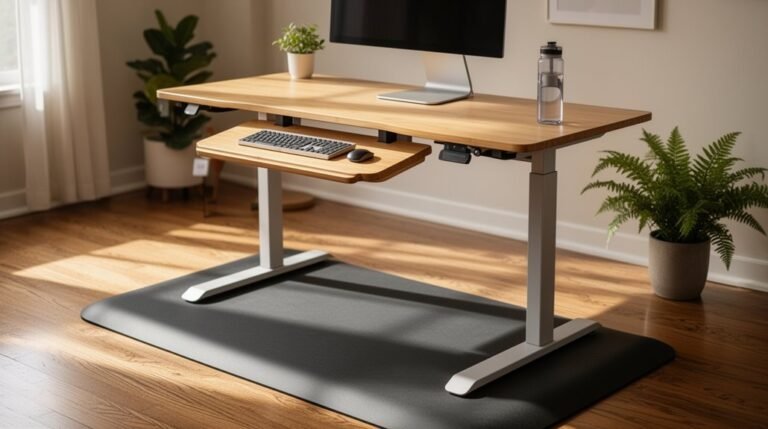
Adjustable sit-stand desks improve circulation and reduce strain by allowing easy transitions between sitting and standing. Position monitors at eye level to prevent neck issues and minimize forward head posture.
Wearable technology that tracks posture encourages movement and provides real-time feedback. Smart desks with memory settings personalize workspace adjustments for consistent ergonomic support.
These innovations foster productivity and prevent discomfort, helping you stay informed on the latest developments in ergonomic support.
The Rise of Remote and Hybrid Work Models
As remote and hybrid work models gain traction, they reshape the employment landscape. Hybrid job postings increased from 15% in Q2 2023 to 24% by Q3 2025 in the U.S. By mid-2025, approximately 55% of remote-capable employees will work in a hybrid format. Meanwhile, fully on-site job postings dropped from 83% in early 2023 to 66% by the end of that year. About 67% of U.S. companies plan to offer hybrid work flexibility through 2025. Employee preferences show that 64% of remote workers favor hybrid roles, highlighting the demand for flexibility. This trend is reflected in the fact that 70% of job seekers rank hybrid as a preferred work arrangement. Hybrid workers report higher engagement rates and better retention, illustrating the model’s positive impact on workforce stability and employee happiness within various sectors.
Ergonomic Challenges in Home Work Environments
While many remote workers appreciate the flexibility of working from home, they often face significant ergonomic challenges that can hinder productivity and health.
Common issues include:
- Inadequate seating: Many workers use chairs that are too low or not designed for long hours, leading to poor posture and discomfort.
- Improper screen placement: Laptop screens often sit too low, causing neck strain, while external monitors are frequently misaligned.
- Non-dedicated workspaces: Working from couches or beds limits ergonomic support, increasing musculoskeletal risks. Additionally, a study revealed that 64% of employees reported sitting on hard surfaces, further exacerbating discomfort.
These challenges contribute to a reported 41% rise in back, neck, and shoulder pain among remote workers.
Without proper ergonomic setups, you may experience discomfort that impacts your daily productivity and long-term health.
Essential Ergonomic Solutions for Remote Workers
To enhance your remote work experience, investing in ergonomic solutions is essential for maintaining comfort and productivity. Start with an ergonomic chair featuring lumbar support to support your lower back and promote a neutral posture. Consider an adjustable sit-stand desk, allowing you to vary your posture throughout the day, reducing the risks of prolonged sitting.
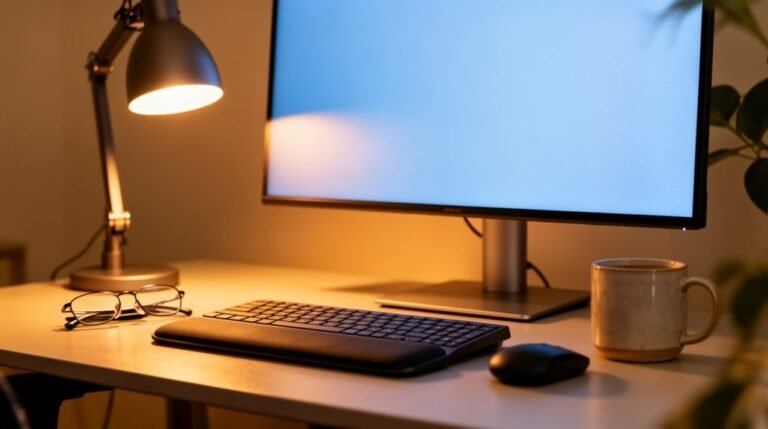
Utilize footrests to achieve proper leg positioning when chair height isn’t ideal. Position your monitor at eye level using risers to minimize neck strain. Incorporate ergonomic keyboards and mice to align your hands and wrists naturally, preventing strain injuries. Ignoring ergonomics can lead to discomfort and decreased efficiency over time, highlighting the importance of a well-designed workspace.
Finally, maintain a clutter-free workspace with frequently used items within reach to avoid awkward postures. Implement these solutions for ideal comfort and efficiency.
Technological Innovations Enhancing Ergonomics
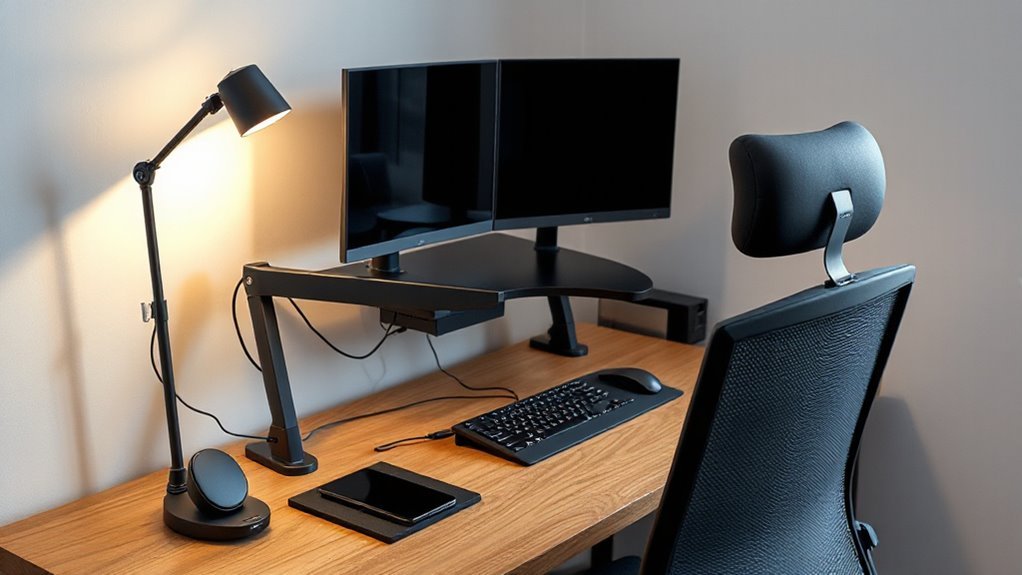
Technological innovations are reshaping the ergonomic landscape for remote work, making it easier for you to maintain comfort and productivity.
These advancements include:
- AI Tools: AI smart assistants streamline scheduling, reducing cognitive load, while real-time transcription improves meeting efficiency.
- Wearable Technology: Smart posture monitors provide feedback, encouraging proper alignment, and tracking movement helps prevent discomfort.
- Adjustable Workstations: Sit-stand desks with sensor-driven height adjustments improve circulation, while ergonomic inputs promote natural wrist positioning.
The Impact of Remote Work on Productivity and Well-being
The shift to remote work has considerably influenced both productivity and well-being among employees. Research shows remote workers perform 13 to 40% better, largely due to fewer distractions and flexible schedules. About 57% of employees report enhanced productivity at home, contributing to a 1.1 percentage-point increase in industry-level total factor productivity from 2019 to 2022.
However, challenges exist; fully remote workers report higher stress and feelings of loneliness, despite greater engagement. Zoom fatigue and increased communication demands can hinder focus.
Yet, 65% of remote professionals manage stress more effectively. Ultimately, while remote work offers increased productivity potential, it also poses well-being challenges that require careful management for sustainable success in work-life balance.
Designing Workspaces for Hybrid Needs
Designing workspaces for hybrid needs requires a careful balance of flexibility and functionality.
To create an effective environment, consider these key elements:
- Flexible Layouts: Use modular furniture and movable dividers to adapt spaces for various team sizes and tasks.
- Technology Integration: Equip hybrid meeting spaces with advanced audio-visual technology, ensuring equitable participation for remote and in-office employees.
- Task-Based Design: Implement purpose-built areas focusing on specific activities, enhancing productivity and comfort across diverse work styles.
Organizational Strategies for Supporting Ergonomics
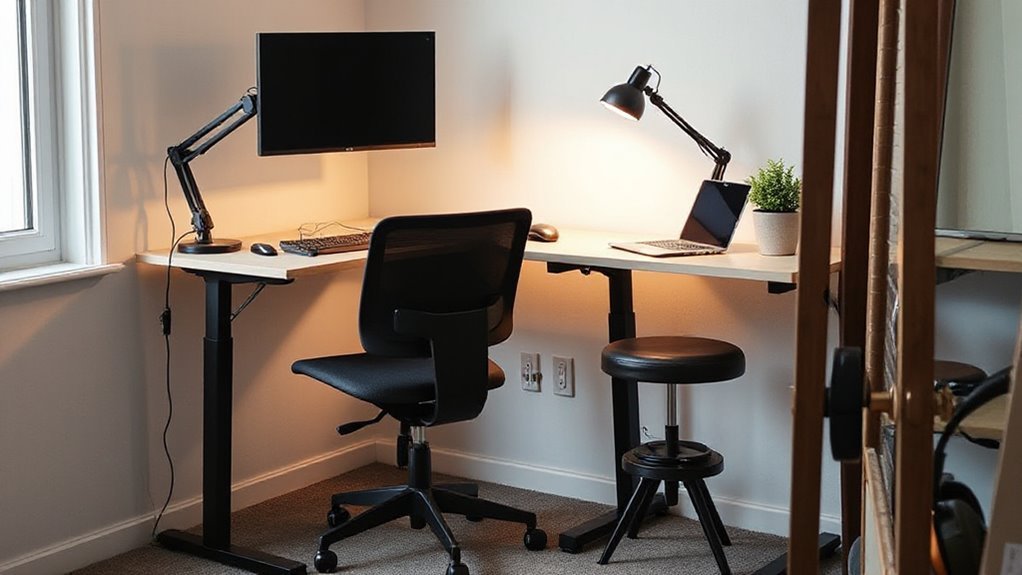
To effectively support ergonomics, organizations must implement structured strategies that promote healthy work environments for remote employees. Investing in adjustable office furniture, like standing desks and ergonomic chairs, reduces musculoskeletal disorders.
Providing tools such as keyboard supports and external mice decreases wrist strain. Utilizing laptop stands helps position screens at eye level, minimizing neck and eye strain.
Organizations need to offer thorough training programs to educate employees on safe postures and active workstyles. Regular reminders can encourage movement and posture correction throughout the day.
Conducting workspace assessments identifies individual ergonomic needs, while leadership support reinforces safety standards. Integrating these strategies into the organizational culture fosters employee wellness, reduces injuries, and enhances productivity in remote work settings.
Future Trends in Remote Work Ergonomics
As remote work continues to evolve, innovative ergonomic solutions are reshaping how individuals interact with their workspaces.
Future trends emphasize smart technology integration, ensuring ideal comfort and productivity. Key advancements include:
- Smart desks with memory settings, allowing users to save preferred heights for shared workstations.
- Data-driven assessments that personalize ergonomic solutions based on individual needs, enhancing overall efficiency.
- Hybrid solutions that adapt to both home and office environments, promoting consistent ergonomic health.
These trends highlight the importance of integrating technology in ergonomic practices, enabling real-time feedback and continuous monitoring.
As companies invest in advanced equipment and personalized assessments, they foster healthier work environments, ultimately leading to improved employee satisfaction and productivity.
Frequently Asked Questions
How Can I Create an Ergonomic Workspace on a Budget?
To create an ergonomic workspace on a budget, prioritize adjustable seating.
Choose chairs with height settings, lumbar support, and breathable materials.
Position your monitor at eye level, maintaining an arm’s length distance.
Keep frequently used items within easy reach to minimize awkward movements.
Use boxes or footrests to guarantee your feet are flat on the floor.
Incorporate document holders to reduce neck strain and consider wrist rests for proper typing posture.
Regularly reassess your setup.
What Are Common Signs of Poor Ergonomics at Home?
Over 60% of remote workers report discomfort due to poor ergonomics.
You’ll notice signs like hunching forward, which stresses your spine, or inward-rolling shoulders from extended keyboard use.
Neck strain occurs from awkward monitor angles.
If your feet dangle or your thighs aren’t parallel to the floor, circulation issues may arise.
Additionally, frequent eye strain and headaches signal improper screen positioning or lack of breaks.
How Do I Maintain Productivity While Working Remotely?
To maintain productivity while working remotely, establish a dedicated workspace with ergonomic furniture.
Set clear goals and use project management tools like Trello or Asana to organize tasks efficiently.
Schedule breaks to combat fatigue from prolonged screen time.
Utilize flexible hours to align work with your peak productivity times.
Limit distractions by communicating boundaries with family members.
Regularly review your progress to stay accountable and guarantee you meet deadlines effectively.
Are There Specific Exercises to Relieve Remote Work-Related Discomfort?
Yes, specific exercises can relieve remote work-related discomfort.
Neck and Shoulder Stretches: Perform neck tilts and shoulder rolls to alleviate tension.
Core Strengthening: Planks and rows enhance stability and posture.
Hip Mobility: Try standing hip flexor stretches and seated spinal twists to improve flexibility.
Wrist Relief: Use wrist extensions and the 20-20-20 eye rule to reduce strain.
Incorporate these exercises regularly to promote better posture and overall comfort while working remotely.
Can Remote Work Affect My Long-Term Health?
Yes, remote work can affect your long-term health. Prolonged sitting may lead to musculoskeletal pain, increasing the risk of cardiovascular disease and certain cancers.
Sedentary behavior contributes to decreased muscle strength and digestive issues. Mental health can decline due to stress, anxiety, and social isolation, with burnout affecting work quality.
Additionally, blurred work-life boundaries and extended hours can exacerbate exhaustion, ultimately impacting overall well-being. Regular movement and ergonomic setups may mitigate these risks.
Conclusion
As remote work evolves, prioritizing ergonomic solutions is vital for both comfort and productivity.
Invest in adjustable desks, ergonomic chairs, and proper monitor placement to create a workspace that supports your body’s natural alignment.
Like a well-tuned instrument producing beautiful music, an ergonomic setup fosters efficiency and well-being.
Embracing these trends enhances performance and promotes long-term health, making ergonomics essential for anyone adapting to remote or hybrid work environments.