Budget Ergonomic Upgrades for Your Office
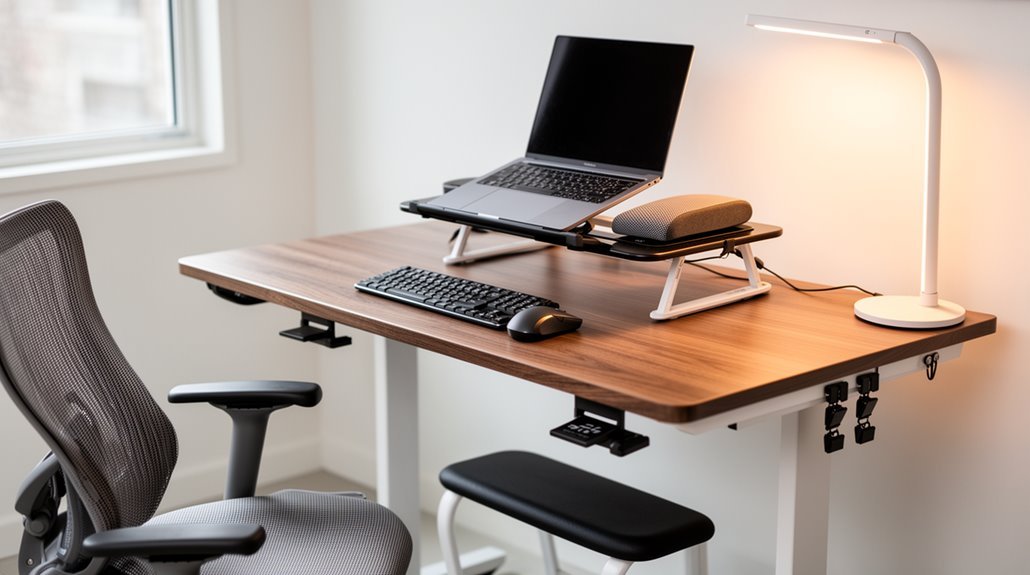
Budget Ergonomic Upgrades for Your Office
To enhance workplace comfort on a budget, invest in ergonomic chairs priced under $100. These chairs help improve posture and reduce discomfort during long workdays.
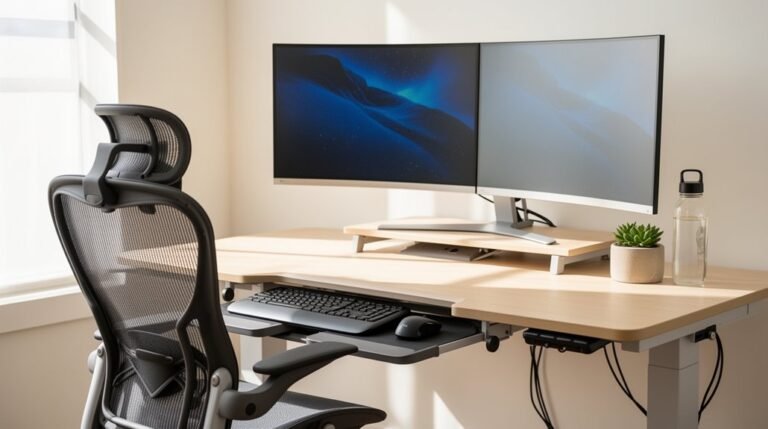
Consider sit-stand desks to alleviate upper back pain; studies show they can reduce pain by 32–54%. Even a simple converter can provide the benefits without a large expense.
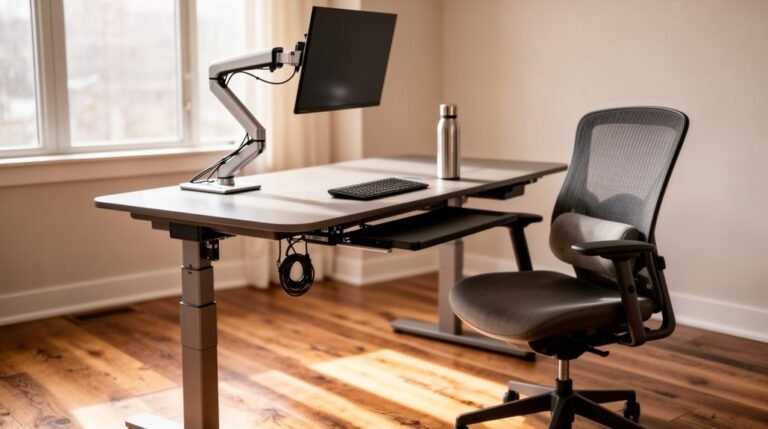
Monitor arms, costing $20–50, position screens at eye level and minimize neck strain. They also free up desk space for a cleaner, more organized work area.
Incorporate lumbar support cushions for under $50, or use DIY items like rolled towels for temporary support. For a thorough solution, stay tuned for more tailored recommendations and essential assessments.
Understanding the Importance of Ergonomics in the Workplace
When you consider the significant impact of ergonomics on workplace safety and productivity, it becomes clear that proper design is essential.
Musculoskeletal disorders (MSDs) account for about 30% of workplace injuries, leading to an average of 12 lost workdays per case. Implementing ergonomic programs can reduce these lost days by 75% within two years. Additionally, workplaces that prioritize ergonomics can see injury rates drop by 50% or more. Ergonomic champions within teams can drive injury reductions of 30-40% in a single year. Furthermore, for every dollar spent on ergonomic improvements, companies can expect a return of $3–$6 through decreased injury costs and increased productivity. This is especially true for companies with strong ergonomic programs, which report a 59% reduction in MSD-related injuries.
Investing in ergonomics is therefore a strategic decision for any organization.
Cost-Effective Ergonomic Solutions for Every Budget
Cost-effective ergonomic solutions cater to various budgets, making it easier for businesses and individuals to enhance workplace comfort without breaking the bank. You can find affordable ergonomic chairs for under $100, with some models starting as low as $16. Brands like Autonomous and Element Seating provide adjustable options at competitive prices. To further improve your workspace, consider these ergonomic accessories:
- Lumbar support cushions and footrests for under $50, enhancing posture and comfort.
- Adjustable monitor arms priced between $20–$50, which optimize screen height and reduce neck strain.
- DIY solutions, like using rolled towels for lumbar support, costing less than $5, can deliver immediate benefits. These options allow you to upgrade ergonomics efficiently and economically, especially as the demand for ergonomic furniture continues to rise.
Top Priority Upgrades: Sit-Stand Desks and Ergonomic Chairs
Upgrading to sit-stand desks and ergonomic chairs can markedly enhance both health and productivity in the workplace.
Sit-stand desks reduce upper back and neck pain by 32-54% within weeks and improve circulation by allowing users to alternate positions. Studies show standing after meals lowers blood sugar spikes by 43%, and standing desks can also help burn approximately 50 more calories per hour compared to sitting.
Ergonomic chairs support proper spine curvature, reducing lower back discomfort. Adjustable lumbar support and seat depth enhance circulation and minimize leg strain.
Workers using ergonomic chairs experience fewer distractions and report better focus. Both upgrades contribute to improved overall job satisfaction, with ergonomic chairs reducing lower back discomfort from 80% to over 50%.
Incorporating these features creates a healthier, more productive work environment.
Enhancing Comfort With Monitor Arms and Accessories
To improve comfort and productivity at your workstation, monitor arms offer a practical solution by allowing you to position monitors at eye level. This adjustment reduces neck flexion and minimizes strain on your neck and shoulders.
Studies show 50.6% of users notice improved posture, while positioning flexibility helps prevent musculoskeletal disorders.
- Cable management keeps your workspace organized, reducing clutter.
- Dual-monitor arms allow for even alignment, minimizing side-to-side neck strain.
- Adjustable features enable quick repositioning for various tasks, enhancing ergonomics.
The Benefits of Ergonomic Keyboards and Mice
Ergonomic keyboards and mice complement the benefits of using monitor arms by further enhancing your workstation’s comfort and productivity.
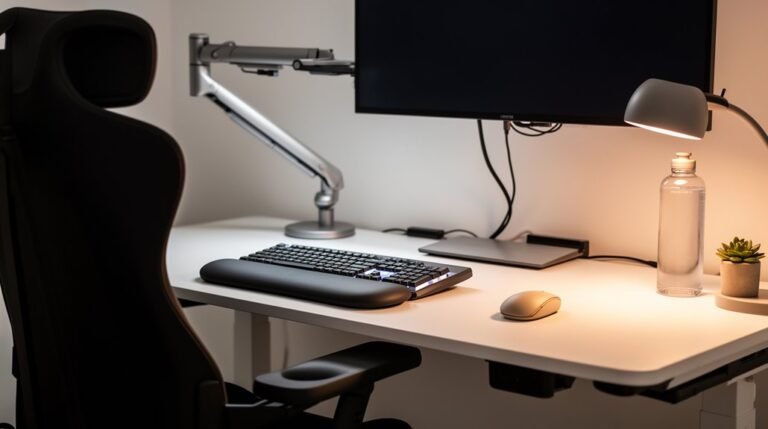
These devices minimize awkward wrist and hand postures, markedly reducing the risk of repetitive strain injuries. Studies indicate that ergonomic keyboards can decrease ulnar deviation by up to 68% and wrist extension by 77%. Users report improved comfort from split designs and built-in wrist rests. Enhanced typing speed, averaging an 11% increase, is also noted.
Ergonomic mice fit the natural hand contours, lowering strain during prolonged use. Overall, these improvements lead to fewer interruptions, better focus, and a more organized workspace, contributing to long-term health and sustained work output.
Simple Adjustments: Footrests and Laptop Stands
While you may not realize it, small adjustments to your workstation can greatly enhance comfort and productivity. Footrests and laptop stands are effective, affordable upgrades.
Footrests help maintain a neutral seated posture, reducing slouching and spinal strain. They also promote better circulation, reducing the risk of fatigue and discomfort.
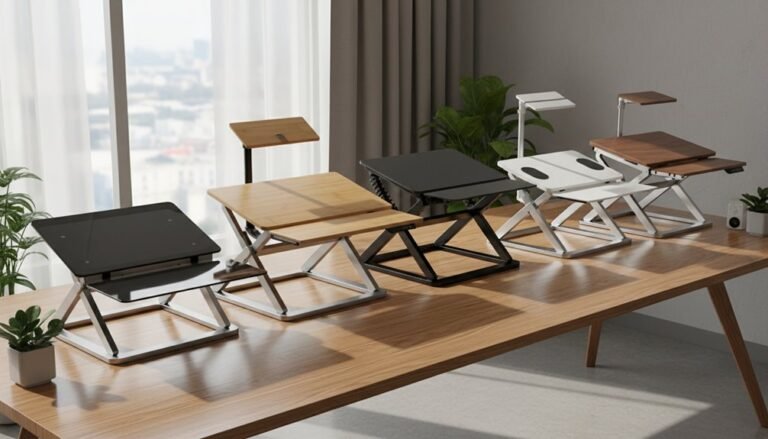
Laptop stands elevate your screen to eye level, promoting proper posture and reducing neck strain. Adjustable models accommodate various desk heights, ensuring ergonomic benefits for all users.
Consider these benefits when making adjustments:
- Footrests support spinal health and reduce lower back pain.
- Laptop stands improve viewing angles, decreasing eye strain.
- Both enhance overall comfort, promoting sustained focus during work sessions.
Leveraging Professional Assessments for Customized Solutions
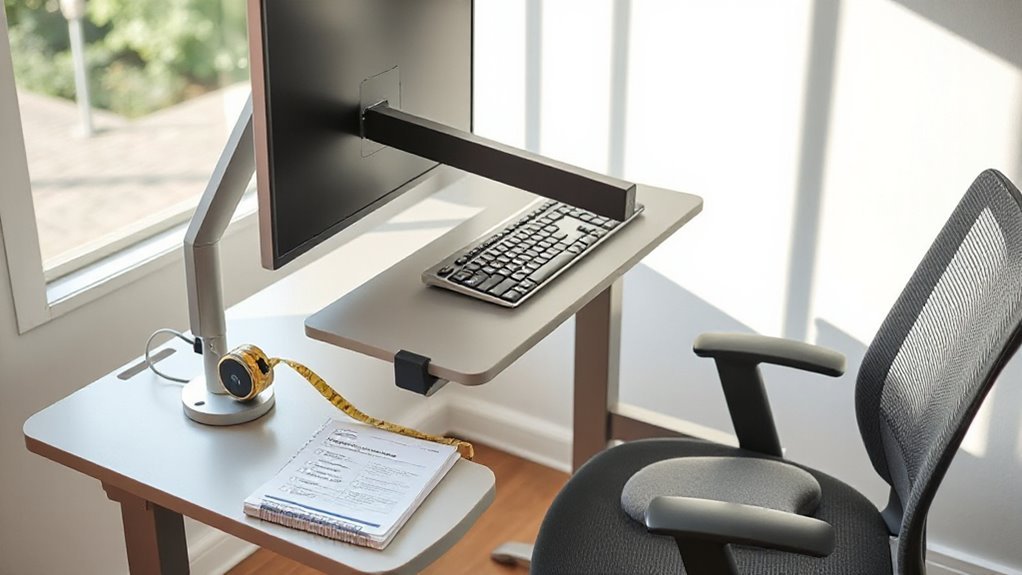
Leveraging professional assessments can greatly enhance your workplace’s ergonomic setup. Assessors carefully observe how your workforce interacts with their environment to pinpoint ergonomic hazards. They identify common risk factors like repetitive motion, awkward postures, and improper workstation configurations.
These evaluations reveal issues that standard inspections might miss, including musculoskeletal disorders. By measuring individual anthropometrics, assessors guarantee that furniture matches employees’ needs, promoting better posture and comfort.
Customized solutions often include adjustable desks and chairs, which accommodate various body types and work styles. Documented assessments provide a clear return on investment, as each dollar spent on ergonomic improvements can yield more than double in productivity and reduced injury claims.
Prioritizing these assessments is key to effective ergonomic upgrades.
Implementing a Phased Approach to Ergonomic Upgrades
Implementing ergonomic upgrades in a phased approach assures that changes are effective and sustainable. Start by prioritizing high-risk areas, targeting workstations with significant discomfort. Develop a timeline with clear milestones to guarantee structured progress.
Engaging stakeholders is essential; keep management and staff informed about the phased schedule and outcomes.
- Focus on low-cost, high-impact changes like ergonomic chairs and adjustable desks.
- Introduce modifications incrementally to prevent resistance and allow adaptation periods.
- Use assessment data to rank areas needing intervention by severity and frequency.
Evaluating Return on Investment for Ergonomic Interventions
Evaluating the return on investment (ROI) for ergonomic interventions helps organizations understand the financial benefits of these upgrades.
Ergonomic projects typically yield ROI between $3 and $15 per dollar spent, with potential returns reaching $18. You can anticipate an average cost reduction of $16,500 per injury claim after implementing ergonomic programs.
Productivity gains can range from $1,200 to $2,400 per employee within six months, with overall productivity increases of 10-25%. Additionally, healthcare costs may drop by $800 to $1,500 per employee.
Reducing absenteeism can save $400 to $800 per employee annually. With a payback period of 7.3 months, structured ergonomic interventions present a compelling financial case for investment in workplace design.
Creating a Healthier Work Environment on a Budget
While you may think that creating a healthier work environment requires considerable investment, there are numerous budget-friendly options available.
You can enhance your workspace ergonomics without breaking the bank.
- Sit-Stand Desks: These desks can reduce lower back pain by 54% and increase energy levels through position alternation.
- Monitor Arms: Adjustable screen positioning helps improve posture, reducing tech neck and shoulder strain.
- Ergonomic Accessories: Low-cost items like footrests and keyboard trays offer immediate ergonomic benefits and support spinal alignment.
Phasing in these upgrades, starting with peripherals, greatly cuts wrist strain and carpal tunnel risks.
Frequently Asked Questions
How Can I Assess My Current Ergonomic Setup?
To assess your current ergonomic setup, start with a self-assessment checklist. Identify areas needing adjustment, then evaluate your chair’s height, lumbar support, and armrest position.
Measure desk height against your elbow level, ensuring knee clearance. Check monitor height aligns with eye level, and position your keyboard and mouse at elbow height.
Note any discomfort during use, and document your findings for future improvements. Prioritize adjustments based on your observations for best comfort.
Are There Any Free Resources for Ergonomic Improvements?
Yes, there are numerous free resources for ergonomic improvements.
The University of Alabama at Birmingham offers a self-paced Office Ergonomics Awareness Course, complete with checklists for workstation assessment.
OSHA provides ergonomic evaluation checklists online, aiding in self-assessment.
Additionally, Velocity Office Ergonomics features self-assessment tools and videos.
For detailed guidelines, Cornell University’s Ergonomics Web is invaluable.
These resources help you create a safer, more comfortable workspace effectively and efficiently.
What Are Common Signs That I Need Ergonomic Upgrades?
You experience persistent pain in your neck, shoulders, or back, especially during work hours.
If you find yourself adjusting your posture frequently, or taking extra breaks, that’s a red flag.
Monitors positioned too high or low cause strain, while improper keyboard height leads to wrist discomfort.
If you feel numbness or tingling in your hands, these symptoms indicate your workspace setup requires immediate ergonomic improvements for better health and productivity.
How Do I Choose the Right Ergonomic Chair?
To choose the right ergonomic chair, prioritize lumbar support and adjustability.
Make certain the chair has a backrest height and depth that complements your spine’s natural curve.
Look for a seat width of 17-20 inches and a depth allowing 2-4 inches between knees and seat.
Armrests should be height-adjustable, and the chair base must be stable with quality casters.
Test multiple chairs to find the best fit for your unique body dimensions and comfort needs.
Can I Implement Ergonomic Changes Without Professional Help?
Yes, you can implement ergonomic changes without professional help.
Start by adjusting your chair height for flat feet, ensuring your knees are at 90 degrees.
Position your monitor at eye level, about an arm’s length away.
Keep your keyboard and mouse close, with forearms parallel to the floor.
Use household items, like books, to raise your desk or screen as needed.
Small adjustments can greatly enhance your comfort and productivity.
Conclusion
Incorporating ergonomic upgrades on a budget isn’t just a luxury; it’s a necessity for productivity.
Investing in sit-stand desks, ergonomic chairs, and accessories will lead to long-term benefits.
You might think comfort is overrated, but discomfort leads to decreased efficiency and higher healthcare costs.
By prioritizing these upgrades, you’re not only enhancing employee well-being but also fostering a more productive work environment.
After all, who wouldn’t want a healthier workspace without breaking the bank?