Chair or Stool for a Standing Desk?
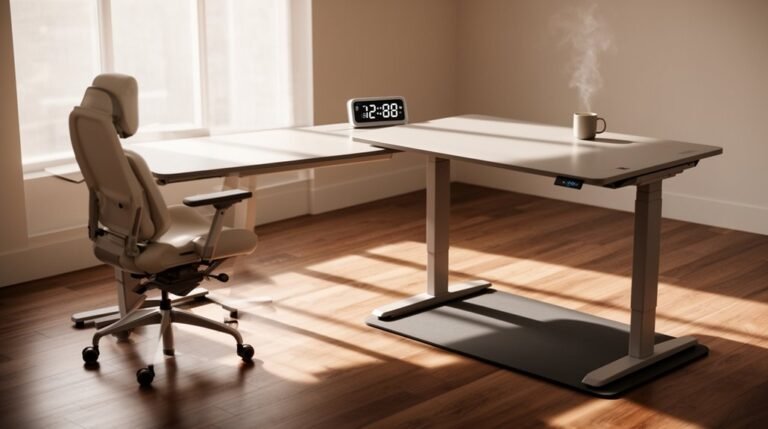
When choosing between a chair or stool for your standing desk, consider your work habits. Stools, adjustable from 16 to 21 inches, promote active sitting and upright posture, making them ideal for short tasks and collaborative environments.
Chairs support your spine’s natural curve and often include lumbar support and adjustable heights, which makes them better for extended use. Each option has unique benefits: stools offer mobility and encourage movement, while chairs provide stability and long-term comfort.
Explore combinations—such as a supportive chair plus a lightweight stool—to find the best setup for your workspace comfort and productivity.
Health Benefits of Standing Desks
Standing desks offer a range of health benefits that can greatly enhance your work experience. First, they considerably reduce sitting time, with users decreasing sedentary behavior by over one hour daily. This aligns with World Health Organization guidelines and promotes active positioning throughout your workday.
Additionally, using sit-stand desks can alleviate pain; neck and shoulder discomfort drops considerably, while lower back pain decreases from 80% to over 50% among users. Metabolically, standing helps regulate blood sugar levels, causing an 11% reduction in post-lunch spikes. Moreover, standing engages large muscle groups, leading to a reduced risk of heart disease.
Finally, you’ll notice improvements in both psychological well-being and work performance, as increased physical movement enhances focus and productivity. Overall, standing desks support better health outcomes and workplace satisfaction.
Stool Characteristics and Advantages
Ergonomic stools are designed to enhance your workspace experience through their adjustable height, typically ranging from 16 to 21 inches. This accommodates various desk heights and user preferences. Their seat design often features a “superellipse” shape, promoting versatile sitting positions.
Here are three key advantages of using stools:
- Posture Support: Stools encourage a more upright sitting position, reducing slouching and engaging core muscles.
- Active Sitting: The lack of a backrest promotes movement, which keeps your spine in a dynamic position and reduces muscle stiffness. Additionally, research shows that these stools can supplement ergonomic routines and promote active workdays.
- Compact Design: Many stools are lightweight and portable, making them easy to move between workstations.
Chair Characteristics and Advantages
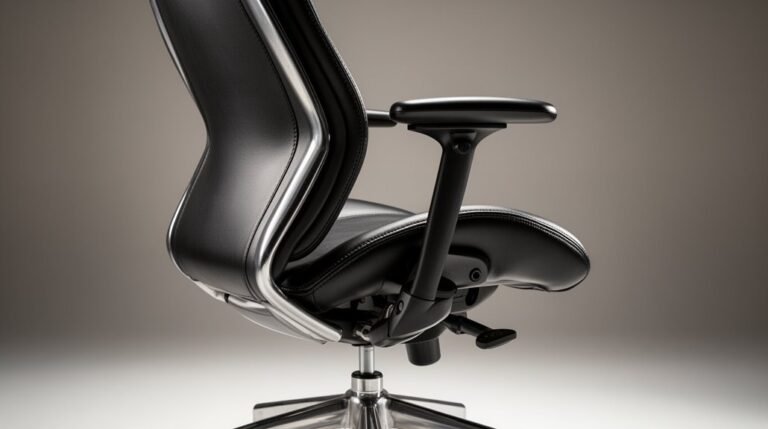
A quality chair can greatly enhance your workspace comfort and productivity. Ergonomic chairs support your spine’s natural curvature, reducing musculoskeletal issues. They feature lumbar support in the backrest, maintaining a neutral spine alignment to prevent slouching.
Contoured designs guide you into balanced postures, minimizing hunching. Wide cushioned seats provide comfort during extended periods of sitting, relieving pressure on your lower back and neck.
Adjustable seat height and depth allow customization for your body dimensions, while proper armrest adjustments promote micromovements, reducing lower back pain. Additionally, ergonomic chairs are essential for standing desks as they support the transition between sitting and standing.
Dynamic seating options, like rocking and leaning, engage your core and improve circulation, making shifts between sitting and standing easier.
These features collectively enhance focus and productivity, creating a comfortable work environment.
Optimal Usage Scenarios
When choosing between a chair or a stool for your workspace, understanding their ideal usage scenarios can greatly impact your comfort and efficiency.
Stool Usage Scenarios
- Short-Term Tasks: Stools are best for quick meetings or brief work sessions, allowing you to stay engaged without long-term commitment.
- Collaborative Spaces: They’re perfect for environments where you frequently alternate between standing and perching, accommodating movement while reducing fatigue.
- Limited Space: In tight areas, stools provide a compact solution, making them easier to move and store when not in use.
In contrast, chairs excel in situations requiring stability and support, especially for prolonged tasks that demand focus and precision.
Understanding these scenarios helps you make an informed choice for your workspace.
Combined Seating Strategy
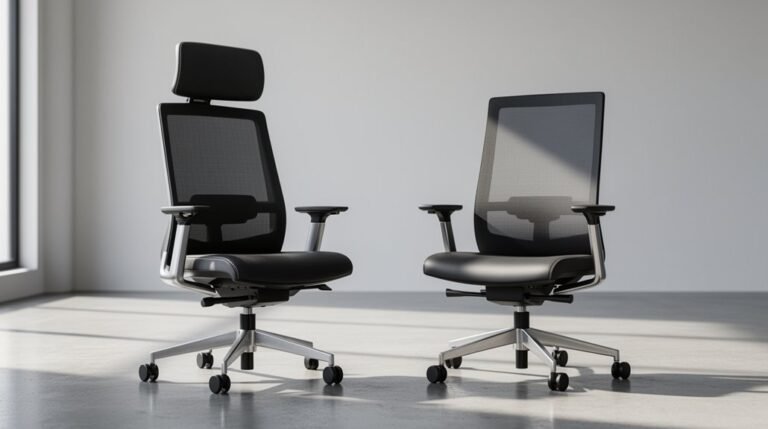
Integrating both chairs and stools into your workspace can enhance productivity and comfort. Chairs like the Sitmatic Pogo provide premium support with an 86/100 rating, perfect for extended use at standing desks.
Stools such as the LeanRite Elite offer versatile posture options, allowing you to lean, perch, or sit comfortably, rated at 79/100.
Consider the C-Infinity Standing Chair for compact spaces, featuring adjustable armrests for laptop users.
When evaluating cost, the budget-friendly Hon Basyx Perch offers basic support at $165. However, premium options like the LeanRite Elite, priced between $589-699, justify their cost with anti-fatigue features and durability.
Combining various seating types allows you to switch positions easily, reducing fatigue and promoting better posture throughout your workday.
Frequently Asked Questions
Can Stools Be Adjusted to Different Heights Like Chairs?
Yes, stools can be adjusted to different heights, similar to chairs.
Most standing desk stools utilize a gas lift system, allowing quick height changes between 19” and 34”. Some premium models extend this range up to 37.75”.
You’ll find manual knobs or levers in basic models for incremental adjustments.
However, stools generally lack features like lumbar support, focusing instead on ergonomic adjustability for shorter sitting durations.
Are There Specific Brands Recommended for Standing Chairs or Stools?
You’ll find several top brands for standing chairs.
Sitmatic Pogo, rated 86/100, features extensive seat height adjustments.
LeanRite Elite offers durability with a lifetime warranty.
BackApp 2.0, rated 79/100, emphasizes ergonomic design.
Varier Move encourages active sitting with its unique design.
Focal Mobis I and II provide upright perching support.
Each brand specializes in specific features that enhance user comfort and promote proper posture for standing work environments.
How Do I Transition From Sitting to Standing Effectively?
To shift from sitting to standing effectively, start with 15–30 minutes daily, gradually increasing over weeks.
Alternate between sitting and standing every 30–60 minutes to minimize fatigue. Set reminders to keep this schedule.
Make certain your desk height allows elbows to remain at a 90-degree angle. Position your monitor at eye level, and use anti-fatigue mats.
Regular movement and stretching will help ease muscle fatigue as you adapt to standing.
Is There a Weight Limit for Stools or Standing Chairs?
Yes, stools and standing chairs do have weight limits.
The Active Seat by Vari supports up to 250 lbs, while the Leap Stool by Steelcase can handle 300 lbs.
Most standing desk chairs generally fall within this 250-300 lbs range.
It’s essential to take into account that exceeding these limits can lead to instability and premature motor failure in electric furniture.
Always check the specifications to guarantee safety and performance for your specific needs.
Can I Use a Stool or Chair With Any Standing Desk Model?
Yes, you can use a stool or chair with many standing desk models.
Most standing desks accommodate seat heights between 17-28 inches. Adjustable seating allows you to align with various desk heights.
Verify the seat’s weight capacity matches your desk’s lifting specifications, usually between 355-535 pounds.
Additionally, check that your chair or stool’s dimensions are compatible with the desk’s width and depth, confirming ergonomic comfort during use.
Conclusion
In conclusion, choosing between a chair or stool for a standing desk depends on your work style and comfort needs.
Consider this: much like a tree that thrives with both sunlight and shade, your body benefits from a balance of standing and sitting.
Studies show that alternating positions can reduce fatigue and improve focus.
Ultimately, evaluate your workspace and personal preferences, then implement a combined seating strategy to maximize productivity and maintain health.