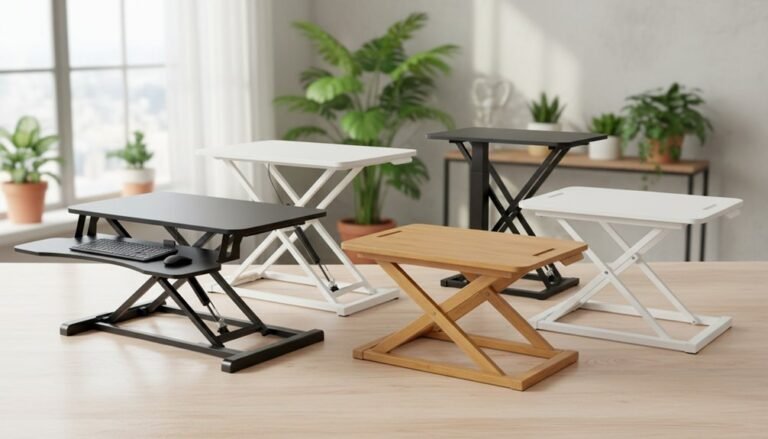
DIY or Buy a Standing Desk Converter?
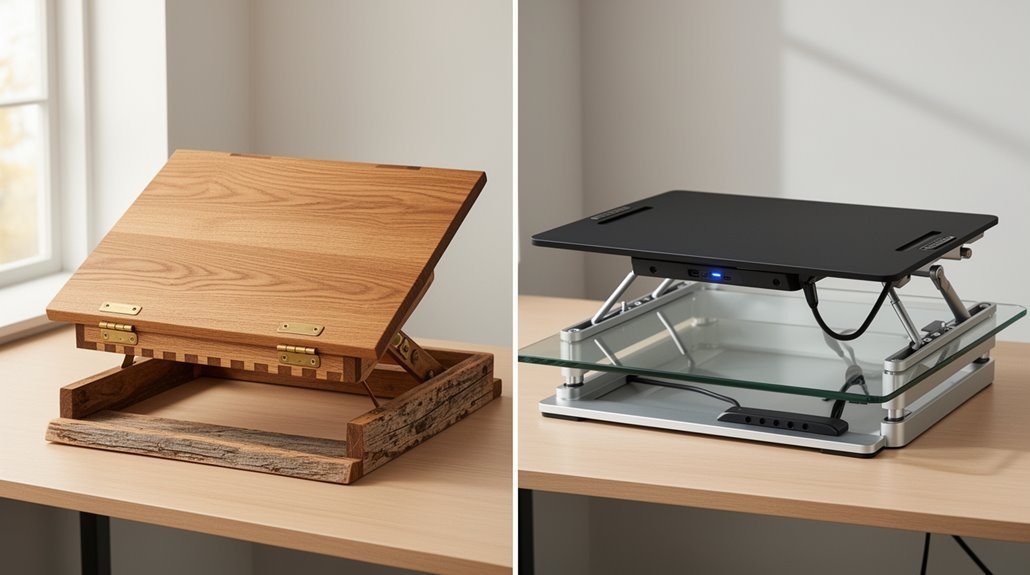
When deciding between a DIY standing desk converter and a commercial standing desk converter, weigh health benefits and cost.
DIY standing desk converters typically cost under $100. They can be a budget-friendly way to alternate between sitting and standing, but many lack durability and fine adjustability. when exploring ergonomic diy desk converter options, it’s important to prioritize materials and construction quality to ensure longevity. Additionally, many converters offer adjustable heights, catering to a range of user preferences and improving overall comfort during work hours. Investing in a model that combines robust design with versatility can ultimately enhance your productivity and well-being.
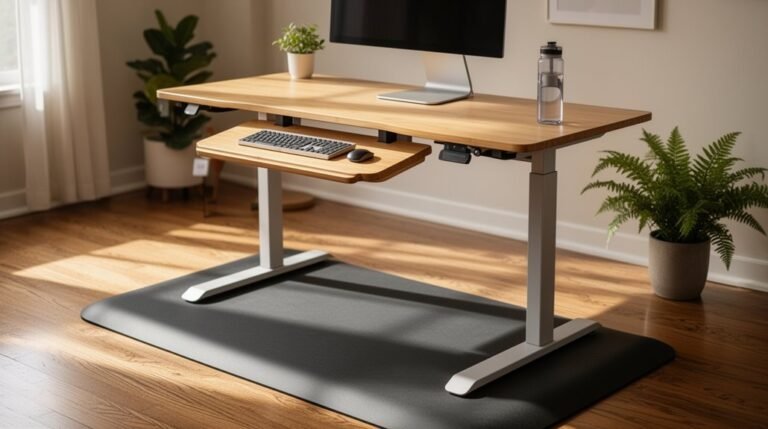
Commercial standing desk converters range from about $200 to $800. These models often offer engineered stability and electric or gas-spring height adjustments for smoother, more reliable transitions.
Both types can improve posture and productivity by making it easy to shift positions throughout the day. Consider your workspace needs, daily use, and budget to choose the option that fits you best.
Health Benefits of Standing Desk Converters
As you consider the health benefits of standing desk converters, it’s important to recognize their role in improving posture and ergonomics.
These converters allow you to alternate between sitting and standing, reducing back pain, neck strain, and hip tightness. With adjustable height settings, they enable personalized ergonomic alignment, promoting better posture tailored to your body’s needs. Frequent changes in posture, recommended every 30 minutes, can decrease discomfort and enhance physical comfort. Studies show that using a standing desk reduces reports of lower back discomfort compared to extended sitting. Additionally, these converters help minimize musculoskeletal pain and stress, resulting in a healthier office environment. Overall, standing desk converters support improved posture and reduce the risks associated with prolonged sitting, while also promoting blood flow and contributing to overall cardiovascular health.
Economic and Practical Considerations
When you evaluate standing desk converters, cost and practicality are key factors. Standing desk converters typically range from $200 to $800, which is more affordable than full standing desks that can exceed $1,000. DIY setups are cheaper initially, but you may need additional materials for durability. Additionally, budget models often compromise stability, leading to possible replacement costs. Assembly is generally straightforward for desk converters, allowing quick setup compared to full standing desks that may require more time and assistance. Electric converters offer convenience but depend on power accessibility, while manual models are less expensive yet require physical effort for adjustments. Ultimately, weigh immediate costs against long-term usability and stability to make an informed decision. Ergonomics are crucial when considering both options to ensure a comfortable and productive workspace.
Ergonomic and Usability Factors
Standing desk converters provide significant ergonomic advantages by promoting better posture and reducing discomfort. They encourage natural spinal alignment, which alleviates back pain and neck strain. Adjustable height settings let you customize your ergonomic position, supporting a neutral spine. Incorporating height-adjustable desks into your workspace can also lead to improvements in overall wellbeing, including reduced stress and enhanced vigor.
Alternating between sitting and standing every 30 minutes mitigates tight hip flexors and enhances lower body ergonomics. Usability features include quick, one-handed adjustments, facilitating ease of use. Many converters accommodate varying heights, ensuring ergonomic neutrality for all users.
Compact designs fit existing desks, eliminating the need for full workstation replacements. Additionally, articulating arms allow lateral and vertical adjustments, adapting to your workflow. This flexibility promotes movement, reduces fatigue, and supports overall comfort during work hours.
Impact on Productivity and Cognitive Performance
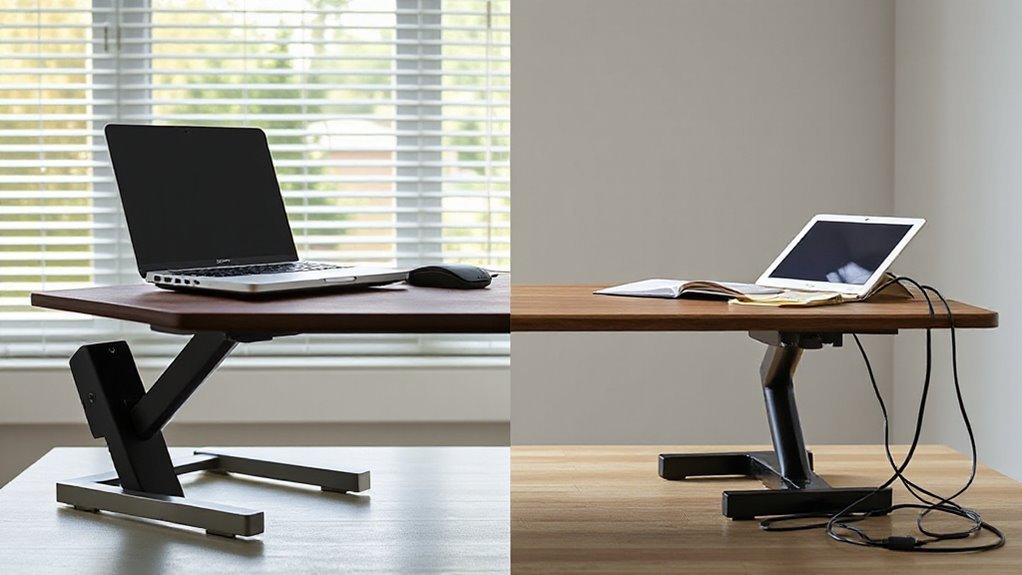
Utilizing a standing desk converter can greatly enhance your productivity and cognitive performance. Studies show that standing desks can increase productivity by 10-23%, primarily due to improved energy levels and engagement.
For example, research from Texas A&M found a 23% productivity boost among call-center employees using electric standing desks. Additionally, users of sit-stand platforms showed a 45% improvement in visual search test accuracy, indicating better concentration.
Standing desks also correlate with enhanced decision-making, creativity, and reduced stress. By alternating between sitting and standing, you can maintain sustained work output and reduce fatigue.
DIY vs. Commercial Standing Desk Converters
While both DIY and commercial standing desk converters serve the same purpose, they differ considerably in various aspects.
Cost: DIY options typically Cost under $100, while commercial models range from $200 to $800, offering warranties and support.
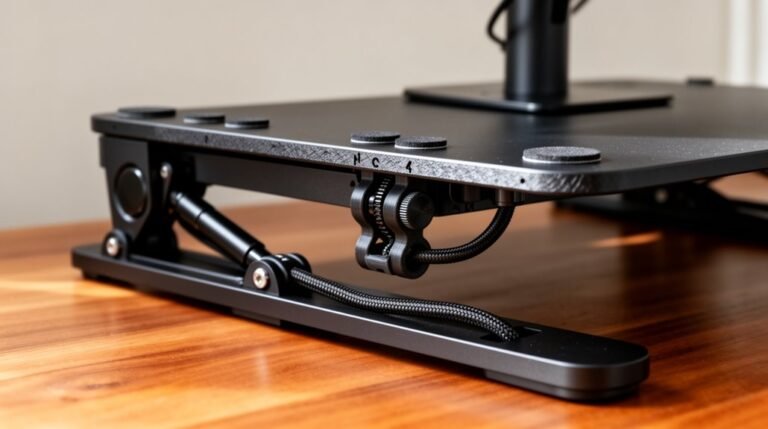
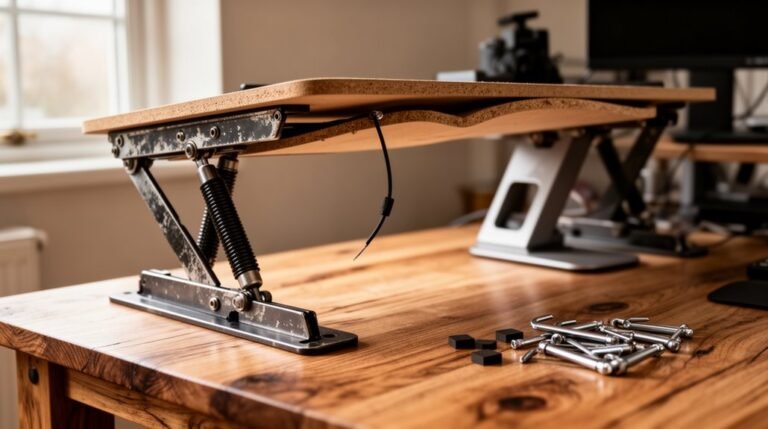
Build Quality: DIY converters often use wood or repurposed materials, lacking durability. In contrast, commercial models feature engineered materials like steel, ensuring longevity.
Ease of Assembly: DIY builds require time and tools for assembly, whereas commercial converters usually come pre-assembled or with minimal setup.
Features: DIY options offer limited adjustability, while commercial converters provide electric or gas-spring height adjustments and additional Features.
Stability: DIY converters can be unstable if poorly constructed, while commercial models are engineered for safety, Stability, and load capacity.
Frequently Asked Questions
How Do I Choose the Right Height for My Converter?
To choose the right height for your converter, measure your elbow height while standing. Your desk should align with this measurement for ideal posture.
Most converters adjust between 12–14 inches, so verify they can reach your sitting and standing ergonomic heights. Check the manufacturer’s specifications for minimum and maximum lift.
Adjust your workspace accordingly, keeping your forearms parallel to the floor and your monitor at eye level to maintain comfort and efficiency.
Can I Use a Standing Desk Converter With Dual Monitors?
Yes, you can use a standing desk converter with dual monitors.
Most converters support screens ranging from 13″ to 32″, with weight limits of 17.6 lbs to 55 lbs per monitor. Look for adjustable mounts compatible with VESA standards.
Features like height-adjustable desktops and integrated keyboard trays enhance ergonomics, making sure monitors stay aligned.
Guarantee stability, especially with larger displays, as some models may wobble when fully extended.
Consider your desk space and converter style for best use.
What Materials Are Best for DIY Standing Desk Converters?
Premium plywood, 3/4-inch thick, provides strength and is easy to work with.
For desktop surfaces, consider laminate-covered particleboard, which offers durability and a clean look.
Solid wood or pallets can be cost-effective alternatives.
Use high-quality screws and bolts for assembly, ensuring stability.
Incorporate gas springs or mechanical lifts for height adjustment.
Finally, apply wood finishes to protect surfaces and enhance aesthetics, ensuring longevity and usability.
How Much Weight Can Standing Desk Converters Typically Support?
Standing desk converters typically support weights ranging from 8 to 110 pounds, depending on the model.
Basic manual converters hold about 8–17.6 pounds, suitable for laptops.
Mid-range models can handle 22–44 pounds, accommodating single monitor setups.
Larger, manual converters support up to 45 pounds, ideal for multiple monitors.
Electric models, designed for heavy-duty use, can lift up to 110 pounds.
Always check manufacturer recommendations to avoid exceeding weight limits.
Are There Any Specific Exercises to Do While Standing?
You can perform specific exercises while standing, just like a tree swaying in the wind.
Try shoulder shrugs to relieve tension—raise your shoulders towards your ears, hold, and release. Incorporate calf raises by lifting your heels off the ground, enhancing lower leg strength.
Additionally, practice gentle neck stretches by tilting your head side to side. These movements promote circulation, reduce stiffness, and support overall muscle engagement throughout your workday.
Conclusion
Choosing between a DIY and a commercial standing desk converter depends on your budget, needs, and preferences. when choosing the best standing desk converter, it’s important to consider the weight capacity and adjustability features that will suit your workspace. Additionally, reading reviews from trusted sources can help you identify which models offer the best support and durability. Finally, make sure to check compatibility with your existing desk to ensure a seamless setup.
DIY options can save money but may lack the precision and adjustability of professional models.
Commercial converters often provide better ergonomics and extra features that enhance comfort during use.
Ultimately, the right choice can transform your workspace into a productivity powerhouse, making it feel like you’ve discovered a secret to greater energy and focus.