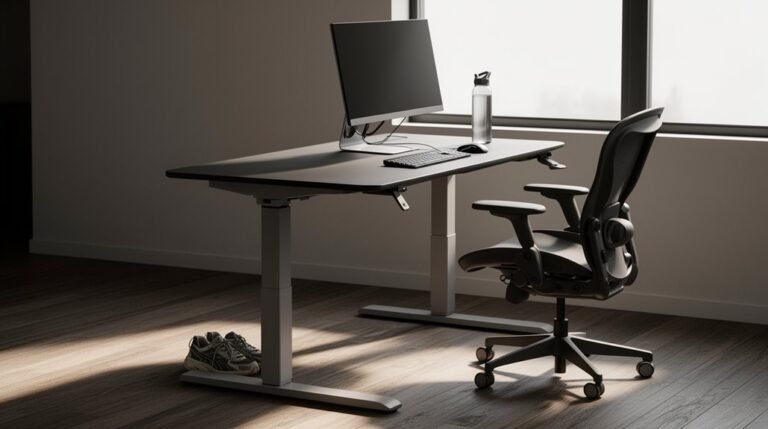
Standing Desk Converter Hacks and Mods
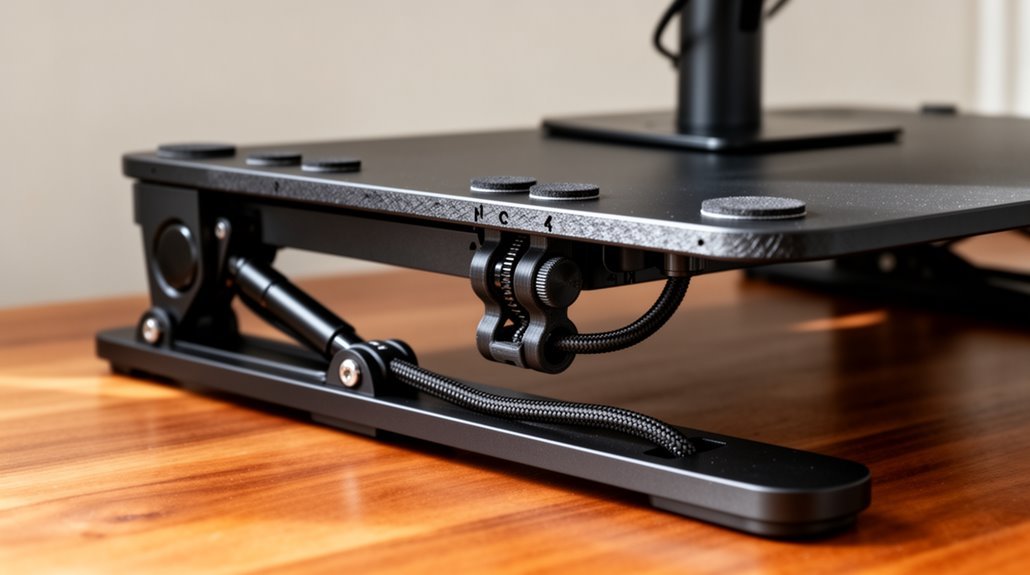
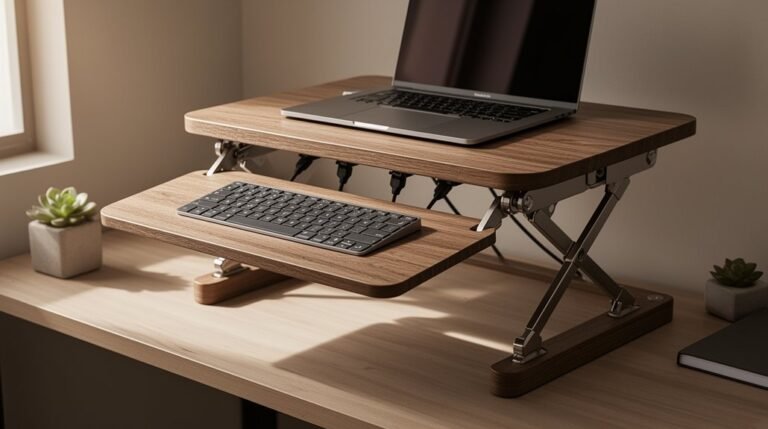
Standing desk converter upgrades should focus on stability, ergonomics, and organization. Start by using a double X-shaped base for better support and smoother operation. Additionally, addressing standing desk height adjustment challenges can further enhance user experience. Implementing easy-to-use mechanisms for height modifications ensures that users can find their optimal workspace comfortably. By focusing on these improvements, you can create a more versatile and accommodating desk solution.
Keep cables tidy with under-desk trays or cable sleeves to reduce clutter and improve safety. Position monitors at eye level and set heights between 13 to 25 inches for proper ergonomic alignment.
Add an anti-fatigue mat to increase comfort during long standing periods. Perform regular maintenance—lubricate moving parts and tighten hardware—to extend your converter’s lifespan.
Explore additional mods and accessories for more detailed upgrades and customization.
Stability Enhancements for Your Converter
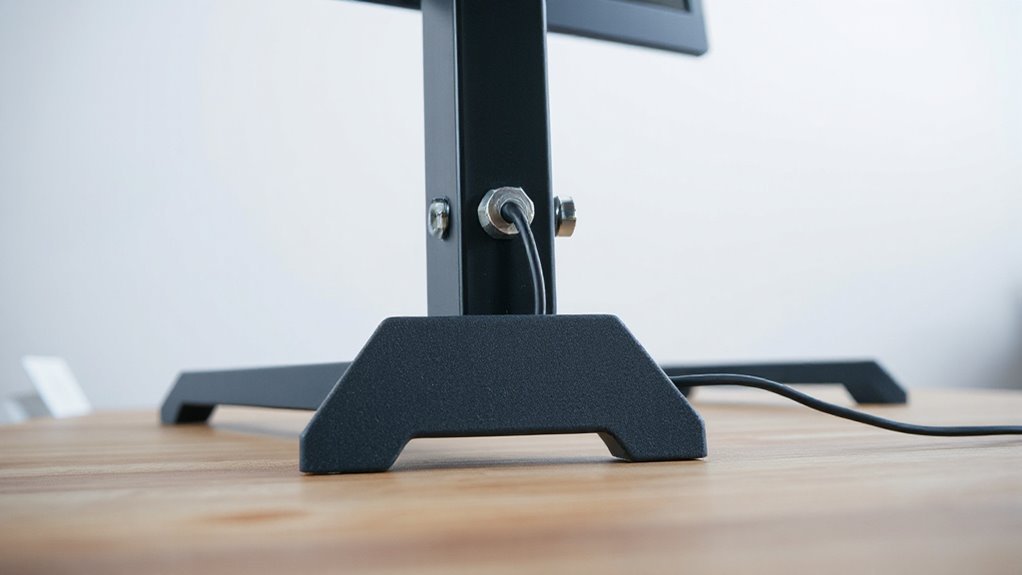
To improve the stability of your standing desk converter, consider the mechanical design elements that greatly impact performance. A double X-shaped base provides vertical movement, enhancing support compared to single designs. Converters that rise straight up instead of arcing reduce the teeter-totter effect, increasing stability. A weighted steel base offers stability without clamps, preventing wobbling. Durable extruded aluminum columns minimize springiness, providing robust side-to-side support. Additionally, the Mount-It! electric standing desk converter features a straight up-and-down lift mechanism, allowing for improved stability during adjustments. Incorporating gas-lift cylinders allows smooth vertical adjustments. Additionally, adding cross braces under the desktop distributes weight evenly, reducing rocking. Reinforced frames and higher-quality fasteners enhance structural integrity, while larger work surfaces allow balanced load distribution. Always position heavier equipment closer to the rear to avoid destabilization, ensuring a stable workspace.
Cable Management Solutions to Keep Things Tidy
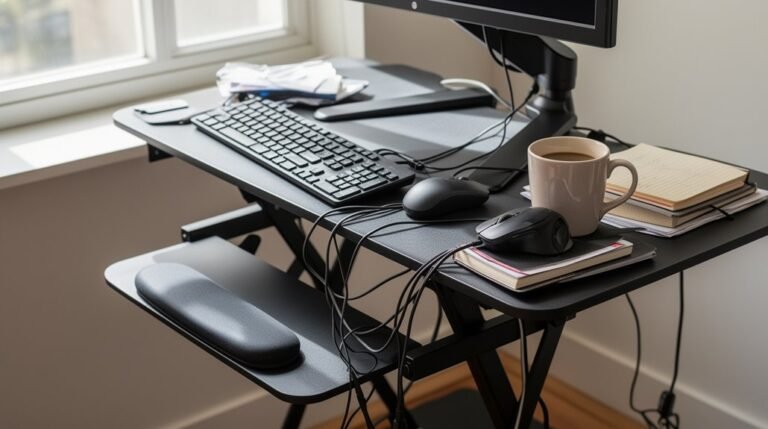
When managing cables in a standing desk setup, effective organization is essential for maintaining a tidy workspace. Under-desk cable trays create designated spaces for power strips and bundled cables, reducing trip hazards and facilitating easier cleaning. Adjustable trays accommodate varying cable thicknesses and can hold up to 50 pounds. Additionally, implementing cable management systems helps organize cords for better aesthetics and protection.
Cable management kits, like the iMovR Tucker series, offer components such as surge protectors and zip ties for thorough organization. Adhesive clips secure irregular cables along desk edges, while Velcro ties provide reusable bundling options.
Desk grommets allow clean routing of cables from devices to power sources, keeping wires out of sight.
Storage solutions like mounted compartments conceal bulky plugs, ensuring a neat and functional workspace.
Workspace Customization Ideas for Increased Functionality
While customizing your workspace, consider various strategies that enhance both functionality and ergonomics.
Here are some ideas to optimize your standing desk setup:
- Use lightweight platforms, like stacked IKEA LACK tables, to support multiple monitors and create a multi-level workspace.
- Incorporate adjustable crates, such as IKEA KNAGGLIG, to customize height and storage while providing a sturdy base for your desk.
- Utilize common household items, like sturdy trash bins or books, as low-cost risers to achieve flexible standing heights. This approach helps promote better circulation when alternating between sitting and standing.
- Add modular components, like detachable trays or organizers, to keep essential tools within reach and minimize workspace clutter.
These approaches can considerably improve your workspace’s efficiency and adaptability, ensuring a more effective working environment.
Ergonomic Adjustments for Comfort and Health
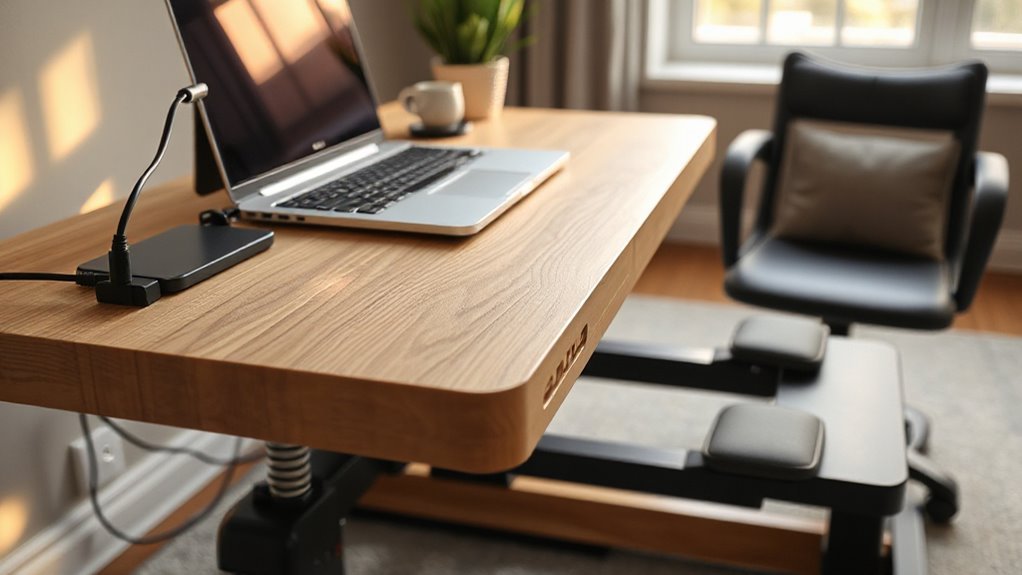
Ergonomic adjustments are essential for enhancing comfort and promoting health in your workspace.
When using a standing desk converter, adjust the height between 13 to 25 inches for ideal sit-stand shifts. Position your monitor so the top is at or slightly below eye level, reducing neck strain. Keep your elbows at 90 degrees when using the keyboard and mouse, ensuring proper wrist alignment.
Alternate between sitting and standing every 30 to 60 minutes to minimize sedentary risks. Maintain a neutral spine and relaxed shoulders while standing. Incorporate small movements, like weight shifting, to enhance circulation.
Consider using anti-fatigue mats for additional comfort. These adjustments collectively support better posture and reduce the risk of musculoskeletal disorders.
DIY Upgrades and Modifications for Personalization
To enhance your standing desk converter, consider practical upgrades that reflect your personal style and improve functionality. Here are some modifications you can make:
- Replace standard MDF with Baltic birch plywood for better durability.
- Paint or stain the surface to match your office decor, creating a cohesive look.
- Install LED strip lighting underneath for modern illumination.
- Incorporate a cable management tray to keep cords organized.
These upgrades not only enhance aesthetic appeal but also increase structural integrity and workspace efficiency.
By opting for durable materials and personalized designs, you guarantee your converter meets your specific needs while looking great.
These modifications offer a balance between functionality and style, making your workspace uniquely yours.
Maintenance and Longevity Tips for Your Converter
Maintaining your standing desk converter is essential for guaranteeing its longevity and ideal performance. standing desk health benefits explained include improved posture, increased energy levels, and enhanced productivity. These advantages can significantly contribute to your overall well-being, making it crucial to utilize your standing desk correctly. Regular adjustments and proper use can maximize these benefits and help you maintain a comfortable work environment.
Regularly wipe all parts with a damp microfiber cloth to remove dust. Dust can contaminate the motor and affect operation.
Lubricate moving parts, such as column legs and gears, to maintain smooth function; this prevents wear over time.
Inspect and tighten all hardware connections periodically. Loose screws can cause instability and wobbling, leading to potential damage.
Adhere strictly to the manufacturer’s load capacity rating to avoid overloading, which can harm the motor.
Finally, verify your desk is level. Uneven surfaces strain the mechanism and can produce unwanted noise, impacting overall performance.
Following these tips will extend your converter’s lifespan and functionality.
Creative Hacks for Maximizing Your Desk Space
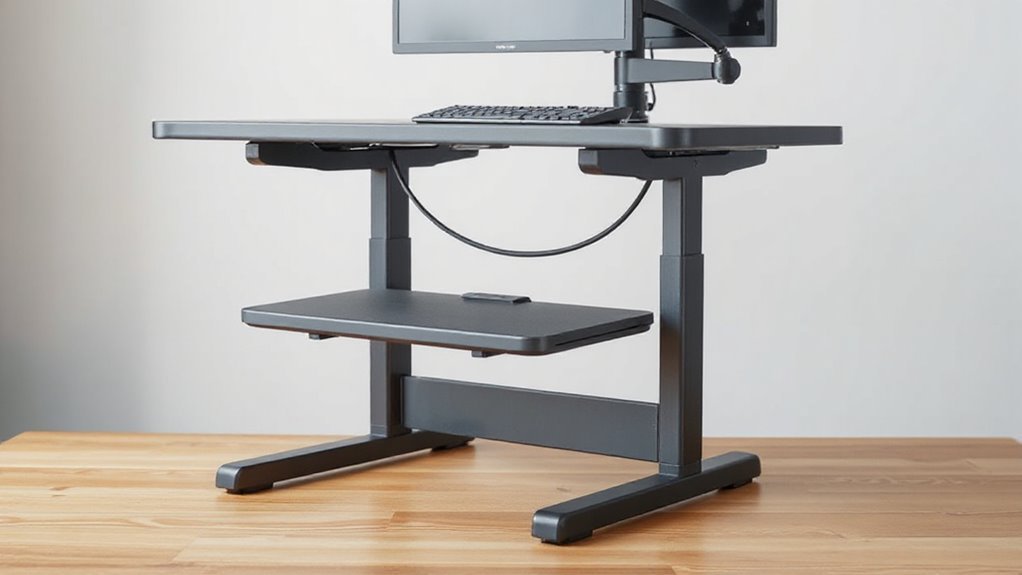
Maximizing your desk space can greatly enhance productivity and comfort. Implementing creative hacks can help you achieve this effectively. Consider the following strategies:
- Use LACK tables as bases for standing desk converters, offering stability and lightweight construction.
- Stack KNAGGLIG crates upside down to create elevated platforms for monitors and keyboards.
- Repurpose empty trash bins as supports, elevating your workspace without additional costs.
- Configure dual-length IKEA shelves with CAPITA legs to personalize monitor and keyboard heights.
These solutions provide functional arrangements, tailored to your ergonomic preferences.
They also enable easy adjustments as your workspace needs evolve. By utilizing these hacks, you can create a versatile and efficient desk setup without significant financial investment.
Frequently Asked Questions
Can I Use a Standing Desk Converter for Dual Monitors?
Yes, you can use a standing desk converter for dual monitors.
Many converters support screens from 13″ to 32″, with weight capacities up to 17.6 lbs per monitor.
VESA compatibility allows for easy mounting, and full motion adjustable arms let you position each display independently.
Make sure your converter’s dimensions accommodate your monitors, and check for stability, particularly with larger models.
Always verify the converter’s weight limits and ergonomic height adjustments for ideal use.
How Do I Clean the Converter Without Damaging It?
To clean your converter without damaging it, use warm water mixed with mild dish soap.
Avoid harsh chemicals and abrasive cleaners.
Utilize a damp microfiber cloth, wrung nearly dry, for wiping surfaces.
Immediately dry with a clean cloth to prevent moisture damage.
For dust removal, use a soft brush or feather duster.
Regular light cleaning reduces the need for deep cleaning, ensuring the longevity of your converter without compromising its materials.
What Is the Ideal Height for a Standing Desk Converter?
The ideal height for a standing desk converter typically ranges from 40 to 45 inches.
To determine your specific height, measure from the floor to your elbow when standing with relaxed shoulders. Confirm your elbows remain at 90 degrees while typing, and position your wrists in line with the keyboard.
Adjust the monitor to eye level, maintaining 20–30 inches of distance for best ergonomics and comfort.
Are Standing Desk Converters Suitable for Short People?
Are standing desk converters suitable for short people? Yes, many converters cater to shorter users, offering height adjustments from as low as 5 inches.
Ideal ergonomic settings for someone around 5’4″ should be around 41 inches high. Look for models with fine adjustments and sturdy bases to guarantee stability.
Additionally, converters with adjustable keyboard trays help maintain proper wrist positioning, enhancing overall comfort and reducing strain during use.
Can I Use a Converter on an Uneven Surface?
You shouldn’t use a standing desk converter on an uneven surface.
Converters require flat, stable bases for proper function. An uneven surface can lead to wobbling, instability, and misalignment, which affects height adjustments.
This can increase the risk of tipping or mechanical stress, potentially damaging the converter or causing injury.
For safety and performance, always position the converter on a level desk.
Consider shims for minor unevenness, or opt for a full standing desk.
Conclusion
Enhancing your standing desk converter can greatly improve your workspace. Did you know using a standing desk can reduce back pain by up to 32%?
Implement stability enhancements, ergonomic adjustments, and effective cable management to create a more functional environment. These changes help tailor the setup to your needs.
Regular maintenance guarantees longevity. Simple checks and upkeep keep components working smoothly.
DIY modifications allow for unique customization. Small projects can boost both form and function.
Focus on these factors to maximize your desk’s efficiency and comfort, which can lead to improved productivity in your daily tasks.