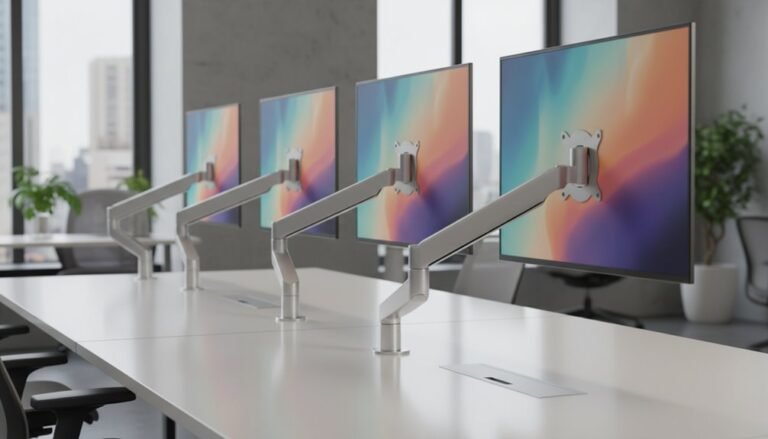
Can Monitor Arms Fit Any Desk?
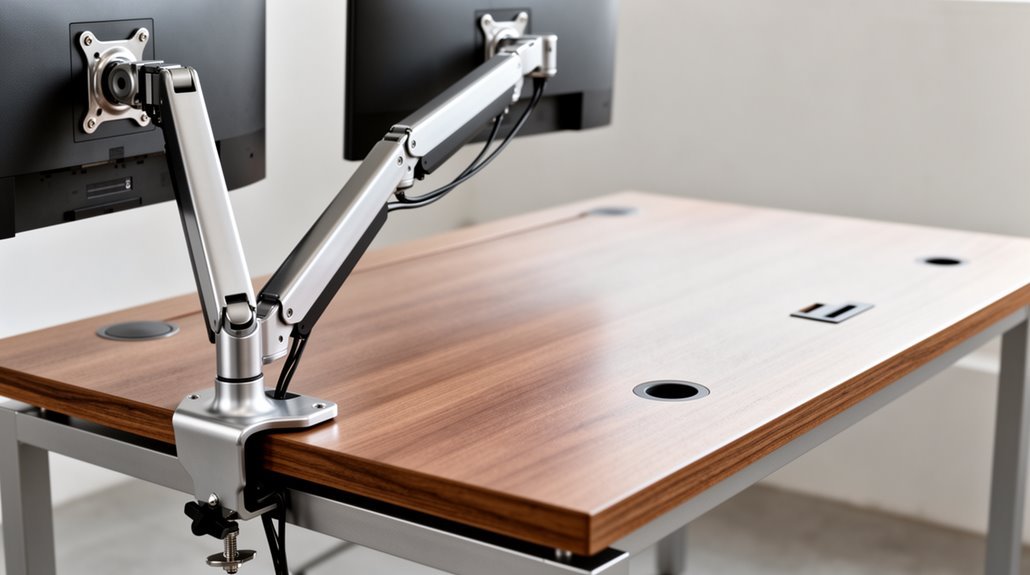
Monitor arms can fit various desks, but compatibility depends on factors like material, thickness, and clamp type. Solid wood desks are ideal for heavy-duty clamps, while glass or hollow-core desks may need specialized mounting solutions.
Most monitor arms require desk thickness between 2–3 inches; thicker desks may need a heavy-duty option or a different mounting style. Always verify your monitor’s VESA pattern matches the arm’s specifications before purchasing.
By considering these factors — desk material, thickness, clamp type, and VESA compatibility — you can ensure a successful setup. Discover more about fitting your desk perfectly.
Desk Material Compatibility
When choosing a monitor arm, desk material compatibility is essential. Solid wood desks offer robust support due to their dense structure, effectively resisting crushing and splitting. This makes them ideal for clamp-mounted monitor arms. Additionally, heavy monitors and mounting arms exert focused pressure on small desk areas, making it essential to consider desktop material and thickness.
In contrast, engineered woods like MDF and particleboard possess a compressed core that can be vulnerable to damage from over-tightening. Applying clamps too firmly can result in surface sinking or splitting.
For glass and marble desks, while tempered glass is impact-resistant, its edges are fragile under clamp pressure, risking shattering. Similarly, marble and stone can’t safely accommodate clamps, often necessitating alternative mounting methods.
Hollow-core and composite materials also lack density, making them unstable. Reinforcement plates can help distribute force and improve stability, but caution is required.
Desk Thickness Requirements
Desk thickness plays a significant role in selecting the right monitor arm. Most monitor arms are designed for desks between 2-3 inches thick, which is the standard compatibility range. If your desk exceeds 2 inches, you may need a heavy-duty monitor arm, as standard models can’t support thicker surfaces. Heavy-duty clamps accommodate desks up to 4 inches thick. It’s essential to measure your desk’s thickness at the installation location using a measuring tape. Verify the desk thickness against the monitor arm’s specifications to guarantee compatibility. Many product descriptions detail maximum supported thickness, helping you avoid installation failures. Weight capacity is another critical factor to consider when choosing a monitor arm to ensure it can safely support your monitor’s weight. Always double-check these requirements before purchasing to prevent safety issues and guarantee a successful setup.
Clamp Types and Desk Edge Design
Selecting the appropriate clamp type for your monitor arm involves understanding various options and their compatibility with different desk edge designs.
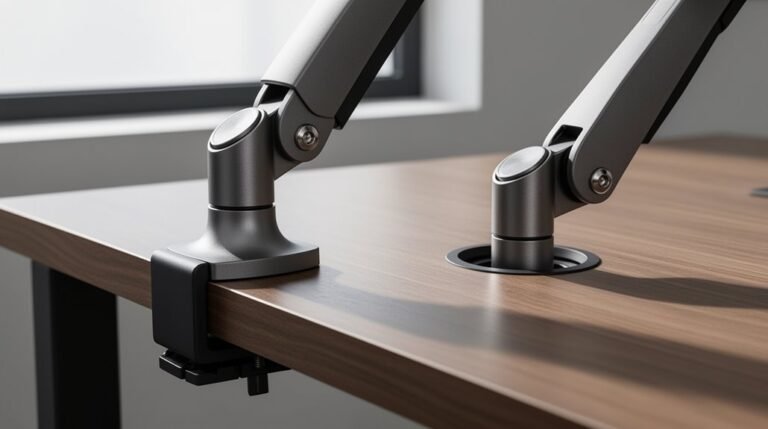
The C-clamp is traditional, attaching non-permanently to the desk’s back edge, supporting up to 16kg. In contrast, the F-clamp suits desks with limited rear clearance, featuring a thin design of about 6mm, and holds up to 12kg. Monitor arms are essential for ergonomic workspaces, as they allow for adjustments in height, angle, and position to enhance comfort.
Heavy-duty F-clamps accommodate desk surfaces up to 4 inches thick. Bolt-through clamps offer a permanent solution by screwing directly into the desk. Rail clamps attach to rail systems, ideal for industrial environments.
When choosing, consider desk materials; solid wood and metal support heavy loads, while particleboard and glass may not provide adequate stability for monitor arms.
VESA Standard and Monitor Compatibility
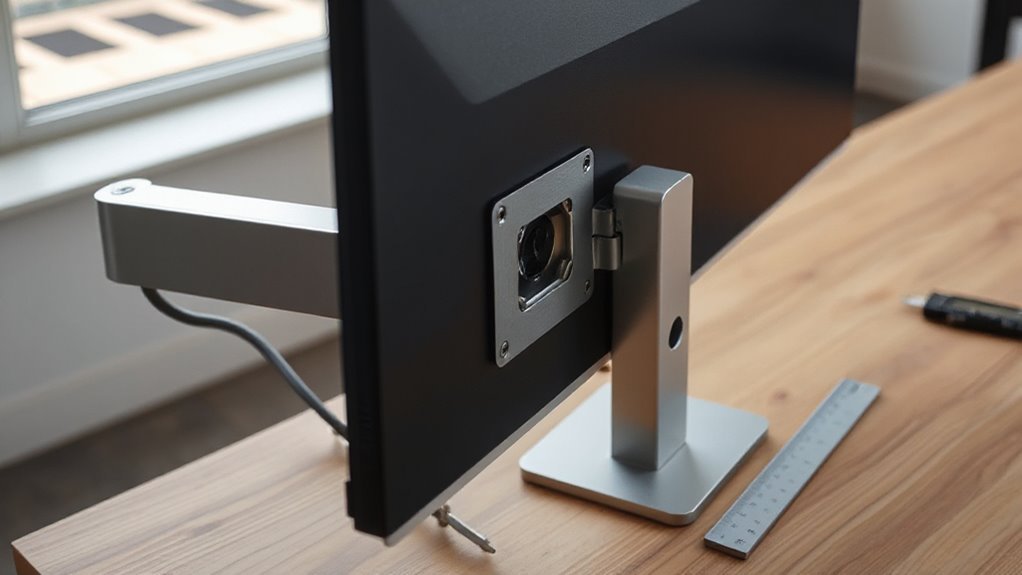
Understanding VESA standards is essential for guaranteeing your monitor arm fits your display correctly.
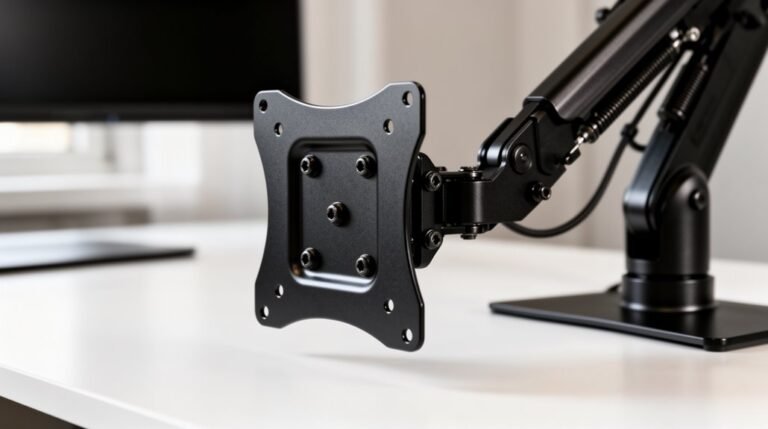
VESA, or Video Electronics Standards Association, has established specifications for mounting displays. The classification system ranges from MIS-B to MIS-F, accommodating various display sizes and weights.
For example, MIS-D supports monitors with 75×75 mm or 100×100 mm hole patterns, typically weighing up to 30.8 lbs. In contrast, MIS-E handles larger displays with a 200×100 mm pattern and a weight capacity of 50 lbs.
Finally, MIS-F caters to even bigger screens, with configurations like 600×400 mm and a maximum weight of 250 lbs.
Always verify the hole pattern and weight rating on your monitor to guarantee compatibility with the chosen mount.
Weight and Size Limits
When considering monitor arms, it’s crucial to recognize their weight and size limits to guarantee peak functionality.
Standard monitors weigh between 8.8 and 22 lbs, while universal monitor arms typically support 28.6 to 33 lbs. Single-monitor arms usually accommodate up to 19.8 lbs, but sagging may occur with added accessories.
Make sure to account for the monitor base, cables, and peripherals when evaluating combined weight. Screen sizes vary, with minimum compatibility starting at 13 inches and maximums reaching 43 inches, or 57 inches for specialized arms.
Materials matter too; steel mounts offer the highest capacity, while plastic components reduce it considerably.
Always check the manufacturer specifications for precise limits before making your selection.
Frequently Asked Questions
Can I Use a Monitor Arm on a Corner Desk?
Yes, you can use a monitor arm on a corner desk. Verify the desk has enough depth and edge clearance.
Choose a monitor arm with a forward reach of 20–30 inches to position the screen correctly. Consider full-motion arms for tilt and swivel options.
Grommet mounts offer flexibility, while off-center clamping helps center the monitor. Proper height adjustment is essential for ergonomic use, so verify the arm accommodates your seated or standing position.
What Tools Are Needed for Monitor Arm Installation?
To install a monitor arm, you’ll need several tools.
Start with a Phillips head screwdriver for the VESA plate and clamp hardware. An Allen wrench tightens arm sections and bolts. Use a tape measure to verify proper placement.
For grommet mounts, a drill and specific drill bits are necessary. Additionally, a torque wrench helps prevent over-tightening.
Finally, keep cable management clips handy for a tidy setup, just like organizing tangled cords.
How Do I Adjust the Monitor Arm After Installation?
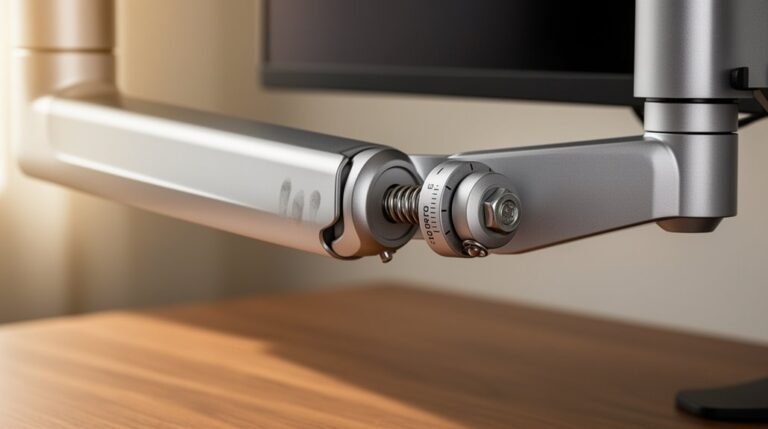
To adjust your monitor arm, locate the tension adjustment screw near the joint.
Turn it clockwise to reduce tension or counter-clockwise to increase it.
Adjust the monitor’s tilt by manually moving it or using screws near the VESA mount.
For height adjustments, gently move the arm vertically.
Finally, make certain all screws are tightened, and route cables through designated channels to maintain a tidy workspace.
Test movement after each adjustment.
Are There Monitor Arms Suitable for Standing Desks?
Yes, many monitor arms are suitable for standing desks.
They feature height adjustment capabilities, allowing you to align your monitors with eye level during both sitting and standing positions. Most arms support VESA mount standards, guaranteeing compatibility with various monitors.
Additionally, they offer tilt, swivel, and rotation functions, enhancing your viewing experience.
Verify your desk’s thickness meets clamp requirements for stability, and consider wall-mounted options for maximum support if needed.
Can I Mount Multiple Monitors on One Arm?
Yes, you can mount multiple monitors on one arm, depending on the arm’s design.
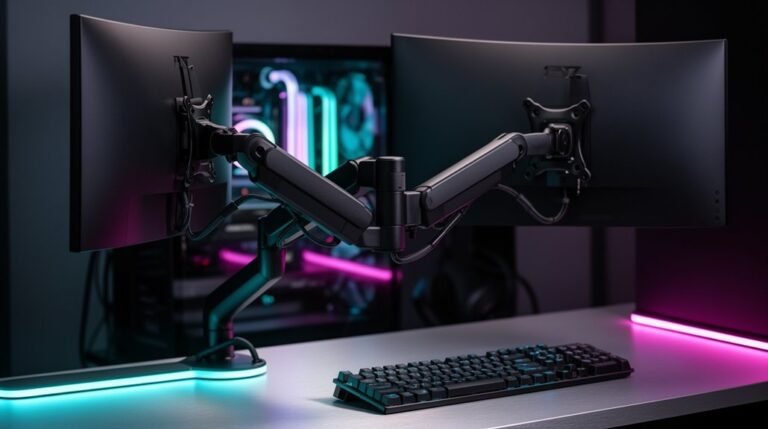
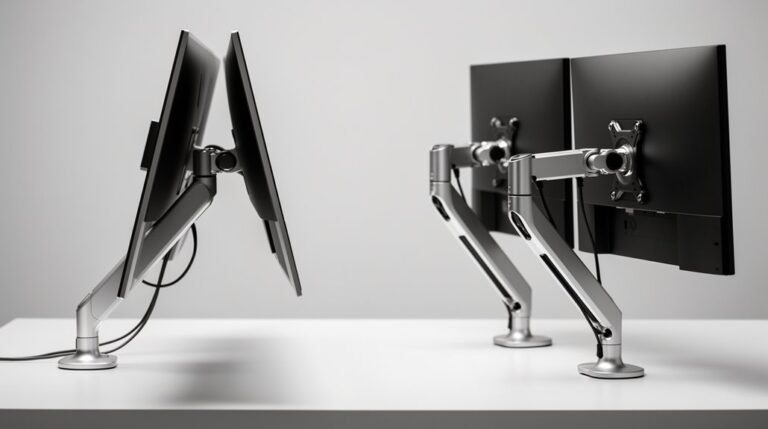
Dual monitor arms typically hold two screens, with limits of 27″ to 34″ in size and around 8.98 kg (19.8 lbs) per arm.
Some models allow for additional monitors by combining single and dual arms.
Confirm compatibility with VESA standards and check your desk’s load capacity, as the total weight on the arm increases with more monitors.
Conclusion
In conclusion, monitor arms can fit a variety of desks, but you need to take into account specific factors.
Check your desk material and thickness, as well as the clamp type and edge design.
Verify your monitor meets the VESA standard and falls within weight and size limits.
By carefully evaluating these details, you can avoid the frustration of a misfit. With the right setup, your monitor arm can transform your workspace into an ergonomic paradise.