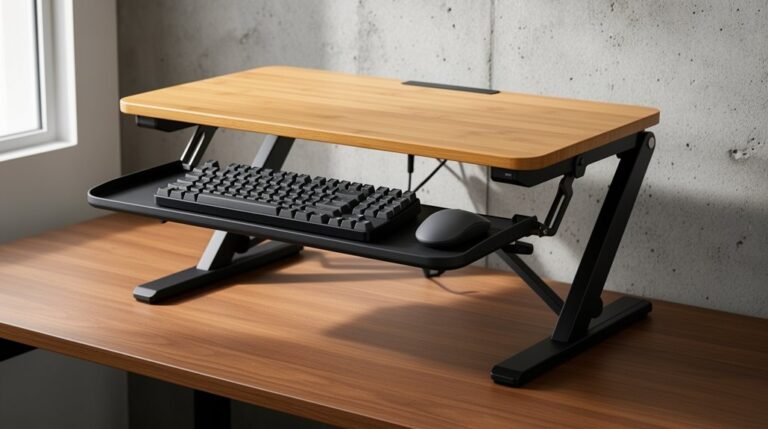
Standing Desk Converter Vs Standing Desk
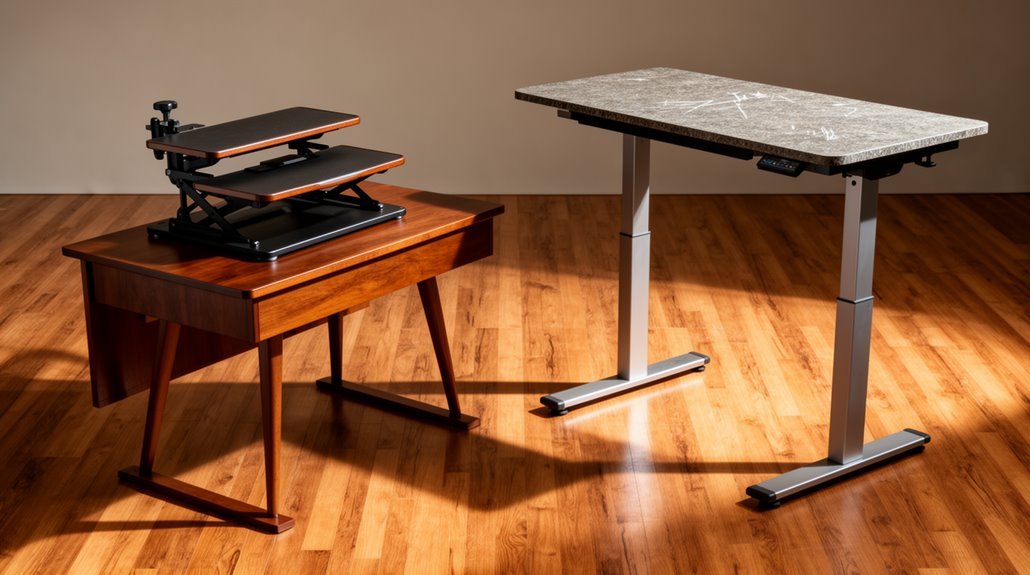
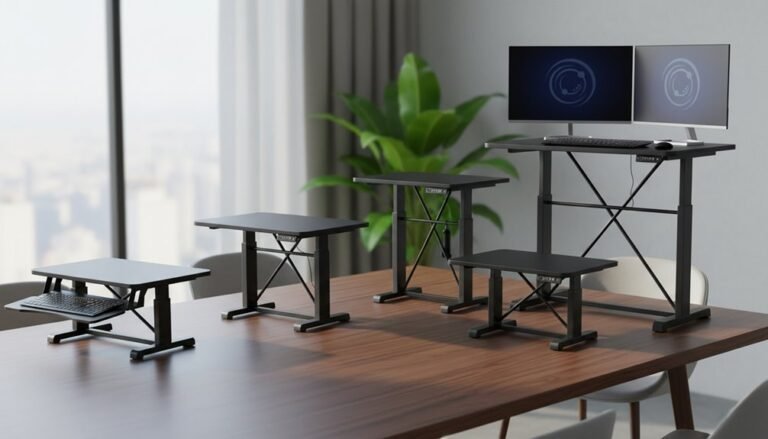
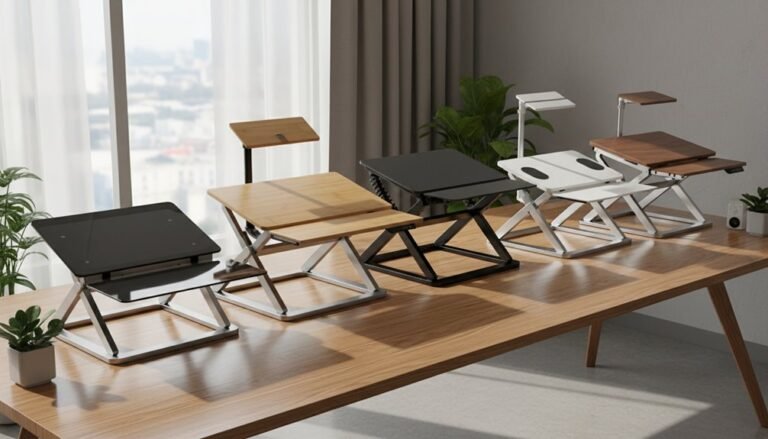
Standing desk converter vs standing desk are often compared on cost, space, and stability. Converters are the budget-friendly option, typically priced between $100 and $600, while full standing desks start around $150 and can exceed $2,500. The benefits of standing desk converters include their versatility and ease of use, allowing individuals to switch between sitting and standing with minimal effort. Many users find that these converters can lead to increased productivity and reduced discomfort during long work hours. Additionally, standing desk converters often require less space and can fit into various office setups, making them an attractive choice for remote workers and small businesses alike. when choosing the right standing desk converter, it is important to consider your specific needs, such as height adjustability and weight capacity. Some converters offer additional features like built-in cable management or a more extensive work surface, which can enhance your overall productivity. By taking the time to research and compare different models, you can find the perfect solution that fits both your workspace and budget.
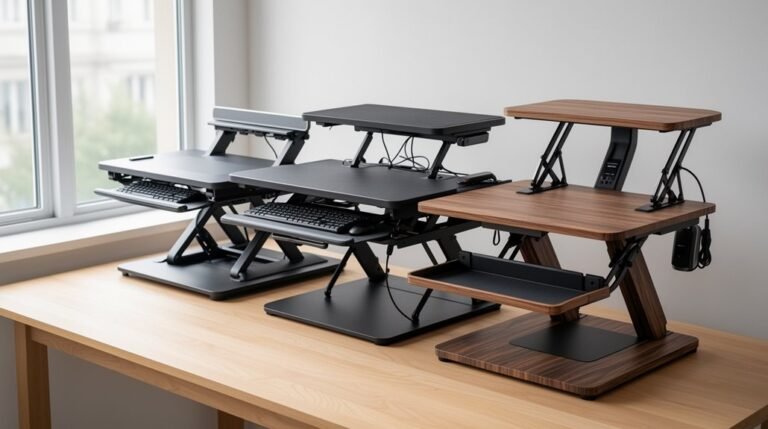
Converters take up minimal space and usually require no assembly, making them easy to add to an existing desk. Their trade-offs include smaller surface areas and less stability compared with full desks.
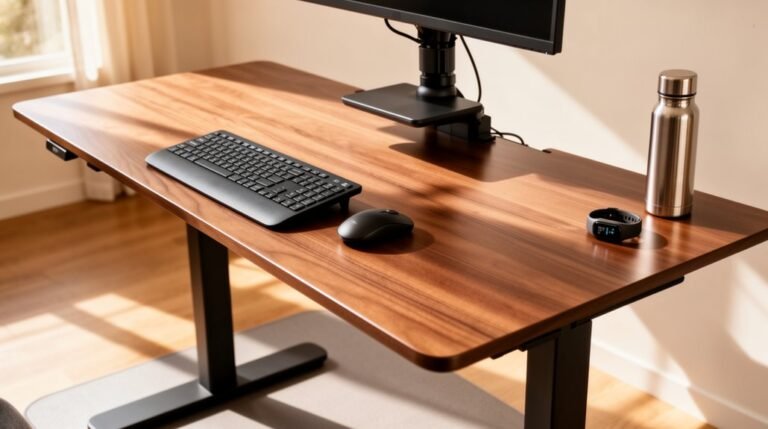
Full standing desks offer larger workspaces and stronger support, with many models handling weights over 160 kg. As you explore further, you’ll find more details about features and functionality to help decide which fits your needs.
Cost Comparison: Standing Desk Converters vs. Full Standing Desks
When considering the cost of standing desk solutions, it’s essential to look at the price ranges of standing desk converters and full standing desks.
Standing desk converters typically range from $100 to $600, making them budget-friendly alternatives. Conversely, full standing desks have a broader price range, starting at $150 and exceeding $2500, depending on features.
Manual height-adjustable models cost between $100 and $400, while electric desks begin around $400. Though converters are less expensive upfront, they often offer limited height adjustability and workspace. Both converters promote health benefits such as increased blood flow and reduced aches and pains. Full standing desks provide greater durability and stability, justifying their higher cost. Ultimately, your choice should align with your budget and ergonomic needs, as converters may serve as temporary solutions, whereas full desks are long-term investments.
Space Considerations: Footprint and Setup Requirements
Understanding the spatial implications of standing desk solutions is essential for effective workspace organization.
Standing desk converters occupy minimal additional space, fitting atop your existing desk. They only add their own surface area to the current footprint, maintaining your original layout. This flexibility allows users to easily mitigate health risks associated with prolonged sitting.
In contrast, full standing desks require dedicated floor space, generally boasting a larger fixed footprint.
When it comes to setup, converters need no permanent installation; you simply place them on your desk. Assembly usually takes under five minutes, with no tools required.
Full desks often require assembly with tools, taking 15 minutes or more. They’re less portable and may need disassembly for relocation, making converters the better choice for flexible, space-efficient setups in tight environments.
Workspace Surface Area: Functionality and Limitations
A standing desk converter typically provides limited surface area compared to a full standing desk. Most converters accommodate a single monitor, keyboard, and mouse, leaving little space for other accessories.
While larger models may support dual monitors, this often reduces available workspace for additional items.
- Compact design restricts the ability to spread out paperwork or devices.
- Fixed surface area can’t be expanded without replacing the unit.
- Equipment arrangement requires careful positioning, impacting ergonomic setup.
These limitations may lead to clutter and disrupt workflow. If you need multiple devices or extensive paperwork, a full standing desk offers considerably more surface area, enhancing organization and productivity in your workspace. Additionally, integrated standing desks often include built-in cable management for a cleaner workspace.
Stability and Weight Capacity: A Closer Look
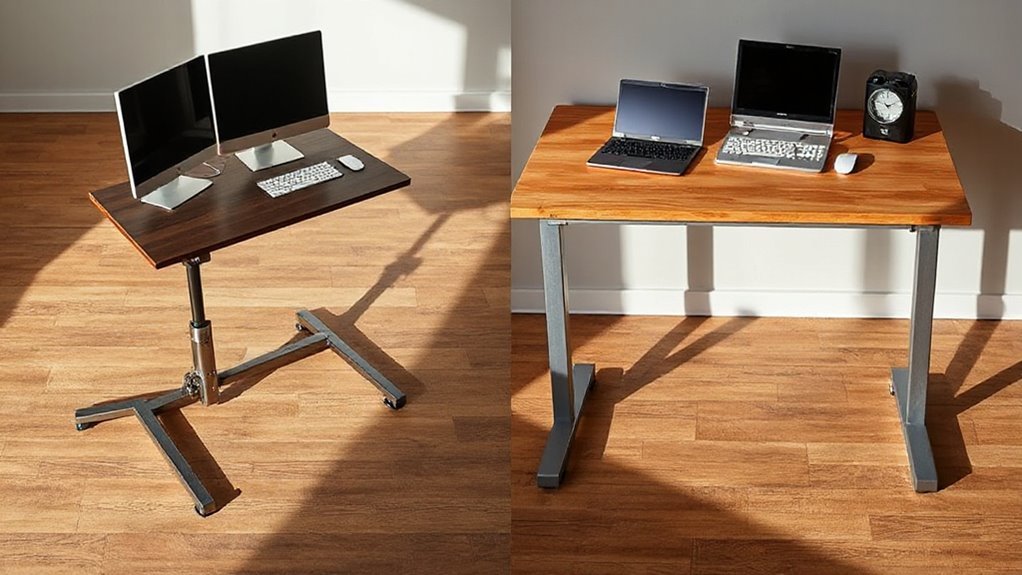
Stability is an essential factor when comparing standing desk converters and integrated standing desks.
Standing desk converters often wobble and flex, especially when typing or using a mouse, due to their elevated design. In contrast, integrated standing desks feature steel frames and durable construction that provide a wobble-free experience. Most converters have a lift capacity of around 20kg, while integrated desks with triple-motor systems can support up to 160kg. This difference impacts stability; heavier loads on converters exacerbate wobbling, limiting their usability for complex workstations. Furthermore, converters depend on existing desk stability, while integrated desks offer independent support systems designed for vertical load distribution, ensuring consistent performance and structural integrity, regardless of the equipment’s weight. Investing in quality standing desks leads to better ergonomic outcomes, making them a superior choice for long-term use.
Speed of Adjustment: Convenience and Usability
When considering speed of adjustment, both standing desk converters and electric standing desks offer unique advantages that cater to different user needs.
- Sit-stand converters allow for instant adjustments, switching from sitting to standing in just 1 to 2 seconds.
- Electric standing desks typically take 10 to 15 seconds for a full shift, although some high-speed models can adjust at 80mm/s.
- Manual converters can be even faster for small height changes, making them ideal for users who frequently switch positions. Height adjustment is inherently more customizable with standing desks, allowing users to set their preferred ergonomic settings.
Electric desks provide hands-free operation with preset height memory functions, but their slower adjustment speed can be a drawback for rapid changes.
In contrast, converters are more suitable for quick, repeated adjustments, enhancing usability for dynamic work environments.
Portability: Ease of Movement and Travel
In the context of workspace flexibility, standing desk converters excel in mobility and ease of transport. Weighing approximately 30 lbs, they’re genuinely portable, allowing easy relocation between workspaces. Their lightweight and compact designs enable effortless movement on and off existing desk surfaces, making them ideal for multi-use environments. Unlike full standing desks, converters require no permanent installation, facilitating quick adjustment in various settings. You can pack and transport them without disassembly, and they need no tools for repositioning. Their compact design also occupies minimal storage space, fitting easily in closets or under desks when not in use. Additionally, their portability encourages calorie burning as users can easily switch between sitting and standing, promoting a more active work routine.
Installation Process: Assembly and Setup Challenges
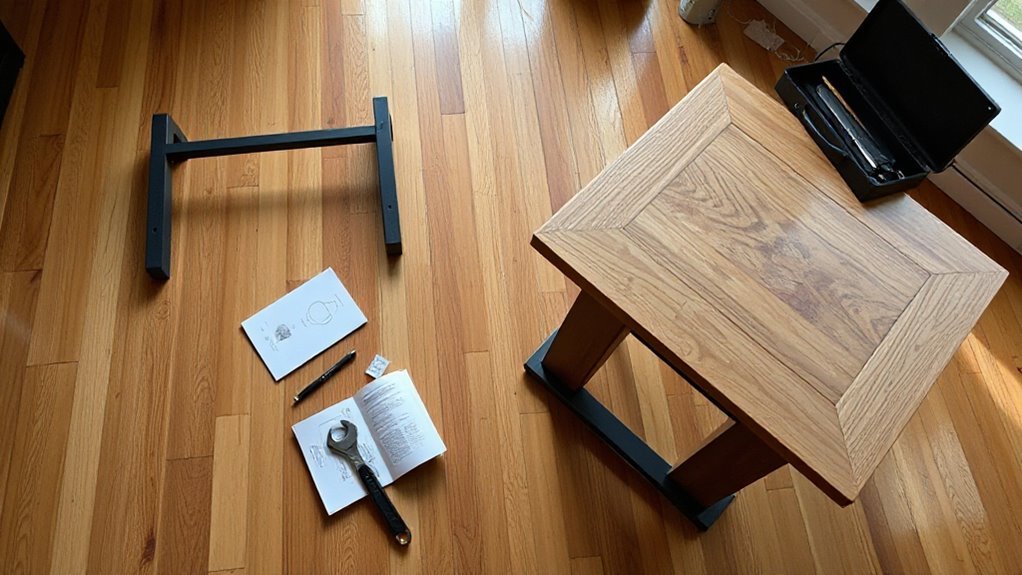
Setting up a standing desk converter involves a range of assembly steps that vary in complexity based on the model type.
Electric converters typically have more intricate requirements, including precise screw alignment and cable management.
Manual models, however, feature simpler setups.
- Electric models need specific screws (M6x14, M6x10, M4x12) and power cable routing.
- Manual converters use gas springs and require minimal tools, primarily an 8mm Allen wrench.
- Full standing desks demand extensive assembly time due to larger structures and stabilization needs.
Be prepared for challenges with structural stability and cable management.
Guarantee base alignment and consider monitor weight limits.
Proper organization of wires is vital to avoid interference during height adjustments. Additionally, ensure that you follow the step-by-step instructions during assembly to create a functional workspace.
Frequently Asked Questions
Can Standing Desk Converters Improve Posture and Reduce Back Pain?
Yes, standing desk converters can improve posture and reduce back pain. They promote better ergonomic alignment by allowing you to alternate between sitting and standing.
This variability reduces spinal compression and muscle strain. Customizable height settings enable you to maintain ideal posture tailored to your body.
Studies show that frequent posture changes alleviate discomfort and fatigue, particularly in the neck and lower back, leading to improved overall spinal health and enhanced circulation.
Are There Ergonomic Guidelines for Using Standing Desk Converters?
“An ounce of prevention is worth a pound of cure.”
Position your monitor at eye level to avoid neck strain.
Keep your keyboard and mouse at elbow height, ensuring your wrists remain neutral.
Stand with feet shoulder-width apart to maintain a relaxed stance.
Shift your weight periodically to reduce fatigue.
Start with 30-minute intervals, gradually increasing as comfort allows, alternating between sitting and standing for ideal ergonomic health.
How Do I Choose the Right Standing Desk Converter Height?
To choose the right standing desk converter height, measure your desk height and your own height. Aim for a converter that allows your elbows to stay at 90 degrees while typing.
Check the converter’s maximum height, ensuring it accommodates taller users if necessary. Look for adjustable features like pneumatic lifts or electric motors for smooth changes.
Consider keyboard and monitor height adjustments for ideal ergonomics. Finally, confirm the converter’s weight capacity to support your equipment.
Can Standing Desk Converters Accommodate Different Monitor Setups?
Absolutely, standing desk converters can accommodate various monitor setups.
They typically support adjustable mounts for screens ranging from 13″ to 32″. Dual mounts handle up to two 31.5″ monitors, while triple mounts fit three 24″ displays.
VESA compatibility allows for easy installation, and features like tilting and swiveling guarantee ergonomic positioning.
Most converters also maintain stability and weight limits, supporting 50 to 110 lbs, assuring safety with multi-monitor configurations.
Are There Any Health Benefits Associated With Using Standing Desks?
Yes, using standing desks offers several health benefits. You’ll likely experience reduced neck and shoulder pain, with a significant 32% decrease in back discomfort.
Studies show an 11% reduction in post-lunch blood sugar spikes, which can improve metabolic health. Additionally, standing promotes calorie burning, increasing your energy expenditure by 50-100 calories per hour.
Regular use can also enhance work performance and subjective health, making you feel more engaged and productive.
Conclusion
To summarize, choosing between a standing desk converter and a full standing desk often feels like picking between a slice of cake and the whole dessert.
Converters offer affordability and flexibility. They adjust quickly and are easy to add on to an existing desk, though they may support less weight.
Full standing desks provide greater stability and larger workspace areas. They usually support more weight and can be a more permanent solution.
Ultimately, your choice hinges on your specific needs, space constraints, and budget. Each option has unique advantages, so evaluate what best fits your workspace requirements.