Is a Standing Desk Better for Your Back?
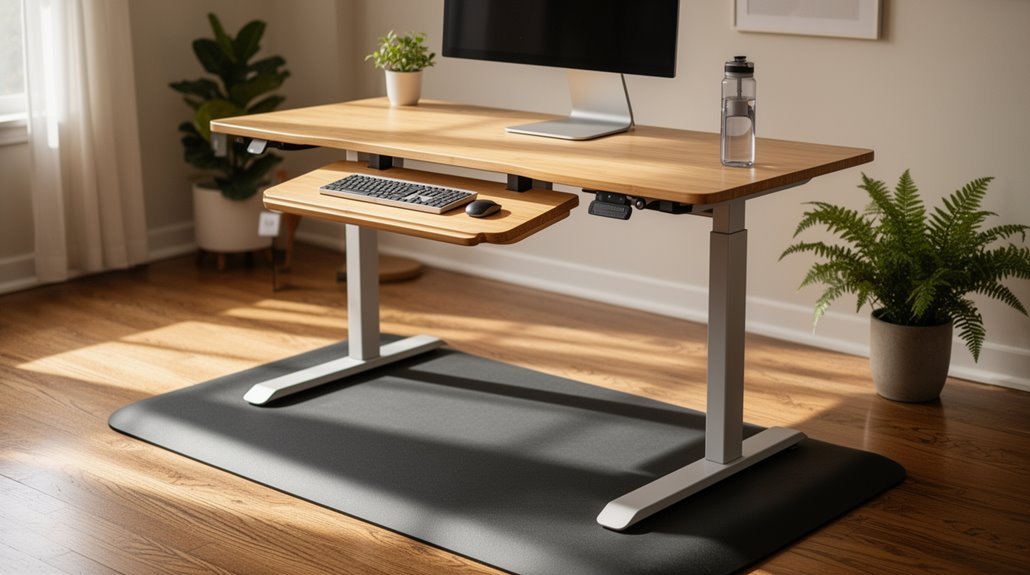
Is a standing desk better for your back? Yes — a standing desk can improve your back health by encouraging better posture and spinal alignment.
Standing reduces lumbar kyphosis and can enhance cervical alignment, promoting more even weight distribution across muscle groups. This often decreases excessive muscle activation that contributes to pain.
Balance is key, though. Excessive standing can cause discomfort in the lower legs and feet.
Incorporating sit-to-stand patterns throughout the day helps prevent fatigue and optimizes comfort. If you want to learn more about appropriate usage patterns, keep going.
Understanding Musculoskeletal Discomfort
Musculoskeletal discomfort encompasses pain, stiffness, and unease in various body structures, including muscles, tendons, and joints. This discomfort often arises from repetitive motions, awkward positions, forceful exertions, or prolonged static postures.
In workplaces, risk factors include manual handling of heavy loads, the use of vibrating tools, and sustained standing or sitting. A single traumatic event, like a fall or sudden overexertion, can also trigger these issues. In the U.S., musculoskeletal disorders accounted for 30% of all days away from work in 2018. MSD cases are also particularly prevalent among workers aged 45 to 64, who accounted for 44% of all private sector MSD cases. Back injuries constitute 40% of reported cases, while upper extremity injuries make up nearly one-third.
Understanding these factors is essential for recognizing and addressing musculoskeletal discomfort effectively.
Benefits of Improved Posture
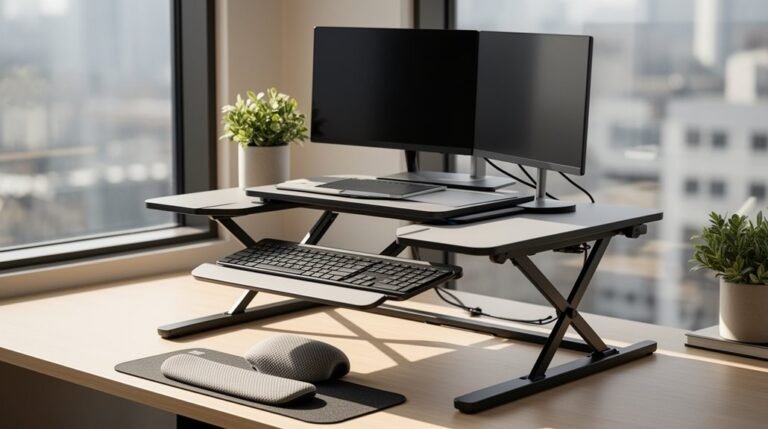
Good posture greatly impacts overall spinal health and comfort during work. Standing desks promote better spinal alignment, reducing lumbar kyphosis compared to sitting. You’ll notice decreased forward head movement, which improves cervical alignment. This position requires less physical load on your spine, as the desk setup guarantees your monitor is at eye level with a 20-degree tilt.
Additionally, standing distributes your body load more evenly across muscle groups, reducing muscle activation in the neck and trunk. Alternating between sitting and standing decreases physical strain on your muscles and joints. This can lead to increased energy levels throughout the workday, enhancing overall productivity.
Proper ergonomic adjustments also enhance wrist position, preventing strain. These factors collectively help prevent musculoskeletal disorders, improving your posture and overall health during prolonged computer work.
Impact on Fatigue and Comfort
As you shift between sitting and standing, you may notice a notable shift in your overall comfort and fatigue levels.
Using a sit-stand desk can lead to:
- Reduced Musculoskeletal Discomfort: Users report notably less neck, shoulder, and lower back pain after six months compared to traditional desks.
- Lower Post-Work Fatigue: Standing periodically boosts energy levels, helping you feel more refreshed by day’s end.
- Less Muscle Fatigue: Standing decreases muscle fatigue in the upper body, especially during computer work. However, be cautious—standing too long can cause discomfort in your lower legs. Additionally, increased risk of musculoskeletal disorders may arise with prolonged standing.
Balancing between sitting and standing is key to optimizing comfort and reducing fatigue throughout your workday.
Recommended Usage Patterns
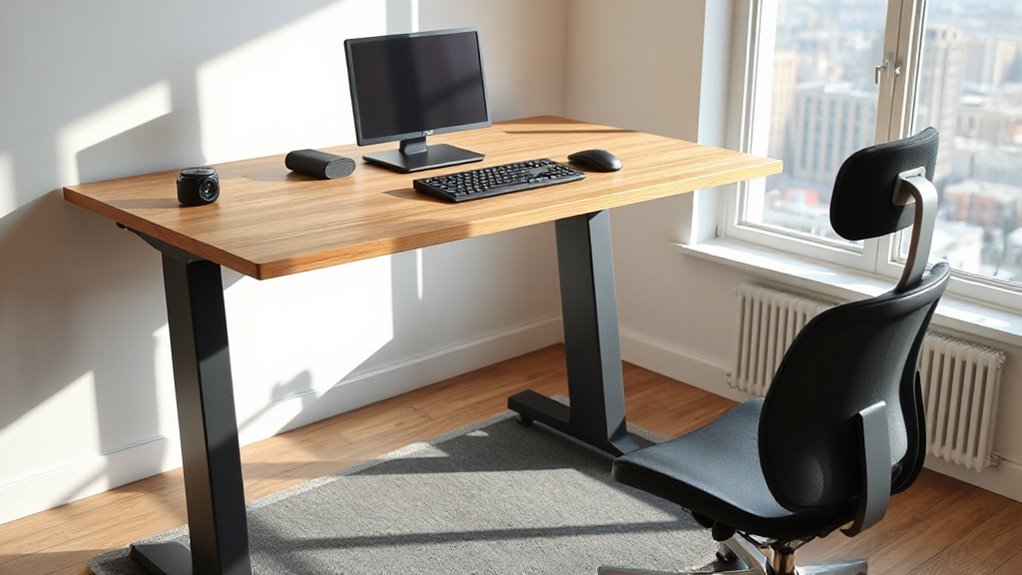
When you start using a standing desk, establishing effective usage patterns can greatly enhance your experience and comfort. Aim for a sit-to-stand ratio of 1:1 to 1:3, standing for 30 to 45 minutes per hour.
If you’re new, begin with short intervals of 15-20 minutes, gradually increasing your standing time. Spread your standing periods throughout the day instead of standing for one long session. Use timers to remind you to switch between sitting and standing regularly.
During standing, position your feet shoulder-width apart and keep your back straight with your core engaged. Incorporate gentle movements, like shifting your weight from one foot to another, to prevent fatigue and improve circulation.
Listen to your body for best adjustments.
Health and Ergonomic Advantages
Numerous studies highlight the health and ergonomic benefits of using standing desks.
Here are three key advantages:
1. Musculoskeletal Discomfort Reduction: Standing desks greatly decrease discomfort in the neck, shoulders, and lower back, helping to improve cervical alignment and reduce forward head posture.
2. Postural Improvement: These desks encourage better spine alignment, reducing slouching and promoting a more ergonomic workspace.
This leads to fewer body aches, particularly in the lower back.
3. Fatigue Reduction: Sit-stand desks can reduce physical fatigue and improve alertness throughout the workday.
They allow for regular postural changes, preventing muscle stiffness associated with prolonged sitting.
Potential Drawbacks of Standing Desks
While standing desks offer various health and ergonomic advantages, they also come with potential drawbacks that users should consider.
Prolonged standing, especially beyond two hours daily, raises circulatory risks, increasing issues like deep vein thrombosis and varicose veins. Each extra 30 minutes of standing heightens this risk by about 11%.
You may experience muscle fatigue and discomfort after standing for just 30 minutes, leading to lower limb swelling and potential musculoskeletal disorders.
Additionally, extended periods of standing can impair cognitive functions, as blood flow shifts from the brain to muscles.
Joint pain may worsen too, particularly for those with arthritis, if breaks aren’t incorporated.
Finally, improper desk height can create poor alignment, increasing overall discomfort.
Balancing Sitting and Standing for Optimal Health
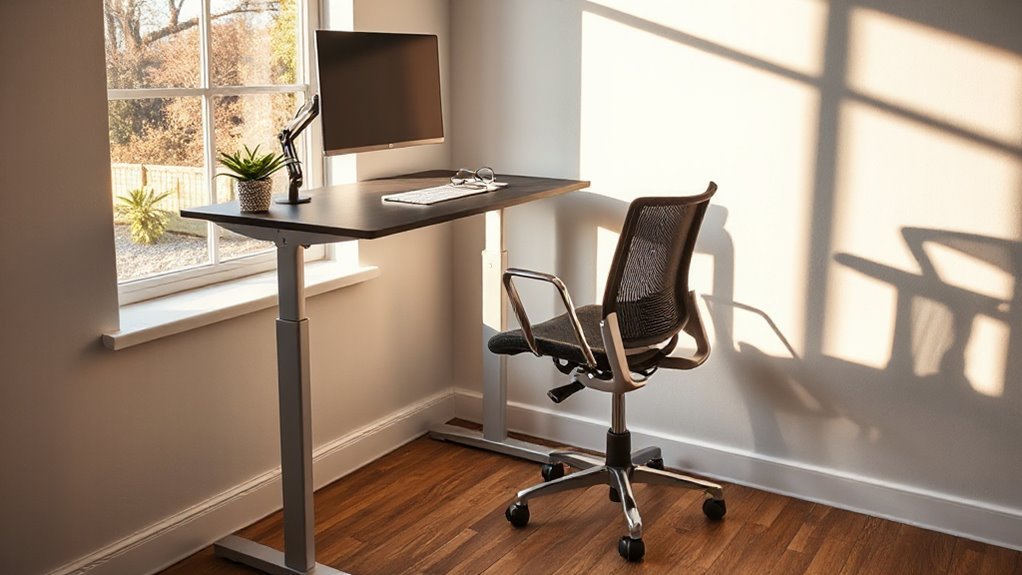
To achieve ideal health in a work environment, balancing sitting and standing is essential. A 1:1 ratio of sitting to standing is recommended, helping to reduce musculoskeletal discomfort.
Frequent postural changes can further enhance comfort and productivity. Consider these three strategies:
- Alternate every 30 minutes: Shift between sitting and standing to prevent muscle fatigue and spinal compression.
- Adjust based on comfort: Tailor your ratio according to your specific needs, existing back pain, or job requirements.
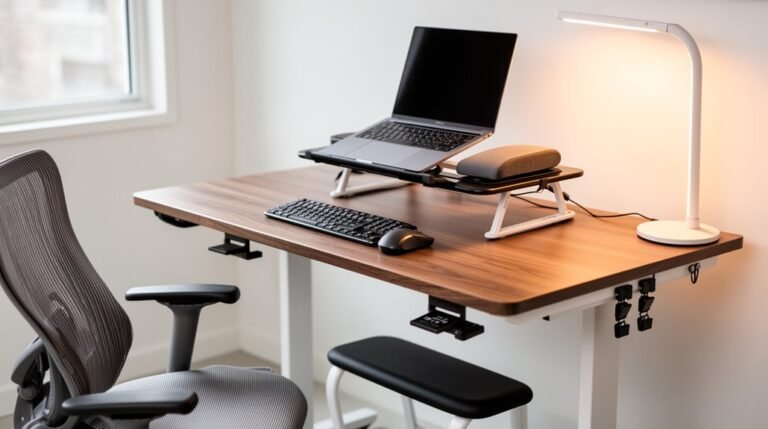
- Utilize ergonomic setups: Combine standing desks with proper ergonomic tools to support better posture.
Frequently Asked Questions
Can a Standing Desk Help With Conditions Like Sciatica?
Yes, a standing desk can help with conditions like sciatica. It reduces pressure on lumbar discs, which may alleviate nerve irritation.
Alternating between sitting and standing decreases muscle activation in the lower back, reducing strain. Improved posture promotes spinal alignment, decreasing pressure on sciatic nerve roots.
Regular movement interrupts prolonged nerve compression, potentially easing symptoms. Overall, using a standing desk contributes to better spinal health and may reduce discomfort associated with sciatica.
How Do Standing Desks Affect Productivity Levels?
Impact on Productivity Levels
Standing desks greatly enhance productivity levels. Users report a 65% increase in self-reported productivity after one year. They experience improved alertness and engagement, leading to higher work performance ratings.
While standing, users maintain cognitive output without declines in task accuracy. Additionally, reduced sedentary behavior, with 100 minutes less sitting daily, correlates with greater focus and energy.
Are There Specific Exercises to Do While Using a Standing Desk?
Yes, there are specific exercises you can do while using a standing desk. Incorporate shoulder rolls to relieve upper back tension, and perform arm circles to loosen shoulder joints.
Side bends stretch your obliques, while neck tilts alleviate discomfort. For mobility, try heel raises and standing knee lifts to engage your core.
Standing pelvic tilts correct posture, and mini squats can activate leg muscles.
Take breaks every 30–40 minutes for ideal circulation and comfort.
What Types of Standing Desks Are Most Effective?
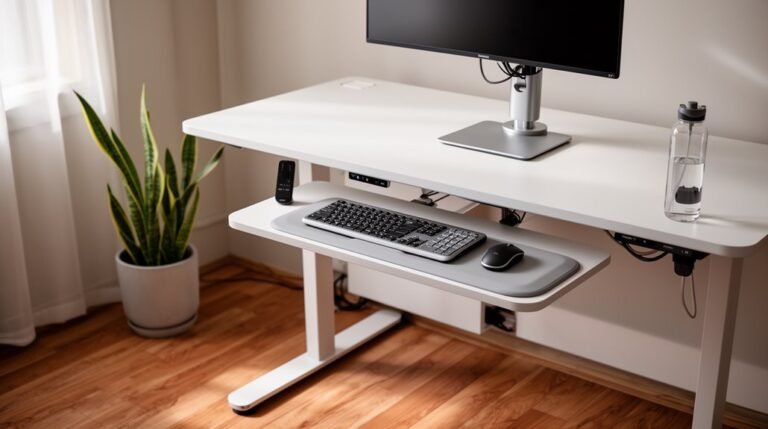
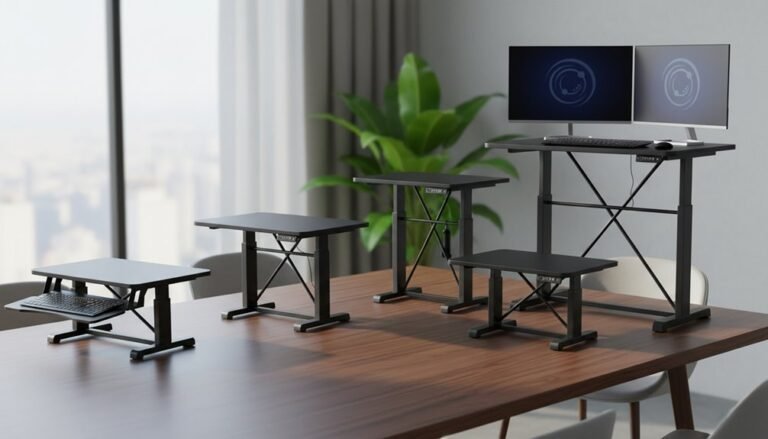
Electric sit-stand desks allow effortless height adjustments with programmable memory settings.
They’re ideal for frequent use, offering convenience for larger setups.
Manual desks, while budget-friendly, require physical effort and may discourage regular position changes.
Dual motor desks provide consistent performance, lifting heavier loads efficiently.
Single motor desks are cost-effective yet offer reliable performance for moderate weights.
Select based on your needs for convenience, budget, and frequency of height adjustments.
Can Children Benefit From Standing Desks in School?
Yes, children can benefit from standing desks in school.
Standing desks reduce sedentary time by 20–25%, promoting better circulation and lowering obesity risks. Increased standing improves posture and reduces spinal pressure.
Additionally, these desks enhance concentration and engagement, leading to better information retention. They allow for more movement, reducing restlessness.
Teachers report improved behavior and participation, making standing desks a valuable tool for creating a dynamic learning environment.
Conclusion
Ultimately, standing desks can improve posture and reduce back pain, but they aren’t a magic solution.
Ironically, standing too much can lead to fatigue and discomfort. While they offer ergonomic benefits, prolonged use without balance can create new issues.
The best approach is a mix of sitting and standing, allowing for movement throughout the day.
By alternating positions, you optimize comfort and support spinal health effectively, creating a dynamic workspace tailored to your needs.