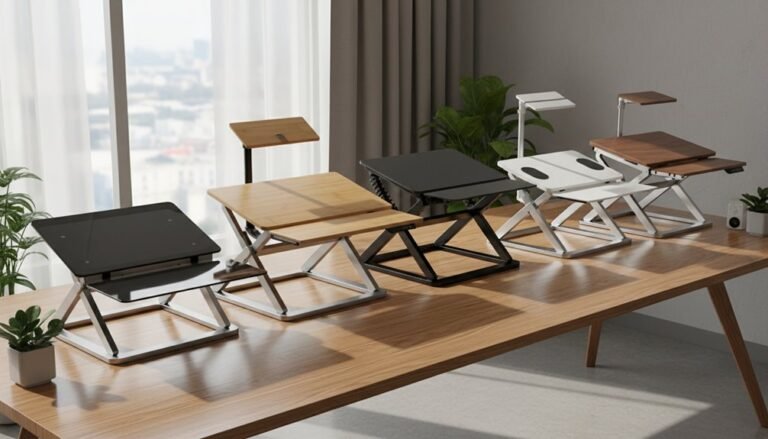
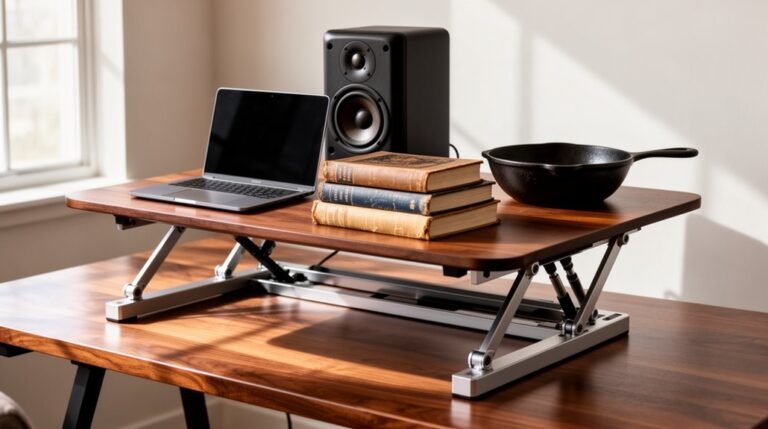
Standing Desk Converter Problems and Solutions
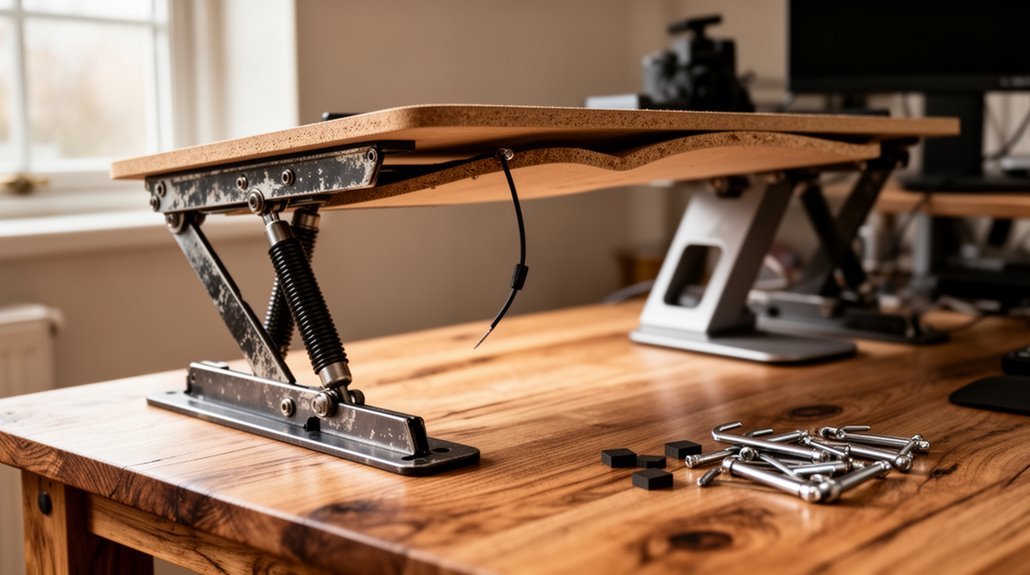
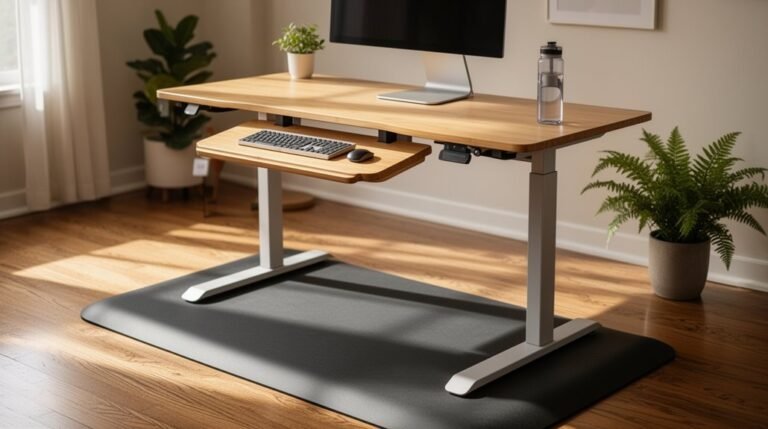
Standing desk converters face several challenges, including stability issues caused by lightweight materials and poor construction. These weaknesses can lead to noticeable wobbling during use. An optimal workspace can significantly enhance productivity and comfort, especially when employing proper standing desk setup techniques. Attention to desk height and monitor placement is crucial for maintaining good posture throughout the day. Additionally, incorporating anti-fatigue mats can provide further support and improve overall well-being.
Most converters support between 15 and 39.6 kg; exceeding about 80% of that rated capacity raises the risk of failure. To function ideally, you also need a minimum of 24 inches of clear space for the converter’s movement.
Adjustments may malfunction because of faulty sensors or loose cables, which can interrupt smooth height changes. To address these problems, choose stable models, verify the unit’s weight capacity, and arrange your workspace to reduce strain on the mechanism.
Following those steps will enhance reliability and performance; you’ll discover further insights as you proceed.
Stability Issues With Standing Desk Converters
While you might appreciate the flexibility of standing desk converters, they often come with significant stability issues. Finding the right balance can be crucial, and adjusting your standing desk height is an essential part of that process. Many users find that experimenting with different elevations throughout the day not only boosts productivity but also helps alleviate discomfort. It’s important to ensure that your desk is stable at the chosen height to fully reap the benefits of a standing desk.
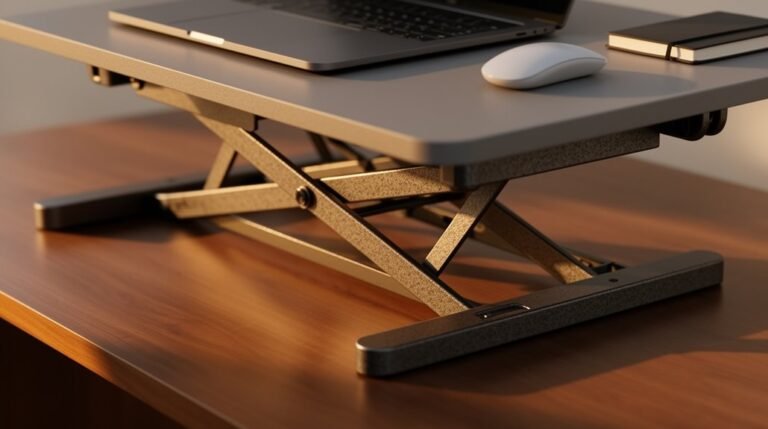
Many converters extend far beyond their base, which increases leverage and leads to wobbling. Spring and gas-cylinder mechanisms typically struggle to support heavier weights, resulting in bounce during operation. Additionally, loose screws and bolts can compromise the overall rigidity of the structure. Unstable floor surfaces exacerbate these issues, causing further rocking. Budget models often use lightweight materials that fail to provide adequate support. Ultimately, these factors disrupt your workflow, increase the risk of equipment damage, and contribute to discomfort. To mitigate these issues, consider using high-quality electric converters or regularly inspecting and maintaining your standing desk converter for peak stability. Electric standing desk converters are designed to transform traditional desks into standing options, promoting better posture and reducing sedentary behavior.
Understanding Weight Capacity Limitations
A standing desk converter’s weight capacity is essential for guaranteeing ideal performance. Understanding these limitations helps you make informed choices. Most converters support between 15 kg (33 lbs) and 39.6 kg (about 40 lbs).
Here are some key points:
- Standard electric desks can handle 100 kg to 150 kg (220 to 330 lbs).
- Loading beyond 80% of the stated capacity can lead to instability or mechanical failure.
- Weight limits for keyboard trays are often lower than for the upper surface.
Be mindful of your total load, including monitors and accessories. Heavier setups can affect height adjustments and overall usability. Knowing these specifications guarantees a safer, more effective workstation tailored to your needs. Additionally, the weight capacities of models like the VariDesk Pro Plus 30 and 36 support single and dual monitor setups, ensuring versatility in your workspace.
Desk Space and Footprint Considerations
Understanding the desk space and footprint requirements of standing desk converters is essential for maximizing your workspace. For narrow areas, the CHANGEdesk fits spaces as small as 26″ x 18″, occupying minimal surface with an 18″ x 25.25″ bottom panel. Models like the VariDesk Pro Plus 36 necessitate a 25.75″ desk depth for full functionality, while Vivo converters are designed for limited surface areas. Additionally, the CHANGEdesk features a gas-spring assisted mechanism for smooth height adjustments, enhancing usability in tight spaces. Monitor platforms vary; CHANGEdesk accommodates dual monitors up to 21″, whereas the Ergotron WorkFit-TL requires a 24″ deep desk. Additionally, keyboard tray dimensions differ, with CHANGEdesk offering a 23.75″ x 6.5″ tray. Always verify your workspace has adequate vertical clearance for smooth height adjustments and efficient operation of your converter.
Common Adjustment Mechanism Problems
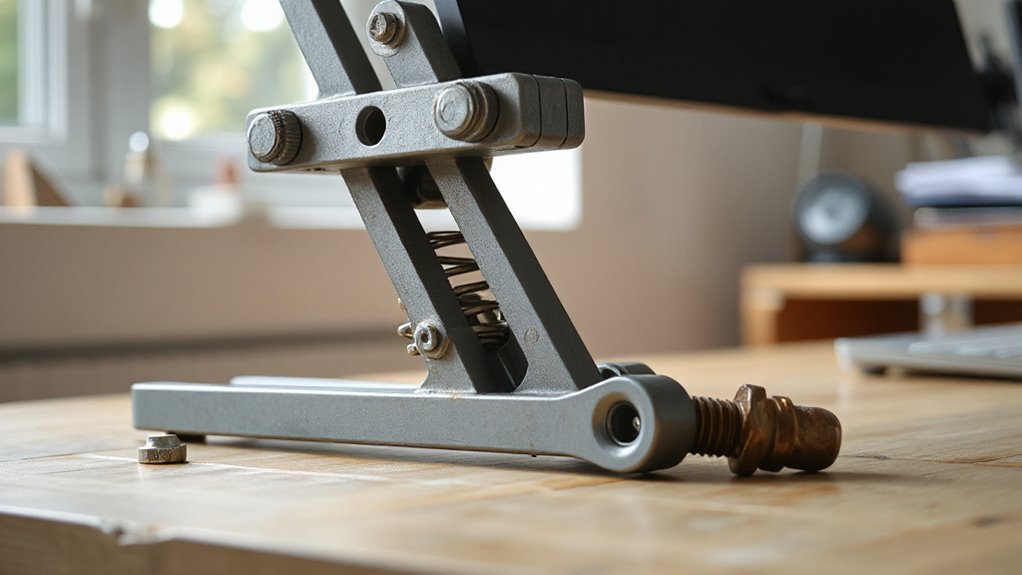
When operating a standing desk converter, you might encounter several common adjustment mechanism problems that disrupt functionality.
These issues can hinder your ability to shift smoothly between sitting and standing. Here are three prevalent problems:
- Erratic Movement: This often results from motor issues or loose cables, causing jerky or halted adjustments.
- Height Adjustment Malfunctions: Faulty height sensors or misadjusted stops can prevent your desk from reaching desired heights.
- Power and Electrical Issues: Disconnected power cords or control box malfunctions can lead to inconsistent movement or total failure.
Regularly check for obstructions, verify proper cable tension, and inspect electrical connections to maintain smooth operation.
Addressing these problems promptly will enhance your standing desk converter’s performance and longevity.
Ergonomic and Usability Concerns
Despite their popularity, standing desk converters often present significant ergonomic and usability challenges. Many converters have a limited height adjustment range, which can lead to poor posture. This lack of adjustability may cause neck pain, back strain, and wrist discomfort.
You might find that monitor and keyboard heights can’t be adjusted separately, resulting in awkward angles that strain your body. Stability is another concern; converters can wobble, distracting you and reducing productivity.
Additionally, manual adjustments can be physically taxing, while electric models may malfunction, disrupting your workflow. Overall, these factors hinder frequent position changes, limiting the health benefits associated with standing desks and increasing the risk of musculoskeletal issues.
Durability and Maintenance Requirements
Durability is a critical factor when choosing a standing desk converter, as its longevity directly impacts user experience and productivity. The weight capacity can vary considerably, affecting overall durability.
Here are key considerations:
- Electric models support up to 80 lbs, while spring and gas cylinder types typically allow only 30-40 lbs.
- Exceeding maximum weight compromises structural integrity and leads to component strain.
- Manual adjustment models require more frequent maintenance due to wear at pivot points.
Regular use may cause frame and joint deterioration, leading to instability.
Additionally, electric motors may produce noise under strain and experience speed degradation over time. Choosing a high-quality converter can mitigate these issues, ensuring a more reliable workspace.
Solutions for Stability Enhancements
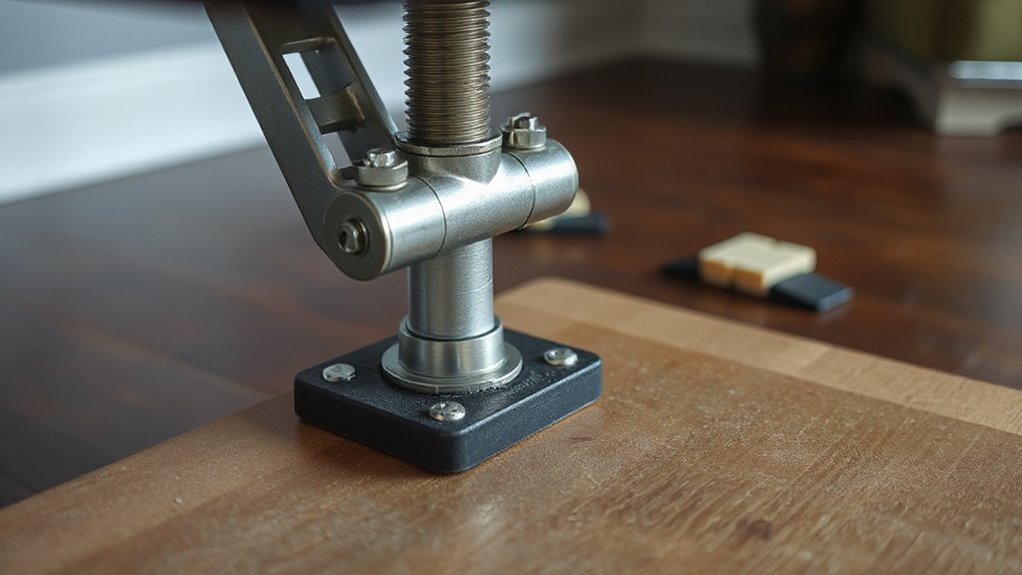
To enhance stability in standing desk converters, proper installation and surface preparation are essential. Verify all mounting hardware is fully tightened during setup to prevent wobbling.
Place the converter on a flat, firm, and stable surface to minimize movement; avoid uneven or soft surfaces that may contribute to instability. Check for any gaps between the converter base and the desk surface. If needed, use anti-slip pads or mats under the converter feet.
Additionally, calibrate adjustable feet to match the desk surface, eliminating rocking. Regularly check and readjust these feet for consistent stability.
Finally, consider converters with gas spring and post base systems which provide smoother height adjustments and are less prone to tipping, enhancing overall stability during use.
Choosing the Right Weight Capacity
When selecting a standing desk converter, understanding weight capacity is essential for guaranteeing safe and stable operation. The weight capacity determines how much load a converter can support without risk of tipping or mechanical failure.
Here are key factors to take into account:
- Monitor Size: Larger or dual monitors require higher weight limits to maintain stability.
- Material Quality: Steel frames provide better support compared to lighter materials.
- Lift Mechanism: Electric lift converters typically handle heavier loads than pneumatic ones.
Typical capacities range from 28 lbs for compact units to over 110 lbs for heavy-duty models.
Always account for your total load, including accessories. This guarantees your setup remains secure and functional, preventing potential hazards or damage.
Optimizing Desk Space for Converters
Optimizing desk space for standing desk converters involves careful consideration of both size and layout. Make certain your desk has at least 24 inches of clear space for standard converters.
For narrower desks, choose slim-base models with bases as narrow as 16 inches. Utilize corner converters for L-shaped desks to maximize unused areas. Large monitor setups require converters with top surfaces of 32 inches or more.
Place converters to maintain ergonomic reach, making sure they don’t block drawers or power outlets. Consider tabletop converters for temporary setups and clamp-mount options to free up surface area.
Prioritize stability by selecting models with a wide base or clamp attachment, maintaining at least 24 inches of clearance for safe operation.
Frequently Asked Questions
How Do I Choose the Best Standing Desk Converter for My Needs?
To choose the best standing desk converter, assess key features.
Start with the adjustment mechanism; electric options allow effortless height changes.
Evaluate workspace size; larger surfaces accommodate multiple monitors.
Check weight capacity; verify it supports your equipment.
Consider stability; look for sturdy materials and solid bases to minimize wobbling.
Finally, think about assembly and portability; models with minimal assembly are ideal for quick setup and ease of movement.
Can I Use a Standing Desk Converter With a Treadmill?
You can use a standing desk converter with a treadmill, but it’s risky.
Most converters aren’t designed for the vibrations of walking, which could cause wobbling. Stability depends on your treadmill’s arm circumference and whether the surface is flat.
Dedicated treadmill attachments, like the VIVO STAND-TDML4, are better suited for this purpose, providing secure mounting and ideal ergonomic height adjustments for walking speeds.
Always prioritize stability and safety.
What Are the Benefits of Using a Standing Desk Converter?
Using a standing desk converter enhances posture by allowing you to alternate positions throughout the day.
It promotes better spinal alignment and reduces risks of musculoskeletal discomfort. You’ll experience improved circulation, which supports heart health by minimizing sedentary time.
Additionally, standing burns more calories than sitting, aiding weight management.
Users often report increased focus and productivity, as well as reduced fatigue, contributing to overall wellbeing during work hours.
Are There Specific Converters for Corner Desks?
Yes, there are specific converters designed for corner desks.
Electric models, like the VersaDesk PowerPro Corner, offer smooth height adjustments from 13 to 20 inches, supporting up to 80 lbs.
Manual options, such as the VIVO DESK-V000VC, utilize gas springs for easy lifting.
Dual-tier versions provide separate surfaces for monitors and keyboards, optimizing space.
These converters fit snugly into 90-degree corners, maximizing underused areas while accommodating multiple monitors effectively.
How Do I Clean and Maintain My Standing Desk Converter?
To clean your standing desk converter, use a soft, damp cloth for the surface and components.
Apply mild soap and water for tougher stains, but avoid saturating any surfaces.
Dust regularly with a microfiber cloth.
For mechanical maintenance, lubricate moving parts with recommended lubricants to guarantee smooth operation.
Check all bolts and screws for tightness semi-annually to maintain stability.
Organize cables to prevent tangling and guarantee safe operation.
Conclusion
In conclusion, addressing standing desk converter issues enhances your workspace experience.
Stability concerns, weight limits, and adjustment mechanisms can hinder productivity.
By selecting the right model, optimizing your desk space, and understanding ergonomic principles, you can create a more functional environment.
Remember, a well-supported workstation is like a sturdy bridge — it needs to withstand daily use without compromise.
Prioritize durability and maintenance to guarantee longevity, and you’ll enjoy the benefits of an efficient standing desk setup.