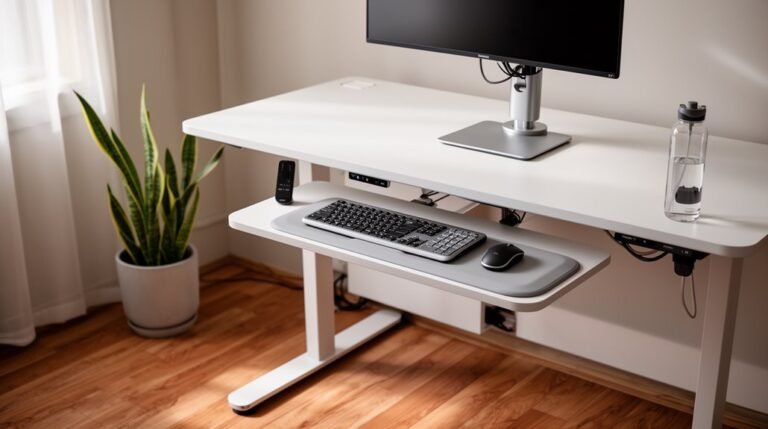
Standing Desk Converter Maintenance Tips
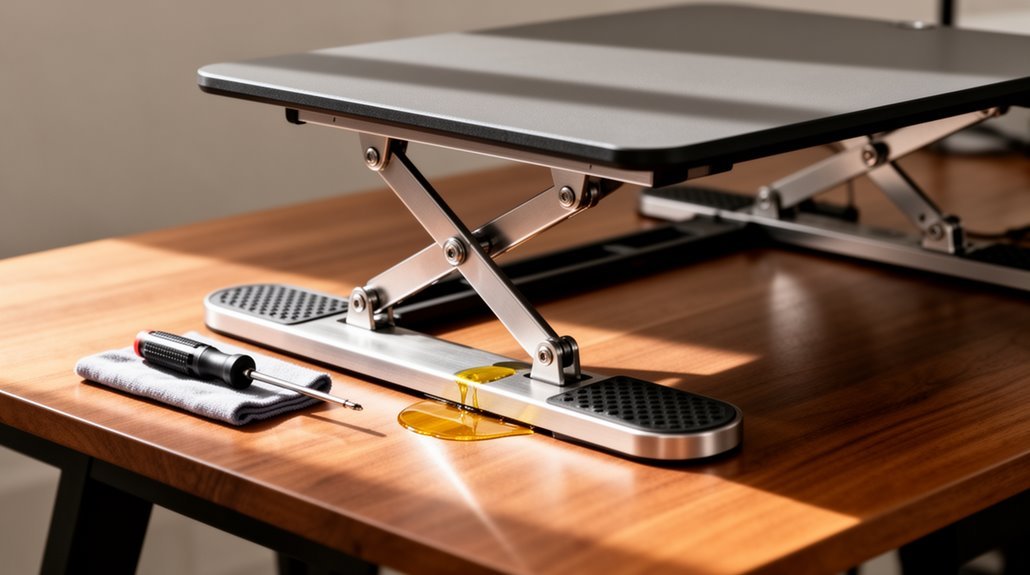
Standing desk converter maintenance starts with a simple weekly cleaning routine. Use a soft, damp cloth to wipe surfaces and remove dust and debris that can interfere with moving parts.
Lubricate the moving components every few months using products recommended by the manufacturer. Proper lubrication keeps mechanisms smooth and reduces wear.
Inspect bolts and screws every 3–4 months to ensure stability and correct weight distribution. Try to keep loads 10–20% below the converter’s maximum capacity to avoid strain.
Manage cables to reduce hazards and prevent tugging on the desk. Regularly monitoring these areas can prolong your converter’s life and performance. Keep exploring for more maintenance techniques and tips for ideal use.
Regular Cleaning and Surface Care
To maintain your standing desk converter effectively, you should establish a regular cleaning routine. In addition to that, it’s important to follow standing desk setup best practices to ensure optimal ergonomics. This includes adjusting the height of your desk to fit your body, using a mat for added comfort, and taking regular breaks to stretch and move. By implementing these strategies, you can enhance your productivity and overall well-being while working. In addition to regular maintenance, understanding the ergonomic benefits of standing desks can enhance your work experience. These desks promote better posture, reducing strain on your back and neck over long periods. As you adjust your workspace, consider how standing for part of your day can lead to increased energy levels and productivity.
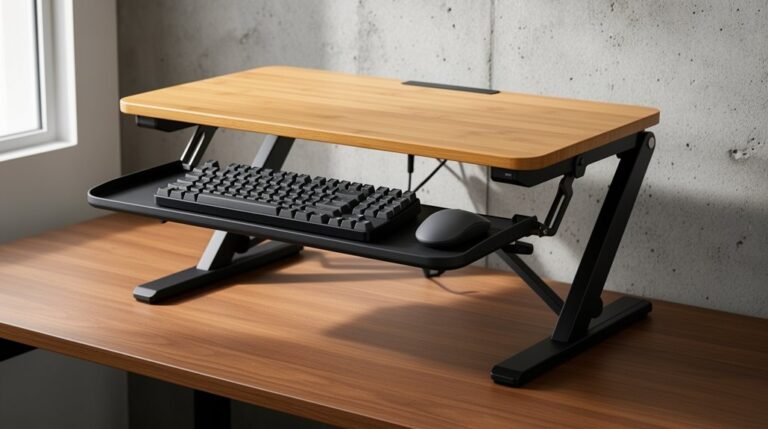
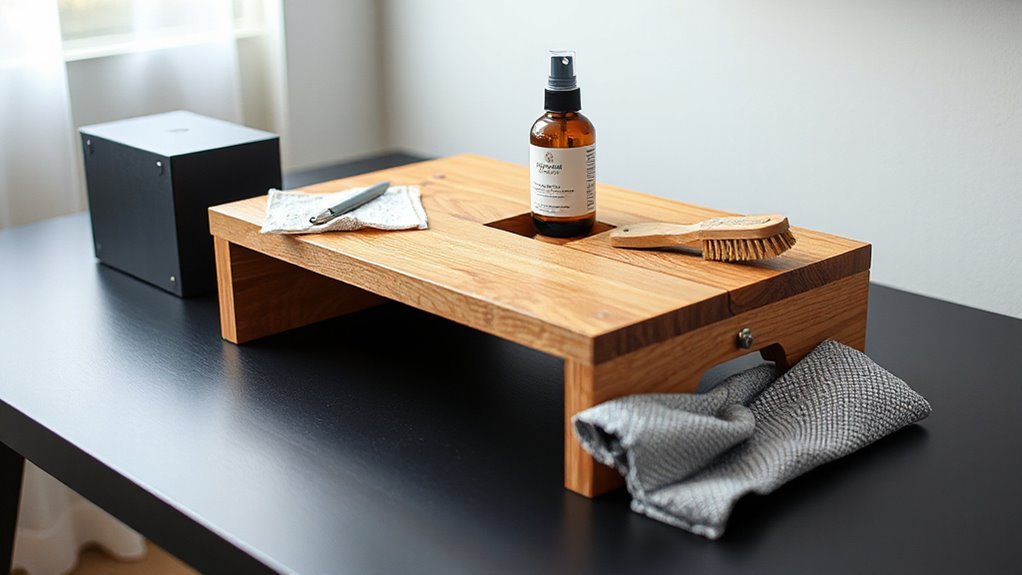
Clean surfaces at least once a week to prevent grime buildup. Use a soft, damp cloth for routine cleaning tasks, targeting the desktop, keyboard tray, and monitor stand. Avoid abrasive materials like steel wool, as they can damage finishes.
For spills, absorb liquids immediately with a dry cloth to prevent stains. If your workspace is prone to high dust, increase your cleaning frequency. Use a vacuum with a brush attachment for hard-to-reach areas.
For tougher stains, mix mild soap with water, and always test any new cleaner on a small, inconspicuous area first. This guarantees your desk remains hygienic and visually appealing. Regular cleaning helps to maintain a hygienic workspace and enhances your overall productivity.
Lubrication of Moving Components
Maintaining a standing desk converter goes beyond regular cleaning; it also involves ensuring that moving components operate smoothly through appropriate lubrication.
Use lubricants specifically recommended by your manufacturer to avoid damage or voiding your warranty. Options include light oil, silicone spray, or low-viscosity grease, depending on the component type.
Lubricate moving parts every few months or biannually, observing any signs of noise or stiffness as prompts for earlier application. Clean dust and debris before applying lubricant, using precision tools for accuracy. Regular maintenance practices are essential to prolong the life of your desk and ensure optimal performance.
Avoid lubricating during heavy use cycles, allowing an 18-minute cooldown for electric desks. Document your lubrication dates to maintain a consistent routine, preventing premature wear and potential malfunction of your desk’s moving components.
Stability Inspection and Bolt Tightening
Regular stability inspections are essential for ensuring the safe operation of your standing desk converter. Inspect all bolts and screws on the legs, platform, and frame every 3-4 months. Check the leveling feet for compression or wear every 6 months. After adding or removing equipment, always rebalance the load. Perform a thorough stability test post-assembly and when the desk is fully loaded. Look for signs of instability, such as wobbling or unusual noises. Use appropriate tools to tighten bolts and screws, ensuring legs are fully extended and locked. Regularly calibrate adjustable feet for even contact with the surface. Follow manufacturer instructions for torque specifications to maintain peak stability and performance. Maintaining desk stability is crucial as it can significantly impact your productivity.
Weight Capacity Management
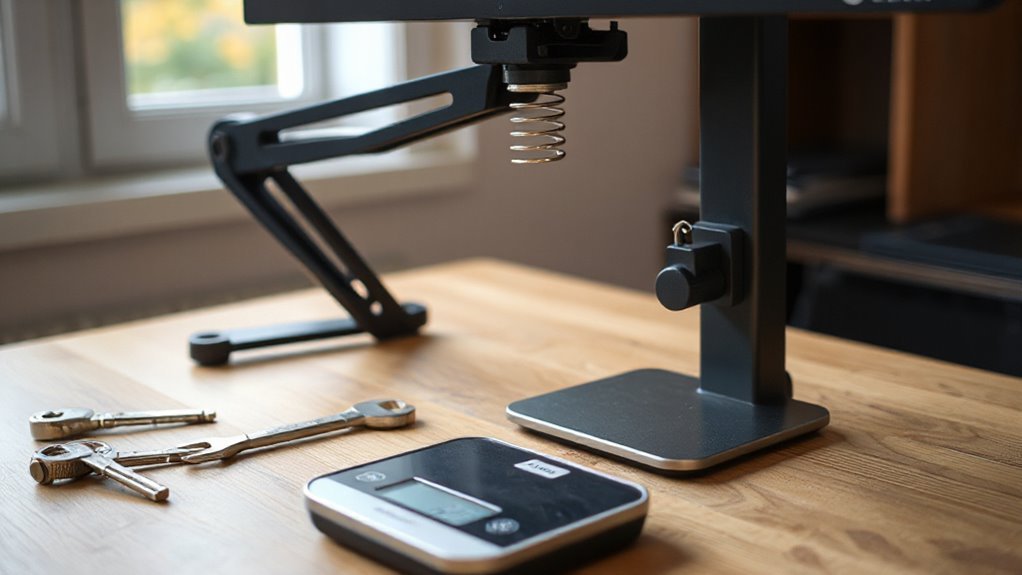
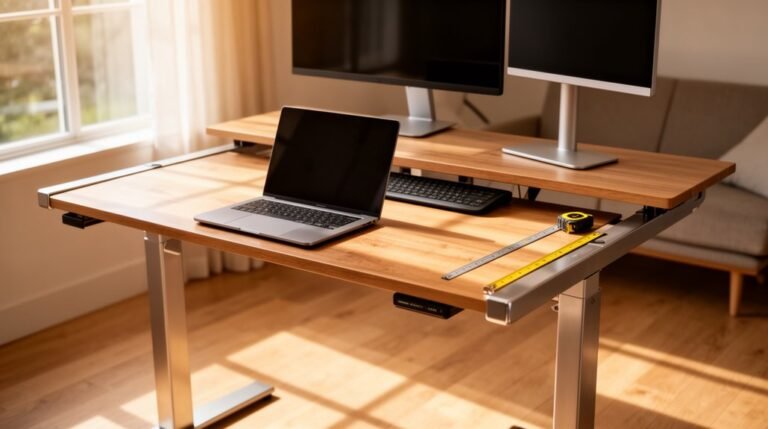
Effective weight capacity management is essential for the ideal performance of your standing desk converter. Typical models support weights from 22 lbs to 37 lbs, while heavy-duty versions can handle up to 110 lbs.
Remember, this capacity includes all items on the surface, like monitors and keyboards. Distributing weight evenly reduces strain and enhances stability, so place heavier items toward the center.
Avoid exceeding the specified limits, as doing so risks mechanical failure. Keep total loads 10-20% below maximum capacity for safety.
Regularly inspect the platform for signs of stress, tighten loose fasteners, and clean moving parts to guarantee smooth operation. Monitoring these aspects will prolong your converter’s life and maintain its functionality.
Cable Management and Organization
How can you guarantee a tidy workspace while using a standing desk converter? Use cable management solutions like under-desk trays to house power strips and bundled cables, effectively reducing trip hazards.
Adjustable trays accommodate various cable thicknesses and equipment setups, making maintenance simpler. Implement cable raceways to hide wires, enhancing aesthetics.
For smooth cable movement, incorporate cable spines designed for converters. Secure cables with Velcro ties and magnetic clips, preventing damage to surfaces.
Regularly check mounts for wear, especially adhesive types. Clean trays to avoid dust buildup, and inspect cables for fraying.
When adding or removing equipment, reorganize cables to maintain order. Use removable covers for easy access during adjustments.
Troubleshooting Common Issues
When facing issues with your standing desk converter, where should you start? First, check for stability problems. Verify all components are tightly secured and that the converter rests on a flat, firm surface. Adjust any leveling feet to prevent wobbling.
Next, assess the range of motion. If the height adjustment is limited, consider whether the converter meets your ergonomic needs. For those requiring more flexibility, a full electric standing desk may be beneficial.
Evaluate weight capacity as well. Exceeding the manufacturer’s limits can lead to mechanical failure.
Lastly, inspect mechanical components. Regularly clean moving parts to avoid jams, and familiarize yourself with reset procedures for power issues. Addressing these factors can enhance the functionality of your converter.
Maintaining a Hygienic Workspace
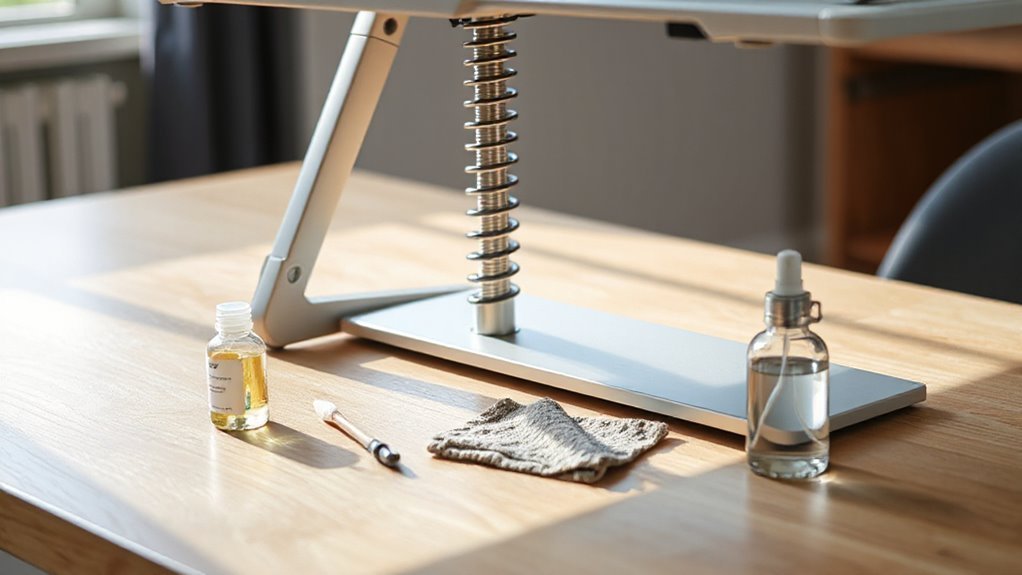
Maintaining a hygienic workspace is essential for both health and productivity, particularly when using a standing desk converter.
Clean surfaces at least once a week to prevent grime buildup. Use a soft, damp cloth for routine cleaning of the desktop, keyboard tray, and monitor stand. For tougher stains, apply a mild soap solution, avoiding saturation.
Dust regularly with a microfiber cloth to eliminate filmy residue. Wipe up spills immediately to prevent liquid damage and bacterial growth. Keep the workspace organized, reducing dust accumulation. Protect the desk surface with coasters for beverages.
Maintain ideal humidity between 30-45% and temperatures between 60-80°F. Regular cleaning and protection strategies guarantee a hygienic workspace that promotes productivity.
Frequently Asked Questions
How Often Should I Clean My Standing Desk Converter?
You should clean your standing desk converter at least weekly to prevent dust and grime buildup.
Use a soft, damp cloth for routine cleaning, avoiding harsh chemicals. For tougher stains, apply mild soap and water as needed.
Wipe down the keyboard tray and monitor stand regularly to maintain hygiene.
Adjust your cleaning frequency based on usage and environmental factors, like dust and humidity, for peak performance and longevity.
Can I Use Disinfectant Wipes on the Surfaces?
Yes, you can use disinfectant wipes on standing desk converter surfaces. Most are compatible with quaternary ammonium compounds or isopropyl alcohol.
Make sure the surface remains wet for the contact time specified on the wipe’s label, usually 2–4 minutes. Avoid bleach or abrasive ingredients to prevent damage.
Always check the manufacturer’s guidelines to confirm compatibility. After disinfecting, let the surface air dry completely before using it again for ideal safety.
What Types of Lubricants Are Safe for My Desk Converter?
Use silicone-based lubricants for non-corrosive protection.
Dry lubricants, like PTFE, prevent dust accumulation on metal parts.
Lithium-based greases work well for heavy-duty components but apply sparingly.
White lithium grease is effective for metal joints.
Avoid petroleum-based oils, as they can degrade plastics.
Always check your manufacturer’s manual for specific recommendations, and remember to lubricate moving parts every 3–6 months for peak performance.
Are There Specific Cleaning Products to Avoid?
Avoid cleaning products that can damage your desk’s surface.
For instance, bleach-based cleaners can discolor wood, while ammonia dulls finishes. Additionally, abrasive scrubbers scratch surfaces, and multi-surface sprays may leave streaks.
Products like silicone-based polishes attract dust, creating buildup. Finally, high moisture levels from cleaning can warp wood.
Stick to pH-neutral cleaners designed for your specific surface to maintain your desk’s appearance and functionality effectively.
How Can I Prevent My Cables From Getting Tangled During Adjustments?
To prevent your cables from tangling during adjustments, route them through designated openings, ensuring slack is evenly distributed.
Avoid sharp bends to minimize internal damage. Use Velcro ties to bundle cables together, securing them with clips at intervals.
Implement cable trays for organization. Consider adjustable cable management kits that move with your desk converter, maintaining alignment and preventing friction with moving parts.
Regularly inspect and untangle cables to maintain ideal functionality.
Conclusion
To summarize, maintaining your standing desk converter is like nurturing a well-tuned instrument. Regular cleaning keeps surfaces pristine, while lubrication guarantees smooth movement.
Inspect stability and tighten bolts to prevent unwanted wobbles, much like a solid foundation supports a building.
Manage weight capacity to avoid strain, and organize cables for a tidy workspace.
By addressing these aspects, you not only enhance functionality but also create an environment that fosters productivity and well-being.