How to Make a Standing Desk Converter More Stable
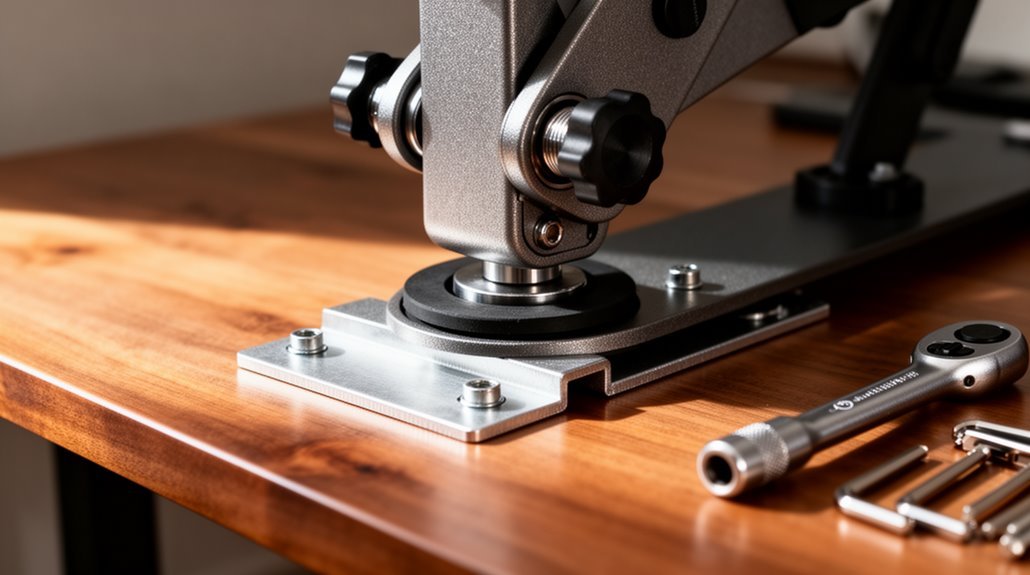
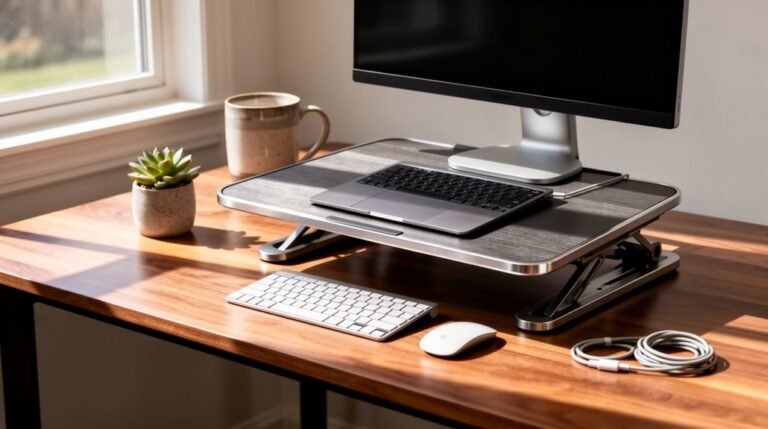
To make your standing desk converter more stable, start by ensuring it’s installed on a solid desk surface at least 0.75 inches thick and 24 inches deep. A sturdy base reduces wobble and gives the converter reliable support. In addition to a solid desk surface, consider implementing best practices for standing desks by adjusting the height to match your elbow level when standing. This helps maintain proper posture and reduces the risk of strain during use. Furthermore, incorporating anti-fatigue mats can provide extra comfort and support for longer periods of standing.
Choose converters with gas springs or advanced mechanisms for smooth, controlled height adjustments. These systems help prevent sudden movement that can destabilize the unit.
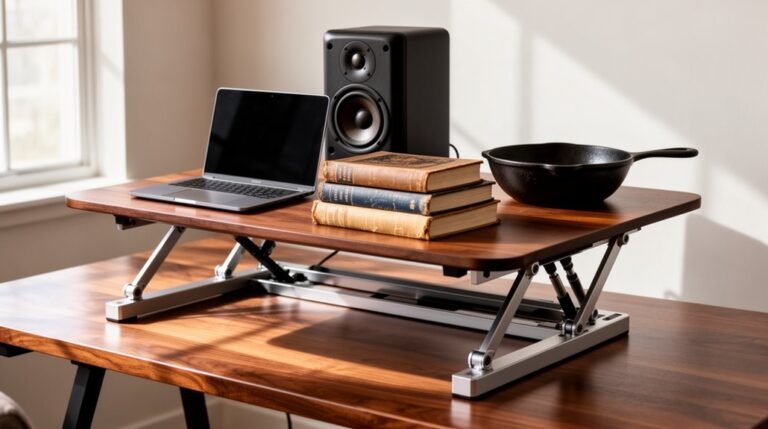
Prioritize weight distribution: place heavier items centrally and toward the back of the platform. This minimizes forward tipping and reduces side-to-side sway.
Regularly tighten screws and inspect components for signs of wear or loosening. Also consider appropriate mounting styles, such as clamp mounts, to further secure the converter and improve overall stability.
Proper Installation and Surface Preparation
To guarantee your standing desk converter is stable, start with the right surface and installation method. Choose a desk with a minimum thickness of 0.75 inches, using solid wood, plywood, or high-density particleboard. Avoid hollow-core or laminate surfaces that lack stability. The desk depth should be at least 24 inches, providing adequate support for the converter base. Ascertain the desk’s weight capacity exceeds the combined weight of the converter and equipment by at least 25%. Additionally, consider using a DIY standing desk converter that is designed with adjustable shelves for enhanced ergonomic benefits. Position the converter base with its front edge aligned with the desk’s front edge, centered left-to-right. Leave a minimum of 2 inches of clearance at the back. Use a level to confirm the base is flat, avoiding uneven surfaces for peak performance.
Use of Gas Spring or Advanced Support Mechanisms
When selecting a standing desk converter, considering the use of gas spring or advanced support mechanisms is essential for stability and ease of use.
Gas springs utilize compressed nitrogen, allowing smooth, controlled height adjustments with minimal manual effort. Many models support one-handed operation and can lift weights between 15 to 33 lbs. This is particularly important because weight capacity limitations can significantly affect the usability of the converter, especially when accommodating multiple monitors.
Dual gas cylinders enhance stability and minimize wobbling during shifts, reducing monitor bounce. Advanced support mechanisms, like X-lift bases, guarantee straight up-and-down movement, while double Z-shaped bases evenly distribute weight.
These systems often incorporate built-in dampening, preventing sudden drops. By choosing converters with these features, you can achieve better stability, durability, and ergonomic performance, ultimately enhancing your workspace experience.
Selection of Mounting Style and Desk Converter Type
Understanding the mounting style and desk converter type is essential for optimizing stability and functionality in your workspace.
Mounting Styles
Post mounts offer a single vertical column for stable height adjustments. Clamp mounts secure to the desk edge, minimizing movement. Pedestal mounts provide a fixed base, enhancing vertical movement stability. Desktop units rely on weight distribution for stability without clamps. Electric mounts utilize motorized lifts, ensuring consistent stability during height changes. Additionally, users should be aware that high traffic can affect the performance of electric mounts if not configured properly.
Desk Converter Types
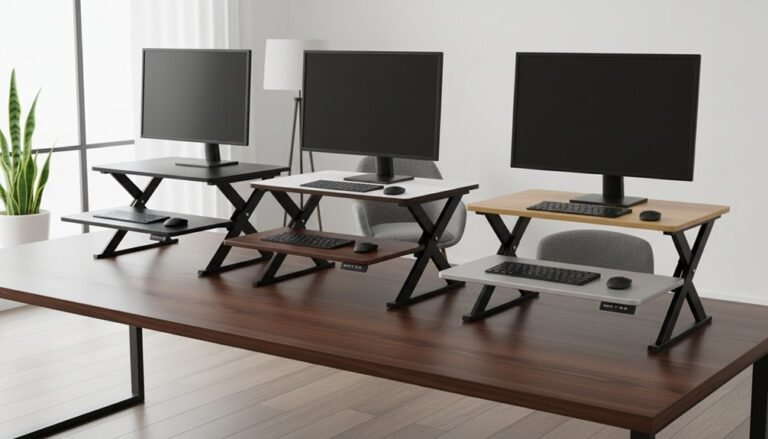
Z-shaped bases feature arcing lifts, which can push users back. Double X-shaped bases improve stability with vertical movement. Single X-shaped bases offer simpler designs with slightly less stability. Fixed dual platforms distribute weight effectively. Compact vertical lifts focus on minimal footprint changes, enhancing overall stability. Select these styles carefully to improve your desk converter’s stability.
Maintenance and Component Check
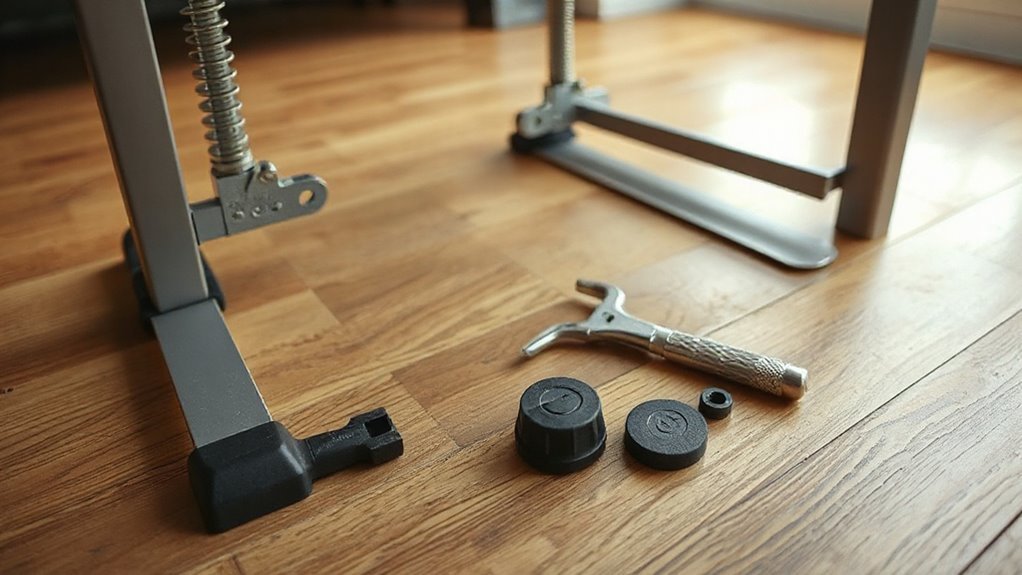
Regular maintenance of your standing desk converter is essential for ensuring its stability and longevity. Common standing desk converter issues can often arise from wear and tear over time. It’s important to check for any signs of malfunction, such as uneven height adjustments or stability problems. By addressing these issues promptly, you can maintain a comfortable working environment and prolong the life of your desk converter.
Clean surfaces with a soft, damp cloth to prevent grime buildup. For tougher stains, use mild soap and water, avoiding excess moisture.
Tighten all screws and bolts periodically to prevent wobbling. Inspect joints and hinges for wear, especially at maximum height.
Lubricate moving components like gas springs according to the manufacturer’s guidelines, ensuring smooth operation.
Organize cables using management tools to prevent tangling, which can interfere with desk movement.
Conduct routine stability checks by applying pressure on various parts, and confirm that locking mechanisms engage securely at all heights.
This proactive approach enhances both performance and safety.
Weight Management and Load Distribution
Proper weight management and load distribution are essential for maintaining the stability of your standing desk converter. The typical weight capacity ranges from 25 to 50 lbs, with electric models supporting up to 350 lbs.
Heavier items, like monitors, should be positioned centrally and towards the back to enhance balance. Use monitor arms to offload weight, improving structural integrity.
Place heavy components, such as computer towers, near the desk legs to reduce stress on the frame. Avoid exceeding the manufacturer’s rated capacity to prevent mechanical failure.
Regularly assess your setup, especially after adding equipment, and verify even distribution of items to maintain consistent balance during height adjustments.
Workspace Setup and Ergonomic Adjustments
To create a stable and comfortable workspace, you must carefully evaluate the setup of your standing desk converter. Start by ensuring your desk surface is sturdy and level. This prevents wobbling or tipping during use. Remove any overhanging obstacles that may interfere with height adjustments.
Next, adjust your monitor so the top aligns with your eye level, eliminating neck strain. Your elbows should form a 90-degree angle while typing, keeping wrists neutral. Position your keyboard and mouse at the same height, close to your body, to avoid reaching.
Distribute weight evenly across the converter, centering heavier items. Finally, maintain a relaxed stance with feet shoulder-width apart, and shift your weight occasionally to enhance stability.
Regular Inspection and Tightening of Components
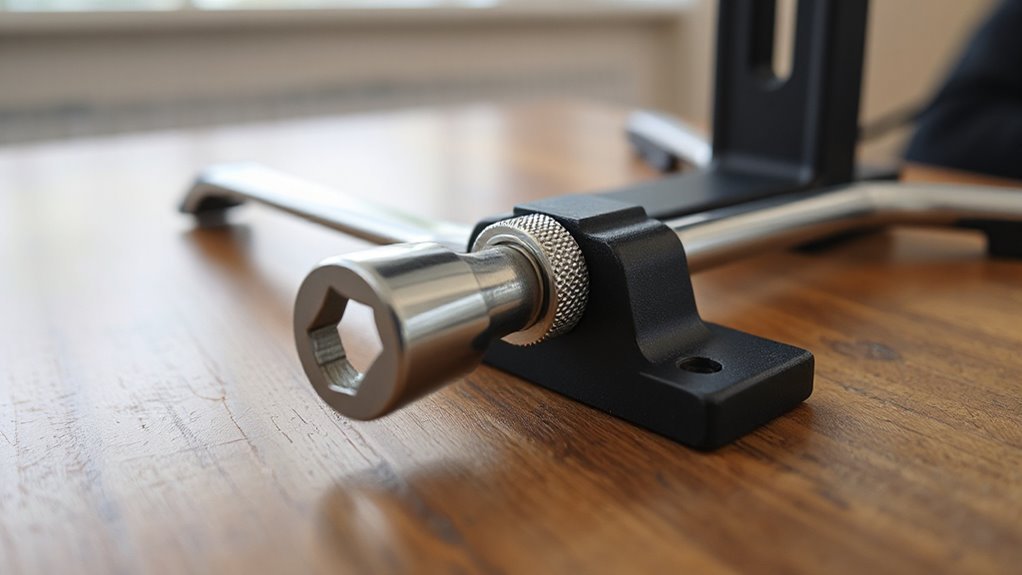
Inspecting your standing desk converter regularly is essential for maintaining its stability and performance.
Check fastener torque every 3-4 months to prevent gradual loosening that leads to wobbling. Inspect leveling feet every six months for compression or wear. If you notice any wobbling or imbalance, tighten connections immediately.
After adding or removing equipment, recheck all connections for stability. Use proper tools, like Allen wrenches or screwdrivers, as specified by the manufacturer. Verify all bolts and screws are fully tightened, without over-tightening.
Look for visible signs of loose components, such as unusual noises during height adjustment or gaps between assembled sections. Regular inspections help maintain structural integrity and prevent safety hazards associated with loose hardware.
Upgrading to More Stable Models
Upgrading to a more stable standing desk converter can greatly enhance your workspace’s functionality.
Consider converters with straight vertical lift mechanisms. They eliminate the teeter-totter effect seen in forward-lifting models, maintaining a consistent center of gravity. Heavy-duty steel frame construction increases base weight to counteract tilting forces, guaranteeing durability and preventing warping.
Look for double z-shaped or x-shaped base designs, which distribute weight effectively, preventing wobbling. Gas lift cylinder systems allow for smooth, quiet height adjustments while preventing sudden drops. Higher weight capacities accommodate multiple monitors safely, with non-slip rubber feet to prevent movement during changes.
These features collectively guarantee stability and performance in various work environments.
Frequently Asked Questions
Can I Use a Standing Desk Converter on a Sloped Surface?
No, you shouldn’t use a standing desk converter on a sloped surface.
Slopes create gravitational imbalances, causing equipment to slide or tip. The weight distribution becomes uneven, compromising stability and safety. Gas-assisted lift systems can malfunction, and converters aren’t designed for angled surfaces.
Additionally, base feet might slip, preventing proper contact. Using a converter on an incline voids warranties and can lead to structural degradation and safety risks during operation.
How Do I Choose the Right Desk Converter Height for My Needs?
To choose the right desk converter height, measure your height and forearm length first.
For best ergonomics, align your elbows at a 90-degree angle while typing. Adjust the desk converter so your forearms remain parallel to the floor.
Confirm your monitor’s top is at or slightly below eye level to maintain spinal alignment.
If you switch tasks, consider adjustable options that allow for precise height changes without compromising stability.
Are Standing Desk Converters Suitable for Tall Individuals?
Yes, standing desk converters can be suitable for tall individuals. Choose converters with a maximum height that accommodates users up to 6’5″.
Look for straight-lifting models for better stability. Ascertain smooth height adjustments, using gas springs or hydraulics. A broad base enhances steadiness, while dual-arm designs distribute load effectively.
Opt for large work surfaces and features like a slide-out keyboard tray to maintain ergonomic posture, preventing strain during use.
What Accessories Improve Stability for Standing Desk Converters?
Monitor arms elevate screens, distributing weight evenly to reduce wobble.
Weighted bases or rubberized feet enhance floor grip, minimizing sliding.
Reinforced keyboard trays prevent flexing during use, while ergonomic designs improve posture and stability.
Clamp-mounted converters secure firmly to desk edges, lowering wobbling risks.
High-quality mounting hardware guarantees tight connections, maintaining steadiness over time.
Each accessory complements your setup, enhancing overall stability and performance of your standing desk converter.
Can I Use a Standing Desk Converter With a Dual Monitor Setup?
Yes, you can use a standing desk converter with a dual monitor setup.
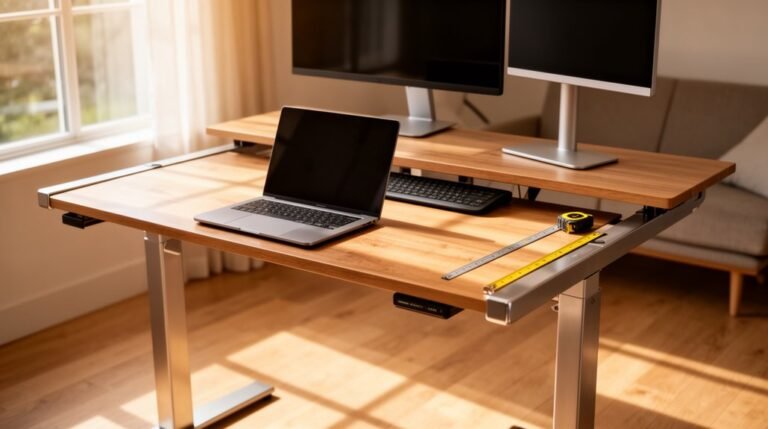
Many converters support dual monitors, accommodating sizes from 13” to 32”. They typically have weight limits between 17.6 lbs and 55 lbs per monitor.
Look for models with adjustable arms for ergonomic positioning. Verify the converter’s base is broad or heavy for stability.
Additionally, integrated mounts can enhance sturdiness by distributing weight evenly, reducing wobble during use.
Conclusion
In conclusion, enhancing the stability of your standing desk converter involves multiple factors, such as proper installation and weight management.
Notably, studies show that ergonomic workspaces can boost productivity by up to 46%. This statistic highlights the importance of a well-structured setup.
Regularly check components for wear and guarantee even weight distribution.
By implementing these strategies, you’ll create a more stable and efficient workspace that supports your health and productivity effectively.