Are Monitor Arms Worth It?
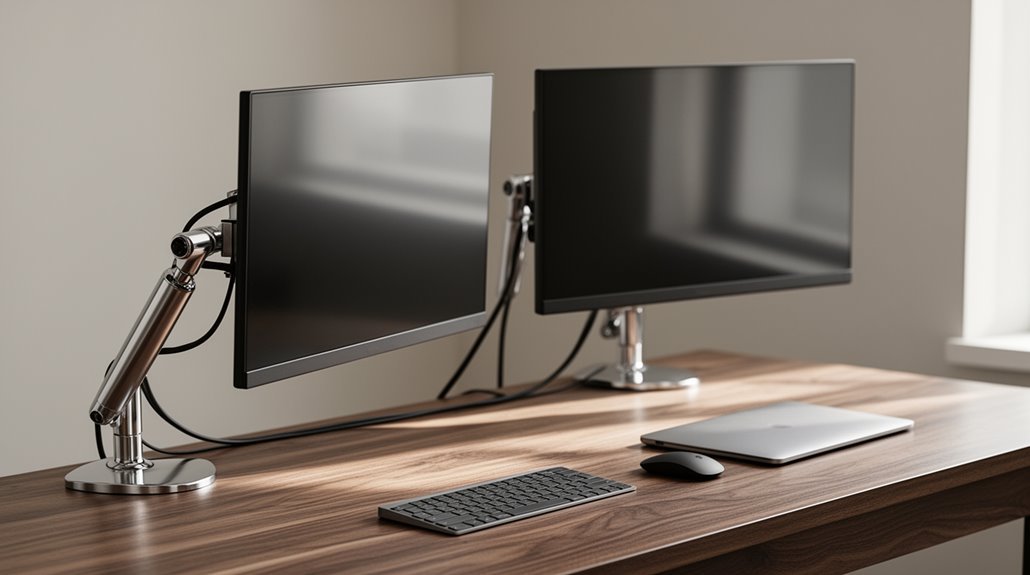
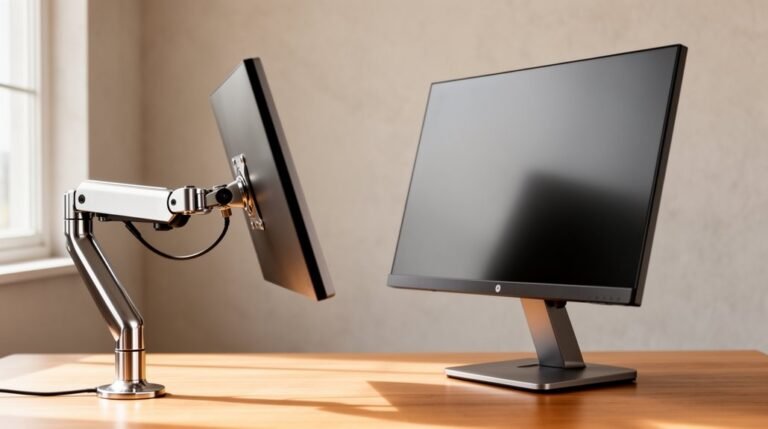
Monitor arms are worth it. They position screens at eye level, reducing neck strain and encouraging better posture.
By improving comfort, monitor arms can boost productivity by 15–20%, which can lead to fewer errors. They also create a cleaner workspace by maximizing desk space and eliminating clutter.
Adjustable designs cater to various monitor sizes and orientations, making them adaptable for remote and hybrid work. Interested in how specific features can further enhance your work environment?
Ergonomic Health Benefits of Monitor Arms
When you use monitor arms, you gain considerable ergonomic health benefits that improve your workstation setup.
Adjustable monitor arms allow you to position your screen at eye level, reducing neck strain and promoting an upright posture. This proper alignment keeps your spine straight and decreases the risk of slouching-related back pain. Additionally, monitor arms aid in increasing productivity and workflow effectiveness by allowing for better screen visibility and accessibility.
Studies indicate that adjustable setups reduce neck flexion and torso tension, minimizing musculoskeletal stress. You’ll find that following ergonomic guidelines enhances comfort, recommending screen placement at or just below eye level.
Additionally, research shows that ergonomic interventions like monitor arms considerably lower pain intensity in the neck, shoulders, and upper back.
Enhancing Productivity and Reducing Errors
Monitor arms not only promote better ergonomic health but also greatly enhance productivity and reduce errors in the workplace.
With multiple monitors, you can complete tasks more efficiently by expanding your digital workspace. Adjustable monitor arms allow seamless switching between applications, eliminating delays. Research shows that ergonomic setups can boost productivity by 15-20%, as they reduce discomfort and fatigue. Proper positioning decreases eye strain, leading to fewer data entry errors. Maintaining good posture minimizes neck and back pain, which can impair concentration. Additionally, monitor arms help remote workers maintain consistent posture, preventing productivity decline. Furthermore, the demand for ergonomic accessories is rising, particularly among start-ups that require efficient workspaces.
Improving Workspace Organization and Aesthetics
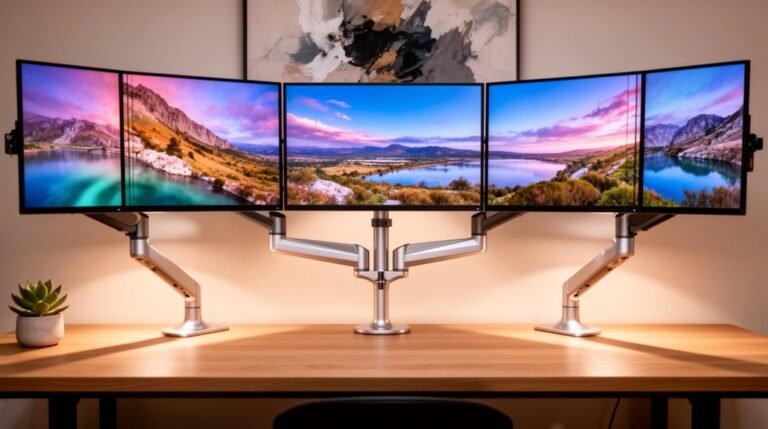
To maximize desk space, using monitor arms effectively elevates screens off the surface, creating room for documents, keyboards, and other peripherals. This optimization is essential for dual- and multi-monitor setups, commonly found in IT, finance, and creative sectors. By lifting monitors, you achieve a cleaner, minimalist workspace, which reduces clutter and enhances focus. Additionally, monitor arms support optimal monitor distance and alignment, further improving user comfort during detailed tasks.
Monitor arms also contribute to workspace aesthetics. They replace bulky stands, offering a sleek, modern appearance preferred in contemporary office designs. Integrated cable management systems conceal cords, further promoting an organized look. A tidy workspace not only improves functionality but also supports branding standards in corporate environments.
Flexibility and Adaptability for Diverse Work Environments
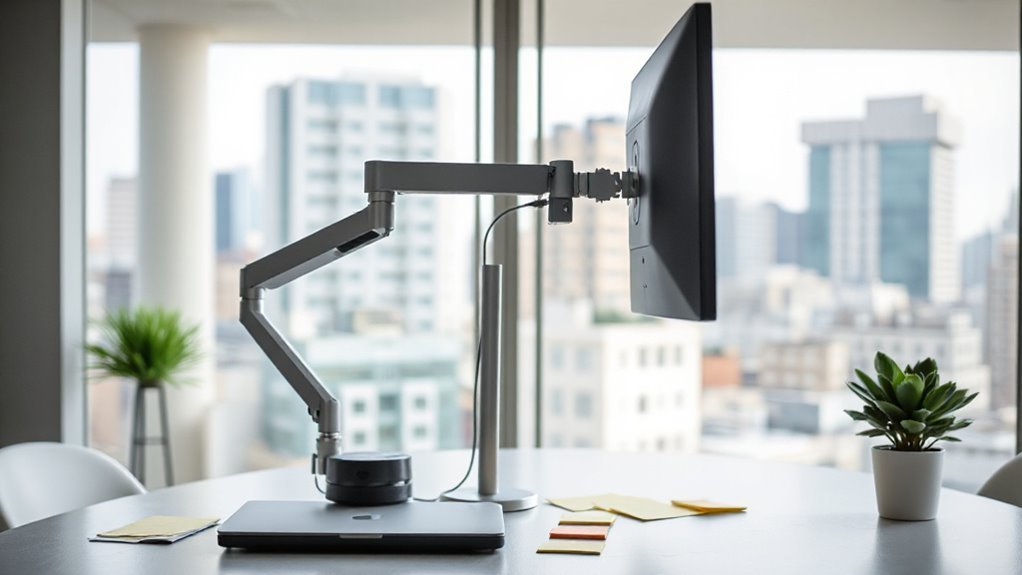
In today’s diverse work environments, flexibility and adaptability are essential for maximizing productivity. Monitor arms support remote and hybrid work by offering adjustable setups, which boost employee satisfaction. You can easily reconfigure your workstation, accommodating various tasks and work styles.
This adaptability is especially valuable in non-traditional office settings, where space is limited.
For those using multi-monitor setups, monitor arms provide the ability to adjust each screen’s position, optimizing desk space and workflow. You can tilt, swivel, or reposition monitors to suit your needs.
Additionally, monitor arms cater to different display sizes and orientations, making them suitable for various industries. As remote work continues to grow, the demand for these versatile tools is likely to increase, enhancing overall work efficiency.
Significant Physical Comfort Improvements
Improving workstation ergonomics greatly enhances physical comfort during extended work hours.
Monitor arms allow precise screen positioning, reducing neck strain by aligning monitors at eye level. This adjustment promotes a neutral spine position, minimizing compensatory postures that can lead to discomfort.
Studies show considerable symptom reductions in upper limb disorders after monitor arm installation, supporting over 50% of users reporting less neck flexion. Additionally, adjustable angles mitigate glare, further decreasing eye strain.
Research indicates positive changes in torso-to-desk distance, enhancing overall posture. Ultimately, customizable setups cater to individual ergonomic needs, leading to greater comfort, improved job satisfaction, and sustained engagement during work hours.
Monitor arms contribute considerably to alleviating discomfort associated with prolonged computer use.
Long-Term Health and Injury Prevention
When you use monitor arms, you greatly reduce musculoskeletal strain, which is essential for long-term health.
Users experience a 50.6% decrease in neck flexion and a 27.4% reduction in neck protraction. This adjustment leads to 42.5% less trunk flexion, minimizing stress on your cervical spine. Proper monitor positioning supports natural spinal alignment, decreasing the likelihood of chronic neck and back pain.
Additionally, monitor arms lower the risk of repetitive strain injuries (RSIs) by reducing tension in the neck and trunk. With fewer reports of musculoskeletal discomfort, you can enjoy safer work habits and increased focus.
Ultimately, monitor arms enhance your long-term wellness by promoting consistent ergonomic posture throughout your workday.
Investing in Quality for Optimal Ergonomics
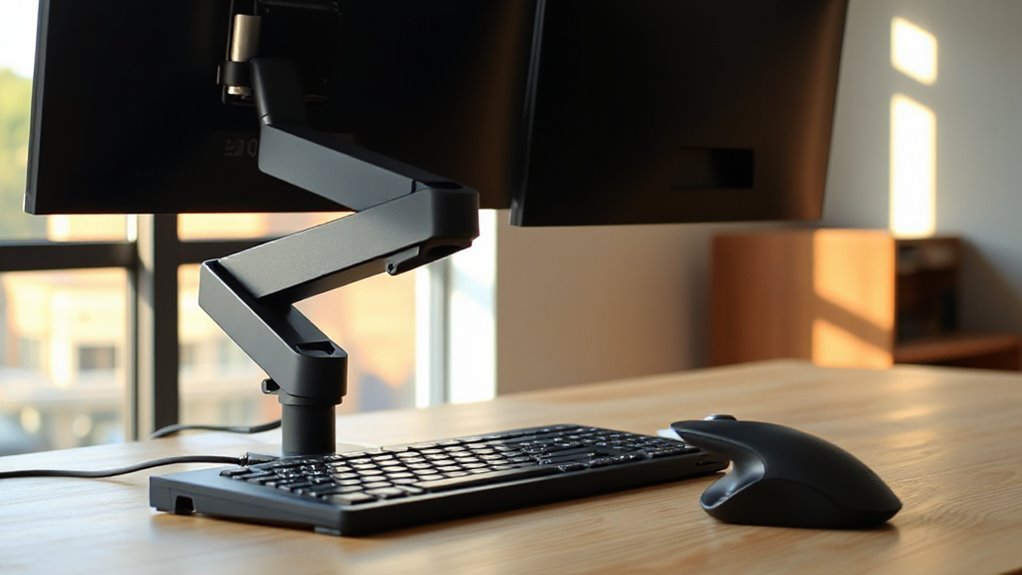
Quality construction in monitor arms is essential for achieving ideal ergonomics in your workspace. High-quality arms use durable materials like aluminum or steel, ensuring stability and reliability. They feature smoother adjustment mechanisms, reducing wear and tear. Premium options minimize sagging and wobbling, maintaining optimal screen positioning.
Top-tier models offer multi-axis adjustments—height, tilt, swivel, and rotation—allowing for easy customization. Advanced systems, like gas-spring mechanisms, enable effortless screen movement. Additionally, they support various monitor sizes and weights, enhancing versatility.
Quality monitor arms also maximize desk space and improve organization with efficient cable management. Investing in these arms not only boosts productivity but also aligns with current trends in ergonomic solutions and smart office environments.
Frequently Asked Questions
Can Monitor Arms Fit Any Desk Type or Size?
Monitor arms don’t fit every desk type or size. Most support desk thicknesses from 10mm to 50mm (0.4 to 2 inches), with heavy-duty options accommodating up to 4 inches.
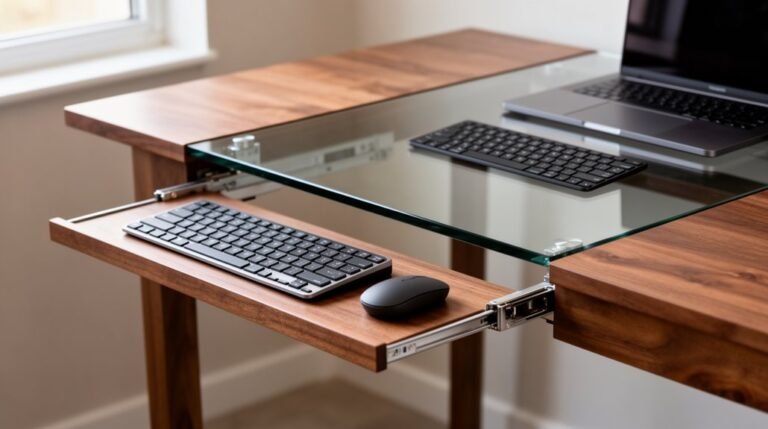
Clamp mounts work for standard desks, while grommet mounts require pre-drilled holes. Solid wood and metal desks generally support heavier arms, but particleboard or glass may need special mounts.
Always check the arm specifications to verify compatibility with your desk’s size and material.
How Do I Install a Monitor Arm?
To install a monitor arm, choose your mount type—clamp, grommet, wall, top, or bracket.
Secure the base to your desk or wall, ensuring it’s level.
Attach the monitor arm to the base, using screws or knobs for a snug fit.
Next, mount the VESA plate to your monitor, hang it on the arm, and secure it.
Finally, adjust the tension and route cables for a clean setup.
Are Monitor Arms Compatible With All Monitor Brands?
Compatibility Overview
Monitor arms generally work with most brands, including Dell, HP, LG, and Samsung, as long as they meet the VESA mount standard.
Check your monitor for the VESA hole pattern, typically 75x75mm or 100x100mm. Some monitors may hide VESA holes under built-in stands.
If your monitor has a non-standard pattern, you might need an adapter bracket. Always verify size and weight limits before purchasing an arm to ascertain compatibility.
Do Monitor Arms Require Any Special Maintenance?
Yes, monitor arms require special maintenance.
You should clean them monthly with a microfiber cloth to remove dust and use compressed air for hard-to-reach areas.
Inspect screws and bolts for tightness, and adjust tension screws to guarantee smooth positioning.
Test joints by pressing gently.
Regularly verify weight capacity to avoid strain.
For cable management, use longer cables to prevent damage during adjustments, promoting peak functionality and longevity of your monitor arm.
What Is the Average Cost of a Quality Monitor Arm?
The average cost of a quality monitor arm varies greatly. Budget-friendly options start around $30, while mid-range models typically range from $100 to $200.
For high-end arms, expect prices from $200 to over $400. These premium models often include enhanced features like advanced cable management, smooth adjustability, and support for larger monitors.
When choosing, consider your specific needs, monitor size, and desired features to determine the best fit within your budget.
Conclusion
Monitor arms offer significant ergonomic benefits, enhancing comfort and productivity.
Studies show that proper monitor height can reduce neck strain by over 40%.
They also help organize your workspace, improving aesthetics and functionality.
Investing in a quality monitor arm provides flexibility for various work setups and can prevent long-term injuries.
Overall, integrating a monitor arm into your workspace is a practical decision that promotes better health and efficiency.