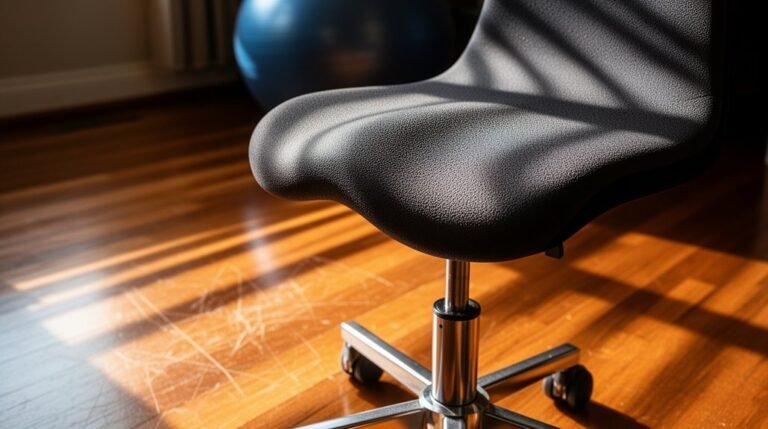
Quick Ergonomic Wins for Instant Comfort
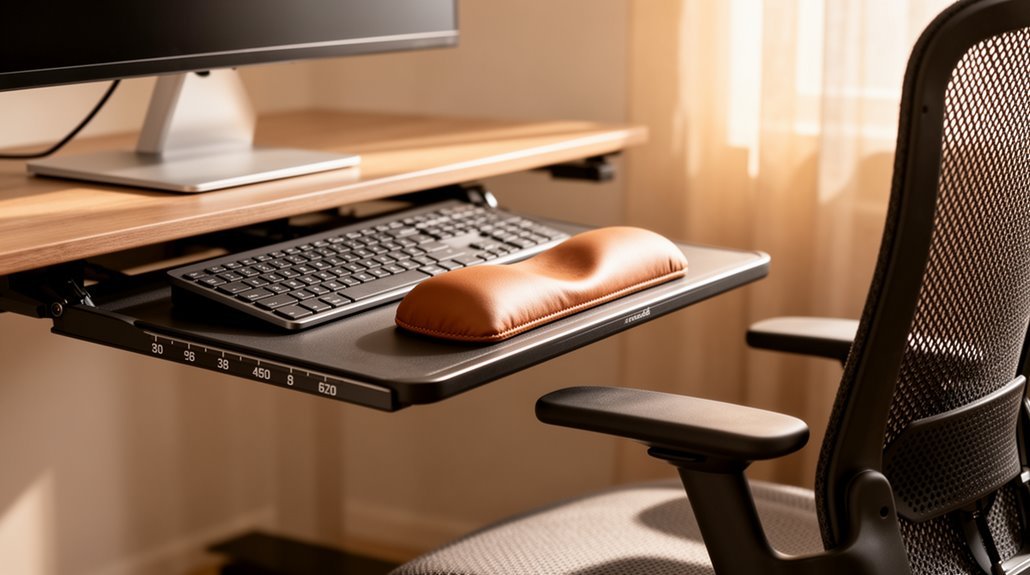
Quick Ergonomic Wins for Instant Comfort
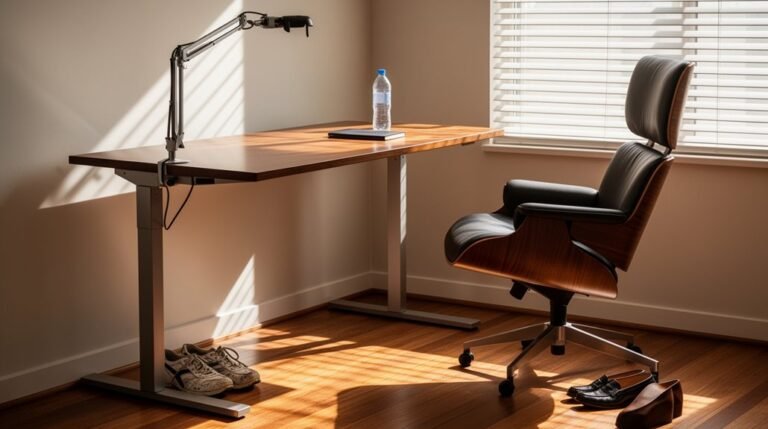
Adjust your chair height so your feet rest flat on the floor, creating a 90-degree angle at your knees. This simple ergonomic adjustment reduces strain on your lower back and improves posture.
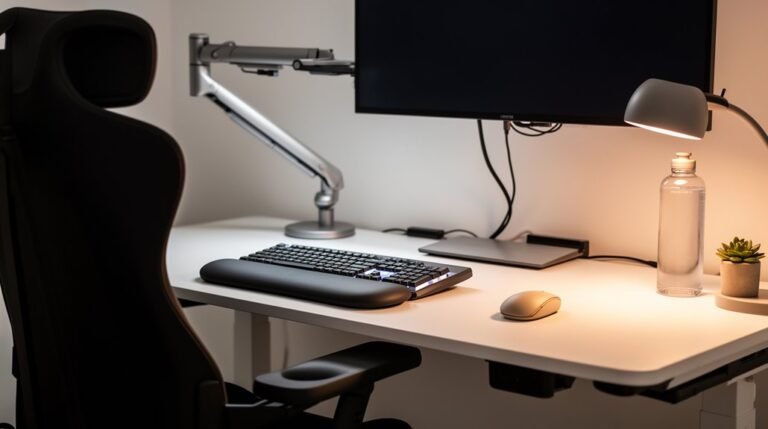
Position your monitor 20 to 40 inches away, with its top at or slightly below eye level. Proper monitor placement prevents neck strain and keeps your eyes comfortable during long tasks.
Align your keyboard directly in front of you, ensuring elbows are at 90 degrees. Organize your workstation to reduce clutter and distractions to maintain a smooth workflow.
Finally, take microbreaks every 25 minutes to improve focus and reduce discomfort. More ways to enhance your workspace await.
Adjust Your Chair Height for Optimal Support
To achieve ideal support, you need to adjust your chair height based on your individual body dimensions.
Best seat height typically ranges from 40.6 to 53.3 cm (16 to 21 inches). When standing, the highest point of the seat should be just below your kneecap. This guarantees your feet rest flat on the floor when seated, promoting a 90-degree angle at your knees. Proper height helps evenly distribute your body weight, reducing pressure points on your thighs and buttocks. If your feet don’t reach the floor comfortably, a footrest may be necessary. Correct chair height is essential for creating a conducive workspace that supports health and efficiency.
Position Your Monitor for Eye Comfort
How can you enhance your workspace for better eye comfort? Start by positioning your monitor 20 to 40 inches away from your eyes, ideally at arm’s length.
The top of the monitor should align with or be slightly below eye level, allowing your eyes to look slightly downward at the screen’s center. A viewing angle of 10–20 degrees below straight-ahead gaze minimizes strain. Additionally, ensure that the monitor distance is adjusted based on screen size to further reduce eye strain.
Verify the monitor faces you directly, avoiding neck twisting, and place it perpendicular to windows and lights to reduce glare. If you wear bifocals or progressive lenses, consider lowering the monitor.
Regularly adjust your setup based on comfort, and take breaks to maintain eye health and reduce fatigue.
Maintain Proper Keyboard Alignment
Correct keyboard alignment is essential for reducing strain and enhancing comfort while you work. Position your keyboard directly in front of your torso, ensuring your elbows align with the desk. This alignment keeps your forearms and wrists in a neutral position, minimizing lateral movements.
Aim for a height that allows your elbows to rest at 90 degrees, with forearms parallel to the floor. Adjustable trays can help achieve this. Utilize an ergonomic keyboard that promotes neutral wrist posture, reducing harmful angles by 10 to 15 degrees. Ergonomic keyboards are specifically designed to reduce strain on hands and wrists, thereby contributing to your overall comfort.
Integrated wrist supports can provide brief rests, preventing excessive extension. Finally, center your keyboard to avoid excessive reaching, which reduces shoulder strain and promotes a relaxed, natural arm reach while typing.
Organize Your Workstation Efficiently
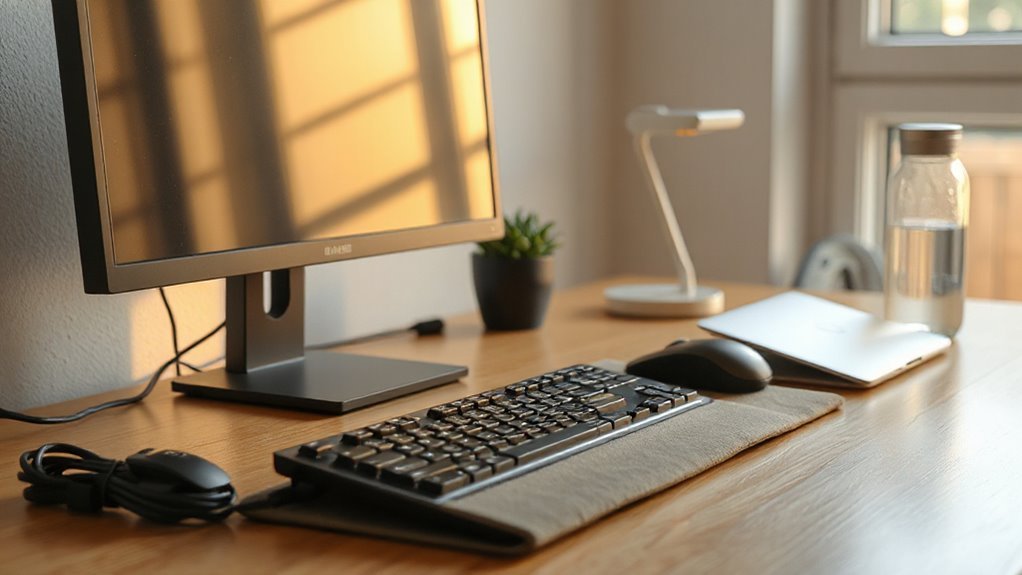
While an organized workspace may seem like a minor detail, it considerably impacts your productivity and comfort. Desk clutter can reduce productivity by up to 20%, causing distractions and time spent searching for items.
A clean workspace enhances focus and task completion speed by 15%. Proper monitor placement is essential; position it at eye level to minimize neck strain, reducing discomfort by 30%.
Effective cable management prevents accidents, cutting tripping hazards by 45%. Utilize ergonomic desk accessories, like monitor risers and document holders, to decrease awkward postures by 35%.
Finally, guarantee adequate lighting to reduce eye strain by 50% while improving overall visual comfort. Organizing your workstation is critical for fostering a more productive work environment.
Schedule Regular Movement Breaks
To maintain ideal health and productivity, incorporating regular movement breaks into your work routine is essential.
These breaks can markedly reduce discomfort and enhance focus. Here are some effective strategies:
- Take active microbreaks every 25–30 minutes, lasting 2–3 minutes.
- Incorporate light exercises like gentle stretching, walking, or squats during these breaks.
- Utilize desk-based stretches to target common pain areas, such as the neck and lower back.
- Promote routine reminders to establish consistent movement habits throughout your day.
Utilize Adjustable Furniture for Flexibility
Adjustable furniture provides essential flexibility, allowing you to customize your workspace to meet your specific needs.
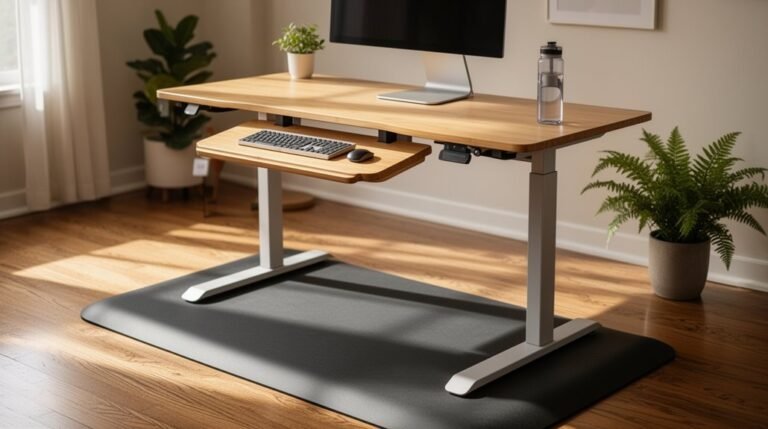
Height-adjustable desks, for instance, enable you to alternate between sitting and standing, enhancing blood circulation and reducing fatigue. Research shows a 54% decrease in neck and back pain when sitting time is cut by 66 minutes daily.
Using adjustable chairs aligns with best practices that reduce musculoskeletal disorders (MSDs), contributing to a 30% reduction in back pain.
Additionally, organizations notice a 17% productivity increase with ergonomic furniture solutions.
Incorporate Biophilic Elements for Mental Well-Being
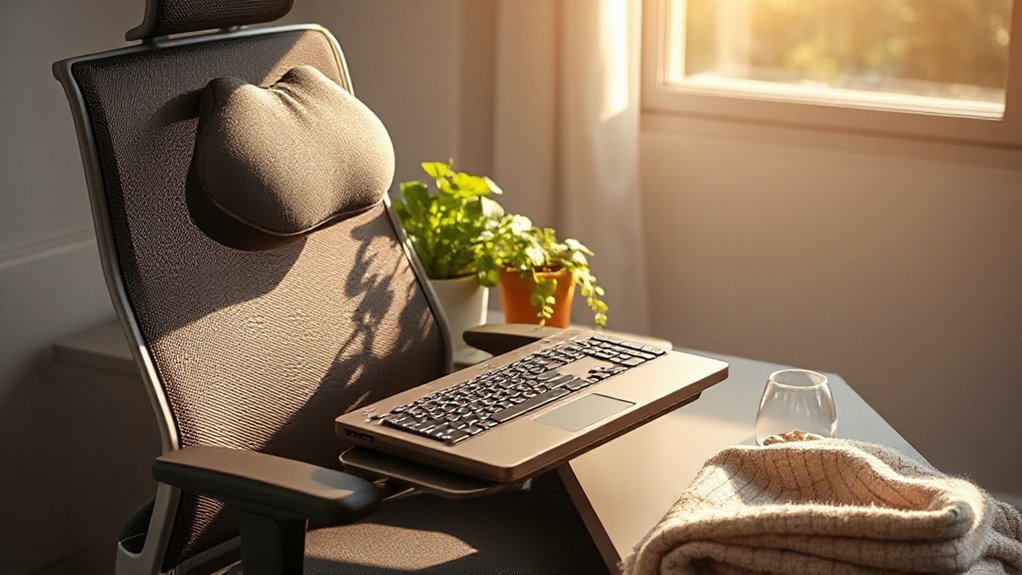
Creating a workspace that prioritizes mental well-being can markedly enhance productivity and job satisfaction. Incorporating biophilic elements is essential for this purpose. Here are four ways to achieve this:
- Natural Light: Maximize sunlight exposure to increase happiness and productivity.
- Living Plants: Add greenery to reduce stress and improve air quality.
- Color Accents: Use green, yellow, or blue accents to create an inviting atmosphere.
- Natural Materials: Integrate wood or stone to foster a calming environment.
Research shows that these features correlate with higher employee satisfaction, engagement, and productivity.
Implement Smart Technology for Continuous Improvement
Implementing smart technology in the workplace enhances ergonomic solutions, driving continuous improvement in employee health and productivity.
AI-driven assessments provide automated, precise evaluations, identifying movement patterns through wearable sensors and 3D analysis. This real-time data enables immediate detection of ergonomic risks, ensuring a safer workspace.
Smart ergonomic furniture, like chairs with pressure sensors and adjustable desks, adapts automatically to user preferences, encouraging healthy postures.
Wearable devices monitor physiological signals, offering haptic feedback for posture corrections. Environmental technologies, such as smart lighting and temperature control, optimize comfort levels.
These innovations integrate seamlessly, creating a thorough system that supports continuous health monitoring and improvement.
This data-driven approach leads to reduced musculoskeletal disorders and enhanced overall workplace wellness.
Frequently Asked Questions
How Often Should I Adjust My Ergonomic Setup?
You should adjust your ergonomic setup regularly. Make changes whenever you experience discomfort or your work habits shift.
Conduct an initial assessment, then review within 2–4 weeks. Annual evaluations are typical, but quarterly or monthly assessments may be necessary in high-risk environments.
Adjust your chair height, desk position, and monitor placement as needed.
Listen for signs like muscle fatigue or joint stiffness to guide your adjustments, ensuring ideal comfort and safety.
What Are Common Signs of Poor Ergonomics?
You may notice persistent discomfort in your neck, shoulders, or back. This often worsens as the day progresses.
If you experience tingling in your arms or hands, it could indicate nerve compression.
Poor posture, like slouching, suggests misalignment.
Difficulty focusing or frequent headaches may arise from improper monitor placement.
Additionally, if you find yourself constantly adjusting your position, it’s a sign that your workstation needs ergonomic improvements.
Can Ergonomic Adjustments Prevent Chronic Pain?
Yes, ergonomic adjustments can prevent chronic pain. Proper workstation setups, like raising your monitor to eye level and using lumbar support, align your spine, reducing strain.
Adjusting chair height guarantees your feet rest flat, promoting stability. Incorporating regular breaks and physical activity, such as stretching, further alleviates discomfort.
These modifications lead to better posture, minimizing muscle tension and the risk of developing chronic musculoskeletal disorders over time.
Are There Ergonomic Tools for Mobile Work?
Yes, there are ergonomic tools for mobile work.
Adjustable laptop risers elevate screens to eye level, reducing neck strain. Lightweight ergonomic keyboards and mice maintain neutral wrist positions, preventing repetitive strain injuries.
Portable lumbar cushions offer back support in various settings, enhancing comfort. Additionally, wireless devices eliminate cable clutter, improving workspace organization.
Using these tools can greatly enhance your posture, productivity, and overall well-being while working on the go.
How Do I Know if My Chair Is Suitable?
To determine if your chair is suitable, check these features.
Confirm there’s at least 0.5 inches of clearance between the seat edge and your knees. The seat depth should support three-quarters of your thigh length.
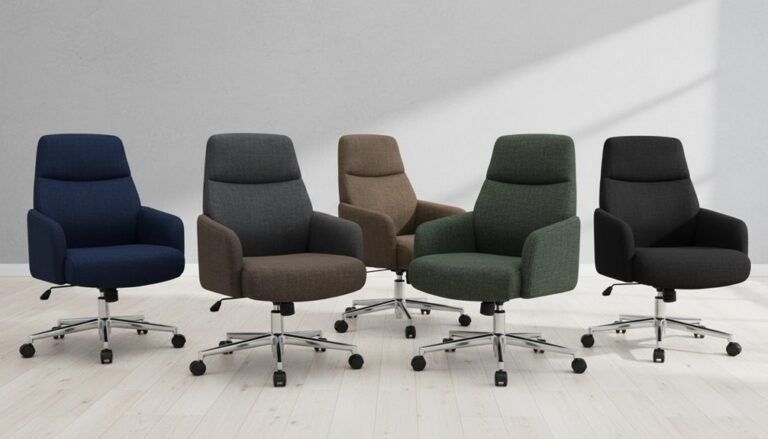
Adjust the seat height so your feet rest flat. Verify lumbar support conforms to your spine’s curve, and armrests are adjustable to support your forearms without raising your shoulders.
These criteria confirm comfort and promote proper posture during use.
Conclusion
To sum up, implementing ergonomic adjustments in your workspace isn’t just a luxury—it’s a necessity. Simple changes can make a big difference in daily comfort and long-term health.
Adjust your chair height, position your monitor correctly, and maintain proper keyboard alignment to reduce strain. Regular breaks and adjustable furniture further improve comfort and prevent fatigue.
Consider adding biophilic elements, like plants or natural light, for a mental boost. Ignore these quick wins and you may end up slouching more often—an unhealthy habit not worth mastering.