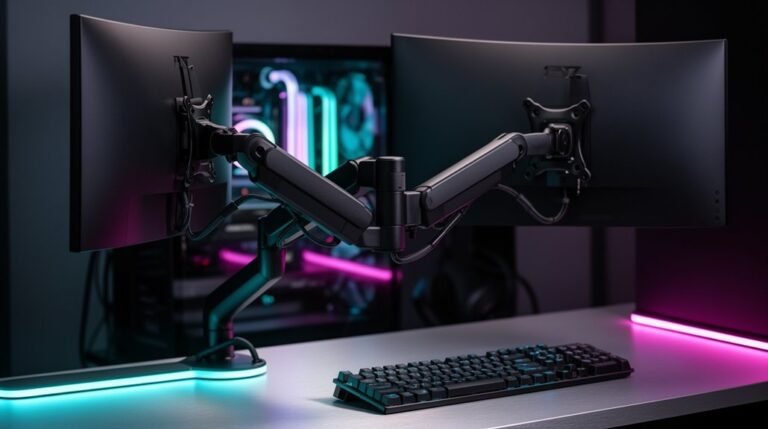
Dual Monitor Arm Vs Two Single Arms
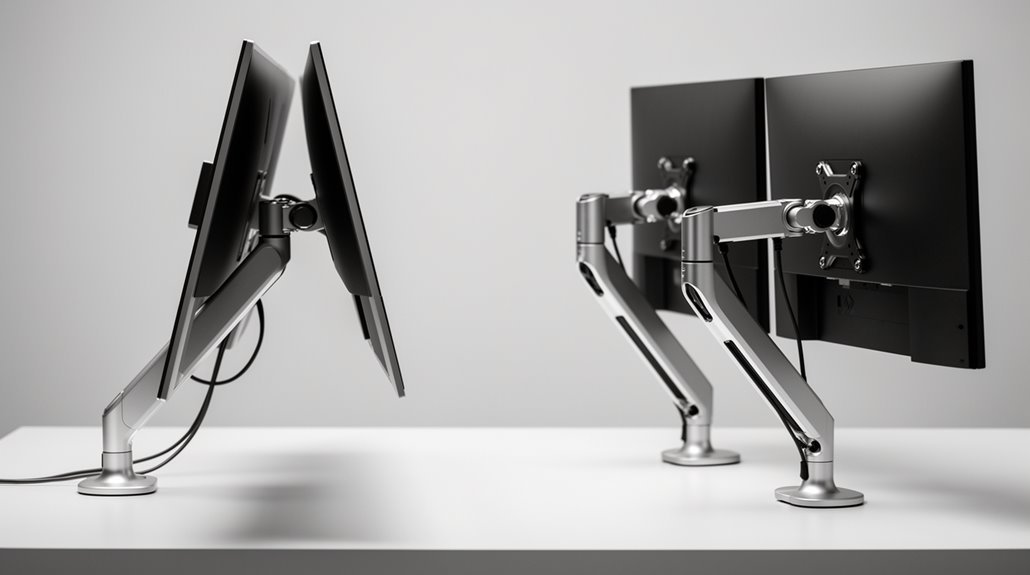
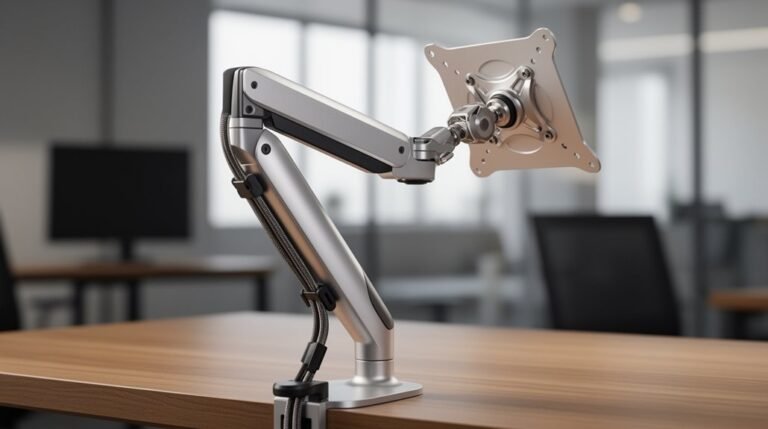
Dual monitor arm vs two single arms is an important choice based on space, cost, and flexibility. A dual arm needs less desk footprint because it uses a single base, while two single arms spread the weight across the desk, often giving better stability.
Installation time also varies: a dual arm typically takes 20–30 minutes to set up, whereas each single arm usually requires 15–20 minutes. That means two singles can take longer overall but are quicker per unit.
When it comes to adjustments, single arms let you position each monitor independently for different angles and heights. Dual arms are more limited in independent movement but can look neater and save space.
Click ahead to explore cable management and aesthetics in greater detail, where you can compare tidy routing options and the visual impact of each setup.
Space and Desk Footprint
When considering desk space, dual monitor arms occupy a smaller footprint than two single arms.
Dual arms require only a single mounting base, minimizing desk space usage. In contrast, two single arms need separate bases, increasing the overall footprint.
A desk depth of at least 24 inches is recommended to guarantee full movement without obstruction. Additionally, dual arms require about 6 inches between monitors for alignment and flexibility. Better weight distribution across two mounting bases also contributes to the stability of dual monitor setups.
The reduced number of mounting points leads to a cleaner, less cluttered appearance. This streamlined setup can enhance your workspace, especially in smaller areas.
Ultimately, choosing dual monitor arms can maximize your desk’s functionality while maintaining a tidy environment, making it an ideal option for efficient workspace management.
Cost Considerations
Although many factors influence your choice between dual monitor arms and two single arms, cost often plays a crucial role.
Dual monitor arms generally have a lower upfront cost, making them a budget-friendly option for many. You can find entry-level dual arms priced between $35 and $100, while two single arms can total $360 to $400. However, single arms allow for individual upgrades without replacing the entire system, which could be more economical over time. Organizations with multiple workstations may benefit from dual arms, as they lower per-unit costs and reduce manufacturing expenses. For specialized or large workspaces, investing in single arms may justify the higher initial investment due to their compatibility and long-term value. Additionally, flexibility is a significant advantage of single arms, allowing users to customize monitor positioning to suit their ergonomic needs.
Stability and Weight Distribution
To guarantee a superior workspace, understanding stability and weight distribution between dual monitor arms and two single arms is essential.
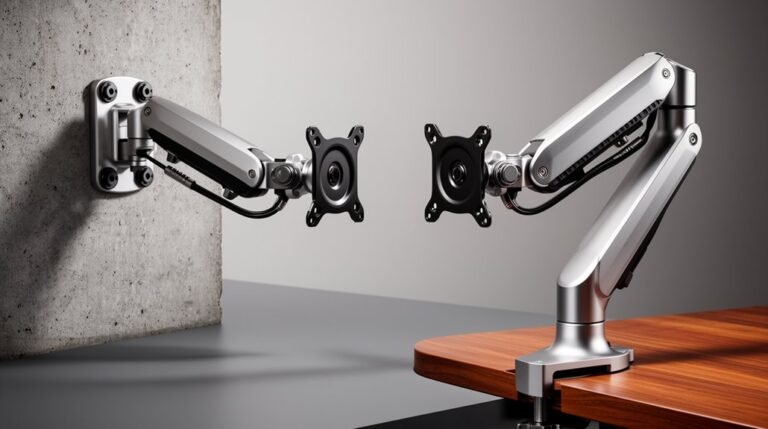
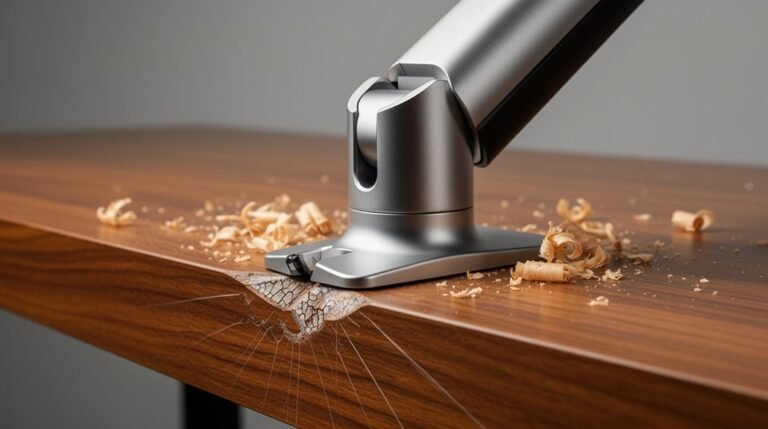
Dual monitor arms concentrate weight on a single mounting base, which can increase stress and require a stronger desk. In contrast, two single arms distribute weight across two bases, enhancing overall stability and reducing the risk of sagging or wobbling. This setup allows for better management of uneven monitor weights. The two independent mounting points of single arms provide greater stability, especially if the mounting surface is weak. Additionally, monitor arms typically offer extensive adjustability, further enhancing the ergonomic setup for users. Proper desk material, such as solid wood or metal, further improves stability, while wall mounting eliminates desk limitations entirely.
Always consider monitor weight limits to maintain peak performance.
Installation and Setup Time
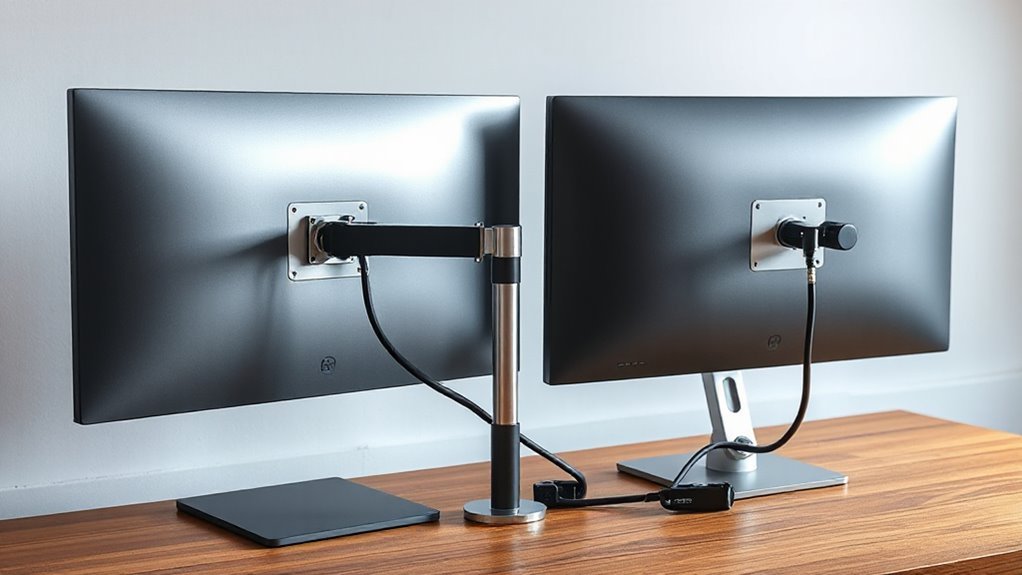
Understanding the installation and setup time for monitor arms is essential for an efficient workspace configuration.
- Single monitor arms typically take 15–20 minutes to install per arm.
- Dual monitor arms usually require 20–30 minutes due to complex mounting.
- If you opt for two single arms, the total installation time may double compared to one dual arm.
- Installation involves attaching the base, threading cables, and mounting the monitor.
You’ll need to take into account desk thickness, with clamp mounts suited for 0.4–3.5 inches, and grommet mounts needing a pre-drilled hole of 0.4–3.3 inches.
Additionally, verify your desk depth meets the minimum recommended 24 inches for ideal arm movement.
Flexibility and Customization
When considering monitor arms for your workspace, flexibility and customization are essential factors.
Two single monitor arms provide independent positioning, allowing you to adjust each monitor to different heights, angles, and distances for maximum comfort. This adaptability is particularly useful for tasks requiring varied viewing angles.
In contrast, dual monitor arms limit individual monitor adjustments since they attach to a single crossbar, restricting customization. While dual arms simplify repositioning both monitors simultaneously, they often require a compromise on ergonomic alignment.
Additionally, single arms support a wider range of monitor sizes and weights, accommodating up to 34 lbs per monitor, whereas dual arms typically support only 15-20 lbs, making single arms the more versatile choice for diverse setups.
Cable Management and Aesthetics
While dual monitor arms offer a streamlined approach to cable management, they also enhance the overall aesthetic of your workspace. By consolidating cable routing, these arms reduce visible wires. Integrated channels allow for neat runs behind the monitors, and fewer mounting points lead to minimized desk clutter.
- Cables are centrally routed, creating a tidy appearance.
- Monitors appear as a single unit, providing a unified look.
- Less cable slack is needed, especially on sit-stand desks.
- Symmetrical alignment enhances visual balance and professionalism.
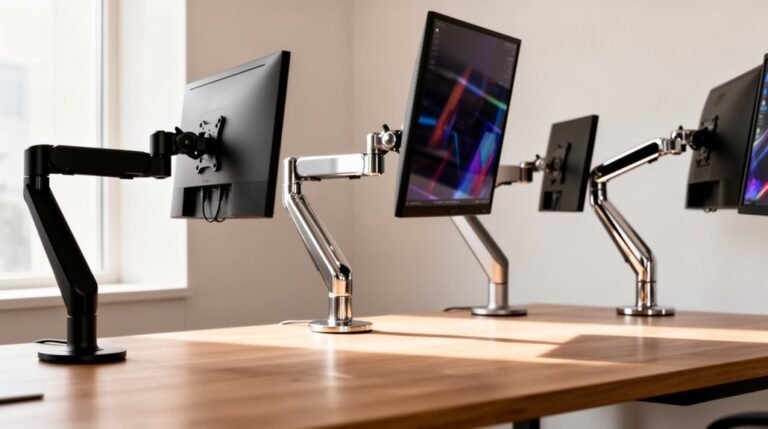
In contrast, two single arms can create a scattered look, with more visible hardware and cables, making it harder to maintain a clean workspace.
Final Thoughts on Choosing the Right Setup
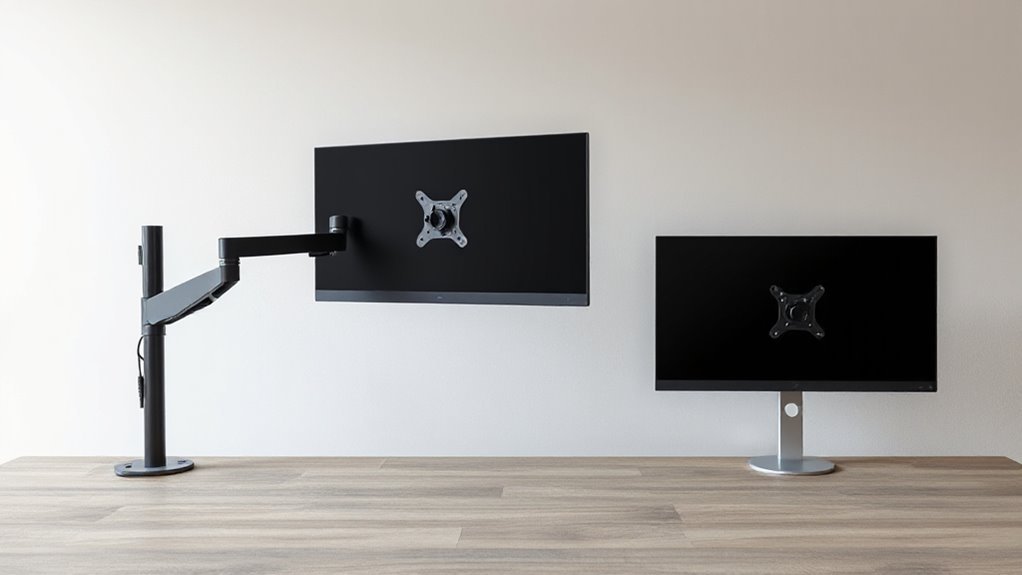
To choose between a dual monitor arm and two single arms, consider your specific workspace needs and monitor usage.
Dual monitor arms save desk space and simplify installation, using one mounting point. They’re ideal for simultaneous applications, yet limit individual monitor adjustments.
In contrast, two single arms offer superior stability and flexibility, allowing independent positioning and orientations. They support a broader range of monitor weights and sizes, making them suitable for heavier displays.
If you use a sit-stand desk, single arms might complicate height adjustments due to added weight.
Ultimately, weigh the benefits of space-saving dual arms against the adaptability of single arms to find the right fit for your workflow.
Frequently Asked Questions
Can Dual Monitor Arms Support Ultrawide Monitors?
Yes, dual monitor arms can support ultrawide monitors. Various models accommodate sizes between 34″ to 42″, with weight capacities ranging from 17.6 to 35.2lbs per arm.
For example, the MOUNTUP arm supports ultrawide monitors up to 42″ and 33lbs.
These arms also offer ergonomic adjustments, including a tilt range of +20°/-20° and maximum extension of 23.58″, enhancing your viewing experience while maintaining efficient desk space.
What Weight Capacity Do Dual Monitor Arms Typically Have?
Dual monitor arms typically support weight capacities ranging from 17.6 lbs to 19.8 lbs per screen, depending on the model.
Budget options may start as low as 4.4 lbs, while premium models can hold up to 33 lbs. The material used, like steel or aluminum, considerably impacts strength.
Confirm compatibility with VESA standards, as proper weight distribution is essential for ideal function and stability across various monitor sizes and depths.
Are Dual Monitor Arms Compatible With All Desk Types?
Yes, dual monitor arms are compatible with most desk types. Their universal desk clamp design connects easily to various setups.
The VESA standard (75x75mm and 100x100mm) guarantees compatibility with most monitors. You can choose between grommet fasteners and C-clamps, accommodating different desk materials and thicknesses.
Additionally, top-mounted installations require minimal modification, making them versatile for both height-adjustable and fixed-height desks. Always verify the desk’s weight capacity before installation.
How Do Dual Arms Affect Monitor Tilt and Rotation?
Dual arms limit your monitors’ tilt and rotation due to their shared crossbar design. Each monitor typically tilts less than ±20 degrees, restricting your ability to adjust independently for ideal viewing angles.
Rotation is also affected; dual arms often allow only simultaneous adjustments, reducing flexibility.
In contrast, single arms enable full ±45-degree tilt and 360-degree rotation for each monitor, providing better ergonomic positioning and adaptability for various tasks.
Can Dual Monitor Arms Be Used for Laptops?
Compatibility with Laptops
Yes, dual monitor arms can support laptops. Most models include a detachable laptop tray, accommodating screen sizes from 10″ to 15.6″.
They generally support weights up to 17.6 lbs, ensuring stability. The trays can be positioned below or between monitors, promoting ergonomic alignment.
Installation is straightforward, utilizing clamp or grommet mounts. Additionally, many arms feature adjustable height and angle for ideal viewing, enhancing workspace efficiency and comfort.
Conclusion
To summarize, choosing between a dual monitor arm and two single arms depends on your specific needs. Notably, studies show that using dual monitor setups can increase productivity by up to 20%.
Dual arms offer a compact design that saves desk space. They’re often quicker to install and can provide a cleaner, more integrated look.
Single arms provide greater flexibility in monitor positioning, allowing you to tilt, swivel, or offset each screen independently. Consider stability and cable management when deciding which option to use.
Evaluate your workspace, preferences, and budget to ensure you select the setup that best enhances your efficiency and comfort.