Clamp Vs Grommet Mount Monitor Arms
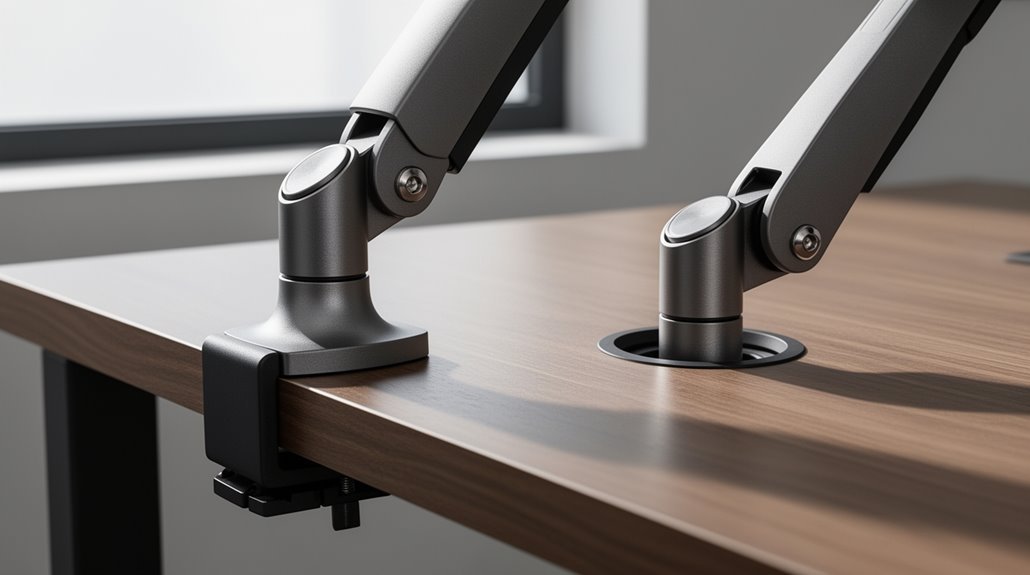
Clamp Vs Grommet Mount Monitor Arms each offer distinct advantages for different workspaces.
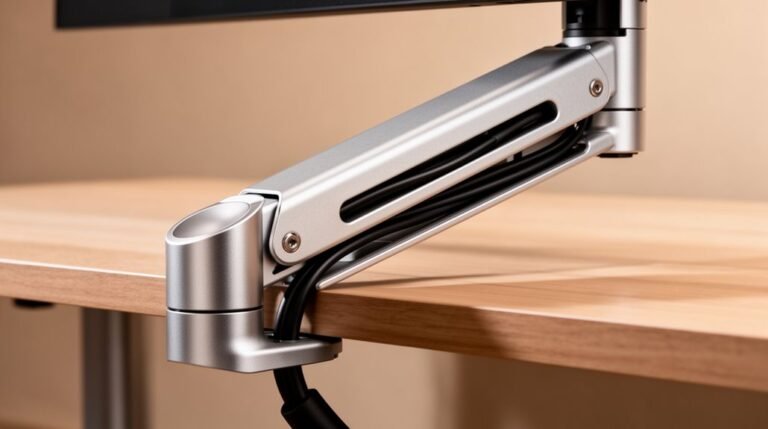
Clamp mounts attach easily to desk edges and are ideal for desks 15–30 mm thick. They’re quick to install without drilling, though they can look a bit cluttered depending on cable routing.
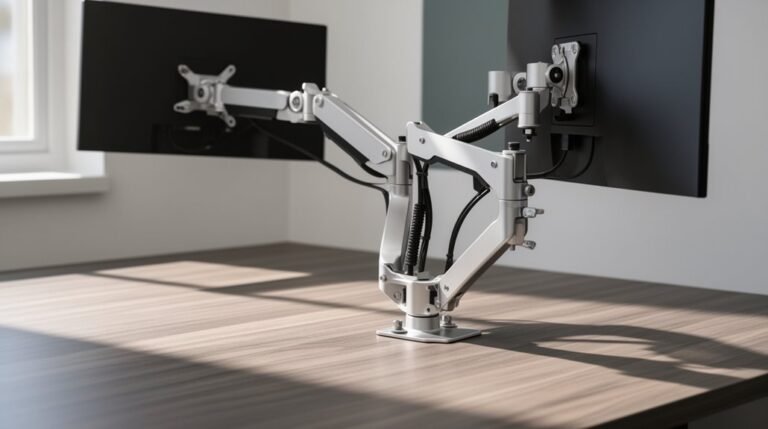
Grommet mounts require drilling a hole in the desk for installation, but they provide greater stability and typically support heavier monitors—up to about 100 lbs compared with 22–44 lbs for clamps.
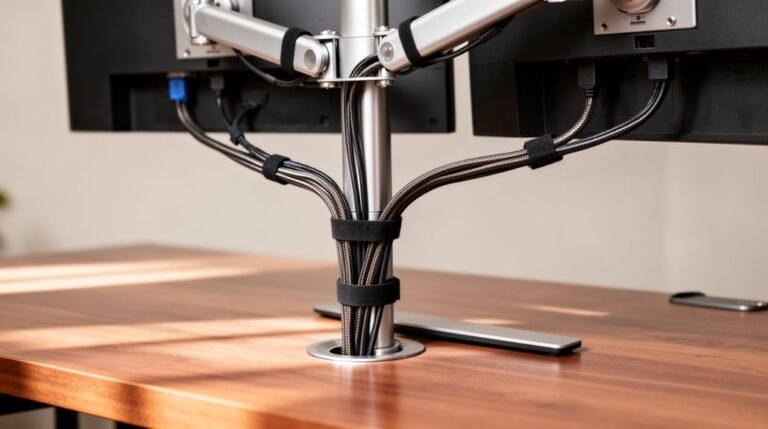
Grommet setups also tend to look cleaner, since the mount sits through the desk and often includes integrated cable management. Choose the style that best matches your desk construction, monitor weight, and aesthetic preferences.
Installation Methods
When you’re choosing between clamp and grommet mount monitor arms, understanding their installation methods is crucial.
Clamp Mount Installation
For clamp mounts, position the clamp at the desk edge. Verify it aligns with the desk thickness. Secure it with screws or knobs, tightening until snug.
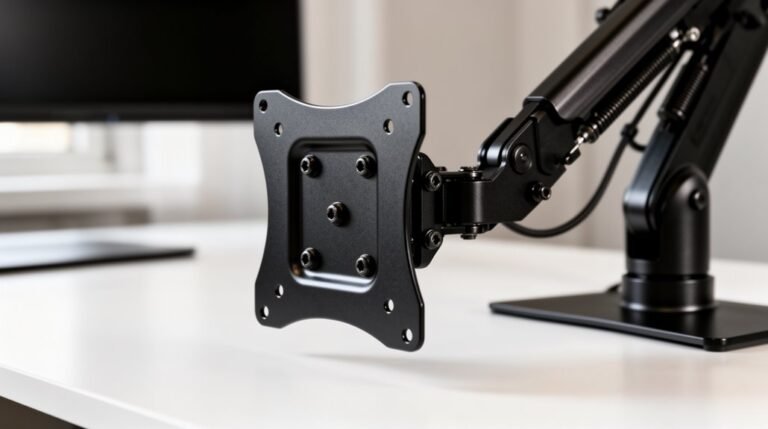
Attach the monitor arm to the clamp base, then mount the VESA plate to the monitor back. Hang the monitor on the arm, ensuring proper cable management.
Grommet Mount Installation
Grommet mounts require drilling a hole in the desk. Insert the grommet through this hole and secure it with a locking nut beneath.
Attach the monitor arm to the grommet mount, then follow the same steps to mount the VESA plate and hang the monitor, ensuring a secure fit.
Desk Compatibility
To guarantee effective use of clamp or grommet mount monitor arms, you must consider your desk’s material, thickness, and edge design.
Solid wood desks support both mounts due to their strength. Particleboard can work with clamps if it’s thick enough, but it’s less durable under heavy loads.
MDF desks are generally suitable, provided they meet thickness requirements. Glass desks aren’t compatible with clamps and should use grommet mounts for safety.
Ideal clamp thickness ranges from 15 to 30 mm, while desks over 50 mm typically need grommet mounts. Flat edges are best for clamps, while rounded edges may require alternative mounting methods. Monitor arms enhance ergonomic workstation setup by freeing desk space and positioning screens.
Always check your desk type to ascertain compatibility before making a purchase.
Stability and Security
Understanding the stability and security of clamp and grommet mount monitor arms is essential for guaranteeing effective use.
Clamp-mounted arms depend on desk edge thickness and clamp tightness for stability. If the fit is improper, you might experience wobbling or slipping. High traffic may lead to request blocks that could affect the usability of monitors if they are not securely mounted.
In contrast, grommet-mounted arms anchor through a desk hole, providing a secure pivot point that resists lateral movement. Grommet mounts are less prone to shifting, even if the desk is adjusted.
While clamp mounts allow easy repositioning, this may pose security risks in shared spaces. Grommet mounts, requiring tools for removal, offer better protection against theft.
Ultimately, both types need a stable desk to guarantee peak performance and minimize bounce or sway.
Aesthetic and Workspace Impact
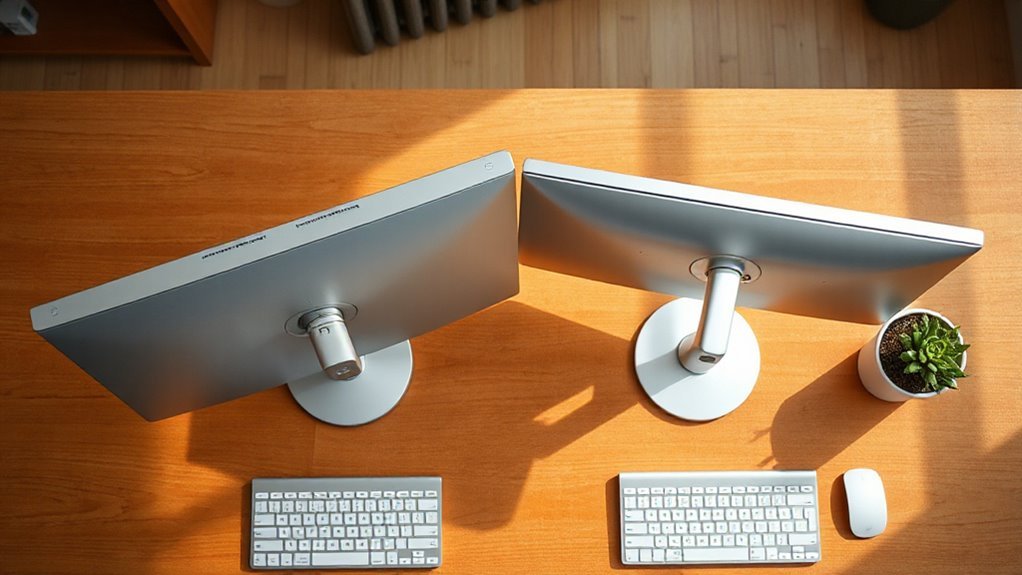
While both clamp and grommet mount monitor arms serve the functional purpose of supporting displays, they markedly differ in aesthetic appeal and workspace integration.
1. Visual Appeal: Grommet mounts offer a sleek, minimalist look, hiding hardware and reducing visible clutter.
Clamp mounts, with exposed hardware, create a more utilitarian appearance.
2. Cable Management: Grommet mounts integrate cable routing through desk holes, enhancing organization.
Clamp mounts require separate management, often leaving wires visible.
3. Desk Modification: Grommet mounts create permanent holes, affecting resale value.
In contrast, clamp mounts leave minor marks at the edge, preserving desk integrity for temporary setups.
Flexibility and Adjustability
When considering monitor arms, flexibility and adjustability are key factors that greatly impact user experience.
Clamp mounts allow for easy repositioning since they attach externally to the desk edge. You can quickly loosen and shift the monitor arm as needed. However, they may limit the monitor’s proximity to you due to desk edge interference.
Grommet mounts provide a fixed attachment point, allowing better vertical and reach adjustability. They can be positioned closer to the desk center, maximizing movement range.
Although adjustments require more effort with grommet mounts, their stability during repositioning is superior. Overall, grommet mounts offer more precise adjustments and reduce wobble, enhancing your ergonomic setup while maintaining a tidy workspace.
Weight Capacity and Monitor Support
Choosing the right monitor arm involves more than just flexibility; weight capacity plays a significant role in guaranteeing your setup is both functional and safe. Here are key considerations:
- Clamp Mounts: These typically support 22-44 lbs per arm, depending on construction materials. Steel clamps offer higher capacities than aluminum versions.
- Grommet Mounts: These can accommodate up to 100 lbs, ideal for multi-monitor setups. Their design provides superior stability due to anchoring through desk holes.
- Material Impact: Full aluminum clamp arms offer a maximum of 17.6 lbs per arm, while plastic components in budget mounts reduce overall capacity and durability.
Evaluate these factors carefully to guarantee your monitor arms can support your equipment effectively and safely.
Frequently Asked Questions
Can I Use a Clamp Mount on a Glass Desk?
No, you shouldn’t use a clamp mount on a glass desk.
Clamp mounts exert concentrated pressure on small areas, increasing the risk of the glass cracking or shattering. The off-center weight distribution from monitors adds additional stress, further compromising safety.
Instead, consider alternatives like reinforcement plates or specifically designed monitor arms for glass.
Always check the glass thickness and weight capacity before attempting any mounting to guarantee stability and safety.
How Do I Clean and Maintain My Monitor Arm?
To clean and maintain your monitor arm, regularly wipe surfaces with a soft, damp cloth and mild detergent.
Avoid abrasive cleaners that can damage finishes.
Inspect and tighten screws monthly to prevent sagging.
Lubricate pivot points with approved products, guaranteeing you don’t overapply.
Check the mounts for secure attachment and clean the contact pads to avoid desk damage.
Finally, keep components dry to prevent rust and guarantee proper functionality.
Are There Any Additional Accessories for Monitor Arms?
Yes, there are several additional accessories for monitor arms.
Extension arms increase reach, while VESA adapter plates accommodate non-VESA monitors.
Keyboard trays enhance workspace efficiency, and cable management solutions keep cords organized.
Mounting options include wall mounts and freestanding bases, providing versatility.
Functional add-ons, like laptop holders and non-VESA brackets, enable dual device setups.
Finally, ergonomic features, such as monitor handles, improve usability and adjustment ease.
These accessories enhance overall functionality.
What Are the Best Brands for Monitor Arms?
For best performance, consider Ergotron LX, renowned for its stability and range of motion for monitors up to 34 inches.
Herman Miller’s Jarvis excels in versatility and ease of assembly.
For budget-friendly options, Amazon Basics offers solid adjustability under $50.
If you need ultrawide support, WALI’s Gas Spring Mount is highly rated.
Finally, North Bayou provides a reliable entry-level solution, starting at just $30, catering to basic mounting needs.
How Do I Know if My Monitor Is VESA Compatible?
To determine if your monitor is VESA compatible, check for four threaded holes on the back.
Measure the horizontal and vertical distances between the hole centers in millimeters. Common VESA patterns include 75x75mm, 100x100mm, and 200x200mm.
If your measurements match one of these standards, your monitor is likely compatible.
Additionally, verify the monitor’s weight and screw requirements against the mount specifications for a secure fit.
Conclusion
Choosing between clamp and grommet mount monitor arms comes down to your specific needs.
Clamp mounts offer quick installation and versatility. They’re easy to move or remove, making them a good choice if you change setups often.
Grommet mounts provide a sleek, permanent solution. They create a cleaner look and can feel more secure if you don’t need to relocate the arm.
Both options deliver stability and adjustability, and can accommodate various monitor weights. Consider your desk compatibility and aesthetic preferences, since each type affects workspace design differently.
Ultimately, the right mount can elevate your workspace, improving comfort and efficiency — like finding the perfect key for a lock.