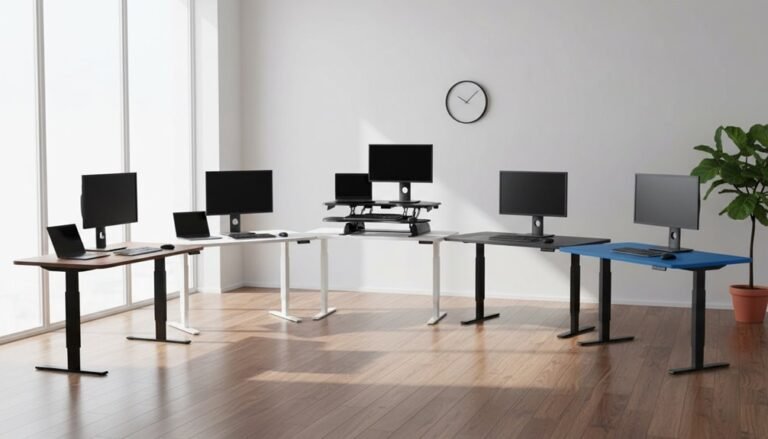
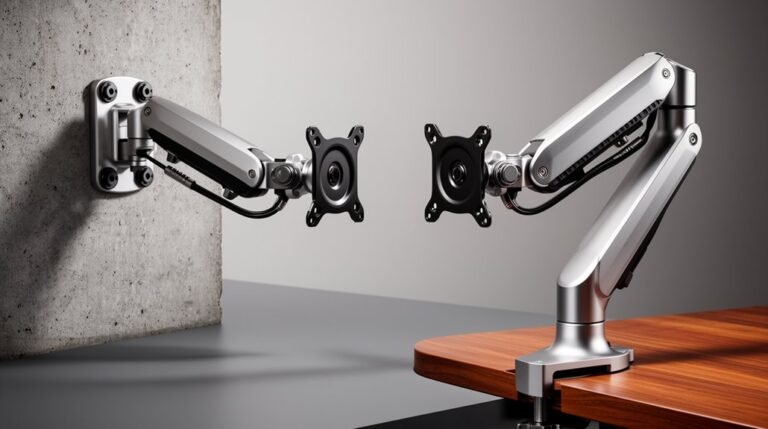
Curved Monitors and Monitor Arms: What to Consider
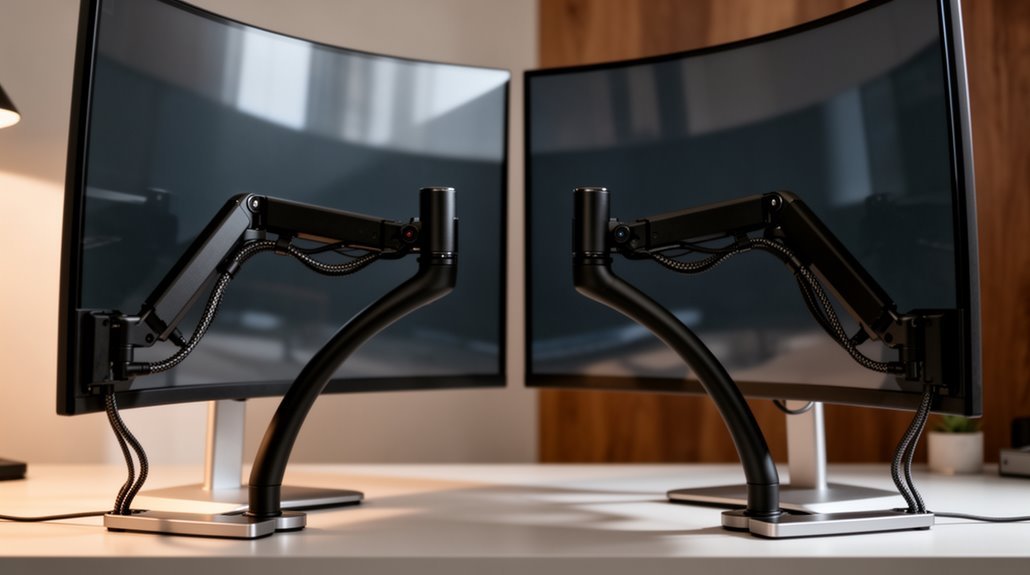
Curved monitors and monitor arms offer several advantages, including reduced eye strain and improved productivity. They can make immersive, multi-tasking setups more comfortable over long periods.
There are disadvantages to consider as well: curved monitors often cost more than flat panels and can have limited viewing angles, which may affect shared-screen use.
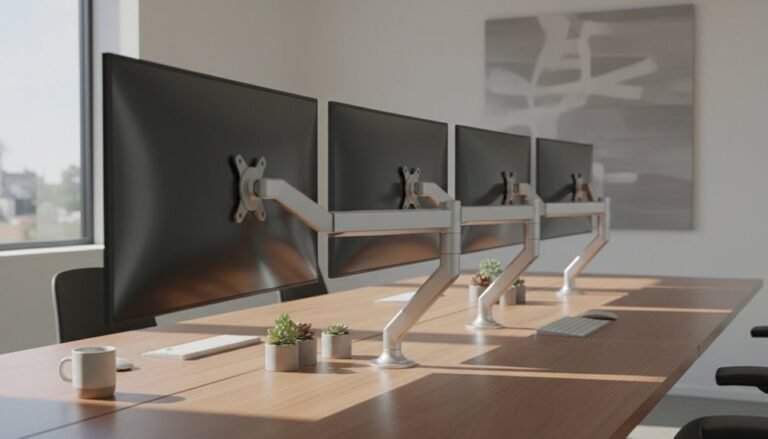
Check that monitor arms support standard VESA mount sizes and are rated for the weight of your monitor—many curved models require arms rated for heavier loads, typically over 22 kg. Confirm compatibility before purchase.
Factor in desk space requirements, since dual curved setups need more width and different cable management than single monitors. Finally, pay attention to key performance metrics like resolution and refresh rate to ensure the display meets your needs.
Advantages of Curved Monitors
While flat monitors have been the standard for years, curved monitors offer distinct advantages that can enhance your viewing experience. They considerably reduce eye strain, as studies have shown fewer reports of blurred vision and difficulty focusing. Curved displays maintain a consistent viewing distance, minimizing the need for constant refocusing. This design also minimizes edge distortion, directing light more effectively toward you and ensuring color accuracy across the screen. Additionally, curved monitors improve productivity; research indicates reading speed increases by 7% on these displays. The ergonomic design promotes a relaxed posture, reducing physical fatigue during extended use. Users report feeling less tired and experiencing fewer headaches during extended sessions with curved monitors.
Disadvantages of Curved Monitors
Despite their benefits, curved monitors come with several disadvantages that may impact your overall experience. First, they often carry a higher cost, making them less accessible for budget-conscious users. The complexity of their manufacturing elevates prices, especially for ultrawide models.
Additionally, curved monitors have limited viewing angles; sitting off-center can distort colors and images, which hampers collaborative work. This is particularly relevant as curved monitors are best viewed directly from the front.
You may also encounter increased reflections and glare, as the curvature can amplify ambient light, causing eye strain in brightly lit environments.
Moreover, these monitors require more desk space due to their size and are often challenging to mount.
Finally, potential image distortion can affect precision in professional tasks like graphic design, making flat screens preferable for accuracy.
Compatibility With Monitor Arms
Curved monitors require specific considerations when it comes to compatibility with monitor arms. Most of these monitors use standard VESA mounting patterns, typically 75x75mm or 100x100mm, which are essential for proper mounting.
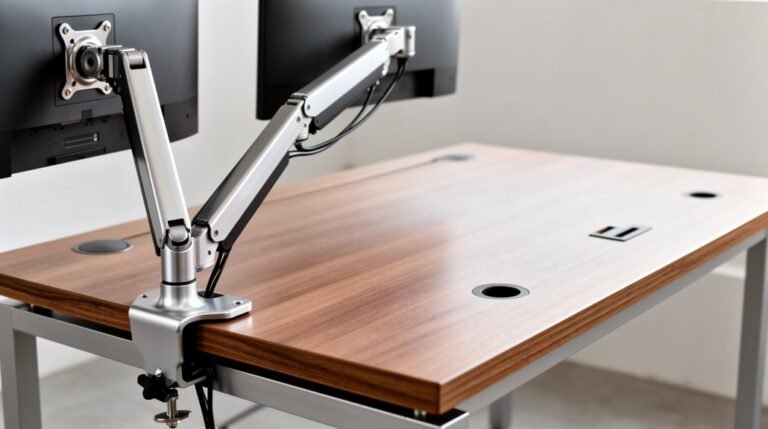
However, larger or ultrawide models may need non-standard sizes, so verify the VESA dimensions before purchasing. Monitor arms designed for heavy support, often rated for weights up to 22 kg (48.4 lbs) or more, are necessary to prevent instability. Choose arms with reinforced joints to accommodate uneven forces from curved displays. Additionally, guarantee the arm’s mounting method—like clamp or grommet—suits your desk’s design. Always consider future upgrades to larger monitors and select arms with sufficient weight capacity and structural strength. Be sure to look for a monitor arm that can support heavy-duty monitors like the Samsung Odyssey G9, which may require special attention for proper installation.
Physical Space and Installation Considerations
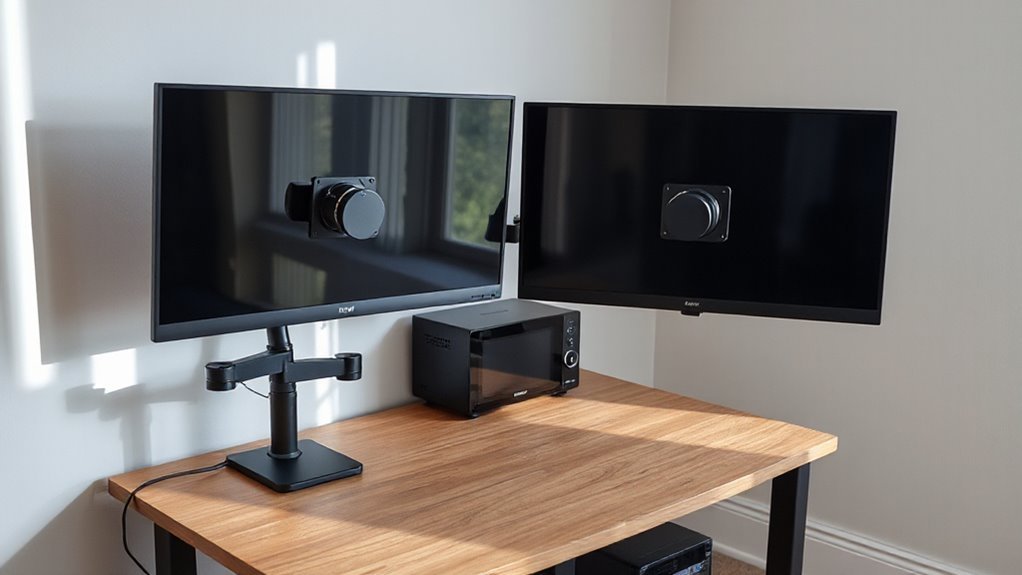
When setting up curved monitors, you must consider the physical space and installation requirements to optimize your workspace.
Dual curved monitor setups require more desk space than single monitors. Two 27 or 32-inch monitors demand greater width and depth compared to smaller 24 or 25-inch models.
For monitors over 30 inches, maintain a viewing distance of 2-3 feet for comfort. Position the top of the monitor at or slightly below eye level to reduce neck strain.
Wall mounts can save desk space and provide greater adjustability, while monitor stands allow for easier repositioning.
Plan cable management carefully to minimize clutter. Ascertain your desk can accommodate the monitor’s width, stand depth, and your arm’s comfortable viewing distance.
Performance Metrics and Technical Specifications
Setting up a workspace with curved monitors involves not just physical considerations but also an understanding of performance metrics and technical specifications.
Resolution and Aspect Ratio
Curved monitors typically feature Full HD (1920 x 1080), QHD (2560 x 1440), or 4K UHD (3840 x 2160) resolutions. Ultrawide models often use a 21:9 aspect ratio, with resolutions like 3440 x 1440.
Higher resolutions enhance image detail and screen real estate.
Refresh Rate and Response Time
Most monitors have refresh rates from 60 Hz to 120 Hz, with gaming models exceeding 144 Hz.
Response times range from 4 ms to 1 ms, vital for reducing motion blur.
Panel Type and Color Gamut****
VA panels offer high contrast, while IPS panels excel in color accuracy.
Color gamut coverage varies, impacting vibrancy and visibility.
Frequently Asked Questions
Can I Use a Curved Monitor for Professional Graphic Design Work?
Yes, you can use a curved monitor for professional graphic design work.
Curved monitors offer consistent color accuracy and reduce eye strain, thanks to their ergonomic design. They maintain image quality across the screen, which is essential for precise color grading.
However, be aware that straight lines may appear curved, potentially affecting geometric precision. If your work demands high accuracy, consider a flat monitor for superior results in graphic design tasks.
What Are the Best Sizes for Curved Monitors?
For best experience, consider a 32-inch curved monitor.
It balances immersion and desk space effectively.
A 27-inch model serves as a budget-friendly entry point, ideal for casual use.
If you seek more screen real estate, a 34-inch ultra-wide offers a 21:9 aspect ratio, enhancing multitasking.
Larger options, like 39-inch or 49-inch, provide extreme immersion but require significant desk depth and spatial planning for compatibility.
How Do I Clean a Curved Monitor Properly?
To clean a curved monitor properly, power it off and unplug it first.
Use a soft, lint-free microfiber cloth to gently wipe the screen in circular motions. Apply minimal pressure to avoid damage.
For stubborn stains, dampen the cloth with distilled water, avoiding direct liquid application. Clean the edges carefully to prevent moisture buildup.
Regular maintenance guarantees peak visibility and prevents dust accumulation in hard-to-reach areas.
Do Curved Monitors Come in Different Resolutions?
Yes, curved monitors come in different resolutions. Common options include 2560 x 1080, 3440 x 1440, and 5120 x 1440.
These resolutions cater to ultrawide aspect ratios like 21:9 and 32:9. Higher-end models often feature 4K resolution (3840 x 2160) for gaming or productivity.
The choice of resolution impacts performance; lower resolutions ease GPU demands while maintaining quality. Consequently, you should choose based on your usage needs and hardware capabilities.
Are There Specific Brands Known for Quality Curved Monitors?
Yes, specific brands are known for quality curved monitors.
Dell Alienware consistently ranks high with models like the AW3225QF and AW3425DW, offering impressive refresh rates and response times.
Samsung’s Odyssey series, such as the G9, provides ultra-wide displays with high resolution and fast refresh rates.
LG also competes well, particularly with the UltraGear line.
These brands demonstrate reliability, performance, and advanced technology in the curved monitor market.
Conclusion
Curved monitors provide a more immersive experience and can enhance viewing comfort.
However, their compatibility with monitor arms and specific installation requirements can reduce flexibility.
Assess your physical space and the performance metrics that matter most to you.
Choosing the right setup is like crafting a fine instrument: every detail matters for peak performance.
By weighing the advantages and disadvantages, you can make an informed decision that meets your needs effectively.