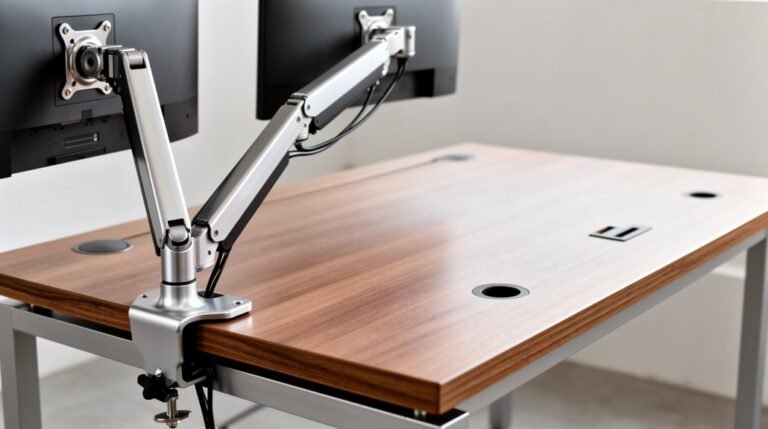
Monitor Arm for Gaming Setup: Is It Worth It?
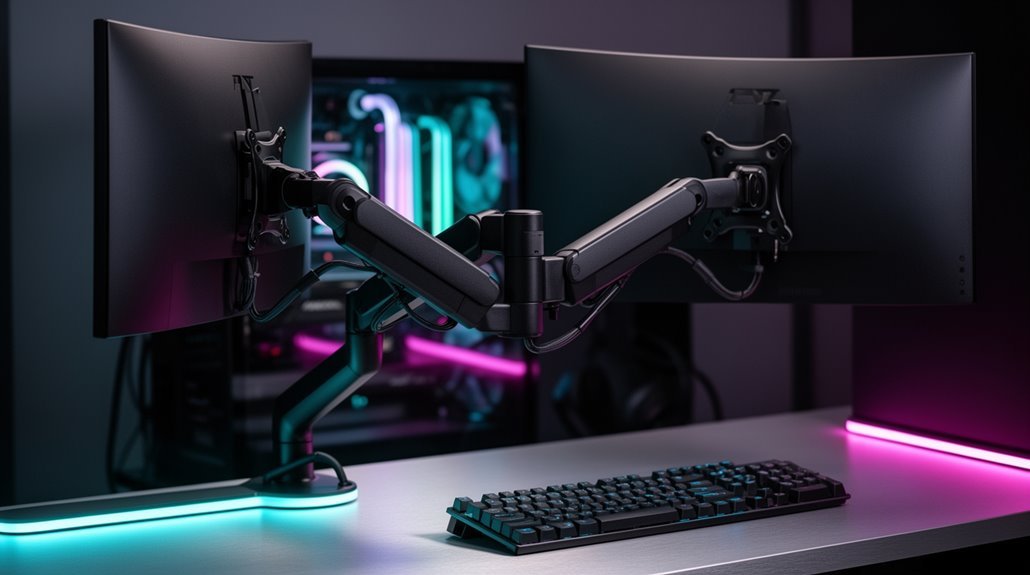
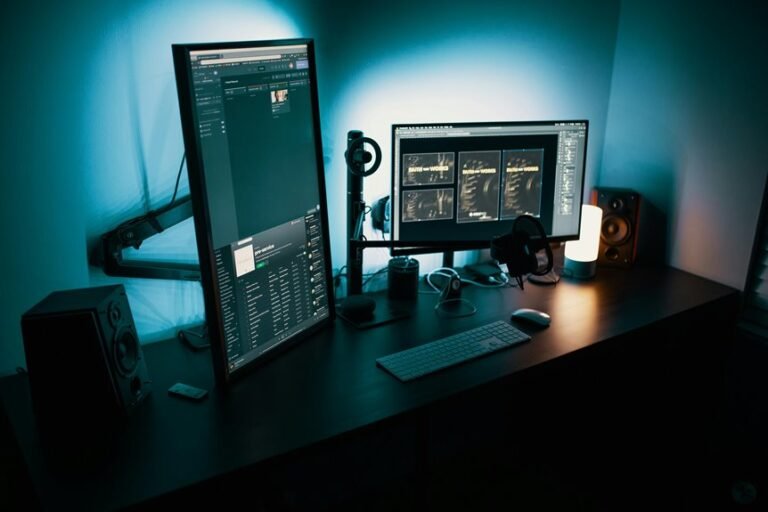
Monitor arms for gaming setups enhance ergonomics by allowing you to adjust screens to eye level, which can reduce neck strain and back pain considerably. A properly positioned monitor helps keep your posture neutral during long play or streaming sessions.
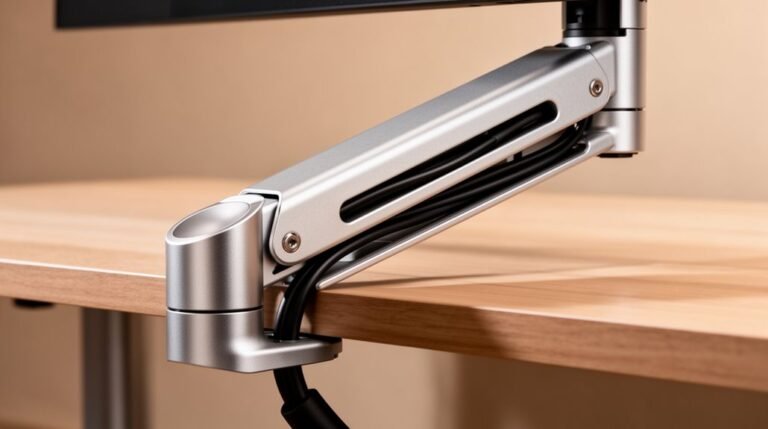
They also save desk space by lifting monitors off the surface, making room for keyboards, controllers, and other peripherals. Many arms include built-in cable management to keep cords tidy and out of the way.
Multi-monitor setups become more flexible with a monitor arm, letting you customize tilt, height, and spacing to match your workflow or gaming preferences. Better organization and a comfortable viewing position can boost focus, which may improve in-game performance.
If you’re interested in making an informed choice, explore essential factors to evaluate when selecting a monitor arm, such as weight capacity, VESA compatibility, range of motion, and mounting options.
Benefits of Using Monitor Arms for Gaming
Using monitor arms for gaming setups offers several distinct advantages that can enhance your overall experience.
First, monitor arms lift your screens off the desk, freeing valuable space for accessories or additional gear. This elevated position allows you to store keyboards or controllers underneath, maximizing workspace efficiency.
Multi-monitor arms enable configurations without clutter, stacking displays or arranging them side-by-side. Additionally, suspended monitors simplify cleaning, giving you easy access to the entire surface.
For smaller desks, compact setups become feasible, as you can arrange monitors vertically or adjust their positions flexibly. This efficient use of space not only keeps your area organized but also supports a more enjoyable and immersive gaming experience, as it improves posture during long gaming sessions.
Enhancing Ergonomics and Comfort
To enhance ergonomics and comfort in your gaming setup, monitor arms provide adjustable features that align your screens with ideal viewing angles. They allow you to position your monitor at or slightly below eye level, promoting neutral head and spine alignment.
This adjustment helps prevent “tech neck,” a common issue among gamers. Research shows that proper monitor height can reduce neck and back pain by up to 50%. Additionally, efficient use of space enables precise positioning, minimizing awkward neck angles during long sessions. Features like tilt and swivel reduce glare and improve viewing comfort, which decreases eye fatigue.
Space-Saving Advantages
While many gamers prioritize performance and aesthetics, maximizing desk space is equally important. Monitor arms lift displays off the desk, freeing valuable workspace. Traditional stands consume significant area, limiting room for peripherals or writing. Elevated monitors allow keyboards and laptops to fit neatly beneath, reducing clutter. This minimalism also improves visual aesthetics and functional space. Ergonomic posture is also enhanced as monitor arms enable users to adjust screen height for a more comfortable viewing experience.
Integrated cable management channels prevent tangling, enhancing organization. Cleaner surfaces make maintenance easier and help maintain focus.
Monitor arms are ideal for compact setups, leveraging vertical space in smaller areas. They support dynamic workspaces, like sit-stand desks, enabling quick height adjustments. Overall, these features contribute to a more efficient gaming environment, maximizing both productivity and space.
Flexibility for Multi-Monitor Setups
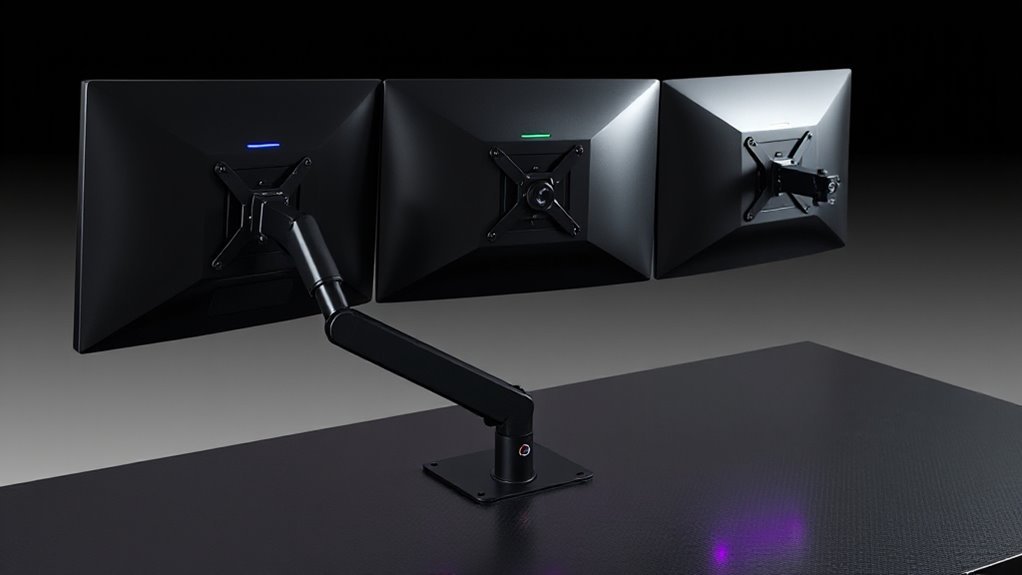
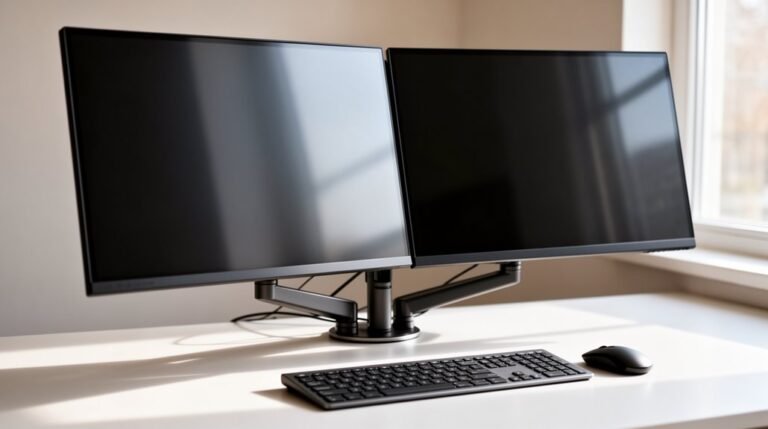
As gaming setups evolve, the need for flexibility in multi-monitor arrangements becomes critical. Independent adjustment of separate monitor arms allows you to customize height, tilt, swivel, and rotation for each screen, enhancing ergonomics.
This setup enables monitors to be placed closer together, especially useful against walls, while maintaining accessibility. You can easily reposition one monitor without disturbing the other, promoting dynamic workflow changes.
Modular designs facilitate adding or removing monitors without replacing hardware, allowing for gradual expansions. Additionally, independent arms support different monitor sizes and weights, ensuring stability.
With customizable viewing angles and orientations, you can optimize your gaming or multitasking experience, reducing strain and enhancing your overall setup efficiency.
Improving Gaming Performance
A well-optimized monitor setup greatly enhances gaming performance. Proper monitor height and angle adjustments can reduce neck strain by up to 25%. This promotes comfort during long gaming sessions.
Keeping the screen at or slightly below eye level supports good posture, minimizing back pain. Adjustable monitor arms facilitate a consistent 20-30 inch viewing distance, which reduces eye strain and visual fatigue.
Fine-tuning tilt and swivel helps prevent awkward neck twisting, enhancing endurance. Monitor arms also enable micro-adjustments for ideal visual clarity, increasing your ability to spot targets in fast-paced games.
Additionally, a clutter-free desk created by monitor arms promotes concentration, ultimately improving input speed and reaction times. Investing in ergonomic gear fosters long-term health and sustained gaming performance.
Choosing the Right Monitor Arm
When selecting a monitor arm, it’s crucial to take into account several factors that can greatly impact your gaming experience.
Here are three key considerations:
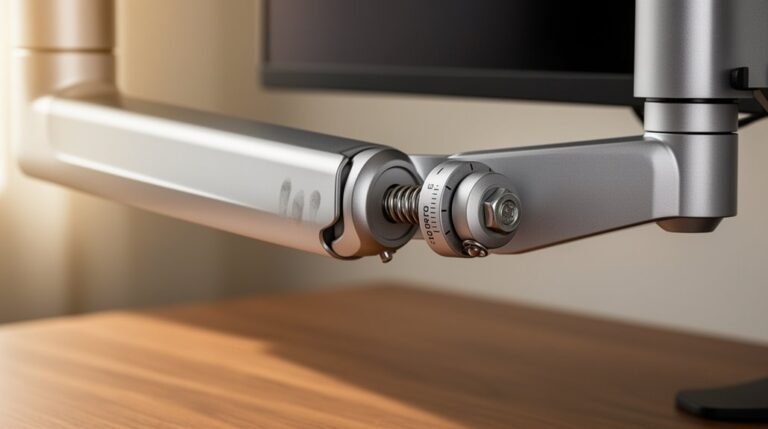
- Mount Type: Choose between fixed mounts for minimal adjustment, basic adjustable arms for tilt versatility, or gas spring arms for smooth position changes.
- Weight Capacity: Verify the arm supports at least 1.5 times your monitor’s weight. Look for aluminum alloy arms and steel bases, which provide durability and stability.
- VESA Compatibility: Check for standard VESA mount configurations, like 75x75mm or 100x100mm. Quick connect systems simplify installation, especially for multi-monitor setups.
Market Trends and Pricing Insights
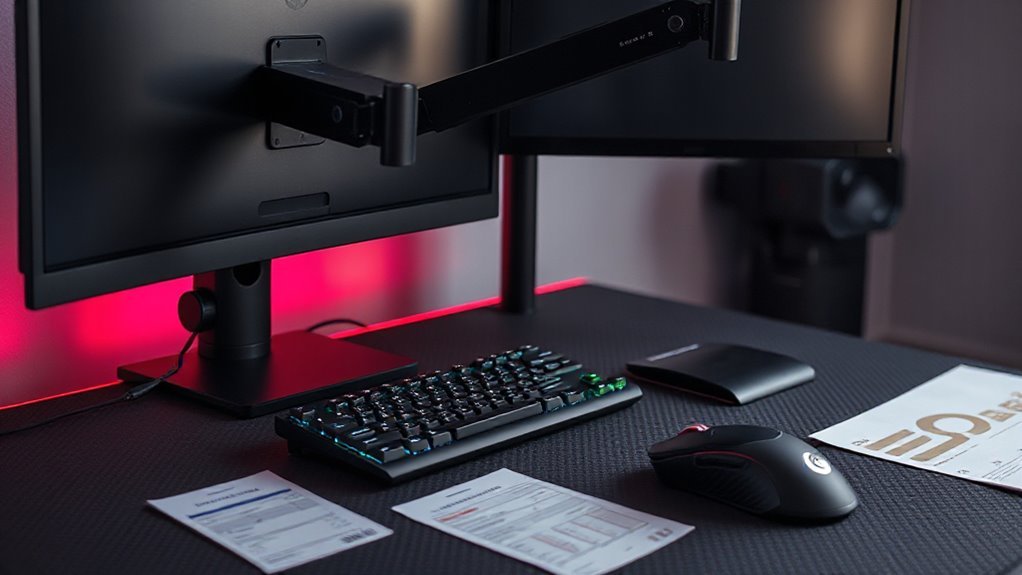
The monitor arm market is experiencing significant growth, driven by a blend of ergonomic awareness and evolving work environments. Current estimates value the global market between USD 1.41 billion and USD 1.99 billion.
Projections indicate a compound annual growth rate (CAGR) ranging from 3.1% to 8.2%, with sustained demand expected to push the market size to USD 2.04 billion to USD 3.16 billion by 2030.
Ergonomics and health concerns are primary drivers, particularly in gaming and remote work sectors. Prices vary widely, from basic models to advanced units featuring motorized adjustments.
Higher-end models offer enhanced durability and adjustability, appealing to gamers. Increasing competition among manufacturers leads to price improvements and expanded features in mid-tier models.
Frequently Asked Questions
Can Monitor Arms Accommodate Different Monitor Sizes and Weights?
Yes, monitor arms can accommodate various monitor sizes and weights.
For instance, the BenQ Ergo Arm supports monitors from 17″ to 45″, while the Secretlab MAGNUS handles up to 34″ monitors.
Weight capacities also vary; BenQ supports up to 44 lbs, while VersaDesk accommodates 4.4 to 19.8 lbs.
Verify compatibility with VESA mounting standards (75mm x 75mm or 100mm x 100mm) for secure installation across different arm models.
How Do I Install a Monitor Arm on My Desk?
To install a monitor arm on your desk, first, choose a mounting option: clamp or grommet.
For clamp mounts, secure it to the desk edge, ensuring a tight fit without overtightening.
For grommet mounts, drill a hole and insert the base.
Attach the monitor using the VESA plate, aligning it according to the specifications.
Finally, adjust height and angle for ideal viewing, while managing cables neatly to avoid clutter.
Are Monitor Arms Adjustable for Standing Desks?
Yes, monitor arms are adjustable for standing desks.
They feature height adjustments to align screens at eye level, accommodating both sitting and standing positions. Articulating arms allow for swivel and tilt, enhancing viewing angles.
Most arms are compatible with VESA mounts and come with clamp or grommet options for various desk styles.
Their ergonomic design helps reduce neck strain and promotes a neutral spine, improving comfort during extended use.
Do Monitor Arms Come With Cable Management Options?
Yes, monitor arms often include cable management options. Many models feature built-in channels or clips designed to neatly route cables, enhancing organization.
For example, advanced arms like Atdec Ora can conceal up to 89% of cables, minimizing visible clutter. These systems typically accommodate common connections, such as HDMI and power cords.
If built-in options are limited, you can also use external ties or straps to improve cable management and maintain a tidy workspace.
What Tools Are Needed for Monitor Arm Assembly?
To assemble a monitor arm, you’ll need essential hand tools like a Phillips head screwdriver, Allen wrenches, and a torque wrench for secure fittings.
An electric drill helps create pilot holes, while appropriate drill bits match your mounting surface.
Organize screws and fasteners beforehand. For added safety, use a stud finder for wall mounts and wear safety glasses while drilling.
A level guarantees precise alignment post-installation, enhancing your setup’s stability and functionality.
Conclusion
Monitor arms enhance your gaming setup considerably. They improve ergonomics by allowing ideal viewing angles and reducing neck strain.
Their space-saving design keeps your desk clutter-free, and the flexibility supports multi-monitor configurations. Elevating screens can also give you a competitive edge in performance.
Ultimately, investing in a quality monitor arm upgrades your physical comfort and transforms your gaming experience. It creates a streamlined, efficient workspace that promotes focus and productivity.