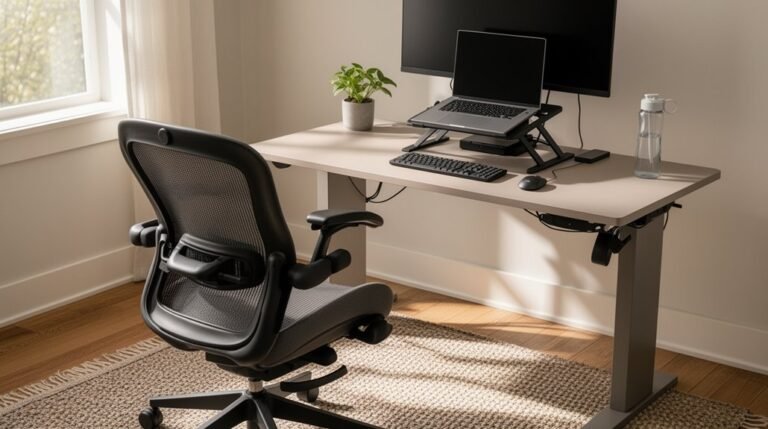
Benefits of Using a Laptop Stand
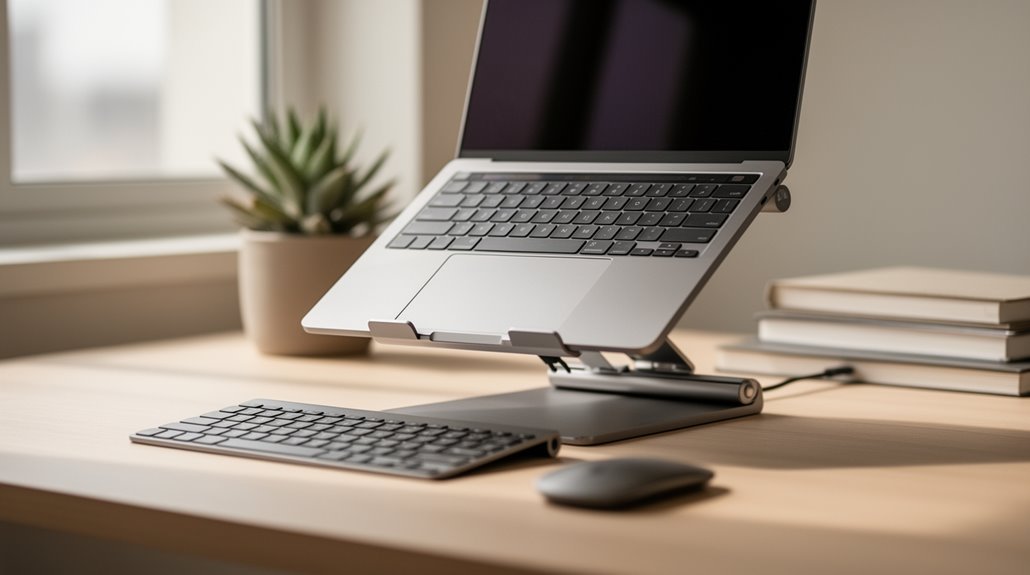
Benefits of using a laptop stand include improved ergonomics and comfort. Raising your screen to eye level helps correct posture and can reduce neck strain by 35–40%. This simple adjustment makes long work sessions less taxing on your body.
A laptop stand also minimizes eye strain by placing the display at a comfortable viewing distance, which helps reduce blurred vision and headaches. Better screen positioning supports healthier, more focused work.
Improved airflow is another benefit: elevating the laptop can lower device temperatures by 10°C to 15°C. Cooler operating temperatures enhance performance and help extend the lifespan of internal hardware.
Finally, a laptop stand helps organize your workspace. Many stands offer cable management, protect against spills, and generally create a tidier, more efficient workstation. Continue exploring these features to optimize your computing experience.
Ergonomic Health Benefits
When you use a laptop stand, you greatly improve your posture and neck alignment. Elevating your laptop screen to eye level eliminates forced downward gazes, reducing neck flexion. This setup helps maintain a neutral spine position, ideally level with or slightly below your eyes.
Your head stays balanced over your shoulders, distributing weight evenly through your spine. This preservation of the natural cervical curve prevents tech neck, a condition arising from prolonged poor positioning. Additionally, an ergonomic setup considerably reduces musculoskeletal discomfort in your neck during extended laptop use. Ergonomic design minimizes stress injuries from daily use, further enhancing your overall comfort while working.
Reduced Eye Strain and Vision Protection
By utilizing a laptop stand, you position your screen at an ideal height and angle, which greatly reduces the risk of eye strain.
Here are three key benefits:
- Proper Screen Height: Elevating your screen minimizes downward gaze, reducing neck strain and optimizing visual comfort.
- Optimal Viewing Distance: Stands help maintain a comfortable distance of 20-30 inches, which limits accommodation stress and minimizes symptoms like blurred vision and headaches.
- Reduced Glare: Angling the screen effectively avoids reflections and harsh lighting, preventing squinting and eye fatigue. Additionally, comfort and ergonomic design promotes better posture, further enhancing your overall visual experience.
Implementing a laptop stand not only enhances your visual experience but also aids in long-term eye health by maintaining ergonomic principles essential for reducing digital eye strain.
Enhanced Cooling and Device Performance
Utilizing a laptop stand enhances cooling and boosts device performance considerably.
Cooling stands lower laptop temperatures by 10°C to 15°C, preventing overheating. This reduction helps avoid thermal throttling, allowing CPUs and GPUs to maintain peak speeds during demanding tasks. By improving airflow, these stands facilitate heat dissipation, whether through passive ventilation or active fans. Extreme weather conditions can exacerbate overheating issues, making the use of cooling stands even more essential in maintaining optimal performance.
Enhanced cooling leads to greater device performance, with benchmark tests showing processing improvements of up to 2%. You can safely overclock high-performance laptops, ensuring thermal stability.
Lower temperatures also reduce wear on internal components, extending hardware lifespan. Ultimately, using a laptop stand not only enhances performance during intensive use but also contributes to long-term cost savings by prolonging device longevity.
Increased Comfort and Productivity
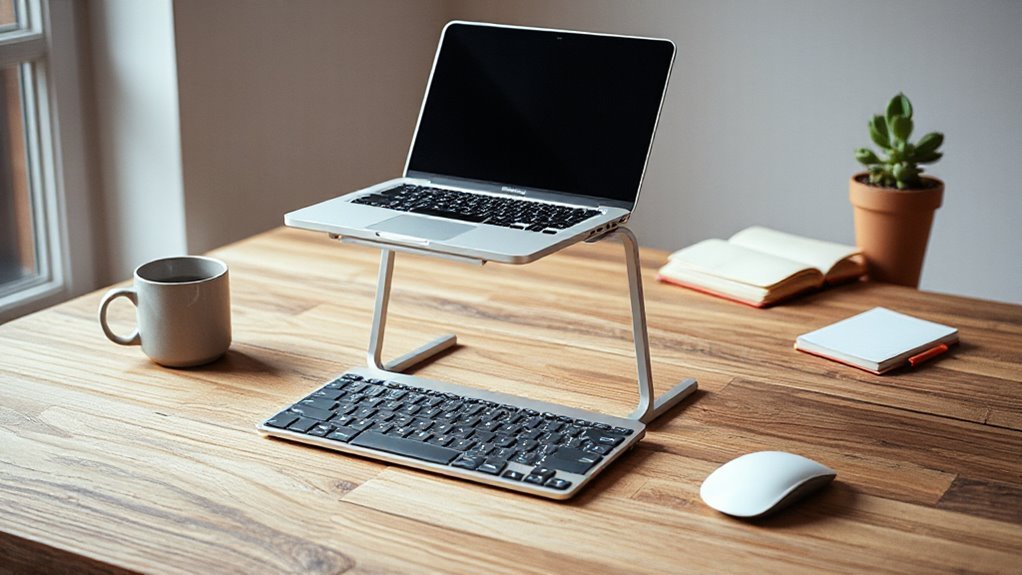
Incorporating a laptop stand into your workspace considerably improves your comfort and productivity. Here are three key benefits:
- Enhanced Posture: The stand elevates your laptop screen to eye level, promoting a neutral spine position and reducing neck strain.
- Reduced Discomfort: Studies show a 35-40% decrease in back and neck pain among users. Proper keyboard positioning also minimizes wrist strain, lowering the risk of repetitive strain injuries.
- Improved Focus: Ergonomically optimized posture reduces cognitive distractions caused by discomfort, leading to faster task completion and greater efficiency.
Workspace Organization and Space Saving
When you use a laptop stand, you can greatly improve your workspace organization and save valuable desk space. The elevated design creates room underneath for storing keyboards, mice, and other peripherals. This vertical space usage discourages clutter and allows for a neat arrangement of documents or office supplies.
Many stands include cable management systems, reducing tangled wires and preventing accidental unplugging. The organized cables contribute to a visually clean workspace, enhancing focus.
Additionally, using a laptop stand frees up desk area, accommodating additional devices like external monitors or tablets. This modularity enhances functionality, supporting diverse hardware combinations without overcrowding.
Extended Device Longevity and Cost Efficiency
Using a laptop stand can greatly extend your device’s lifespan while enhancing cost efficiency. Here are three key benefits:
- Improved Thermal Management: Elevating your laptop enhances airflow, preventing overheating that can degrade performance and shorten component life.
- Screen Protection: A raised position protects your screen from scratches and impacts, reducing wear from dust and debris at ground level.
- Liquid Damage Prevention: Keeping your laptop elevated safeguards it from accidental spills and contaminants, extending the lifespan of internal components.
Investing in a quality laptop stand is considerably cheaper than repairing or replacing a damaged device.
Customization for Individual Needs

Laptop stands provide a range of customizable features that cater to individual user preferences and ergonomic needs. You can adjust the height up to 16 inches, allowing for ideal positioning based on your body proportions. Proper laptop positioning techniques are essential for maintaining comfort during long work sessions. By ensuring that the screen is at eye level and the keyboard is at a suitable height, you can reduce the risk of strain or injury. Utilizing these techniques not only boosts productivity but also enhances overall posture and well-being.
Multiple angle adjustments let you find the most ergonomic position to reduce neck and shoulder strain. Some stands even offer tilting mechanisms to enhance typing comfort.
These stands accommodate various laptop sizes, from 10 to 17 inches, ensuring compatibility across brands. You can maintain neutral spine alignment with screen positioning adjusted to your natural line of sight.
Additionally, pairing with an external keyboard and mouse enhances your ergonomic experience, reducing discomfort and improving typing accuracy.
Frequently Asked Questions
What Materials Are Laptop Stands Typically Made From?
Laptop stands are typically made from various materials, each with unique properties.
Aluminum is lightweight and durable, providing excellent heat dissipation. Steel offers robust support but is heavier, enhancing stability.
Plastic and acrylic stands are affordable and lightweight, though they may lack durability. Wood, especially bamboo, is aesthetically pleasing and eco-friendly but less effective at heat dissipation.
Some stands combine materials, like metal and wood, to optimize both strength and appearance.
Are Laptop Stands Adjustable for Different Screen Sizes?
Yes, laptop stands are adjustable for different screen sizes.
Many models feature height adjustment mechanisms, allowing you to raise or lower your laptop between 5 to 8 inches. They also provide angle adjustments for ideal viewing, reducing glare.
Stands typically accommodate laptops ranging from 11 to 17 inches, ensuring compatibility with various brands.
Some designs include flexible platforms or clamps to securely fit different laptop sizes, enhancing usability and ergonomic positioning.
Can a Laptop Stand Be Used With Tablets?
Yes, a laptop stand can be used with tablets. Many stands accommodate tablets ranging from 7″ to 14″ in size.
Adjustable brackets secure tablets, allowing them to be mounted alongside laptops. Stands often feature tilt and rotation capabilities, enhancing usability in portrait or landscape modes.
Additionally, some designs include anti-slip pads and cable management systems, optimizing your workspace while ensuring stability and protecting your device during use.
How Much Weight Can a Laptop Stand Support?
Most laptop stands support weights up to 5 kg (11 lbs), accommodating standard consumer laptops, including larger models.
Some portable stands can handle up to 6 kg (13 lbs) while remaining lightweight.
Professional-grade options may also support similar weights for stability.
However, as stands adjust in height, their maximum capacity might decrease slightly due to leverage effects.
Always verify the stand’s specifications to confirm compatibility with your laptop’s weight and size.
Are There Any Specific Laptop Stand Brands Recommended?
You’ll find several laptop stand brands worth considering.
Rain Design offers durable aluminum stands like the mStand, focusing on ergonomics.
Logitech’s Casa Pop-Up Desk combines portability with sleek design.
Twelve South provides stylish options like Curve Flex.
For budget-friendly choices, JCZT and Urmust deliver sturdy, adjustable stands at reasonable prices.
If you need portability, the Roost V3 and MOFT stands emphasize lightweight designs for easy transport.
Conclusion
In conclusion, using a laptop stand offers significant ergonomic advantages, including reduced neck strain and improved posture.
While some may think stands are bulky, many designs are lightweight and portable, enhancing your workspace without sacrificing mobility.
A laptop stand can optimize cooling, boost productivity, and extend device lifespan.
By investing in this simple accessory, you’ll create a more organized and efficient environment, ultimately leading to better performance and comfort during your computing tasks.