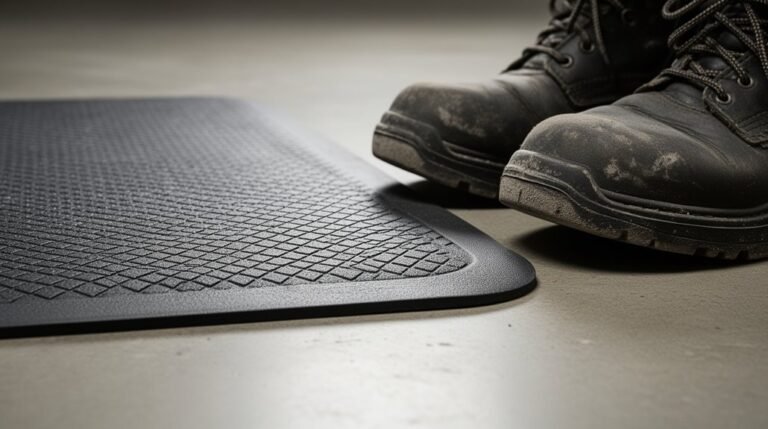
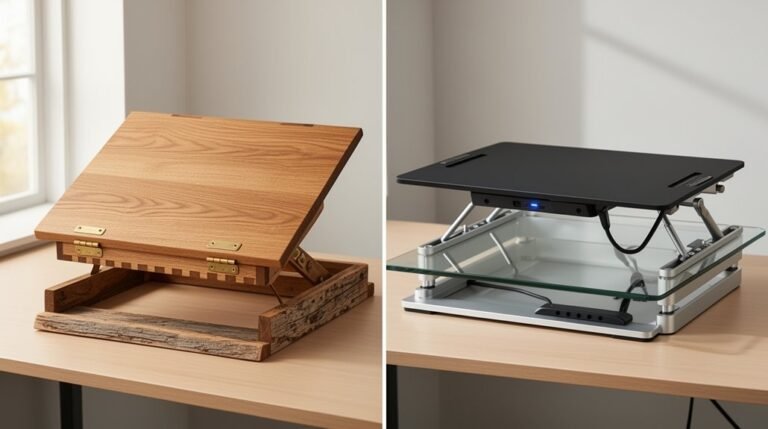
Should You Use a Standing Desk Without a Mat?
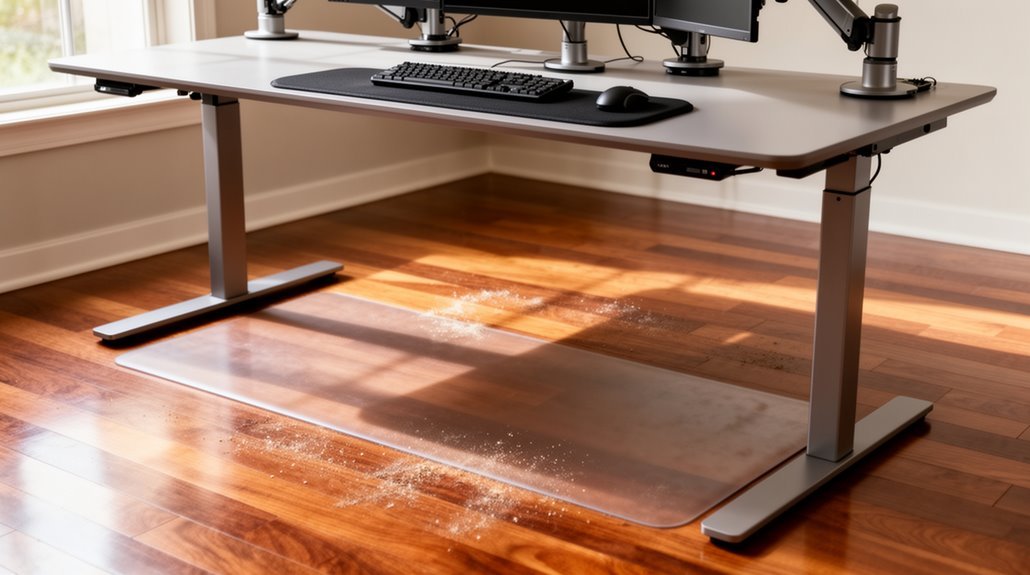
Should you use a standing desk without a mat? Using a standing desk without a mat isn’t advisable. Standing for extended periods can cause discomfort, fatigue, and musculoskeletal pain.
Anti-fatigue mats can reduce that fatigue by about 50% and improve circulation by encouraging subtle movements. They also help improve posture, support better weight distribution, and minimize slip risks.
Neglecting a mat may increase the chance of developing chronic pain and could contribute to cardiovascular issues over time. Learn how to optimize your standing desk setup effectively to stay comfortable and healthy.
The Importance of Comfort When Using a Standing Desk
When you use a standing desk, comfort greatly impacts your productivity and overall experience. Anti-fatigue mats are essential in enhancing this comfort. They’re designed to reduce discomfort in your feet, legs, and lower back during prolonged standing, which can otherwise lead to abandonment of standing desks. Effective mats provide cushioning and support, promoting proper posture and minimizing joint strain. They encourage subtle movements, stimulating blood flow and decreasing muscle fatigue. Additionally, mats can help maintain natural foot alignment, preventing foot and joint pain. Using mats allows you to stand longer and more frequently, considerably improving your overall standing desk experience. As a result, integrating an anti-fatigue mat is a practical solution for maximizing comfort and productivity, especially since adjustable desks promote an ergonomic setup.
Health Risks Associated With Prolonged Standing
Prolonged standing can lead to significant health risks, impacting various body systems and functions. Musculoskeletal pain often arises, particularly in the lower back, feet, and legs. Standing for over eight hours regularly correlates with ailments like low back pain, plantar fasciitis, and joint damage in the ankles, knees, and hips. Additionally, cardiovascular issues may develop; standing workers are twice as likely to experience heart disease. Prolonged standing decreases blood circulation and nutrient supply to muscles, leading to fatigued legs and discomfort. Blood pooling, increased vein pressure, and chronic venous insufficiency can result from extended periods of standing. Pregnant women face unique risks, with prolonged standing linked to preterm births and low birth weights.
Impact on Ergonomics and Posture
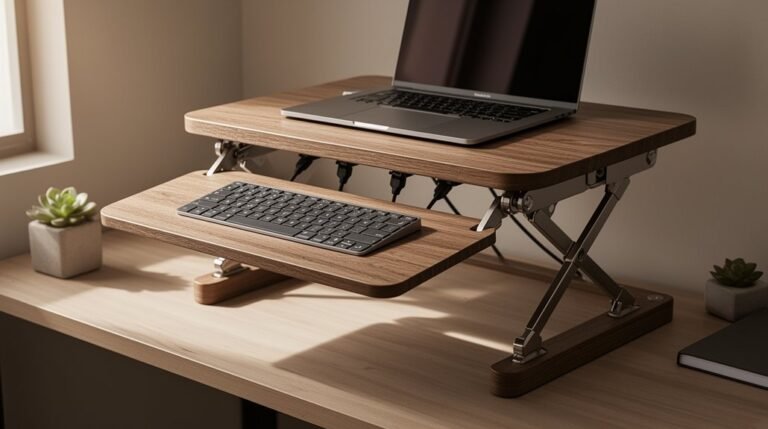
The way you set up your standing desk greatly influences your ergonomics and posture. Position your desk at elbow level to keep your arms aligned correctly. Guarantee your elbows form at least a 90-degree angle while your hands, wrists, and forearms stay straight and parallel to the floor.
Adjust your monitor so it’s between horizontal and 35 degrees below eye level to prevent neck strain. Use monitor risers to maintain a distance of 20-28 inches from your eyes. Distribute your weight evenly across both feet to avoid lower back pressure and maintain an upright spine with an ‘S’ curve. Without proper support, you risk postural compensation, which can lead to muscle fatigue and discomfort over time. Proper setup is essential to maximize health benefits and reduce distractions that can hinder productivity.
Research Insights on Standing Mats
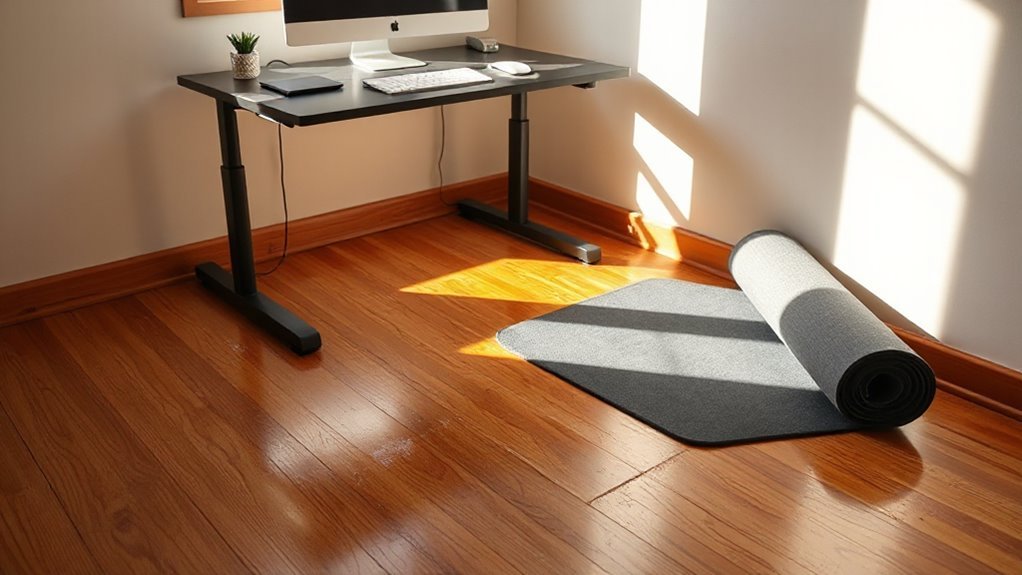
While standing desks offer ergonomic benefits, the choice of whether to use a standing mat can greatly enhance your experience.
Research shows that anti-fatigue mats notably reduce physical fatigue and discomfort, lowering fatigue by about 50%. These mats also alleviate lower back pain by reducing compression forces on the spine.
Improved circulation results from the subtle movements promoted by cushioned surfaces, which engage muscles and enhance blood flow. Additionally, mats optimize pressure distribution, lowering peak pressure on the feet. This design reduces localized pain and discomfort.
Ultimately, anti-fatigue mats provide stability and safety, minimizing slip risks. Overall, using a standing mat can lead to better comfort, improved blood circulation, and enhanced productivity during prolonged standing sessions.
Disadvantages of Standing Without a Mat
Standing without a mat can lead to significant discomfort and health issues over time, especially when you’re on your feet for long periods.
- Prolonged standing on hard surfaces causes foot and leg pain, as muscles and joints bear continuous pressure.
- Poor posture develops due to uneven weight distribution, increasing strain on your back and neck.
- You face increased cardiovascular issues, as blood circulation slows down without dynamic movement or mat cushioning.
- Muscular fatigue occurs faster, reducing your endurance and forcing you to alternate between standing and sitting more frequently.
These disadvantages highlight the importance of considering proper support when using a standing desk.
Without a mat, you’re likely to experience discomfort that affects your productivity and overall well-being.
Advantages of Using an Anti-Fatigue Mat
Using an anti-fatigue mat offers numerous advantages that can greatly improve your experience when working at a standing desk.
First, these mats can reduce fatigue and discomfort by up to 50% compared to standing on hard surfaces. This reduction helps maintain your productivity.
Second, anti-fatigue mats promote improved circulation and subtle muscle activity, stimulating blood flow and reducing the risk of conditions like varicose veins.
Third, they enhance posture by encouraging natural shifts in weight, leading to better spinal alignment and minimizing the risk of chronic pain.
Finally, mats improve workplace safety by reducing slip hazards and the likelihood of musculoskeletal injuries.
Tips for Optimizing Your Standing Desk Setup
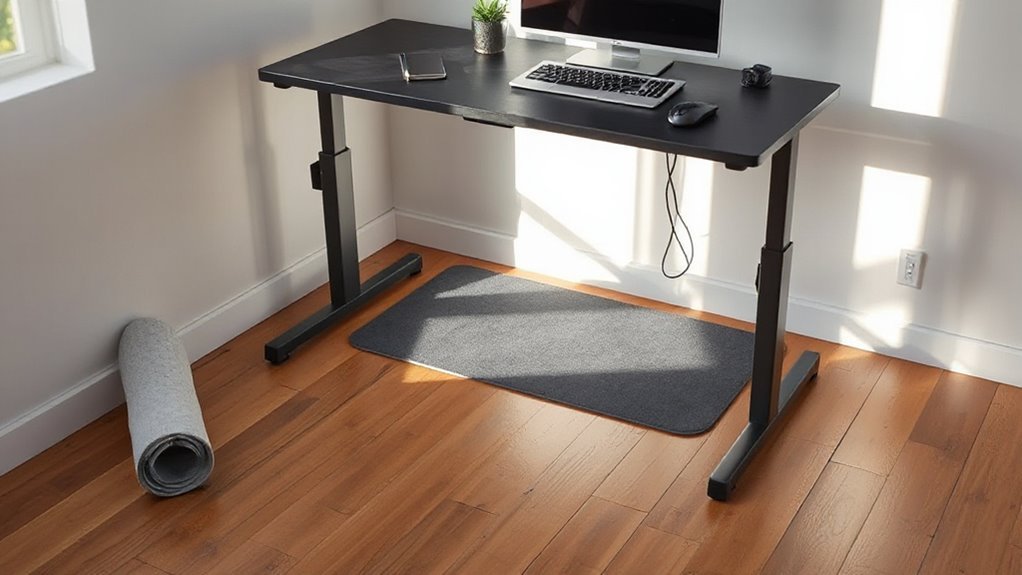
To enhance your standing desk setup, you’ll want to focus on several key factors, including desk and monitor height, posture, and movement management.
- Adjust your desk height so your elbows form a 90-degree angle when typing.
- Position your monitor at or slightly below eye level to maintain a neutral neck posture.
- Stand with feet hip-width apart and knees slightly bent to promote circulation.
- Incorporate movement breaks every hour to reduce fatigue and discomfort.
Monitor your posture throughout the day, ensuring your spine remains aligned.
Use ergonomic accessories like keyboard trays and monitor arms to achieve ideal positioning.
Gradually increase standing time, allowing your body to adapt to the new setup effectively.
This approach enhances comfort and productivity.
Frequently Asked Questions
Can Standing Desks Improve Productivity Without a Mat?
Yes, standing desks can improve productivity even without a mat. Standing enhances focus and concentration, increasing task efficiency by up to 46%.
However, without a mat, you may experience more leg and foot fatigue, which can detract from productivity. Alternating between sitting and standing provides additional benefits, such as reducing discomfort and maintaining energy levels.
For ideal results, consider incorporating ergonomic adjustments and regular posture changes throughout your workday.
How Often Should I Switch Between Sitting and Standing?
You should switch between sitting and standing every 30 to 60 minutes.
Research indicates that frequent changes enhance energy levels and productivity.
Studies show that alternating positions reduces discomfort and sedentary time considerably.
Aim for at least 10 minutes of standing after every half-hour of sitting.
This practice not only promotes better musculoskeletal health but also aligns with the World Health Organization’s guidelines on breaking up sedentary behavior during work hours.
What Types of Mats Are Best for Standing Desks?
For standing desks, flat mats offer firm support, while non-flat or topo mats promote movement.
Flat mats, like the Imprint CumulusPro, use uniform foam for comfort. Non-flat mats, such as ErgoDriven Topo, encourage micro-movements with textured surfaces but can feel restrictive.
Look for mats with anti-slip bases and a thickness of 3/4 to 1 inch, providing ideal comfort and stability during extended standing sessions.
Consider durability and warranty length for long-term use.
Are There Specific Exercises to Alleviate Standing Discomfort?
To alleviate standing discomfort, incorporate specific exercises into your routine.
Perform calf raises to strengthen muscles and enhance circulation. Try desk-supported hamstring stretches to prevent tightness in your legs.
Standing hip rotations improve joint mobility, while side body leans relieve lumbar strain. Additionally, wrist and finger pulls can prevent stiffness from repetitive tasks.
Regularly engaging in these exercises helps maintain comfort and improves overall posture during prolonged standing periods.
How Can I Encourage Proper Posture While Using a Standing Desk?
Align your desk height so your elbows bend at 90 degrees while typing.
Position your monitor’s top at or slightly below eye level, about 20-28 inches away.
Keep your spine’s natural “S” curve and maintain vertical alignment of your head, shoulders, and hips.
Distribute your weight evenly on both feet, and change positions every 30-60 minutes to prevent fatigue.
Consider using supportive footwear for better stability during standing periods.
Conclusion
In conclusion, standing desks can support productivity, but standing without a mat may lead to discomfort and fatigue.
Advancing your workspace with an anti-fatigue mat promotes better posture and helps prevent pain.
Prioritize your comfort with a proper setup that ensures ergonomic alignment and stability.
Consider the cumulative effects of prolonged standing and make informed decisions.
Ultimately, investing in an anti-fatigue mat can enhance your standing experience and foster a healthier, happier work environment.