How Long Should You Sit Vs Stand?
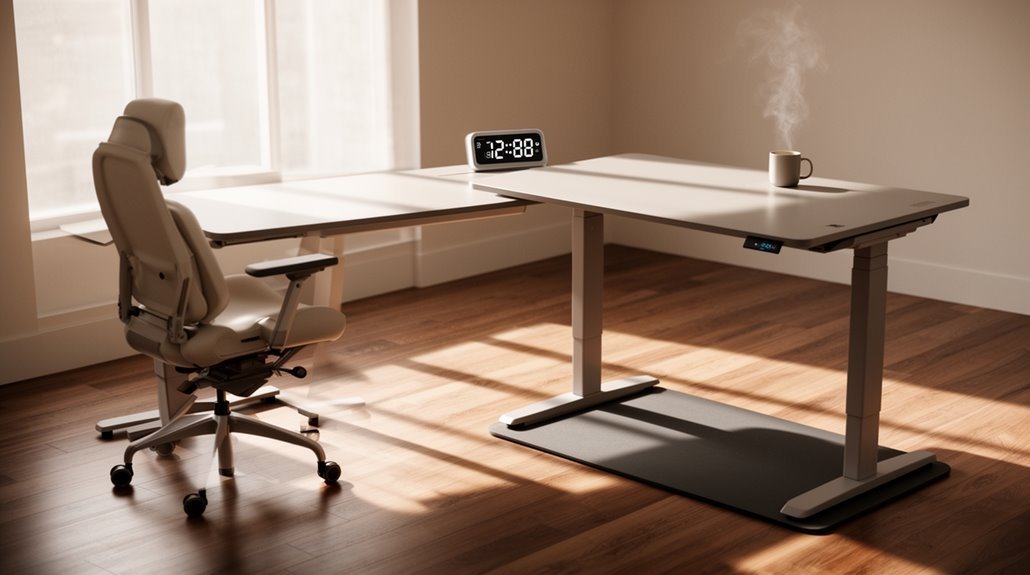
How Long Should You Sit Vs Stand?
To maintain peak health, aim for a sit-stand ratio of about 1:1 to 1:3 throughout your workday. This means standing for 4 to 6 hours during an 8-hour shift.
Limit sitting to a maximum of 30 minutes at a time, and try to stand for at least 15–30 minutes every hour. Adjust your position every 30 to 60 minutes for improved circulation and comfort.
There’s more to learn about effective shifts and workstation setup for your health.
Recommended Sit-Stand Ratios
When considering sit-stand ratios for ideal health, experts generally recommend a balance that varies based on individual needs. The traditional ratio is 3:1, which means 45 minutes of sitting for every 15 minutes of standing.
However, recent studies suggest a range between 1:1 and 1:3. For example, you might aim for 30 minutes of sitting followed by 30 to 45 minutes of standing to maximize health benefits. The University of Waterloo recommends at least 30 minutes of standing per hour. For an 8-hour workday, standing 4 to 6 hours is ideal.
Regularly changing positions every 30 to 60 minutes can help you avoid strain, improve circulation, and maintain comfort throughout the day while supporting overall ergonomic health.
Session Lengths and Frequency
To optimize your sit-stand routine, it’s vital to understand the recommended session lengths and frequency of position changes.
Standing sessions shouldn’t exceed 1.5 hours, while sitting should be limited to 30 minutes. Ideally, stand for 15–30 minutes each hour. Shorter intervals of 15–30 minutes enhance circulation and minimize discomfort. Aim for a minimum suggested standing time of 5-20 minutes per hour to help integrate more movement into your day.
Alternating positions every 30–45 minutes is fundamental, targeting at least two shifts per hour. Over time, aim for 20–25 minutes of standing each hour. Gradually increase standing duration from 10–15 minutes every hour, progressing to 10–15 minutes every 30 minutes.
Use timers to remind you of shifts, and listen to your body for cues on when to switch positions. This approach guarantees comfort and sustainability.
Health and Ergonomic Benefits
Understanding the health and ergonomic benefits of a sit-stand routine is essential for optimizing your workspace.
Replacing 90 minutes of sitting with standing enhances vascular function and reduces insulin resistance by 23% over six months. Frequent posture changes, ideally a 1:1 sit-to-stand ratio, can minimize musculoskeletal disorders and alleviate low back and neck pain. Additionally, standing for two hours post-meal may lower blood sugar spikes by 43%. Employees who stand face half the risk of heart disease compared to those who sit continuously. Furthermore, standing workers report a 32% improvement in pain within weeks, underscoring the importance of incorporating standing into your daily routine.
Reduced sedentary time correlates with improvements in triglycerides and blood sugar control, contributing to lower risks of metabolic syndrome and type 2 diabetes, ultimately promoting better overall health.
Workstation Setup for Sit-Stand Use
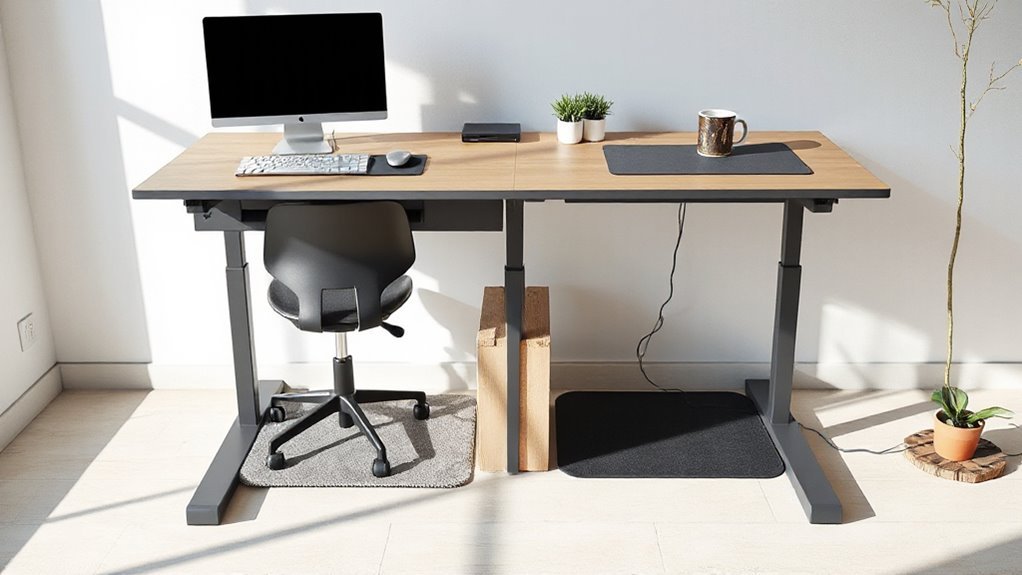
Setting up your workstation for sit-stand use is essential for maximizing comfort and productivity.
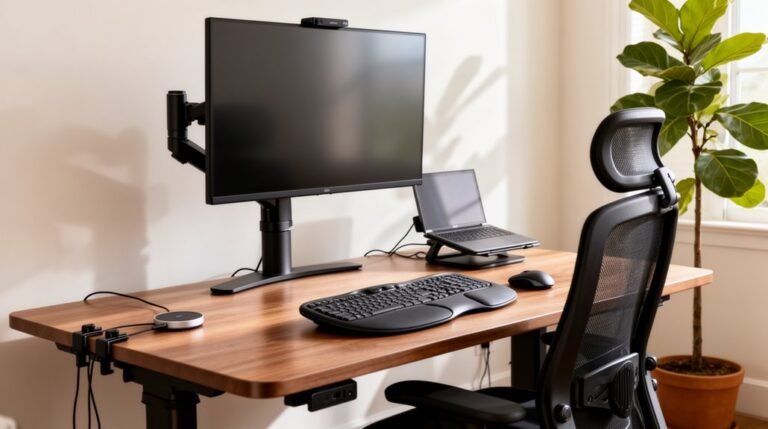
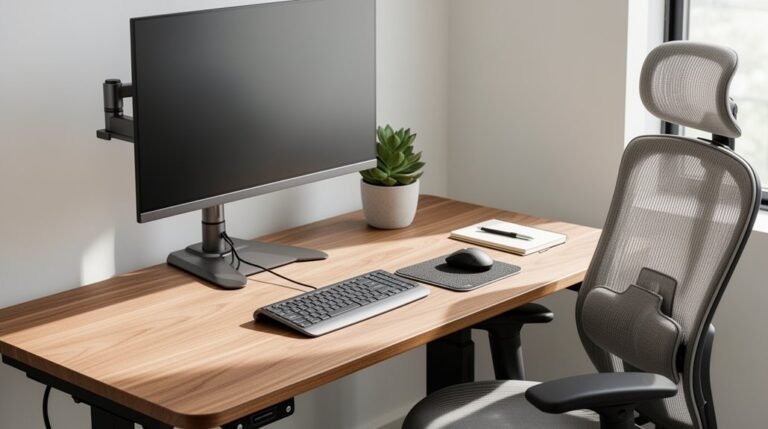
Adjust your desk height to your standing elbow level, keeping arms bent at about 90° to maintain a neutral posture. Position your monitor so the top aligns with or is slightly below eye level, guaranteeing it’s about an arm’s length away.
For multi-monitor setups, place the primary screen directly in front and secondary screens to minimize neck strain. Your keyboard and mouse should be at a height that keeps wrists straight, with elbows close to your body.
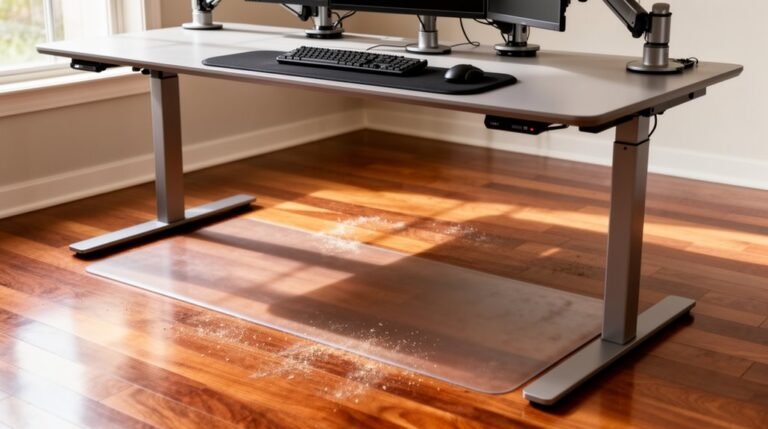
Use anti-fatigue mats for standing and supportive footwear for comfort. Verify all components adjust together to maintain ergonomic alignment, allowing for a seamless shift between sitting and standing.
Gradual Adaptation and Listening to the Body
Gradual adaptation is essential for effectively incorporating sit-stand practices into your routine, as it allows your body to adjust to new postures without overwhelming discomfort.
Start with standing intervals of 15–30 minutes, then gradually increase based on comfort. Avoid standing all day immediately; this can lead to fatigue and discourage continued use.
Listen to your body’s signals: if you feel discomfort or fatigue, switch positions or take a break. Awareness of ergonomic posture, like desk height and foot position, is critical.
Frequent changes between sitting and standing, ideally every 30 to 60 minutes, enhance circulation and minimize discomfort. This balanced approach supports long-term success with sit-stand desk usage.
Productivity and Focus Impacts
Have you ever wondered how your choice of desk affects your productivity? Research shows that standing or sit-stand desks can boost your productivity by 45-53% over months compared to traditional sitting desks.
For instance, call center workers using standing desks made 0.5 more successful calls per hour. Users report a 33% increase in focus, with 71% experiencing improved mental clarity after reducing sitting time by one hour daily.
Alternating between sitting and standing can also decrease fatigue by 15-33%, leading to fewer breaks. Additionally, height-adjustable desks reduce discomfort, enhancing overall work efficiency.
Ultimately, incorporating standing into your routine can greatly enhance your focus, energy, and productivity levels.
Common Mistakes to Avoid
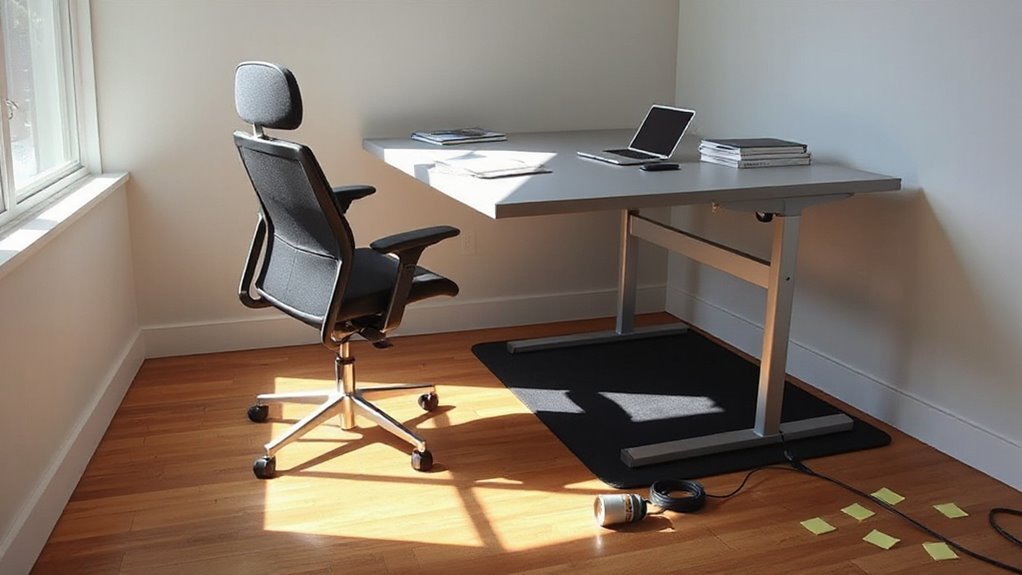
When optimizing your workspace for productivity, it’s easy to overlook critical ergonomic factors. First, make certain your desk height allows elbows to bend at roughly 90 degrees. This prevents shoulder and neck strain.
Next, position your monitor so the top is at or just below eye level, reducing neck pain and eye strain.
Avoid slouching or leaning forward, as these postures lead to back and neck discomfort. Remember to alternate between sitting and standing; staying in one position too long increases fatigue.
Finally, keep frequently used items within easy reach to prevent muscle strain from overreaching. Proper organization and gradual adaptation to standing can enhance comfort, promoting a healthier work environment.
Tips for Effective Transitioning Between Positions
To guarantee a smooth shift between sitting and standing, start by incorporating short standing intervals into your routine. Begin with 10-15 minutes of standing per hour, gradually increasing the duration as your body adapts.
Follow these tips for effective shifting:
- Alternate between sitting and standing every 30-60 minutes to reduce strain.
- Use the 20/8/2 guideline: 20 minutes sitting, 8 minutes standing, and 2 minutes of movement.
- Adjust your position based on task type; sit for detailed work, stand for dynamic tasks.
- Monitor your body’s feedback, switching positions when discomfort arises.
Frequently Asked Questions
Can Standing Desks Help With Weight Loss?
Standing desks may help with weight loss, but the effects are modest. You might burn an extra 54 calories over six hours compared to sitting.
However, standing alone won’t greatly change body weight or fat percentage short-term. Incorporating light activities, like walking, enhances the benefits.
Standing desks can reduce sedentary time and improve metabolic health markers, particularly in overweight individuals, suggesting a supportive role in broader weight management strategies.
How Do I Choose the Right Standing Desk?
To choose the right standing desk, consider these factors:
Desk Type: Electric desks offer easy height adjustments, while manual desks save costs.
Weight Capacity: Confirm it supports your equipment, ranging from 11–535 lbs.
Height Range: Look for adjustments between 23–49 inches for ergonomic comfort.
Space Requirements: Assess your workspace; L-shaped or wall-mounted options maximize space.
Budget: Prices vary greatly, so set a Budget and compare warranties for durability.
What Should I Wear When Using a Standing Desk?
Footwear: Wear supportive shoes with cushioned soles to minimize stress on your feet and lower back.
Avoid high heels and unsupportive footwear. Sneakers or jogging shoes are ideal for prolonged standing.
Clothing: Choose breathable fabrics like cotton or linen for comfort.
Lightweight, flexible clothing allows for easy movement. Opt for moisture-wicking materials to stay dry.
Accessories: Consider anti-fatigue mats for extra support and comfort during long periods of standing.
Are There Specific Exercises for Standing Desk Users?
You should incorporate targeted exercises to enhance your posture and reduce discomfort.
Focus on levator scapulae stretches and shoulder shrugs every 30 to 60 minutes.
Perform core stabilization exercises like pelvic tilts to maintain spinal alignment.
Include calf raises and leg strengthening to improve circulation.
Regularly practice neck rotations for flexibility.
These activities can greatly alleviate muscle fatigue and optimize your standing work experience, promoting overall wellbeing and productivity.
How Can I Enhance Comfort While Standing?
To enhance comfort while standing, invest in anti-fatigue mats that cushion your feet and absorb shock.
Use adjustable keyboard stands and monitor risers to align your elbows at 90 degrees and maintain eye level with the monitor.
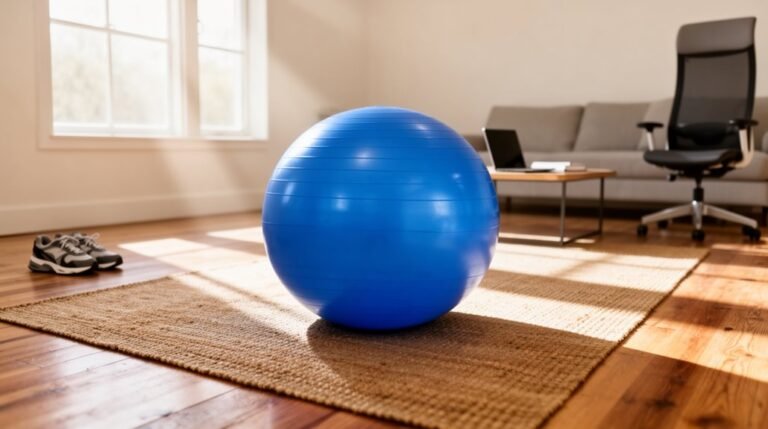
Incorporate balance boards to promote muscle engagement.
Shift your weight frequently using footrests or rails.
Finally, wear supportive footwear with cushioned insoles to reduce muscle strain and improve overall comfort throughout your workday.
Conclusion
Incorporating sit-stand strategies into your routine can greatly enhance your health and productivity.
Aim for a sit-to-stand ratio of about 1:1 or 2:1, and adjust based on what feels comfortable for you.
Listen to your body and make changes gradually so you don’t cause strain or fatigue.
Set up your workstation well — proper height and support can prevent discomfort and improve focus.
By balancing sitting and standing, you’ll find a rhythm that works for you and helps you start each day energized.