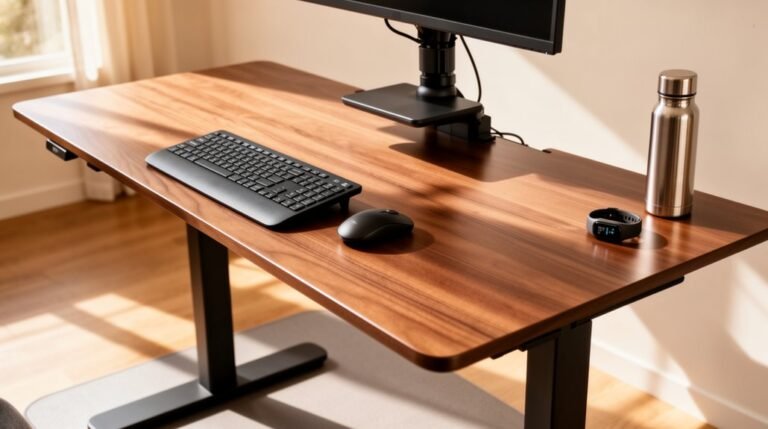
Ergonomic Tips for Working From Home
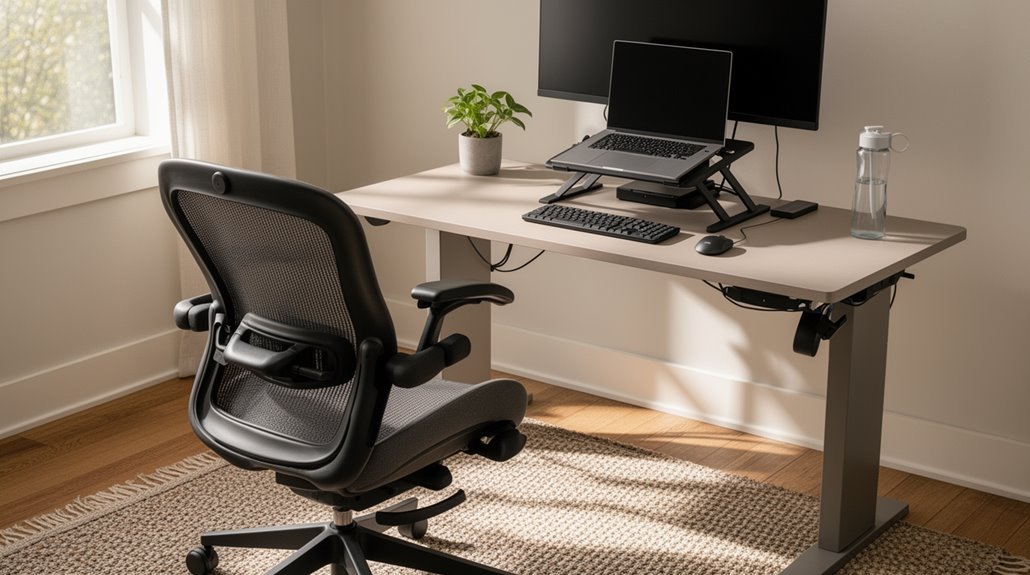
Ergonomic tips for working from home start with your desk height. Adjust it so your forearms rest at a 90° to 110° angle to reduce strain.
Choose a chair with adjustable height, backrest, and good lumbar support for proper posture. Position your monitor an arm’s length away, with the top edge at eye level to avoid neck strain.
Keep your keyboard at elbow height and your mouse within easy reach to prevent overreaching. Take breaks every 30–45 minutes to stretch and move.
You’ll discover more strategies to enhance your work environment effectively as you fine-tune these basics.
Setting Up Your Workspace
When you’re setting up your workspace, it’s crucial to guarantee that all components are ergonomically aligned.
First, adjust your desk height so your forearms rest at a 90° to 110° angle while typing. Verify you have enough legroom; your feet should rest flat on the floor or on a sturdy footrest. Avoid storing items under the desk that obstruct leg clearance.
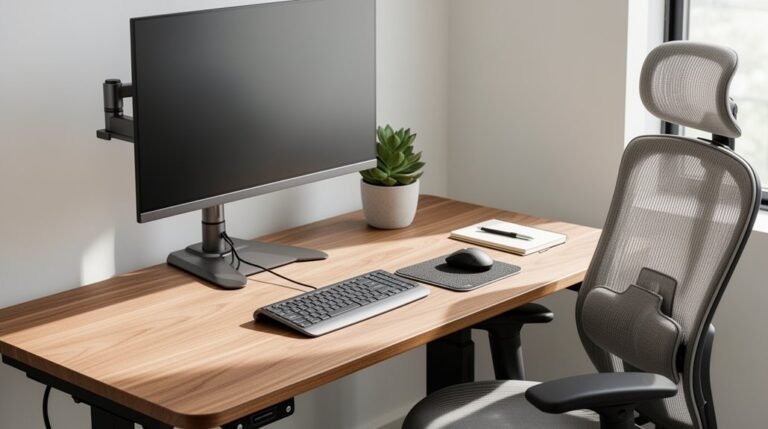
Position your monitor an arm’s length away, with the top at or just below eye level to maintain a neutral neck posture. Improper desk setup can lead to physical stress and decreased productivity, so keep your keyboard flat or gently tented, and confirm your mouse is close enough to prevent reaching.
Utilize adequate lighting to minimize glare and maintain a quiet environment to enhance focus and productivity.
Choosing the Right Chair
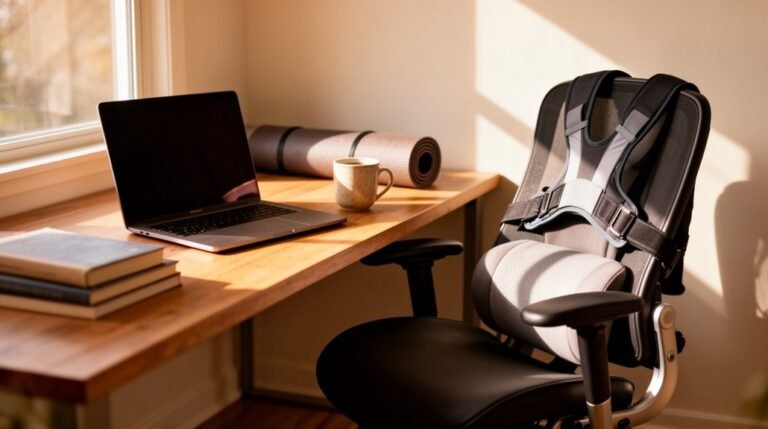
To guarantee comfort and support during long hours of work, selecting the right chair is essential.
Look for an adjustable seat height, allowing your feet to rest flat on the floor and your thighs to remain parallel to the ground.
Opt for a backrest that offers vertical and tilt adjustments to support your spine’s natural curve. Proper positioning at your desk is crucial to maintain comfort and reduce strain.
Ascertain the chair has adjustable armrests to minimize shoulder and neck strain.
Additionally, seek lumbar support that maintains the inward curve of your lower spine, adjustable for your specific needs.
Choose a seat width at least one inch wider than your hips for even pressure distribution.
Finally, prioritize a stable base with a minimum of five legs to enhance safety and stability.
Optimizing Monitor Positioning
Proper monitor positioning is critical for reducing strain and enhancing productivity during long hours of work.
Position the top edge of your monitor at or slightly above eye level. This alignment helps maintain a neutral neck posture. For bifocal wearers, lower the monitor by 1 to 2 inches for comfort.
Keep the monitor about 20–30 inches away, adjusting for larger screens. Aim for a viewing angle of 15–18 degrees below horizontal. Improper monitor positioning can lead to discomfort and potential work-related musculoskeletal disorders.
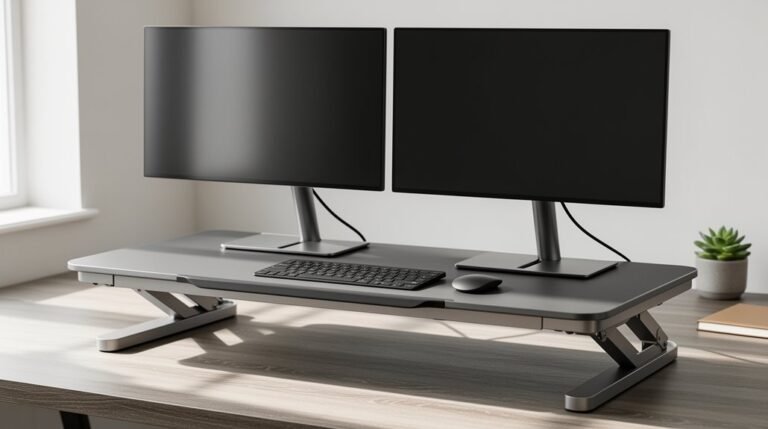
If using multiple monitors, place the primary one directly in front and secondary ones at an inward angle. Tilt the monitor down slightly to reduce glare and align with your natural visual field.
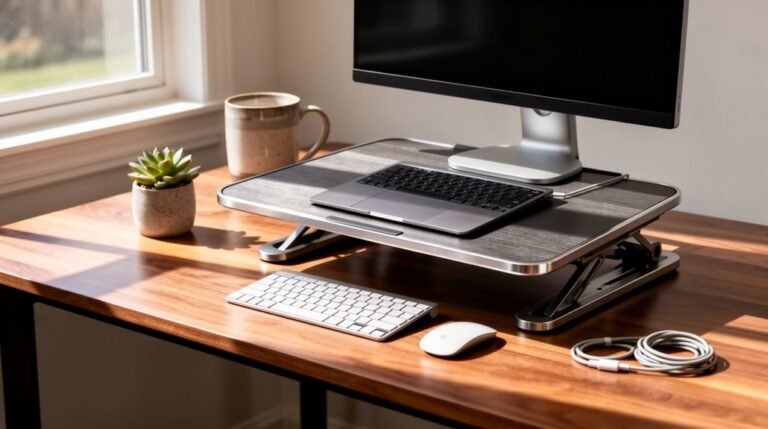
Use sturdy supports to achieve the desired height, ensuring effortless viewing throughout the day.
Proper Keyboard and Mouse Use

Achieving ideal keyboard and mouse use is essential for maintaining comfort and productivity during long hours of remote work.
Position the keyboard at elbow height, about 5-10 cm from the desk’s edge, to support proper arm alignment. Align the center of the keyboard with your torso for a symmetrical posture. A slight negative tilt encourages a neutral wrist position, reducing strain.
For the mouse, keep it beside the keyboard, ensuring it’s within easy reach, and maintain elbows bent at 90 degrees. Use a mouse pad with wrist support, promoting a neutral hand position.
Compact keyboards can minimize lateral movement, allowing the mouse to stay closer. These adjustments help prevent overextension and enhance overall comfort during typing and navigation.
Incorporating Movement and Breaks
Incorporating movement and breaks into your work-from-home routine is essential for maintaining physical health and productivity. Remote workers often spend 1.5 hours more at their desks than in office settings, increasing the risk of musculoskeletal disorders.
To counteract this, take breaks every 30–45 minutes for movement or stretching. Implement the 20-20-20 rule: every 20 minutes, look at something 20 feet away for 20 seconds to reduce eye strain.
Consider incorporating standing positions and changing your posture throughout the day. Frequent movement, like walking to get food or stretching, enhances circulation.
Establishing these habits not only mitigates discomfort but also improves overall health, reducing the physical fatigue associated with prolonged sitting.
Enhancing Lighting and Environment
A well-lit workspace greatly impacts your productivity and comfort while working from home. Aim for a color temperature between 4000K-5000K; this mimics natural daylight, boosting alertness and focus.
Warmer light, around 2700K-3000K, suits break areas but isn’t ideal for work settings.
Ensure your workspace meets the IESNA illuminance standards of 300-500 lux. Many home offices fall short of this, leading to dissatisfaction.
Incorporate natural light wherever possible, as it enhances mood and energy levels. However, manage glare from untreated windows with shades or automated controls.
Consider energy-efficient LED lighting for better control over brightness and color temperature. This investment not only improves comfort but also reduces long-term operational costs.
Frequently Asked Questions
How Can I Improve My Posture While Working From Home?
To improve your posture while working from home, adjust your chair height so your feet rest flat on the floor and your knees form a 90-degree angle.
Position your monitor at or slightly below eye level, about an arm’s length away, to prevent neck strain.
Take breaks every 30–60 minutes to stretch and move.
Incorporate ergonomic accessories like footrests and wrist pads to maintain proper alignment and reduce discomfort.
What Are the Signs of an Ergonomic Workspace?
You’ll notice signs like persistent neck and back pain, which indicate a poorly designed setup.
If you find yourself frequently adjusting your posture or needing breaks, your workstation likely lacks support.
Look for symptoms like muscle tightness or numbness, which signal ergonomic hazards.
Decreased productivity and increased fidgeting reflect discomfort.
Finally, poorly positioned monitors and lack of lumbar support can lead to further issues, emphasizing the need for an ergonomic assessment.
How Often Should I Change My Workspace Setup?
You should change your workspace setup whenever you experience discomfort or after acquiring new equipment.
Conduct an initial ergonomic assessment right after setting up your workspace, then follow up within 2–4 weeks.
Schedule annual assessments for ongoing adjustments, especially if your job tasks change.
Remember to adjust chair height, monitor position, and layout frequently.
Regularly check your setup weekly to guarantee ideal alignment and support for your body’s needs.
Can Music Help With Focus While Working Ergonomically?
Yes, music can enhance focus while working. Groovy, rhythm-based tracks improve mental processing speed.
Background music without lyrics maintains concentration during repetitive tasks. Listening for about one hour can yield the best performance results, while excessive exposure may hinder cognitive resources.
Selecting instrumental music is essential; avoid pop songs with lyrics that create distractions.
What Are the Benefits of a Standing Desk?
Using a standing desk reduces sitting time by approximately 17% over three months.
It alleviates discomfort in the back, neck, and shoulders for nearly half of its users. Productivity increases, with 65% reporting improved focus and output.
Additionally, standing desks promote better posture and lower fatigue levels. They encourage movement, aligning with health guidelines to minimize prolonged sedentary behavior, thereby enhancing overall physical health and cognitive function in the workplace.
Conclusion
By implementing ergonomic practices, you can greatly enhance your work-from-home experience.
Adjust your chair to support your lower back. Position your monitor at eye level, and keep your keyboard and mouse within easy reach.
Incorporate regular breaks to reduce strain and improve focus.
Research shows that proper ergonomics can increase productivity by up to 20%.
Prioritize your workspace setup, and you’ll not only work more efficiently but also maintain your physical well-being over time.