Preventing Back Pain While Working From Home
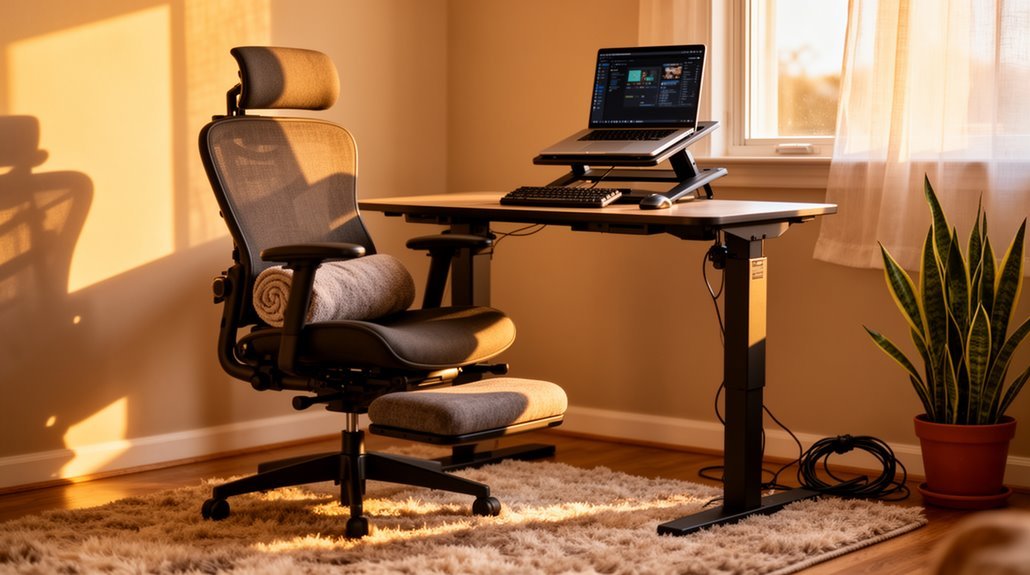
To prevent back pain while working from home, prioritize ergonomic adjustments.
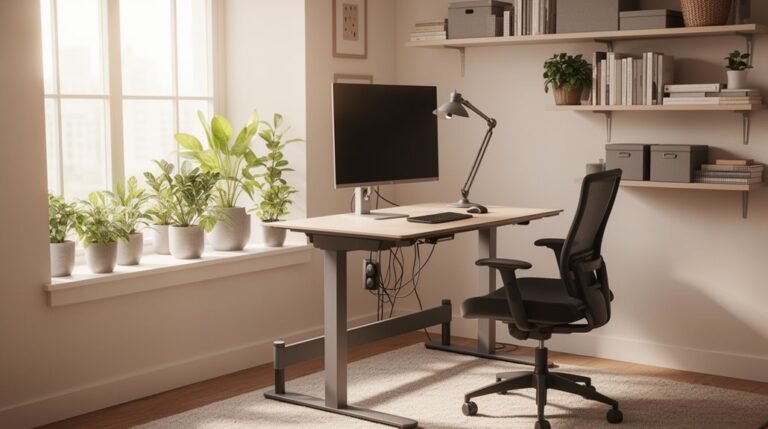
Use a dedicated desk and an ergonomic chair that supports the lower back. Position your monitor at eye level and keep the keyboard at elbow height.
Maintain good posture by aligning your ears, shoulders, and hips, and check your position every 15 minutes.
Incorporate movement with microbreaks every 30 minutes and perform targeted stretches.
These strategies can greatly reduce discomfort, and you’ll find more insights on effective techniques ahead.
Understanding Work-From-Home Back Pain
As many people shifted to remote work, the prevalence of back pain has considerably increased. Six in ten U.S. adults working from home report experiencing some form of pain, with lower back pain being the most common.
Prevalence rates for lower back pain range from 59.5% to 69%, showing a higher incidence among remote workers compared to those in offices. Additionally, neck pain affects 60.3% to 69% of remote workers, while shoulder and upper back pain affect 49.6% and 42.1%, respectively. Long-term desk work increases the risk of cardiovascular disease and cancer, which further highlights the importance of addressing these pain issues.
Lockdowns exacerbated these issues, as changes in work environments and increased sedentary behavior contributed to greater pain severity. Understanding these statistics can help you identify potential risks and adopt preventive measures for maintaining your health while working from home.
Identifying the Causes of Discomfort
Understanding the causes of discomfort while working from home is essential for maintaining your well-being.
Lower back pain affects 41-60% of remote workers, primarily due to prolonged sitting and poor posture.
Neck pain, reported by 23-60% of teleworkers, often worsens with extended work hours.
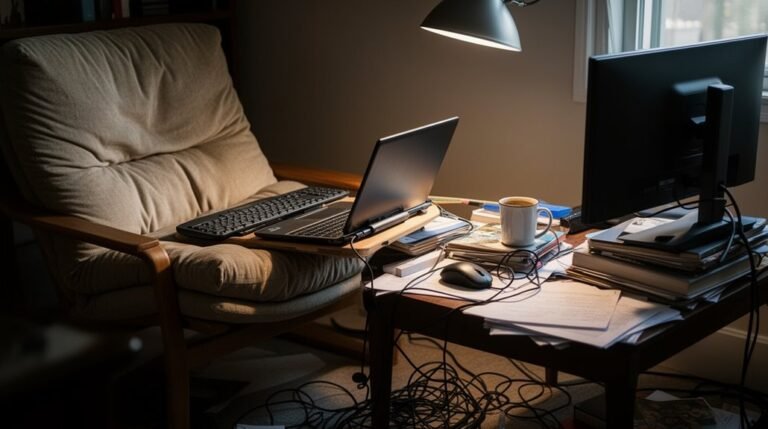
Shoulder pain impacts up to 50% of those using non-ergonomic furniture, such as couches or dining tables.
Lack of proper back support and improper laptop positioning exacerbate these issues.
Additionally, sedentary behavior and inadequate movement contribute to muscle fatigue and pain. Musculoskeletal pain is prevalent among remote workers due to these factors.
Stress and mental fatigue from work can heighten discomfort.
Identifying these factors is vital to addressing and mitigating discomfort effectively in your workspace.
Ergonomic Adjustments for Your Workspace
Making ergonomic adjustments to your workspace can greatly enhance your comfort and productivity.
Start by using a dedicated desk. Studies show 58.5% of remote workers with desks report higher productivity than those using couches or beds. Additionally, many employees work from hard surfaces that contribute to discomfort, making a desk even more essential.
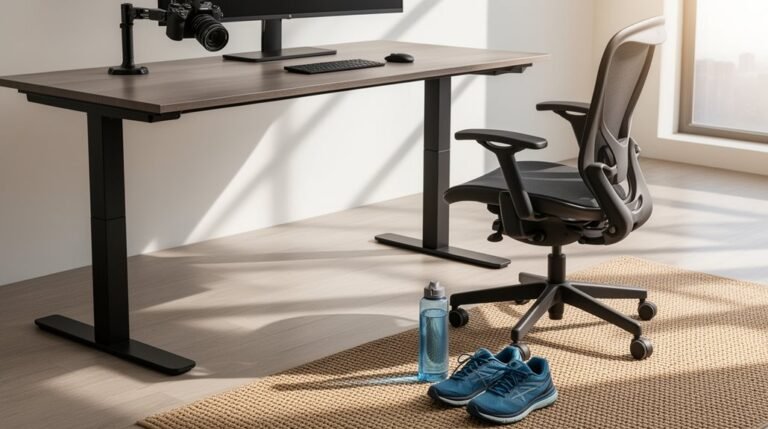
Choose an ergonomic chair that supports your lower back, as only 24% of workers have one, despite improved comfort and productivity.
Position your monitor at eye level to prevent neck strain; 52% of monitors are set too low.
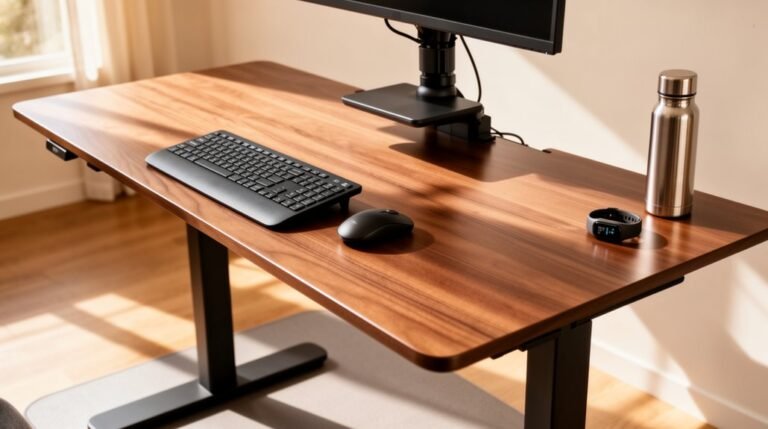
Finally, guarantee your keyboard and mouse are at elbow height to reduce strain. Over half of employees use integrated laptop devices, which can exacerbate discomfort.
Strategies for Maintaining Good Posture
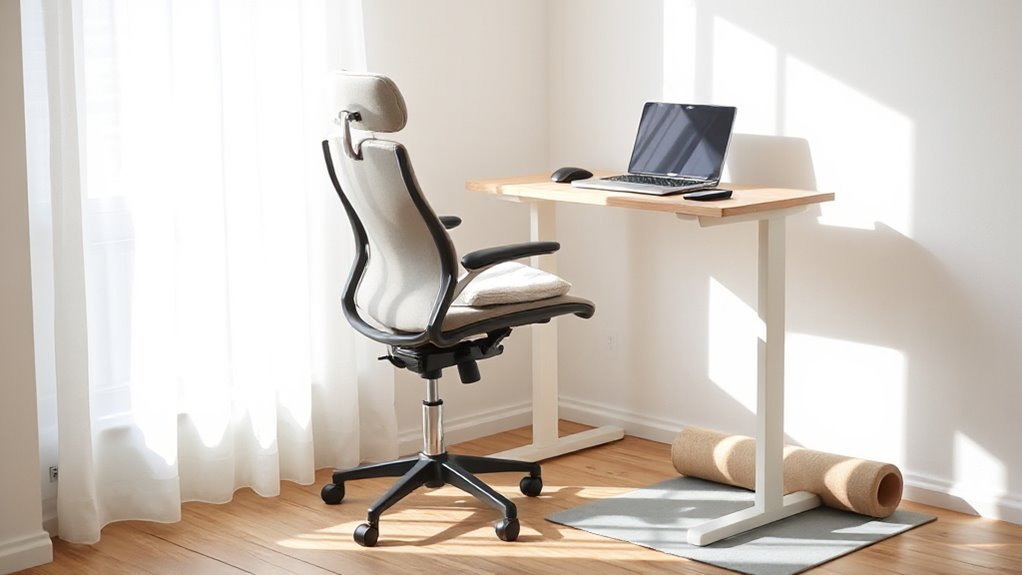
To maintain good posture while working from home, focus on aligning your body correctly in your chair. Verify your ears, shoulders, and hips form a vertical line.
Keep your monitor centered to prevent neck strain; avoid tilting your head. Use a rolled towel behind your lower back for lumbar support if an ergonomic chair isn’t available.
Remember to pull your shoulder blades back and perform chest stretches regularly to counteract tight muscles. Keep your feet flat on the floor or on a footrest, maintaining a small gap between your knees and the chair.
Check your posture every 15 minutes, and switch positions frequently to prevent fatigue. Taking breaks every 30 minutes helps minimize strain on your back.
Incorporating Movement and Exercise
Incorporating regular movement and exercise into your work-from-home routine is essential for reducing back pain and enhancing overall well-being.
Start with desk and chair-based stretching exercises, like seated marches, which engage core muscles; aim for 30 repetitions. Implement seated forward flexion stretches, holding for three sets of 30 seconds. Add seated figure four stretches for hips and lower back, also three sets per side.
Integrate standing lumbar extensions, performing two sets of 10 reps. Incorporate functional movements, such as mini squats and wall push-ups, to strengthen key muscle groups.
Don’t forget to take microbreaks every 30–60 minutes for targeted stretches. This consistent movement can considerably reduce stiffness and support long-term spinal health.
Seeking Professional Guidance for Persistent Pain
When back pain persists or fluctuates beyond three months, it’s crucial to seek professional guidance. Chronic low back pain often requires evaluation by a primary care physician, who can assess your condition.
If you notice “red flags,” such as unexplained weight loss or neurological changes, seek medical attention immediately. Severe pain that doesn’t improve with self-care indicates a need for specialist referral.
Consider consulting pain management specialists for advanced treatments, or physical therapists for tailored exercise regimens. Occupational therapists can recommend ergonomic adjustments to your workspace.
Additionally, if you’re experiencing psychological distress related to pain, mental health therapists can provide valuable support. Taking these steps guarantees thorough care for your persistent back pain.
Frequently Asked Questions
What Is the Best Chair for Home Office Use?
The best chair for home office use is the OM Yes High-Back chair.
It features adjustable armrests, pneumatic height adjustment, and a breathable mesh back, promoting comfort during long hours. This chair’s affordability makes it a strong choice.
Alternatively, consider the Eurotech Vera for its exceptional seat comfort and ergonomic features.
Both options support good posture, ensuring you remain productive and comfortable throughout your workday.
How Can I Tell if My Posture Is Correct?
To check if your posture’s correct, align your ears over your shoulders and keep your spine straight.
Your feet should rest flat on the floor, with knees at 90-120 degrees.
Monitor your screen’s height; it should be at or just below eye level.
Relax your shoulders and guarantee your elbows form about a 90-degree angle.
Regularly assess these points during work to maintain proper posture and reduce strain.
Are There Specific Stretches for Back Pain Relief?
You can perform several effective stretches for back pain relief.
Try the knee-to-chest stretch, pulling one knee towards your chest for five seconds.
The lower back rotational stretch involves rolling bent knees side to side for ten seconds.
Incorporate the cat stretch by arching and sagging your back on hands and knees.
Finally, perform pelvic tilts by flattening your lower back against the floor for five seconds.
Aim for consistency.
How Often Should I Take Breaks While Working?
You should take breaks every hour to enhance productivity and maintain focus.
Studies show that the ideal work-to-break ratio is 52 minutes of work followed by 17 minutes of rest.
Frequent short breaks lead to better overall performance compared to longer, infrequent ones.
Aim for at least 22 minutes of total break time throughout the day.
Incorporate physical activity or relaxation during these breaks to maximize their effectiveness and reduce fatigue.
What Are the Signs I Need a Professional Assessment?
If your back pain persists beyond a few weeks despite rest or medication, it’s time to seek help.
Severe pain worsening at night or unrelieved by rest indicates serious issues.
Watch for numbness, tingling, or weakness in your legs, as these may signal nerve compression.
If you experience loss of bladder control, or if your pain follows trauma, get evaluated immediately for potential fractures or structural damage.
Conclusion
Preventing back pain while working from home requires a proactive approach.
Assess your workspace and make ergonomic adjustments, such as using a chair with lumbar support.
Maintain good posture and incorporate frequent movement into your day.
Take short breaks and do stretching to counteract the negative effects of prolonged sitting.
If discomfort persists, consult a professional for targeted solutions. Balancing prevention and care is key to maintaining comfort and productivity in your home office.