How to Set Up a Standing Desk Ergonomically
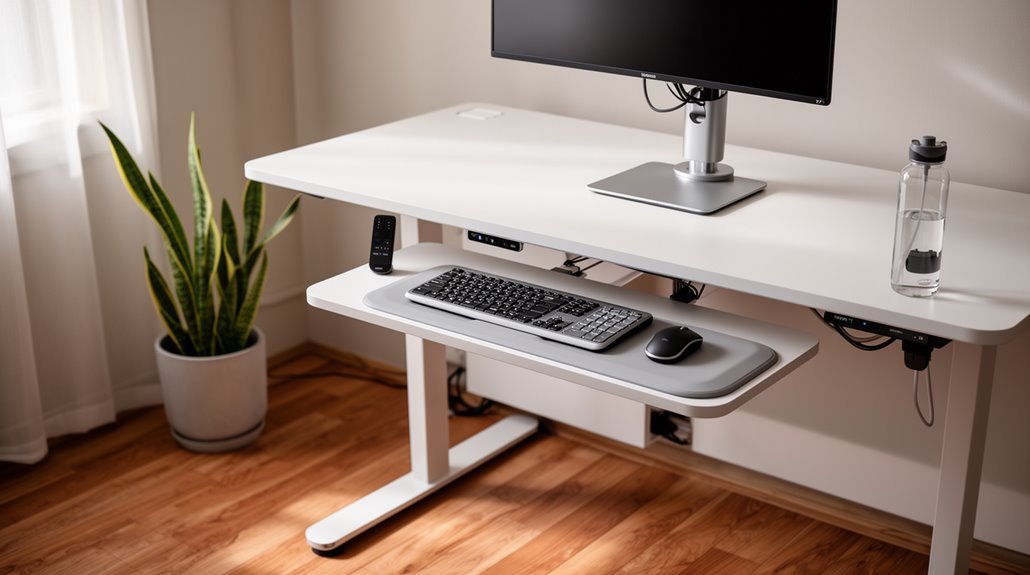
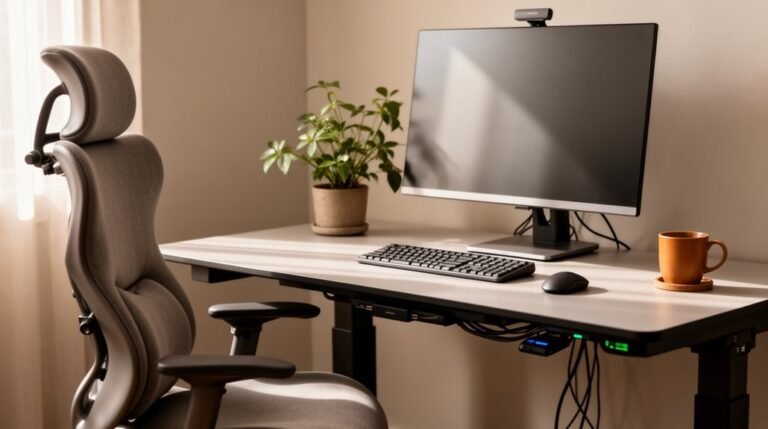
How to set up a standing desk ergonomically starts with adjusting the desk height to suit your body. Aim for a range of about 38 to 42 inches so your elbows form roughly a 90-degree angle when typing.
Position your monitor at or slightly below eye level and place it 20 to 28 inches away. Tilt the screen slightly upward to reduce glare and keep your head in a neutral position.
Center your keyboard directly in front of you and keep the mouse at the same height to minimize reaching and unnecessary movement. This helps reduce strain on your shoulders and wrists.
Regularly check your posture and make small adjustments throughout the day to maintain comfort. Explore further strategies—like anti-fatigue mats, varied work positions, and short activity breaks—for an ideal ergonomic setup.
Understanding Desk Height Adjustment
To achieve an ergonomic setup, understanding desk height adjustment is vital. Your standing desk height should position your elbows at a 90-degree bend, ensuring neutral arm posture. Ideally, the desk surface allows your forearms to rest flat without raising your shoulders or bending your wrists. Most users find a height range of 38 to 42 inches suitable, but measuring your individual height is important for comfort. You can calculate your ideal desk height by subtracting 30 inches from your height while wearing shoes. For precise adjustments, consider using height calculators that integrate ergonomic guidelines. Regularly reassess your desk height to accommodate task variations and maintain proper posture, preventing muscle strain and promoting productivity. Proper desk height supports overall well-being and work efficiency.
Proper Monitor Positioning
Getting your monitor positioned correctly is essential for maintaining comfort and minimizing strain during work. The top edge of the screen should rest at or slightly below eye level, ensuring a neutral neck posture to reduce cervical strain. Proper workstation setup enhances overall wellness, which is crucial for long hours of productivity.
Position the monitor 20 to 40 inches away from your eyes, ideally at arm’s length, to prevent eye strain. Tilt the screen slightly upward, about 10 to 20 degrees, to support natural eye movement and minimize glare.
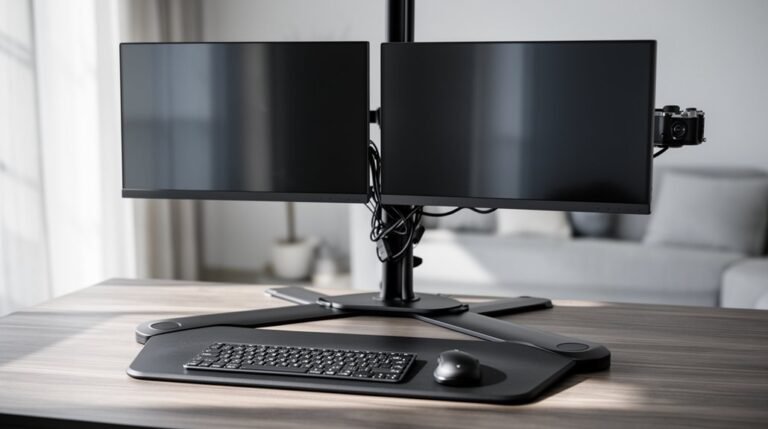
For multiple monitors, place the primary screen directly in front, with secondary monitors arranged in a slight arc to avoid excessive neck movement. Keep all screens at the same height and distance for ergonomic consistency, adjusting as necessary throughout the day.
Keyboard and Mouse Placement
Proper keyboard and mouse placement is essential for maintaining an ergonomic workspace.
Position your keyboard directly in front of you, centered with your body, ensuring your elbows are at a 90 to 120-degree angle. Your forearms should remain parallel to the floor for comfort. Place the keyboard about 5 cm from the desk’s front edge and keep it flat to maintain a straight wrist position.
For the mouse, it should be at the same height as the keyboard and close enough to minimize arm movement. Incorporating adjustable desks allows for a more personalized setup, accommodating different body types and preferences.
Avoid placing the mouse to the side; it should align with the keyboard and elbows. This configuration keeps your wrists straight, reducing the risk of carpal tunnel syndrome and repetitive strain injuries.
Maintaining an Effective Standing Posture
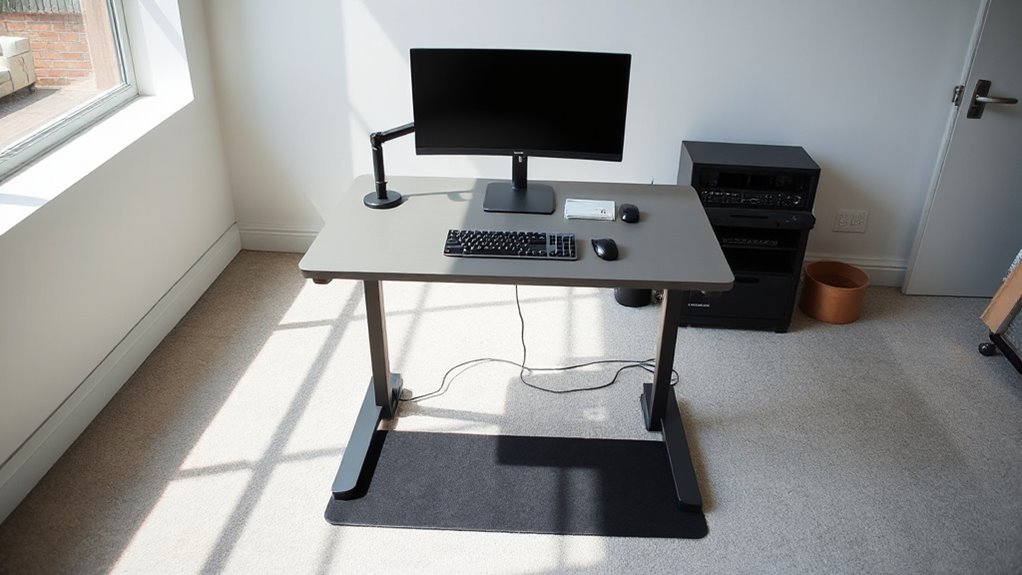
Maintaining an effective standing posture is essential for your overall comfort and productivity while using a standing desk. Set your desk height at elbow level, creating a 90-degree angle at your elbows. For an average height of 5’11”, aim for about 44 inches.
Position your monitor at or slightly below eye level, 20 to 28 inches from your eyes, ensuring it’s centered in front of you. Your spine should maintain a natural ‘S’ curve, with your head directly above your pelvis. Keep your shoulders relaxed and your pelvis upright.
Plant your feet firmly on the floor or an anti-fatigue mat. Regularly check your posture, making adjustments as needed to avoid strain and discomfort.
Strategies for Alternating Between Sitting and Standing
How can you effectively alternate between sitting and standing while using a desk? Start by incorporating short standing intervals, like 10 to 15 minutes, gradually increasing to 20 to 30 minutes as your body adapts.
Aim to alternate every 30 to 60 minutes, maintaining a 1:1 or 2:1 sitting-to-standing ratio. Use timers or apps to remind you to switch positions consistently.
During standing, shift your weight and integrate micro-movements, such as ankle rotations or light stretches, every 20 minutes.
Structure tasks by standing for phone calls while reserving sitting for intensive work.
Finally, track your sitting and standing times to adjust your routine as needed, ensuring you prevent discomfort and maintain productivity throughout the day.
Utilizing Additional Ergonomic Accessories
Incorporating ergonomic accessories into your workspace can greatly enhance comfort and productivity while using a standing desk.
Monitor Positioning Accessories
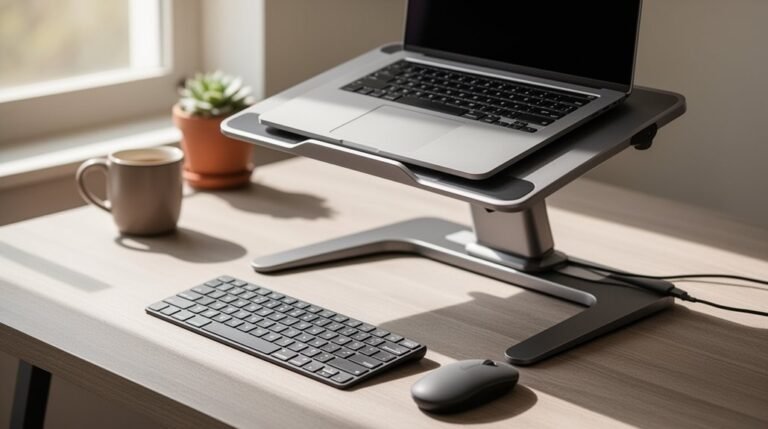
Monitor arms allow precise adjustments, reducing neck strain. Laptop stands elevate screens to eye level, improving posture. Dual monitor arms provide flexibility for multiple screens, minimizing head movement.
Foot and Leg Support Accessories
Anti-fatigue mats cushion your feet and promote movement, relieving pressure. Balance boards encourage micro-movements for better circulation. Ergonomic footrests support your feet, allowing posture shifts.
Desk Organization
Cable management trays keep cords organized, reducing clutter. Desk organizers streamline your workspace, making items easily accessible.
Input Devices
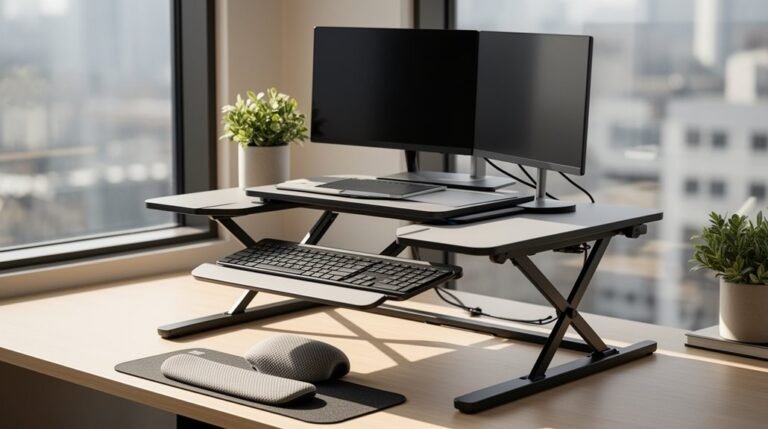
Ergonomic keyboards and wrist rests promote proper alignment, minimizing strain. Keyboard trays position devices efficiently, enhancing comfort during use.
Tips for Enhancing Comfort During Extended Use
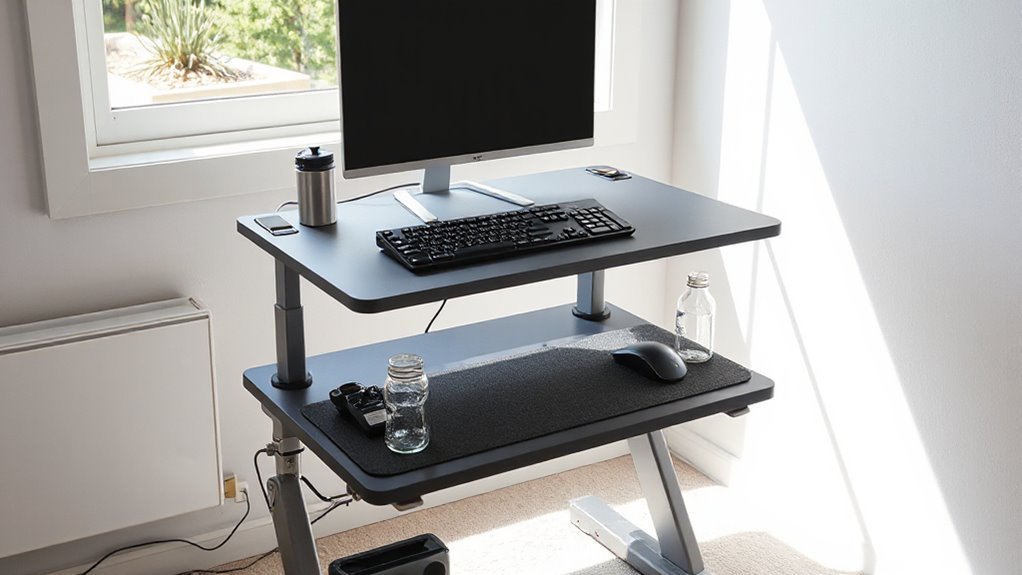
To enhance comfort during extended use of a standing desk, consider several key factors that directly impact your experience.
Supportive Footwear: Wear shoes with good arch support, avoiding totally flat designs.
Opt for shoes that fit well and replace them regularly to maintain cushioning.
Anti-Fatigue Mats: Utilize Anti-Fatigue Mats to reduce pressure on your legs and feet.
Choose mats with a textured surface for better grip and confirm they’re large enough for weight shifting.
Proper Posture: Maintain a straight spine with a natural ‘S’ curve.
Keep your knees slightly bent and distribute your weight evenly across both feet.
Workstation Layout: Position frequently used items within easy reach, placing your keyboard and mouse close to your body to minimize strain.
Importance of Regular Movement and Posture Changes
Regular movement and posture changes are essential for maintaining your health while using a standing desk. Frequent movement enhances blood circulation and decreases the risk of deep vein thrombosis.
Standing still for too long can lead to lower limb discomfort and swelling. Micro-movements, like shifting your weight or using a balance board, activate your muscles and alleviate fatigue. Aim for movement breaks every 30 to 60 minutes to prevent musculoskeletal strain.
Alternating postures reduces static loading on your spine and joints, minimizing the chances of lower back pain. Research indicates that changing positions regularly can improve energy, focus, and overall productivity.
Implementing these strategies supports your long-term health and creates a more dynamic work environment.
Frequently Asked Questions
Can I Use a Standing Desk Without an Anti-Fatigue Mat?
Yes, you can use a standing desk without an anti-fatigue mat, but it may lead to discomfort.
Standing on hard surfaces can cause foot, leg, and lower back fatigue, especially if you stand for extended periods.
Blood pooling and static muscle contraction can worsen discomfort.
Without a mat, you might experience increased strain on your feet and back, which could ultimately affect your productivity and overall well-being during work hours.
How Do I Clean and Maintain My Standing Desk?
Cleaning and Maintenance
To clean your standing desk, use a soft, damp microfiber cloth for routine cleaning, avoiding scratches.
For wood surfaces, gently scrub with warm water and mild soap, then dry promptly. Laminated surfaces benefit from the same cleaning method.
Dust regularly to prevent degradation.
Inspect mechanical components for wear, lubricate as needed, and keep electronics dry.
Use coasters and mats to protect from stains and moisture, ensuring longevity and aesthetic appeal.
What Are the Best Shoes for Standing Desk Use?
For standing desk comfort, think of your feet as the foundation of a strong building.
Sneakers with arch support and cushioned insoles absorb impact, reducing joint stress. Clogs, like Dansko XP 2.0, offer sturdy support and easy wear.
Recovery shoes, such as OOFOS OOcloog, excel in arch support. Confirm your shoes fit well, allowing for toe splay and preventing blisters.
Avoid high heels to maintain proper posture and comfort throughout the day.
Can I Use a Standing Desk if I Have Back Pain?
Yes, you can use a standing desk if you have back pain.
Standing desks help reduce prolonged sitting, which contributes to discomfort. Alternating between sitting and standing every 30–40 minutes minimizes muscle fatigue.
Verify your desk height allows for neutral posture: elbows at 90 degrees, wrists straight, and monitor at eye level.
Combine standing with regular movement and stretching to further decrease discomfort.
However, consult a healthcare professional for severe or chronic pain.
What Accessories Help Improve Standing Desk Ergonomics?
Foot Support Accessories
Use anti-fatigue mats to cushion your feet and encourage movement, reducing leg strain.
Consider ergonomic footrests to support your feet and promote healthier posture.
Monitor Positioning
Adjust monitor arms to keep your screen at eye level, minimizing neck strain.
Desk Organization
Incorporate ergonomic keyboard trays for ideal wrist positioning.
Utilize cable management systems to reduce clutter and improve safety.
These accessories enhance comfort and overall ergonomics while working at a standing desk.
Conclusion
In conclusion, setting up a standing desk ergonomically enhances your workspace efficiency and health.
Adjust your desk height so your elbows form about a 90-degree angle and position your monitor at eye level to avoid neck strain.
Maintain a neutral wrist posture and incorporate ergonomic accessories, like supportive mats, to increase comfort.
Alternate between sitting and standing throughout the day; this dynamic approach helps sustain focus and performance.
Remember to move regularly — short walks and stretches are essential for overall well-being.