Standing Desk Height and Ergonomic Positioning
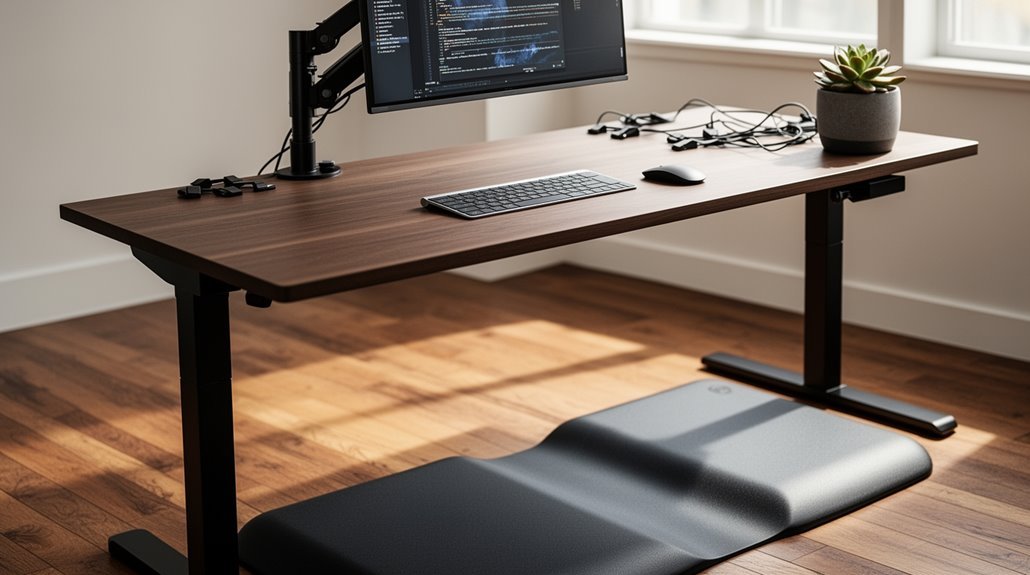
Standing Desk height should align with your elbows when bent at 90 degrees to optimize comfort and productivity. Measure from the floor to your elbows and add 1–2 inches for support to find the right level.
For someone 71 inches tall, ideal heights typically range from 41 to 43 inches. Proper ergonomic positioning reduces muscle strain and enhances circulation.
Adjusting your desk height can prevent discomfort and promote better posture. Learn how to calculate your ideal desk height next.
Understanding Ideal Standing Desk Heights
Finding the right height for your standing desk is essential for comfort and productivity. Recommended desk heights typically range from 38 to 46 inches, depending on your height.
To determine your ideal desk height, measure your elbow height while standing relaxed, then add 1-2 inches for support. For example, if you’re 71 inches tall, your ideal desk height would be between 41 and 43 inches.
Use height charts as guides—5’0″ users need about 36.5 inches, while those at 6’4″ require 46-47 inches. Remember, a 90-degree angle at your elbows is critical for comfort. Proper ergonomic positioning is crucial to avoid discomfort and strain during prolonged use.
Adjusting your desk height is important, as differences of 1-2 inches can greatly affect your ergonomic setup.
Importance of Ergonomic Positioning
Achieving the right desk height is just one aspect of creating an ergonomic workspace; positioning matters equally. Proper ergonomic positioning is essential for your overall health and productivity. It minimizes strain on your joints and muscles while promoting neutral postures.
Here are some key benefits:
- Reduces the risk of musculoskeletal disorders by aligning your body correctly.
- Maintains neutral postures linked to lower rates of work-related injuries.
- Supports better circulation, decreasing the risk of chronic conditions.
- Improves productivity, as you experience less fatigue and increased focus. Additionally, ergonomic desks have been shown to effectively reduce back and neck pain, contributing to overall comfort during work hours.
Methods for Calculating Desk Height
Calculating the ideal desk height involves several methods that can accommodate individual body measurements and preferences.
Method 1: Elbow Height Plus Offset****
Measure from the floor to your elbow with your arm bent at 90 degrees. Add 1 to 2 inches for comfort, which gives you the ideal standing desk height. This method ensures that you maintain a 90-degree elbow angle during tasks.
Method 2: Height Subtraction Formulas****
Measure your total height, including shoes. Subtract 30 inches for the minimum desk height and 28 inches for the maximum.
Method 3: Floor to Hand Measurement****
Stand straight, bend your elbows to 90 degrees, and measure from the floor to your hands. This aligns your forearms parallel to the ground.
Method 4: Ergonomic Calculator Tools****
Use online tools by inputting your height for tailored recommendations.
Method 5: Practical Adjustment****
Experiment with adjustments to find your best comfort level.
Health Benefits of Proper Desk Height
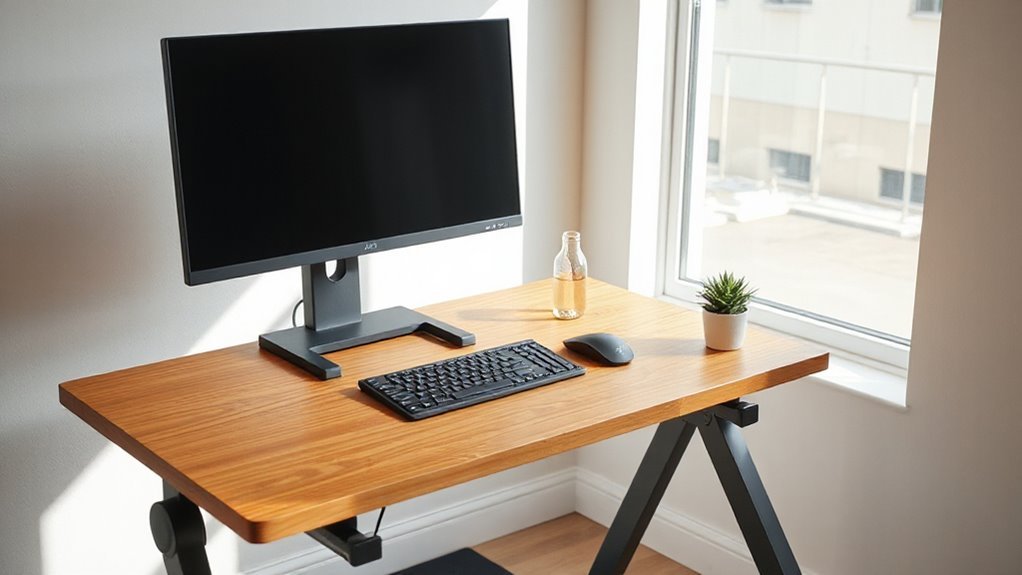
When you maintain the proper desk height, you greatly enhance your overall health and productivity.
A correctly adjusted desk promotes ergonomic positioning, which leads to several health benefits:
- Improved Musculoskeletal Health: Reduces strain on your neck and back, preventing discomfort.
- Enhanced Circulation: Standing increases muscle activity, improving blood flow and burning more calories.
- Reduced Risk of Chronic Disease: Lowers the chances of conditions like heart disease and type 2 diabetes by encouraging movement.
- Boosted Productivity: Proper desk height enhances focus and energy levels, allowing for longer work periods without fatigue.
Consequences of Incorrect Desk Height
Incorrect desk height can lead to a range of physical and cognitive issues that affect your daily work experience.
You may experience wrist and arm discomfort due to awkward angles while typing, increasing the risk of carpal tunnel syndrome. Neck strain arises when your monitor is positioned incorrectly, forcing your head to tilt. Shoulders can elevate uncomfortably when desks are too high, adding tension.
Poor posture can cause lower back pressure and leg discomfort from insufficient thigh clearance. Additionally, eye strain and headaches may develop from improperly positioned screens.
Over time, chronic back pain and musculoskeletal disorders can occur. Ultimately, these issues can lead to reduced productivity, as discomfort diverts your focus from essential tasks.
Adjusting Desk Height for Task-Specific Needs
Adjusting desk height according to specific tasks is essential for maintaining comfort and efficiency during work.
Each task demands a different setup for ideal performance:
- Precision Work: Position the desk 4 inches above elbow height to reduce strain and enhance fine motor control.
- Light Work & Assembly: Set the desk just below elbow level for natural arm alignment, preventing shoulder elevation.
- Heavy Work: Lower the desk 4 to 6 inches below elbow height to accommodate downward forces, reducing shoulder tension.
- Monitor Positioning: Keep the monitor at eye level across all tasks to prevent neck strain and maintain a neutral posture.
These adjustments help prevent fatigue and promote productivity throughout diverse work activities.
Frequently Asked Questions
Can I Use a Standing Desk if I’m Shorter Than 5 Feet?
Yes, you can use a standing desk if you’re shorter than 5 feet.
Choose a desk with a minimum height of 22–24 inches, which accommodates your stature. Adjustable models are ideal, allowing you to switch between 22 and 50 inches.
Confirm your elbows remain at a 90-degree angle while typing. Use ergonomic accessories, like monitor risers and footrests, to enhance comfort and maintain proper posture throughout your workday.
How Often Should I Alternate Between Sitting and Standing?
To maximize comfort and productivity, you should alternate between sitting and standing every 30 minutes.
Research shows this frequency reduces discomfort and fatigue considerably throughout the workday. If you find this too challenging, consider extending intervals to 30-60 minutes.
Regular changes help improve circulation and reduce the risk of negative health outcomes. Incorporating walking breaks every hour can further enhance your overall well-being and maintain energy levels during your work hours.
What Accessories Can Improve Standing Desk Ergonomics?
Anti-Fatigue Mats
You can use anti-fatigue mats to reduce pressure on your feet and lower back. These mats promote subtle movement and have beveled edges for safety.
Monitor Arms
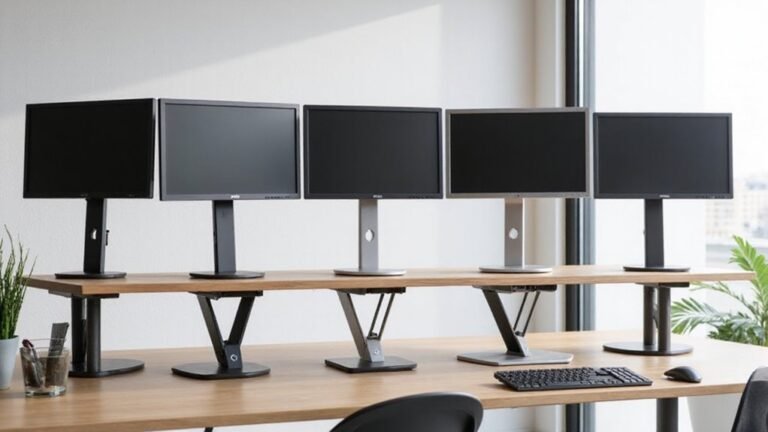
Monitor arms allow you to adjust screen height and distance, maintaining eye-level alignment. They reduce neck strain and free up desk space.
Cable Management Solutions
Organizing cables prevents clutter and enhances safety. Neat setups improve aesthetics and efficiency in your workspace.
Ergonomic Seating
Height-adjustable chairs support healthy posture, while footrests encourage better weight distribution.
Are There Specific Shoes Recommended for Standing Desk Use?
For standing desk use, you’ll want shoes that prioritize comfort and support.
Sneakers provide excellent cushioning and stability, while clogs like Dansko offer arch support and roomy toe boxes.
Recovery footwear such as OOFOS helps reduce stress during long hours.
Look for features like slip-resistant soles, cushioned insoles, and lightweight materials to minimize fatigue.
Athletic shoes from brands like Asics and New Balance excel in shock absorption, ensuring all-day comfort.
How Can I Prevent Fatigue While Using a Standing Desk?
To prevent fatigue while using a standing desk, start with short standing durations, like 15–30 minutes, then gradually increase.
Alternate between sitting and standing every 30–60 minutes. Use an anti-fatigue mat to reduce pressure on your feet.
Wear supportive shoes that cushion your feet, and consider compression socks for better circulation.
Incorporate breaks every hour to stretch or walk, which helps alleviate muscle tension and improves overall comfort during extended standing.
Conclusion
In conclusion, finding the right standing desk height is essential for ideal ergonomic positioning.
Measure your elbow height and set the desk so your arms rest at roughly a 90-degree angle.
Adjust your monitor so the top of the screen is at eye level to reduce neck and eye strain.
A well-fitted workspace makes a big difference. By prioritizing proper desk height, you reduce discomfort and support better posture — don’t let poor ergonomics be your Achilles’ heel.