Standing Desk Converter Safety Tips
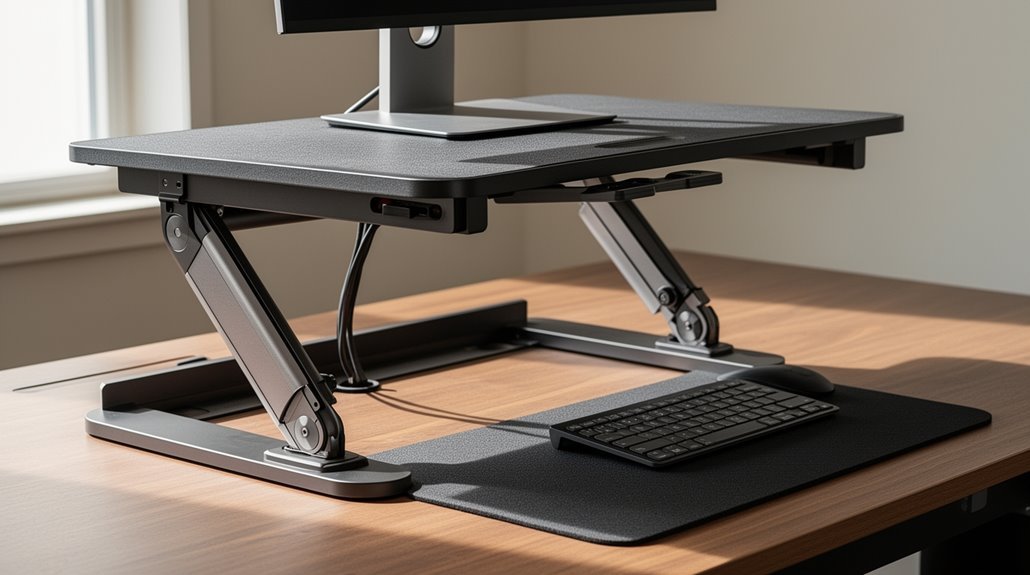
Standing desk converter safety starts with regular inspections. Check stability features like bolts and screws every 3–4 months and verify leveling feet twice a year to keep the unit secure.
Keep your keyboard at an ergonomic height to reduce wrist strain. Engage lift handles smoothly to prevent sudden movements that could jolt the converter or your equipment.
Watch the converter’s weight capacity and avoid overloading. Position the converter a few inches from the desk edge for added stability.
Following these guidelines will improve safety and comfort. More tips are available for ideal use.
Ensuring Stability and Structural Safety
To guarantee your desk converter remains stable and safe during use, you must regularly inspect its components and address any issues promptly.
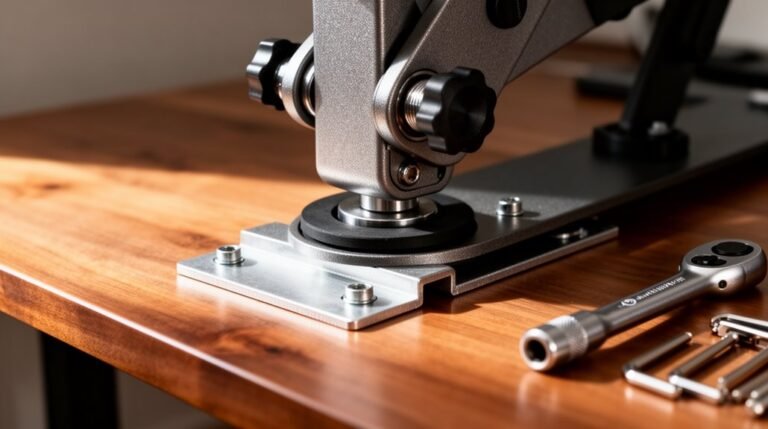
Periodic inspection of bolts and screws is critical; check these every 3-4 months to maintain structural rigidity.
Inspect leveling feet biannually for wear to ascertain an even base.
Confirm stability at all height adjustments, especially when fully extended, as it can vary with elevation.
Adhere strictly to the manufacturer’s weight capacity, and avoid placing heavy items asymmetrically to prevent tipping.
Position your converter a few inches back from the desk edge for added stability.
Finally, lubricate moving parts periodically to guarantee smooth operation and inspect fasteners regularly to prevent loosening and maintain safety during adjustments. Regular lubrication is essential for effortless height adjustments, enhancing usability and stability.
Addressing Ergonomic Risks for User Health
While standing desk converters promote a more active work style, they often introduce ergonomic risks that can affect user health.
Here are three key concerns:
- Height Compatibility: Most converters position the keyboard 30–30.5 inches above the floor, which is too high for average users, leading to improper wrist posture. Additionally, standard desk heights exacerbate poor typing ergonomics when using converters.
- Prolonged Standing Issues: Standing for extended periods can cause muscle fatigue, joint stiffness, and lower back pain, increasing overall discomfort.
- Adjustment Risks: Many converters require significant lifting force. This can exacerbate existing low back pain and may lead to upper extremity injuries if proper lifting techniques aren’t followed.
Addressing these ergonomic risks is essential for maintaining user health and comfort while using standing desk converters.
Maintenance Practices for Longevity
Maintaining your standing desk converter is essential for guaranteeing its longevity and ideal performance. Regularly wipe all surfaces with a damp cloth. This removes dust and prevents accumulation on moving parts. Use compressed air or small brushes to clear debris from joints; this maintains smooth operation. Periodically apply manufacturer-recommended lubricant to joints and hinges to facilitate easy height adjustments. Inspect screws, bolts, and fasteners quarterly, tightening them as needed to guarantee stability. Adhere to the maximum load weight specified by the manufacturer, distributing weight evenly across the surface. Additionally, implement effective cable management to prevent tangling or interference. Unplug the converter during extended non-use to protect electronic components from power surges. These practices extend your desk converter’s lifespan effectively, especially since high-quality materials directly affect longevity.
Safe Handling and Proper Setup
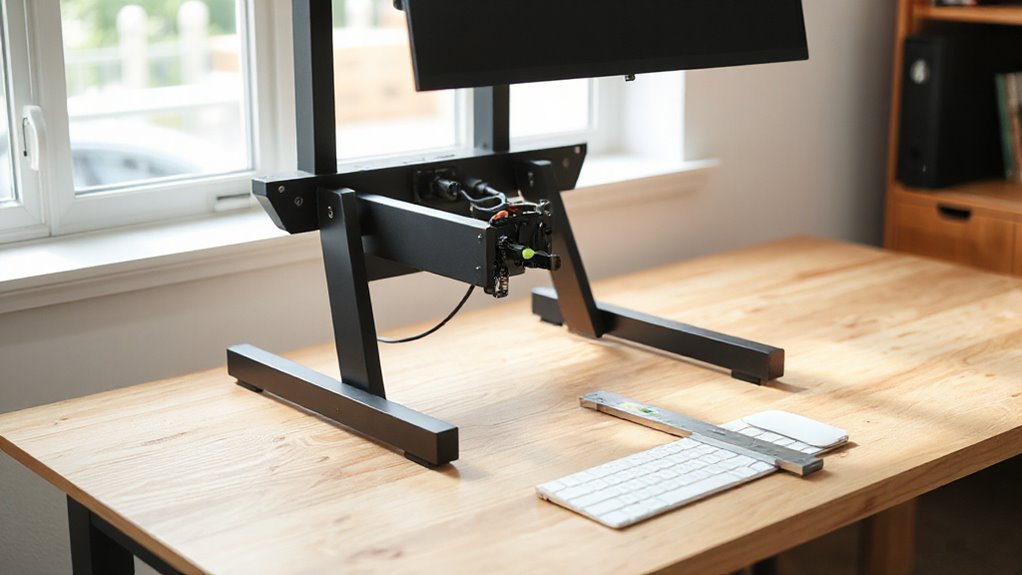
When setting up your standing desk converter, ensuring stability and proper positioning is essential for safety and ergonomic effectiveness. Follow these guidelines for safe handling and setup:
- Assess Stability: Confirm the converter has a stable base and doesn’t wobble. Position it so it doesn’t extend beyond the desk’s edge to avoid tipping hazards.
- Use Proper Techniques: Engage lift handles with minimal bending. When adjusting height, perform smooth motions to prevent sudden movements.
- Organize Your Workspace: Place frequently used items within easy reach to minimize overstretching. Avoid standing too far from the desk to maintain a neutral posture.
Recognizing Safety Features and Product Quality
Understanding the safety features and product quality of standing desk converters is essential for guaranteeing a safe and effective workspace. choosing the right standing desk converter involves considering factors such as adjustability, stability, and ergonomic design. As the demand for ergonomic office solutions rises, many brands are innovating to ensure user comfort and productivity. By investing in a quality converter, you can enhance your workspace and promote better posture, ultimately leading to improved health outcomes.
Look for products that comply with ANSI/BIFMA X5.5 standards, supporting up to 400 pounds. Ensure they pass UL 1678 safety tests, addressing pinch points and monitor stability.
Check for durable materials that resist cracking and sagging gas springs, which can compromise safety. Verify that the design includes ergonomic handles and a stable base with non-slip pads.
Electric models should have features like collision control and adjustable sensitivity.
Finally, assess the warranty; a five-year guarantee indicates manufacturer confidence in safety and durability.
Prioritize these specifications to enhance your workspace safety.
Frequently Asked Questions
Can I Use a Standing Desk Converter With Multiple Monitors?
Yes, you can use a standing desk converter with multiple monitors.
Many models, like the Mount-It! MI-7934 and UPLIFT Desk ATX, support dual or triple monitors, accommodating sizes up to 32 inches.
Verify the converter’s weight capacity meets your monitors’ combined weight, typically ranging from 30 to 55 lbs per monitor.
Check for VESA compatibility to securely mount your monitors, and confirm the converter’s height range allows for both sitting and standing positions.
How Do I Choose the Right Height for My Converter?
To choose the right height for your converter, measure your elbow height while standing.
Ideal desk height aligns with your elbows at a 90-degree angle. For instance, if you’re 5’6″, aim for about 41 inches; if you’re 6’0″, target 44 inches.
Make certain your converter has a height range of at least 15.7 inches for flexibility.
Finally, confirm the converter’s weight capacity can accommodate all your equipment, typically ranging from 29 to 35 pounds.
Are There Weight Limits for Specific Standing Desk Converters?
Yes, standing desk converters do have weight limits.
Typical capacities range from 14 kg (30 lbs) to 44 lbs (20 kg) depending on the model. Electric converters often support higher loads, like the UPLIFT E7 at 50 kg (110 lbs).
Manual models usually hold 15-20 kg.
It’s vital to avoid exceeding 80% of these limits to guarantee safety and stability, as improper weight can lead to mechanical failure or equipment damage.
Can I Adjust My Converter While Sitting?
You can adjust your desk converter while sitting, but it’s not ideal. The mechanism often requires awkward movements that increase strain on your back.
If you must adjust, keep your back straight and use both hands for better control. Inspect the converter for stability and verify it’s not overloaded.
Regular maintenance, like checking for loose parts, enhances safety. For best results, consider standing briefly to leverage your body mechanics effectively.
What Should I Do if My Converter Becomes Unstable?
If your converter becomes unstable, stop using it immediately.
Inspect all visible fasteners for looseness, and tighten them securely. Confirm the converter rests on a flat, stable surface.
Check for any damage on the frame and support structures. If instability persists, discontinue use until repaired or replaced.
Regular maintenance, including tightening bolts every 3-4 months, can help prevent future issues.
Always verify weight distribution adheres to manufacturer specifications.
Conclusion
In the world of standing desk converters, think of your setup as a sturdy bridge. Make sure it’s stable and assembled according to the manufacturer’s instructions. consider exploring the ergonomic benefits of standing desk converters to enhance your workspace. By promoting better posture and reducing strain, these converters can significantly improve your overall comfort during long working hours. Additionally, implementing such tools can lead to increased productivity as you feel more energized and focused throughout the day.
Be aware of ergonomic risks: position your monitor, keyboard, and mouse so your posture stays neutral and comfortable. Handle each component with care during adjustments and transport.
Keep up with routine maintenance—check fasteners, gas springs or lift mechanisms, and surfaces for wear. Prioritize safety features and product quality so your workspace remains secure.
A well-constructed converter supports your health and productivity like a strong arch. By following these tips, you build a reliable foundation for daily tasks that promotes both efficiency and well-being.