How to Avoid Tech Neck From Computer Use

How to Avoid Tech Neck From Computer Use: position your monitor at or slightly below eye level. This alignment helps keep your cervical spine neutral and reduces strain on the neck.
Use an ergonomic chair that supports your lower back and set your keyboard and mouse so your elbows are bent about 90–110 degrees while typing.
Take short breaks every 30 to 60 minutes to stand, stretch, and reset your posture. Simple exercises like chin tucks can strengthen neck muscles and counteract forward head posture.
If pain or stiffness persists, consult a healthcare professional for targeted relief and personalized prevention strategies.
Understanding Tech Neck and Its Causes
As you spend extended periods using digital devices, you may not realize how your posture affects your neck and shoulder health.
Tech neck refers to chronic neck or shoulder pain caused by poor posture, particularly from prolonged forward head tilt while looking at screens. This forward flexion places abnormal stress on your neck muscles and vertebrae, increasing pressure on cervical spine structures. When your head tilts forward at a 45-degree angle, the effective weight on your cervical spine increases greatly. Over time, such positioning leads to muscle fatigue, spasms, and potential joint pain. A gallon of milk weighs about 8 pounds, illustrating the significant pressure your neck endures when you hold your head forward.
Additionally, this condition can contribute to disc degeneration and early onset arthritis, making awareness of your posture essential for long-term health.
Identifying Symptoms of Tech Neck
Identifying symptoms of tech neck is essential for addressing potential issues before they escalate.
You might experience sharp pain localized in the neck when looking down at devices. Generalized aching discomfort may span your neck, shoulders, and upper back. Jaw pain could arise from temporomandibular joint (TMJ) issues linked to cervical spine misalignment.
Stiffness in your shoulders and upper back often results from poor posture. You may also notice headaches beginning at the back of your skull. Additionally, reduced range of motion in your neck and tightness requiring frequent stretching can indicate tech neck. Approximately 75% of the global population uses handheld devices excessively, which can exacerbate these symptoms.
Numbness or tingling in your arms may signal nerve irritation. Recognizing these signs early can help prevent long-term damage.
The Impact of Tech Neck on Daily Life
The symptoms of tech neck can greatly impact your daily life, affecting both physical capabilities and mental well-being. Chronic neck pain limits your physical activity, making simple tasks challenging. You may notice reduced productivity at work, with nearly 40% of affected individuals reporting difficulties. Sustained discomfort can lead to fatigue, decreasing your endurance for both professional and personal activities. Furthermore, tech neck can disrupt your sleep quality, contributing to cognitive impairment. This persistent pain can also heighten stress and anxiety levels, creating a cycle that negatively affects your overall life satisfaction. As you navigate daily routines, these limitations may require frequent breaks or adjustments, making it essential to address tech neck proactively. Chronic strain from technology use is a significant contributing factor to these symptoms.
Recognizing At-Risk Groups
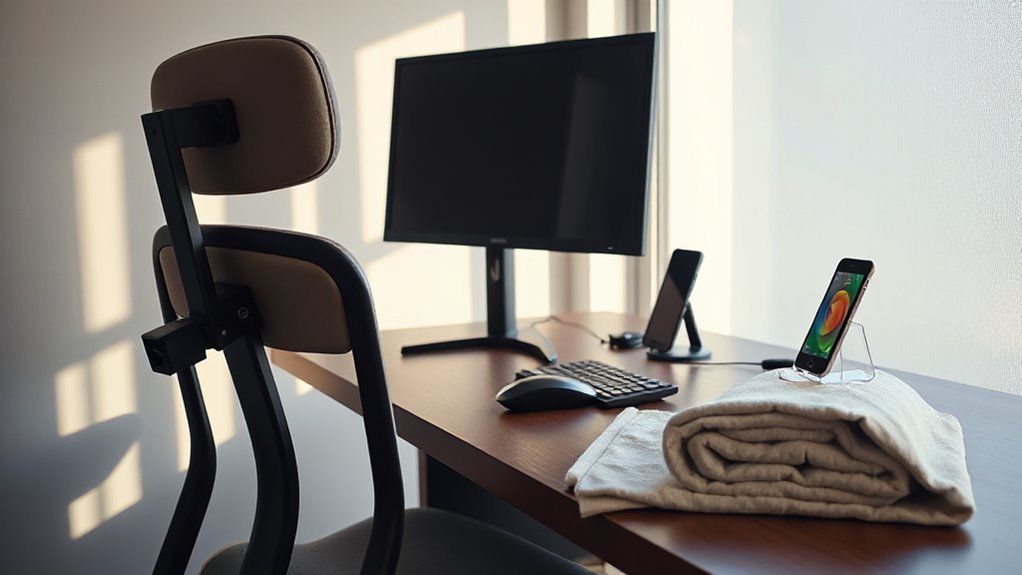
Recognizing at-risk groups for tech neck involves examining specific demographics that frequently engage with technology.
University students often report high neck pain rates, with 73% experiencing discomfort linked to digital usage.
Remote workers are also vulnerable; 64.7% report similar issues, primarily due to extended screen time and poor ergonomics.
Adolescents and children face a modern epidemic of text neck, driven by high smartphone use and increased screen time for education.
Office employees spend long hours in front of screens, leading to repetitive static postures and increased risk of musculoskeletal strain.
Ultimately, individuals with preexisting spinal issues may experience exacerbated symptoms, as aging reduces spinal support and amplifies discomfort during prolonged device use.
Importance of Posture and Ergonomics
Maintaining proper posture and ergonomics is essential in preventing tech neck and related musculoskeletal issues. Poor workstation design increases the risk of work-related neck pain.
Position your monitor at or slightly below eye level to maintain cervical spine alignment. Aim for a viewing distance of 20–40 inches to minimize neck flexion and visual strain.
Slouched postures with laptops worsen neck flexion, leading to discomfort. Ergonomic keyboard placement helps reduce muscle strain, while maintaining free space between the keyboard and table edge can prevent hand-arm disorders.
Additionally, use chairs with adjustable armrests to support upper limb posture. Proper workstation setup reduces strain, supporting overall neck and shoulder health while facilitating better productivity.
Tips for Maintaining Proper Posture
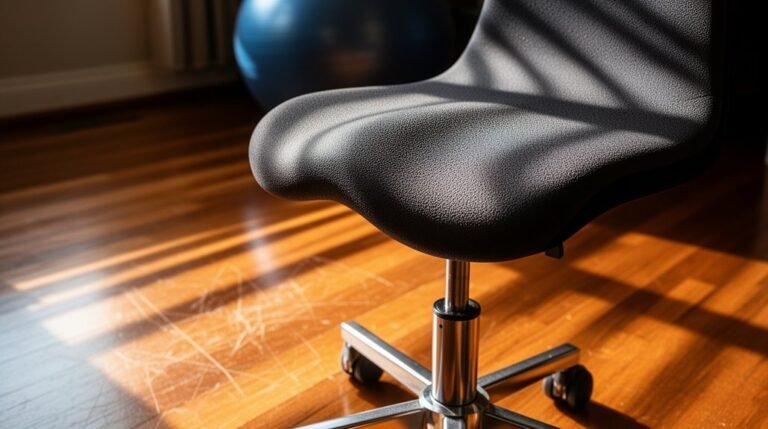
To effectively maintain proper posture while working, focus on your chair and back support. Use an adjustable ergonomic chair or an inflatable lumbar cushion to support the inward curve of your lumbar spine. Keep your back in contact with the chair at all times.
Adjust the seat’s forward tilt between 5°–15° to encourage an upright posture. If your feet don’t reach the floor, utilize an adjustable footrest.
Monitor positioning is essential. Set the top of your monitor screen at eye level and position it an arm’s length away. Center the monitor directly in front of you to prevent neck strain.
Maintain relaxed shoulders, close elbows bent at 90–110 degrees, and keep wrists straight. Regularly practice chin tucks to align your head with your spine.
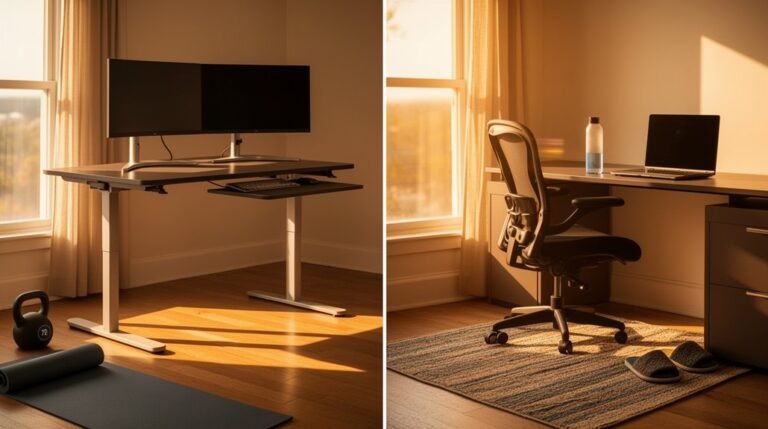
Setting Up an Ergonomic Workspace
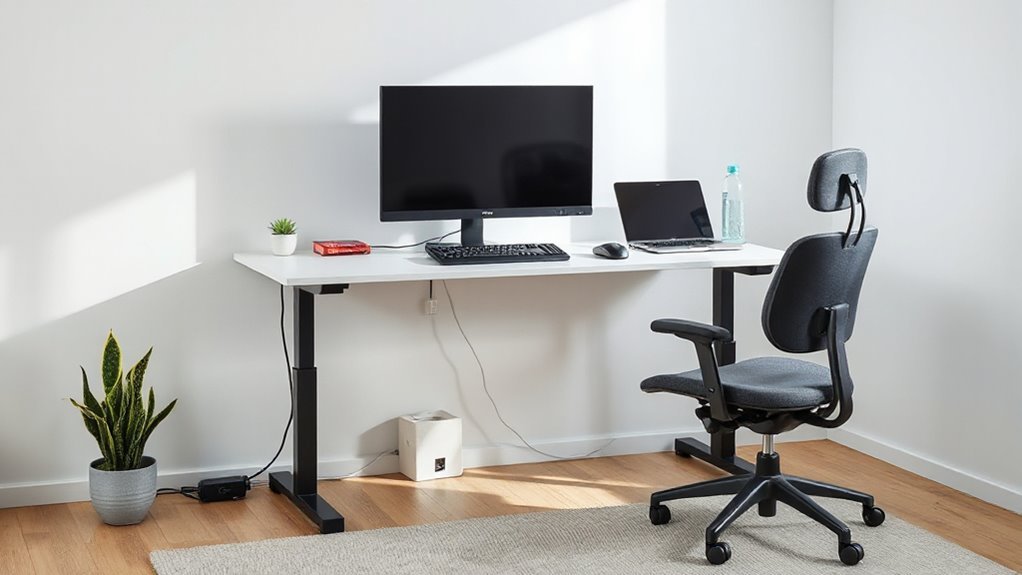
Setting up an ergonomic workspace is crucial for reducing discomfort and enhancing productivity.
Adjust your chair height so your feet rest flat on the floor, with knees at a 90-degree angle. Make sure thighs are parallel to the floor, with lumbar support fitting the natural curve of your lower back.
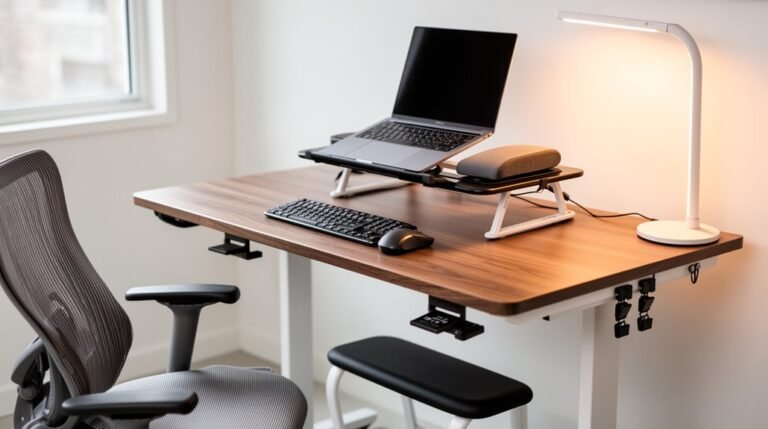
Position your desk so elbows rest at a 90-degree angle while typing, maintaining forearms parallel to the floor. Center your monitor about an arm’s length away, with the top at or slightly below eye level.
Keep your keyboard flat at the desk’s edge, and place the mouse nearby. Finally, use task lighting to minimize glare and adjust overhead lights to avoid shadows.
Incorporating Breaks and Stretches
Incorporating regular breaks and stretches into your work routine is essential for combating tech neck and maintaining overall neck health. You should take breaks every 30 to 60 minutes of continuous screen use.
During these breaks, consider the following:
- Engage in short walks or stand to reset your posture.
- Perform neck stretches, such as side-to-side movements and chin tucks.
- Do shoulder blade squeezes to counteract forward hunching.
- Try the cat-cow stretch to gently mobilize your neck and spine.
Even 1-2 minute breaks can meaningfully lower tech neck symptoms. Using reminders or timers can help enforce these intervals.
Consistent adherence to this practice reduces the risk of chronic neck pain and stiffness, promoting a healthier workspace.
Strengthening Exercises for Neck and Upper Back
Strengthening Exercises for Neck and Upper Back****
Strengthening your neck and upper back is essential for combating tech neck and enhancing overall posture. Start with chin tucks, holding for 10 seconds, two to three times daily. This exercise aligns your ears with your shoulders, reducing forward head strain.
Next, incorporate row exercises and overhead presses. Perform 10–15 repetitions in multiple sets to activate upper back muscles and support your neck.
Additionally, stretch your pectoral muscles with doorway stretches, holding for one minute, to counter tightness that pulls your shoulders forward.
Finally, mobilize your thoracic spine by leaning back over a chair for enhanced upper back mobility. These targeted exercises collectively improve posture and reduce neck strain during prolonged computer use.
Seeking Professional Help for Persistent Issues
When neck pain persists despite your best efforts with self-care, it’s time to seek professional help. Ignoring ongoing discomfort can lead to more serious issues.
Consider these signs:
- Persistent pain lasting more than a few days
- Pain radiating to shoulders, arms, or hands
- Numbness, tingling, or weakness in the neck or upper extremities
- Noticeable changes in posture or neck curvature
Consult various healthcare providers, such as physical therapists or chiropractors, to receive tailored treatment.
Expect a thorough assessment of your posture and range of motion. Treatment may include manual therapy, targeted exercises, or ergonomic education.
Professional intervention can provide accurate diagnoses and personalized plans, promoting faster recovery and reducing the risk of chronic pain.
Frequently Asked Questions
Can Tech Neck Affect My Sleep Quality?
Yes, tech neck can negatively impact your sleep quality. Prolonged forward head posture causes neck pain and muscle strain, making it hard to find a comfortable sleeping position.
This discomfort can lead to poor sleep quality, characterized by difficulty falling asleep and frequent awakenings. Additionally, neck pain may trigger other issues, like headaches, further disrupting your rest.
Reducing tech neck symptoms is essential for improving overall sleep quality and maintaining better health.
Are There Specific Exercises to Avoid Tech Neck?
To avoid tech neck, incorporate exercises like chin tucks, which realign your head with your spine.
Perform shoulder blade squeezes to strengthen upper back muscles, and practice wall angels to enhance shoulder mobility.
Regular neck stretches, such as side bends, help alleviate tension.
Aim for a routine that includes these exercises every 30-60 minutes during screen time, as this can markedly reduce discomfort and improve posture over time.
How Do I Choose an Ergonomic Chair?
To choose an ergonomic chair, assess adjustability features first.
Verify the seat height allows your feet to rest flat on the floor, maintaining knees at 90° to 110° angles.
Check lumbar support; it should contour to your lower back.
Look for adjustable armrests that support your elbows without restricting movement.
Select durable materials, like breathable mesh, and a stable five-star base with smooth-rolling casters.
Finally, verify it accommodates your weight comfortably.
Is Tech Neck Common in Children and Teens?
Yes, tech neck is common in children and teens. Studies show prevalence rates ranging from 16.7% to 93.2%.
About 70% of children aged 7-11, using devices for 5-8 hours daily, experience neck pain. Adolescents, particularly girls, are more affected than younger children.
Poor posture, like forward neck flexion, considerably contributes. Additionally, excessive screen time and sedentary behaviors heighten the risk for musculoskeletal issues, emphasizing the need for awareness and intervention.
Can Wearing a Neck Brace Help Alleviate Tech Neck?
Wearing a neck brace can provide temporary relief for tech neck symptoms, but it’s not a thorough solution.
Traditional collars might limit movement and lead to muscle weakening over time. Advanced neck braces, like those made from Kapsul Tech, offer support while allowing joint mobility.
However, they don’t address underlying issues like poor posture. Incorporating ergonomic adjustments and strengthening exercises is essential for long-term relief and ideal neck health.
Conclusion
In summary, avoiding tech neck requires conscious effort. Maintain proper posture while working at your computer and ensure your screen is at eye level.
Take regular breaks and do specific stretches and strengthening exercises to reduce discomfort. These short, frequent pauses help prevent stiffness and strain.
Create an ergonomic workspace to enhance daily productivity and make your work more comfortable. If symptoms persist, seek professional help.
By taking these steps, you can protect your neck and improve your overall well-being in a tech-driven world.