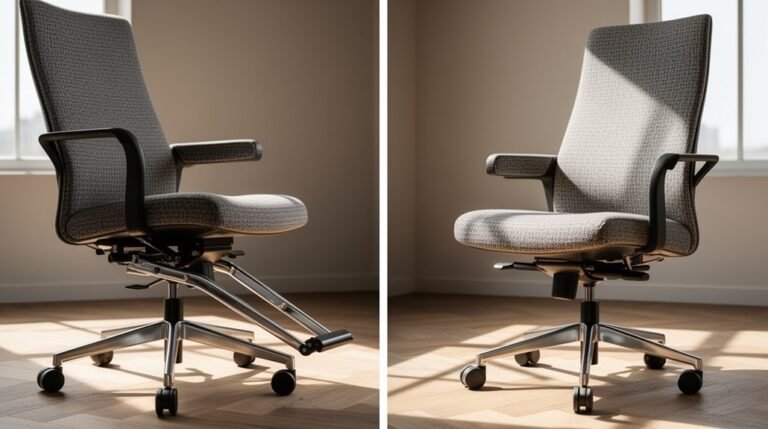
Ergonomic Keyboard Vs Regular Keyboard
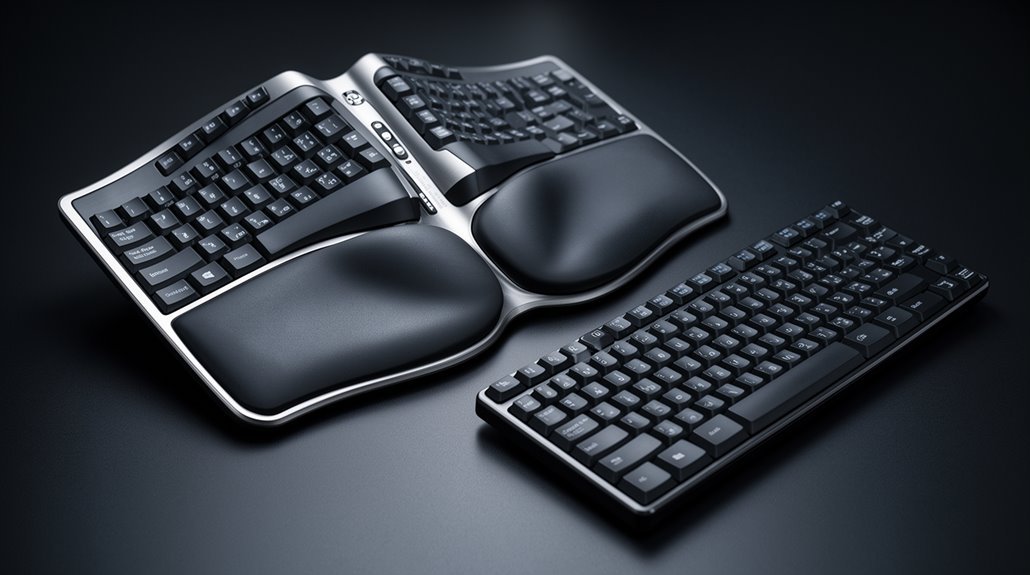
Ergonomic keyboards feature a split design that promotes a more natural hand and wrist position. In contrast, regular keyboards maintain a flat layout that can contribute to strain during extended typing sessions.
Ergonomic models help reduce musculoskeletal disorders by minimizing wrist deviation and offering adjustable angles for greater comfort. You may notice a temporary drop in typing speed while you adapt, but research indicates improvements in accuracy over time.
Many ergonomic keyboards include customizable feedback and programmability to suit individual needs. Explore further to learn about their specific benefits and any considerations before switching.
Design Differences
When comparing ergonomic keyboards to regular keyboards, you’ll notice distinct design features that cater to different user needs.
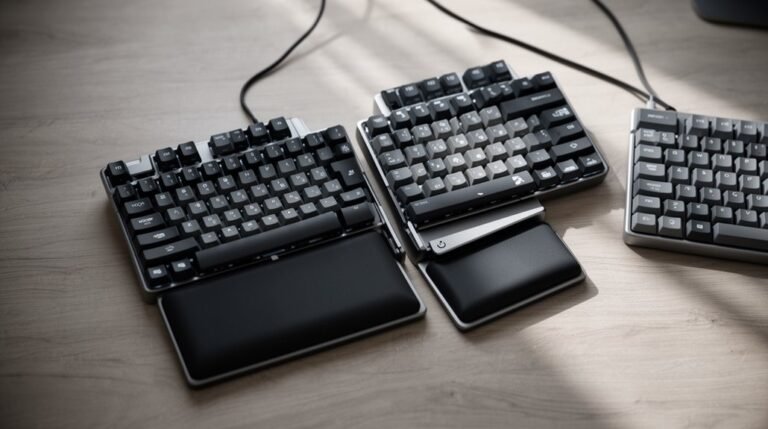
Ergonomic keyboards use a split design, separating the left and right key sections. This layout accommodates natural hand positioning, while curved surfaces angle keys to reflect the body’s movement patterns.
In contrast, traditional keyboards maintain a flat, linear arrangement that can strain your wrists.
Ergonomic models often feature graduated key heights, preventing accidental strikes, whereas standard keyboards have uniform flat surfaces.
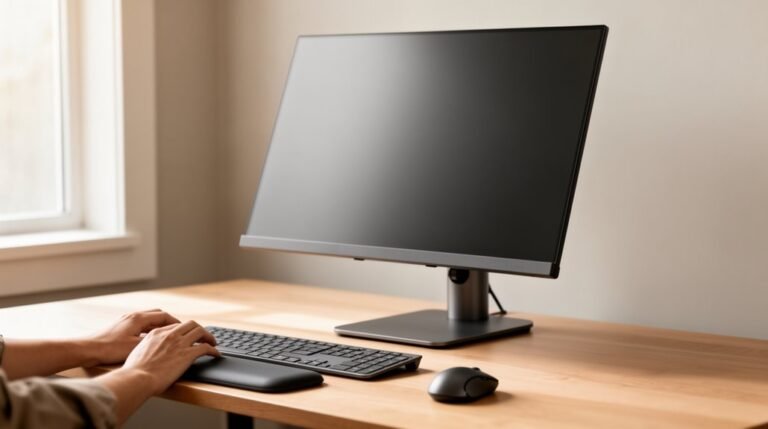
Additionally, ergonomic keyboards provide specialized wrist support and adjustable tilt angles for customized comfort. These design elements guarantee that ergonomic options promote better alignment and reduce strain during prolonged use, unlike their conventional counterparts. This ultimately leads to improved overall posture and decreases the risk of long-term damage.
Comfort and Health Benefits
Ergonomic keyboards provide important comfort and health benefits, particularly for those who spend long hours typing. They greatly reduce the risk of musculoskeletal disorders (MSDs), such as carpal tunnel syndrome. The split design minimizes wrist ulnar deviation and extension, lowering internal wrist pressures during typing. This design promotes a neutral wrist posture, reducing muscle activity in your forearms and enhancing comfort. Additionally, using palm supports with ergonomic keyboards improves blood flow to your upper limbs. Long-term use maintains symptom relief in users with upper extremity disorders. Continuous usage prevents the escalation of musculoskeletal symptoms, ensuring sustained productivity. Ultimately, ergonomic keyboards offer essential advantages over standard keyboards by promoting better posture and reducing fatigue. Research indicates that over 50% of computer users experience work-related arm, shoulder, or hand pain, highlighting the necessity of ergonomic solutions.
Typing Efficiency and Learning Curve
Achieving ideal typing efficiency on an ergonomic keyboard involves maneuvering an initial adjustment period. You may notice a decrease in typing speed initially, due to unfamiliar layouts and key positions.
Traditional keyboards offer immediate familiarity, allowing for faster initial typing. However, studies indicate that after a few days to two weeks, your typing speed could increase by 10%, and accuracy may improve by 20% with ergonomic keyboards. This adaptation requires muscle memory retraining, especially for split designs. Consistent practice speeds up this process, minimizing inefficiency.
Additionally, once accustomed, you might find that ergonomic keyboards promote more natural hand positioning, reducing fatigue and enhancing overall typing efficiency during extended sessions. Ergonomic keyboards significantly reduce the risk of repetitive strain injuries (RSIs), making them ideal for long-term use.
Customization and Compatibility
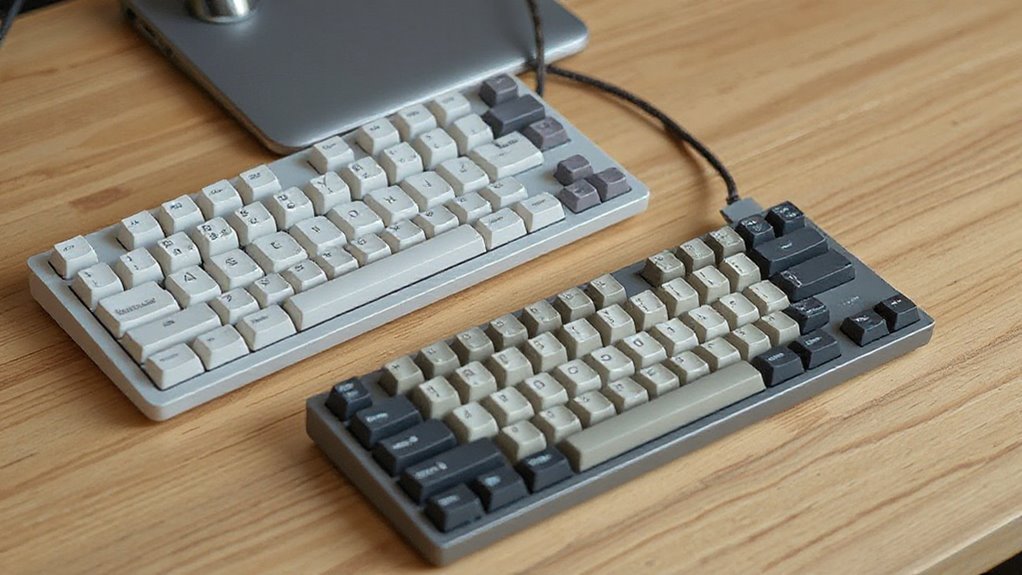
Customization and compatibility are essential aspects of modern keyboard design, catering to individual user needs.
Split keyboard designs allow you to separate the halves for comfort, fitting your anatomy and shoulder width. Adjustable angles help you tilt the keyboard for ideal wrist positioning, while integrated tenting reduces strain.
Mechanical switches let you choose feedback levels and actuation forces, enhancing your typing experience. Programmable keys enable you to remap functions, matching your typing style. Additionally, customizable layouts support various shortcuts and macros.
Aesthetic options like colors and backlighting allow you to personalize your keyboard’s appearance.
Finally, open-source firmware provides extensive compatibility for advanced configurations, ensuring your keyboard adapts to different devices and environments seamlessly.
Cost and Market Availability
When considering keyboards, cost and market availability play significant roles in decision-making. Ergonomic keyboards generally have a higher price due to advanced designs and premium materials.
You’ll find traditional keyboards ranging from low-cost membrane models to higher-end mechanical variants, often at lower prices than ergonomic options. Some ergonomic designs feature complex technology like split layouts and tenting, which raises manufacturing costs.
While budget-friendly ergonomic keyboards exist, they’re rarer and typically offer less comfort. Traditional keyboards dominate the market, available through many retailers.
In contrast, ergonomic keyboards are niche products, primarily found online or at specialty stores. Investing in ergonomic models can yield long-term health benefits, potentially offsetting future medical costs associated with repetitive strain injuries.
Frequently Asked Questions
Can Ergonomic Keyboards Improve My Overall Typing Posture?
Yes, ergonomic keyboards can improve your overall typing posture. They promote a neutral wrist position, which minimizes strain on your forearms and prevents awkward angles.
By allowing your palms to angle naturally, these keyboards reduce muscle activity and fatigue during typing. Studies show that users experience less discomfort and a lower risk of chronic conditions like carpal tunnel syndrome, supporting healthier long-term typing habits.
Adapting to their shape may take time, but benefits are significant.
Are There Specific Brands Known for High-Quality Ergonomic Keyboards?
You’ll find several brands known for their high-quality ergonomic keyboards.
Logitech offers the ERGO K860, featuring a curved split design and memory-foam palm rests.
Kinesis provides models like the Freestyle2, which offers adjustable split designs for personalized comfort.
Matias has the Ergo Pro, noted for its mechanical switches and three tilt options.
Finally, ZSA Technology Labs produces the customizable ZSA Moonlander, ideal for programming with extensive macro features.
How Do I Choose the Right Ergonomic Keyboard for My Needs?
To choose the right ergonomic keyboard, assess your typing habits and usage patterns.
Look for adjustable split configurations and tenting angles to suit your wrist position. Consider key layout customization for your unique workflow.
Check for low-profile keys that reduce finger fatigue. Evaluate wrist rests for added support.
Finally, set a budget; options range from basic models under $100 to premium designs with advanced features.
Prioritize comfort and functionality.
Do Ergonomic Keyboards Require Any Special Software to Function?
Functionality Without Software
Ergonomic keyboards don’t require special software to function. They often work as standard USB or Bluetooth devices, allowing immediate use.
Most models provide onboard programming for basic customizations without software.
Advanced Features with Software
However, if you want enhanced features, custom software is available for remapping keys and creating macros.
This software can optimize your workflow and improve productivity, but it’s optional for basic functions.
Can I Use an Ergonomic Keyboard for Gaming Purposes?
Yes, you can use an ergonomic keyboard for gaming purposes.
Ergonomic designs reduce strain during long sessions, promoting comfort and minimizing injury risk. Features like customizable layouts and programmable keys enhance gameplay, allowing quick access to commands. Extra thumb keys improve efficiency, while split and tented designs support neutral wrist positioning.
Many models offer RGB lighting and detachable components, giving you flexibility in setup. Overall, ergonomic keyboards can greatly enhance both comfort and performance in gaming.
Conclusion
In conclusion, choosing between an ergonomic keyboard and a regular keyboard depends on your needs.
Ergonomic keyboards offer design features that enhance comfort, reduce strain, and potentially increase typing efficiency.
Regular keyboards, while familiar, may lack these health benefits.
Consider customization options, compatibility with your devices, and budget constraints.
Ultimately, investing in the right keyboard can improve your typing experience, support your health, and enhance your productivity, making it a decision worth careful consideration.