Split Keyboard Vs Regular Keyboard: Pros & Cons
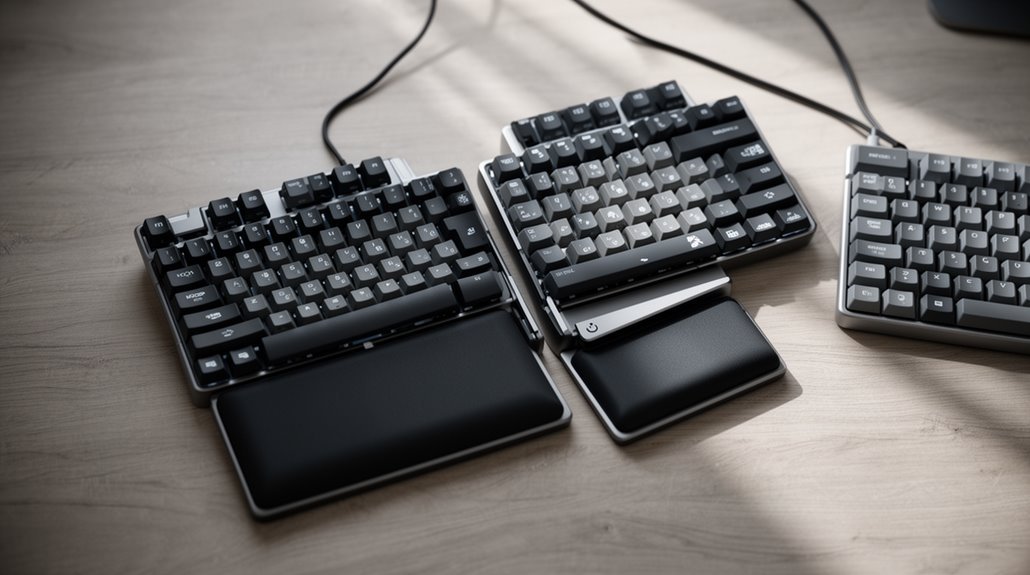
Split keyboards offer ergonomic benefits by promoting a more natural wrist position and reducing strain. They can enhance typing comfort and, for some users, improve speed—typists have been known to reach up to 129 WPM with practice.
Their compact, separated design also saves desk space and provides layout flexibility to suit personal comfort. Many models let you adjust the angle and tenting and include programmable keys, which boost overall usability.
On the downside, split keyboards require an adjustment period as your hands and muscle memory adapt. Weighing these pros and cons will help you decide whether a split keyboard is the right choice for your setup.
Ergonomic Advantages of Split Keyboards
When you compare split keyboards to traditional models, you’ll notice significant ergonomic benefits. Split keyboards enable a neutral wrist position, reducing wrist and hand pronation. Studies confirm decreased pronation after users acclimate, which improves blood circulation and lowers repetitive strain injury risks.
In addition, these keyboards minimize ulnar deviation, preventing wrist bending toward the little finger, which is linked to muscle fatigue. Research shows that split designs reduce ulnar deviation, easing pressure on tendons. The shoulder-width placement of split keyboards promotes natural arm and shoulder posture, reducing upper back strain.
Moreover, lower muscle activity during typing sessions results in less fatigue, enhancing productivity. This customizable layout allows users to create a personalized workspace that supports ergonomic practices.
Typing Experience and Comfort Levels
Many users find that split keyboards greatly alter their typing experience and comfort levels. Initially, you’ll face an adjustment period of several days to two weeks, as you adapt to the layout. During this time, your typing speed and accuracy may dip temporarily.
However, many report improvements post-adaptation, achieving speeds of up to 129 WPM with 99% accuracy. Split keyboards promote better finger and thumb utilization, allowing your thumbs to access additional keys, which enhances overall efficiency. They also reduce wrist strain by allowing your hands to rest at a shoulder-width position. Ultimately, while the learning curve can be steep, the long-term benefits in speed, comfort, and ergonomics make split keyboards a compelling choice.
Additionally, the split design and ortho linear layout of these keyboards can further enhance typing efficiency for users as they develop muscle memory.
Desk Space Efficiency and Layout Flexibility
Split keyboards considerably enhance desk space efficiency compared to traditional models. Their compact design, often at 75% or 40% the size of standard keyboards, frees up valuable surface area.
This layout flexibility allows you to position the keyboard halves according to your comfort needs.
- Smaller split keyboards support portability for remote work.
- They create space for additional items, like coffee cups or other peripherals.
- Wider spacing between halves accommodates broader shoulders, enhancing ergonomic posture.
- Angling each half independently promotes a natural wrist position.
- Many models can be adjusted with or without a wrist rest, offering further customization.
These features make split keyboards ideal for optimizing desk space while promoting better ergonomics, as they also reduce strain on hands and shoulders through improved positioning.
Customization Options and Features
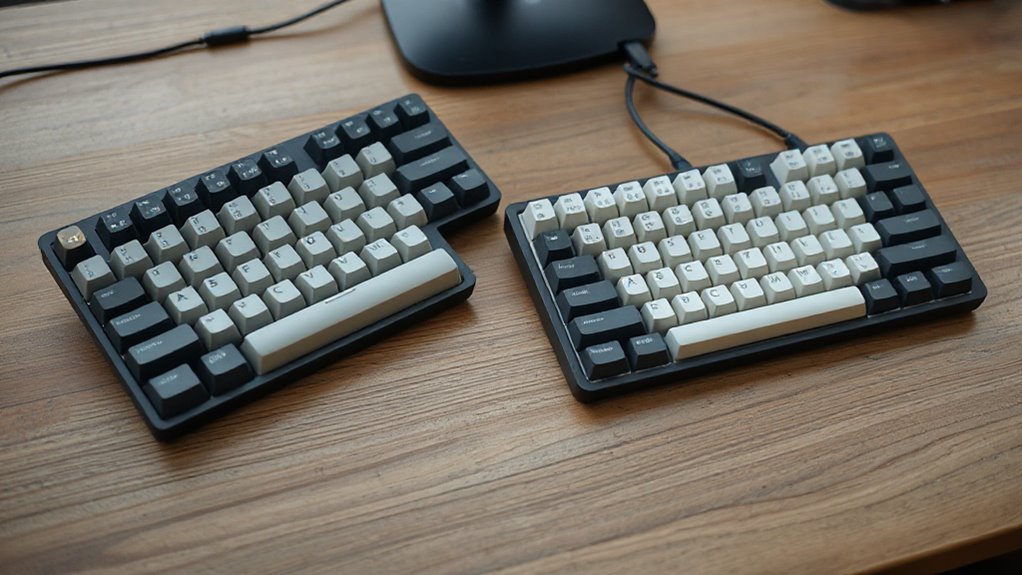
With a variety of customization options available, split keyboards cater to individual preferences and ergonomic needs. You can adjust the distance between the two halves to align with your shoulder width, minimizing strain.
The angle of each half is also customizable, allowing for a fit tailored to your comfort. Height adjustments through integrated tenting mechanisms offer three height options.
Advanced key features include split space bars for multiple functions, thumb key assignments, and tap-dance capabilities enabling single keys to perform various actions.
Hot-swappable mechanical switches allow for easy replacement, while customizable keycap options enhance aesthetics.
With QMK or ZMK firmware support, you can program macros and remap keys easily, ensuring a personalized typing experience.
Adjustment Period and Learning Curve
Adjusting to a split keyboard requires time and practice, as users often face an initial learning curve. Most users report reaching a workable typing speed within 2–4 weeks. However, regaining your original typing speed typically takes 2–4 months of consistent practice.
Key factors affecting your adaptation include:
- Prior typing experience, like touch typing versus hunt-and-peck.
- Utilizing typing practice tools, such as TypingClub or keybr.
- Daily consistent practice for quicker improvement.
- Willingness to relearn typing habits and unlearn old shortcuts.
- Proper ergonomic setup that reduces discomfort.
Initial challenges, like slower speed and mental fatigue, are common. Accepting the need to adapt can greatly improve your experience with a split keyboard.
Potential Drawbacks of Split Keyboards
While many users appreciate the ergonomic benefits of a split keyboard, several potential drawbacks warrant consideration.
First, split keyboards usually come with a higher price tag, making them less accessible for casual users or budget-conscious buyers.
Additionally, their design often requires more horizontal space, complicating setups on smaller desks.
You might also face layout changes, as some models lack a number pad or relocate function keys, potentially disrupting your typing efficiency.
Stability issues can arise, especially with models that don’t securely lock in place, leading to frustration.
Finally, altered mouse access could increase shoulder strain, particularly with fixed split designs that force you to stretch further for your mouse, disrupting workflow integration.
Health Benefits and Pain Relief
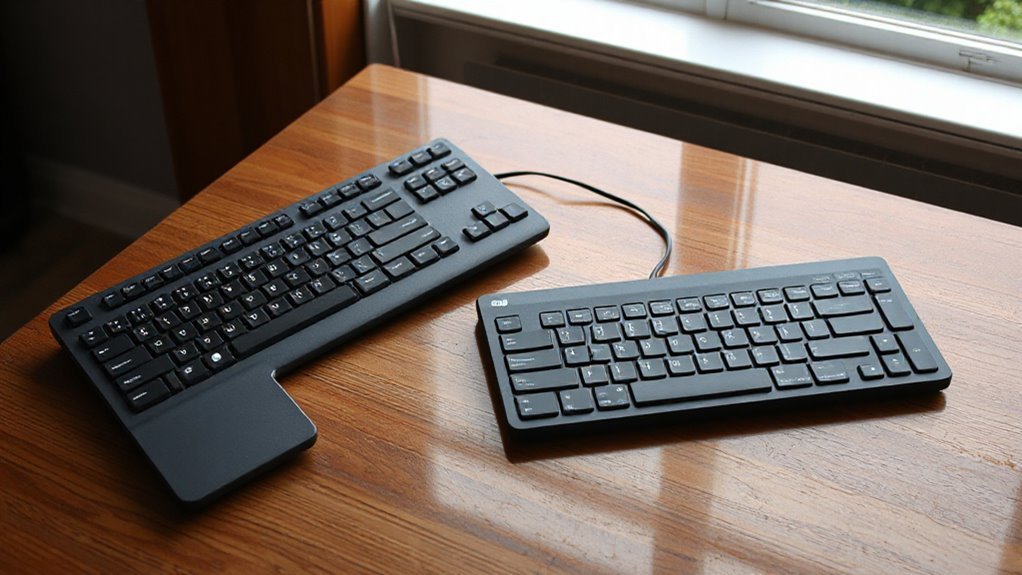
Split keyboards provide significant health benefits by addressing common issues associated with traditional keyboard use.
They’re designed to reduce ulnar deviation, mitigate forearm pronation, and lower the risk of carpal tunnel syndrome.
- Split keyboards maintain wrist neutrality, preventing ulnar deviation.
- They utilize tenting, keeping forearms in a more natural position.
- Research indicates lower musculoskeletal symptoms in users.
- Improved wrist positioning reduces median nerve pressure.
- Users report enhanced comfort and reduced fatigue during typing.
Compatibility With Devices
Understanding device compatibility is essential for making the most of your split keyboard. Split keyboards connect seamlessly to computers, tablets, and smartphones via USB, Bluetooth, or RF. Most models support popular operating systems, including Windows, macOS, Linux, iOS, and Android.
Wired split keyboards typically require a USB port, while wireless options may need Bluetooth or a proprietary dongle. Wired models offer plug-and-play functionality on most devices, but compatibility may be limited if your host device lacks USB ports.
Wireless models often feature multi-device pairing, allowing connections to up to five devices simultaneously. However, be mindful of potential latency or interference with certain devices.
Price Comparison and Value
The price spectrum for keyboards varies considerably, especially between traditional and split designs. Here’s a breakdown of what you can expect:
- Budget split keyboards start around $35-$50, featuring membrane switches.
- Entry-level wireless split options, like those from SABLUTE, retail between $52.99-$59.99.
- Mid-range split keyboards cost between $80-$130, offering programmable keys and wireless connectivity.
- High-end split keyboards range from $199-$499+, with premium features like adjustable tenting.
- Traditional keyboards generally cost between $20-$100, offering full-size layouts but lacking ergonomic benefits.
While initial costs differ, investing in a split keyboard may reduce long-term medical expenses related to wrist strain, providing a more ergonomic typing experience.
Ultimately, evaluate durability and features for an all-encompassing understanding of value.
Frequently Asked Questions
Can Split Keyboards Improve Posture During Long Typing Sessions?
Yes, split keyboards can improve posture during long typing sessions. They promote a shoulder-width position, encouraging an open thoracic spine and reducing rounded shoulders.
You can maintain a neutral wrist posture, minimizing ulnar deviation and forearm pronation. Adjusting elbow height and keyboard angle helps prevent awkward arm angles.
Studies report significant reductions in wrist discomfort, with up to 79% improvement in ulnar deviation. Properly set up, split keyboards enhance ergonomic benefits, promoting a more relaxed typing posture.
Are Split Keyboards Suitable for Gaming Purposes?
Yes, split keyboards are suitable for gaming. Studies show that they reduce input errors by 12% in arrow-key-dependent games.
This ergonomic design minimizes wrist strain, enhancing endurance during extended sessions. Custom keymaps improve hand placement, optimizing performance in various genres. Additionally, adjustable angles promote natural hand positioning.
Although initial typing speed might drop 5-10%, players often exceed previous speeds within weeks, making the adaptation worthwhile for serious gamers.
How Do Split Keyboards Affect Typing Noise Levels?
Split keyboards generally produce more typing noise due to their mechanical switches. The switch type greatly influences sound levels; linear switches are quieter, while tactile and clicky switches are louder.
Additionally, the build quality, keycap material, and typing force affect noise perception. You might notice that some models, like the Moonlander, minimize sound through design choices.
In contrast, regular keyboards typically maintain lower noise levels, thanks to membrane or quieter scissor-switch mechanisms.
What Are the Best Split Keyboard Brands and Models Available?
When considering split keyboards, ZSA’s Moonlander stands out with its fully split columnar layout and adjustable thumb clusters.
It offers hot-swap switches, allowing you to customize your typing experience.
Keychron’s K11 Pro provides exceptional value at $99, featuring a portable ergonomic design.
For budget-conscious users, the ProtoArc XK03 at $50 delivers a foldable ergonomic solution.
Each model emphasizes comfort, functionality, and ergonomic benefits, catering to various user needs and preferences.
Can Split Keyboards Be Used Wirelessly?
Yes, split keyboards can be used wirelessly. They typically connect via Bluetooth or RF dongles, offering flexibility for multiple devices.
Bluetooth allows seamless pairing with computers and mobile devices, while RF dongles provide low-latency connections, ideal for gaming. Some models even feature proprietary wireless systems for enhanced performance.
Battery life varies, generally lasting from days to months, and most support common operating systems like Windows, macOS, and Linux.
Conclusion
In conclusion, choosing between a split keyboard and a regular keyboard involves weighing several factors.
Split keyboards can enhance ergonomic comfort, much like a well-fitted glove conforms to your hand. They also offer customization options and can improve desk space efficiency.
However, split keyboards may require an adjustment period. You should also consider device compatibility and price differences.
Ultimately, identifying your typing habits will guide you in making an informed choice that suits both your needs and workspace.