Should You Use a Monitor Arm on a Glass Desk?
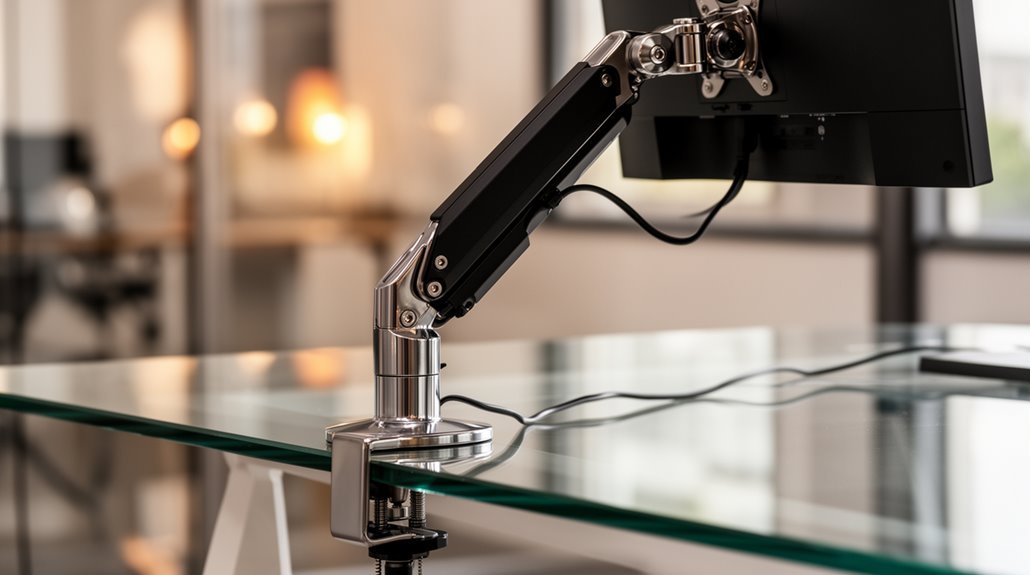
Using a monitor arm on a glass desk is possible, but you need to check specific criteria first.
Verify the glass is at least 1/4-inch thick for adequate support and confirm the desk’s weight capacity, which can range from 50 to 400 pounds. These checks help ensure the glass can handle the load safely.
Use mounting solutions like reinforcement plates or grommet mounts to distribute stress evenly across the surface rather than concentrating force in one spot.
Regularly inspect the desk for signs of damage or wear to maintain stability and safety. To learn more about installation steps and assess your workspace needs, continue exploring the details.
Understanding Glass Desk Limitations
When using a glass desk, it’s essential to recognize its limitations regarding weight capacity and construction.
Glass desks typically support between 50 pounds to 400 pounds, depending on quality and thickness. Lower-end models may only sustain 50 pounds, while reinforced options excel at 400 pounds. The construction factors, such as tempered safety glass and metal or wood frames, influence weight capacity notably. Thicker glass generally offers better support, while poorly constructed desks can fail under stress, regardless of material. Always check the manufacturer’s specifications for exact weight limits. Additionally, glass desks are often made with tempered safety glass, which enhances their durability and resistance to breakage.
Monitor Arm Compatibility With Glass Desks
Using a monitor arm on a glass desk requires careful consideration of mounting methods due to the unique properties of glass.
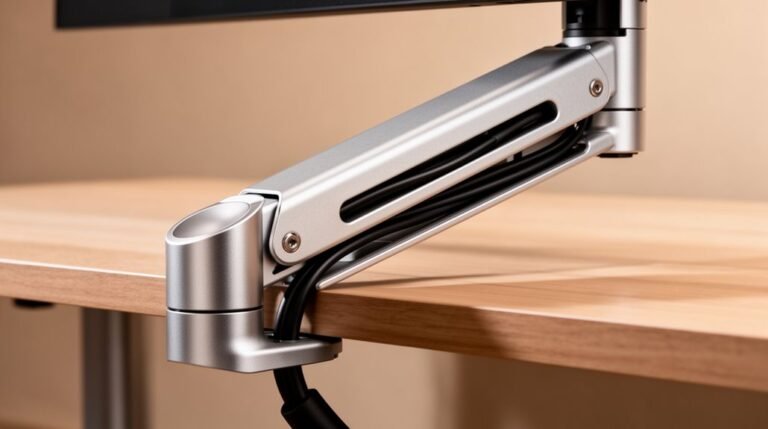
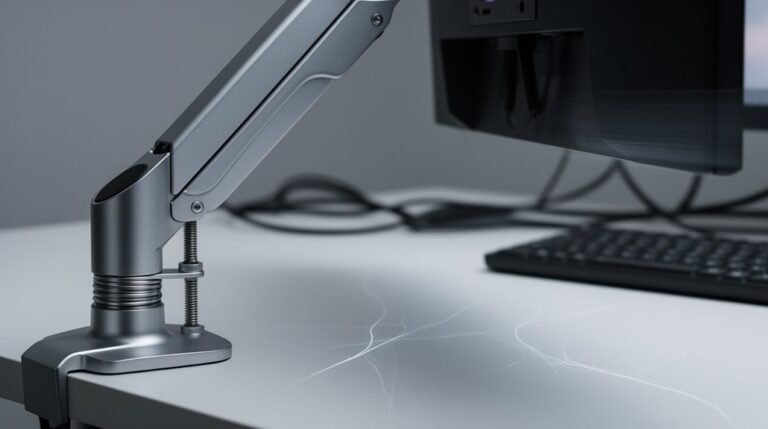
Clamp mounts pose risks since they concentrate stress at a single point, potentially causing cracks. Grommet mounts involve drilling, which introduces weak points and increases the risk of breakage. Desktop thickness is essential; ideally, your glass should be at least ¼-inch thick to support monitor loads effectively. Reinforcement plates can help by distributing stress across a wider area, making the glass more stable. It is important to note that heavy monitors extended from clamping locations can increase the risk of shattering.
Always verify the compatibility of your desk’s thickness with the monitor arm specifications. Alternative mounting approaches, like floor stands, may provide safer options without risking glass damage.
Weight and Load Considerations
To guarantee safe and effective use of a monitor arm on a glass desk, understanding weight limits and load distribution is essential.
Most heavy-duty monitor arms support weights from 4.4 lbs to 44 lbs per arm, suitable for monitors up to 45 inches. Verify your glass desk is at least 5 mm thick; thicker glass provides better support.
Monitor arms designed for glass desks often include reinforcement plates to distribute weight and minimize stress points. Be cautious with lighter arms, which typically hold up to 19.8 lbs, especially if your desk lacks additional support. Remember, the combined weight of the monitor and any accessories must stay within the desk’s capacity to prevent bending or cracking. Additionally, best-in-class stability is achieved with monitor arms that have a premium spring mechanism, helping prevent shaking and sagging.
Regularly inspect mounting points for safety.
Recommended Mounting Solutions and Accessories
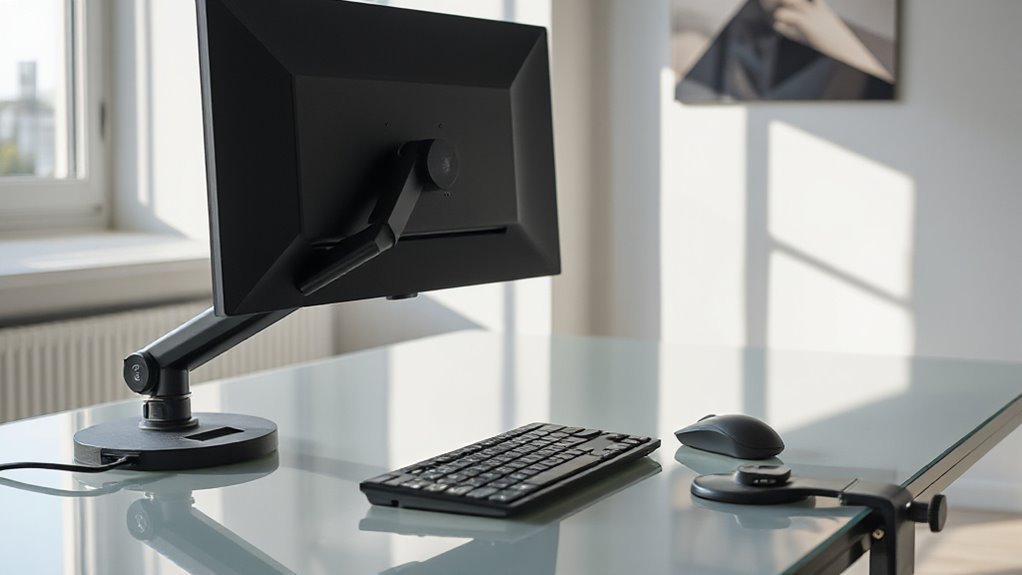
Several effective mounting solutions exist for attaching a monitor arm to a glass desk, each with unique features designed to enhance stability and safety.
Reinforcement plates distribute stress, protecting the fragile glass from concentrated pressure points. These plates sandwich between the monitor arm and desk, minimizing the impact of small clamping surfaces.
Grommet mounts, utilizing existing holes, offer stability and cleaner aesthetics compared to clamps.
If you prefer alternatives, consider floor stands or wall mounts, which eliminate stress on the glass desk entirely.
Verify your glass thickness aligns with the monitor arm specifications, typically around 8mm for residential desks.
Evaluating these options allows you to select the most appropriate mounting solution for your setup.
Installation Precautions for Monitor Arms
Before installing a monitor arm on a glass desk, understanding specific precautions is essential to prevent damage and guarantee stability.
First, check the desk’s thickness and weight capacity, confirming the combined weight of the monitor and arm doesn’t exceed these limits.
Clean the glass surface thoroughly with a microfiber cloth to remove debris, which improves clamping effectiveness.
Position the clamp on a flat, square section, aligning it with the monitor’s center of gravity.
Hand-tighten the clamp, then use a wrench for a controlled adjustment, preventing over-torque.
Place a protective pad between the clamp and the glass to avoid direct contact.
Finally, test stability by gently pushing the monitor and adjusting as needed to ascertain secure installation.
Alternative Mounting Options for Glass Desks
Considering alternative mounting options for glass desks enhances both stability and functionality.
Wall Mounting Solutions anchor monitors to wall studs, eliminating pressure on the glass surface.
Verify you have a solid wall structure and a stud finder for safe installation.
Floor Stands and Monitor Pedestals support monitors independently, accommodating larger displays with adjustable height for ergonomic use.
They provide robust support without damaging the desk.
Reinforcement Plate Kits distribute clamp pressure, reducing the risk of cracking.
They’re compatible with most monitor arms and are reusable.
VESA-Compatible Monitor Stands hold monitors without desk attachment, offering portability and adjustability.
Adhesive and Suction Mounts are easy to install but only support lighter monitors.
Clean glass is essential for effective adhesion.
Assessing the Stability of Your Setup
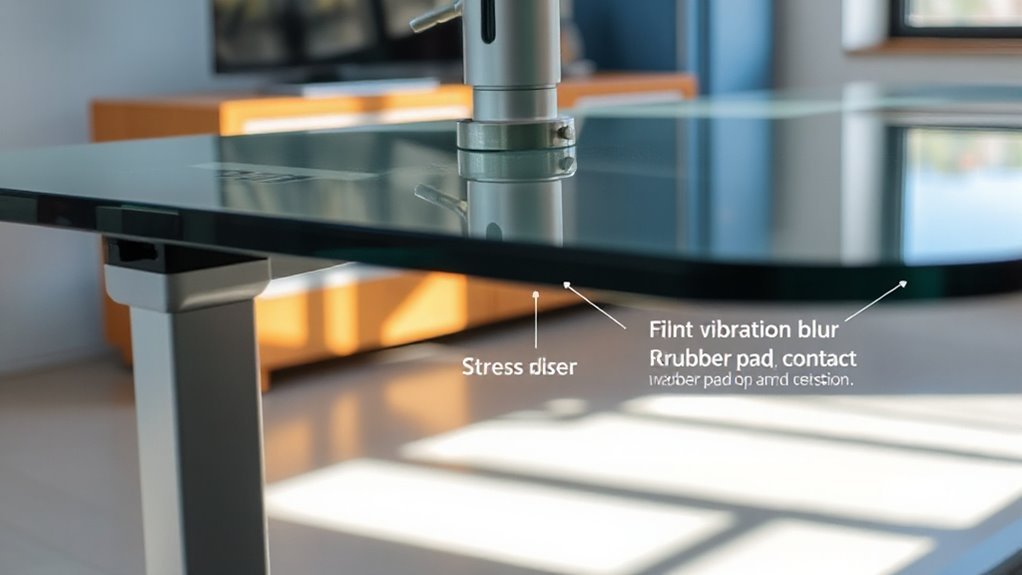
To guarantee your monitor arm setup is stable, start by evaluating the thickness of your glass desk. Desks under 10mm are generally less stable for monitor arms.
Next, consider how the monitor’s weight and arm reach impact stability; heavier monitors increase the tipping risk, especially with extended arms.
The desk’s frame construction also plays a role; metal supports beneath the glass can enhance stability.
Ascertain that the clamp design is appropriate; standard C-clamps exert pressure on a small area, increasing the risk of instability. Using reinforcement plates can help distribute that pressure better.
Finally, always cross-reference the weight capacities of both the desk and monitor arm to avoid exceeding safe limits.
Signs of Stress or Damage to Watch For
Monitor arms mounted on glass desks can exhibit signs of stress or damage that warrant your attention.
Look for surface indentations or crush marks, which occur when the clamp concentrates weight on a small area, leading to permanent dents.
Additionally, check for any cracking or bowing in the glass, as inadequate support can compromise the structure.
Pay attention to arm sagging or joint failure; monitor arms may tilt if joints can’t support larger monitors.
Observe for bounce and stability issues, especially with wider screens positioned far from the mount.
Finally, inspect for desktop surface damage or scratches, as heavy-duty arms create leverage that can harm softer materials.
Regularly evaluating these factors can help maintain your setup’s integrity.
Professional Installation: When to Seek Help
When installing a monitor arm on a glass desk, seeking professional help can be essential to guarantee safety and stability. Glass desks are fragile and can crack under heavy loads.
Professionals assess the desk’s thickness and load capacity, verifying compatibility with the monitor arm. They also use reinforcement mounting plates that distribute clamping forces evenly, reducing stress points.
Proper positioning of the clamp, directly beneath the monitor, minimizes torque and leverage forces. Installation errors, like inadequate surface cleaning or using incompatible mounting systems, often lead to failures.
Engaging an expert assures correct installation, firm attachment, and overall safety, protecting both your equipment and your glass desk from potential damage.
Evaluating Your Workspace Needs and Preferences
How can you determine the best setup for your glass desk? Start by evaluating your workspace layout.
Glass desks often limit space for equipment, so consider a monitor arm to free up surface area. Think about monitor size; larger models (27″ and above) can stress the desk and mounts.
Verify the monitor arm’s weight capacity exceeds the combined weight of your monitors. Verify desk thickness—at least ¼-inch thick glass is necessary for safety.
Choose a mounting method carefully; clamp mounts can concentrate stress on a small area, risking damage.
Finally, assess stability; regular inspections help maintain safety.
Consider these factors to create an efficient, ergonomic workspace tailored to your needs.
Frequently Asked Questions
Can I Use Any Monitor Arm on a Glass Desk?
No, you can’t use any monitor arm on a glass desk. Confirm the glass is at least ¼-inch thick and check the weight capacity.
The arm’s clamp must fit the desk’s specifications. Clamping can concentrate stress, risking cracks.
Consider reinforcement plates to distribute weight, or opt for a floor-standing monitor stand.
Always consult installation guidelines to confirm compatibility and safety before proceeding with any mounting solutions.
How Do I Know if My Glass Desk Is Thick Enough?
To determine if your glass desk is thick enough, measure the thickness at the mounting location.
Most monitor arms require a thickness between 0.4 inches (10 mm) and 3.3 inches (84 mm). If it falls below this range, it’s too thin for safe mounting.
Check for manufacturer specifications regarding weight capacity, and verify your glass is tempered, as it can support more weight and reduce the risk of shattering.
What Tools Do I Need for Installing a Monitor Arm?
To install a monitor arm, you’ll need a Phillips head screwdriver for attaching VESA plates, and a flathead screwdriver for various hardware needs.
Use Allen wrenches, typically included, for tightening bolts. A measuring tape guarantees correct desk thickness and monitor placement.
A level helps align the monitor arm. If drilling is necessary, a power drill is essential for grommet mounts.
Don’t forget protective padding for sensitive surfaces.
Are There Specific Brands Recommended for Glass Desk Monitor Arms?
When selecting monitor arms for glass desks, consider reputable brands like VIVO, HUANUO, BenQ, Mount-It!, and Ergotron.
VIVO and HUANUO offer compatible models with sturdy weight capacities, while BenQ supports heavy-duty screens.
Mount-It! provides reinforcement solutions to prevent damage, and Ergotron’s LX series excels in durability.
Make certain you use reinforcement plates for weight distribution, and check each model’s specifications to confirm compatibility with your glass surface while maintaining stability and safety.
Can I Use Multiple Monitor Arms on a Glass Desk Safely?
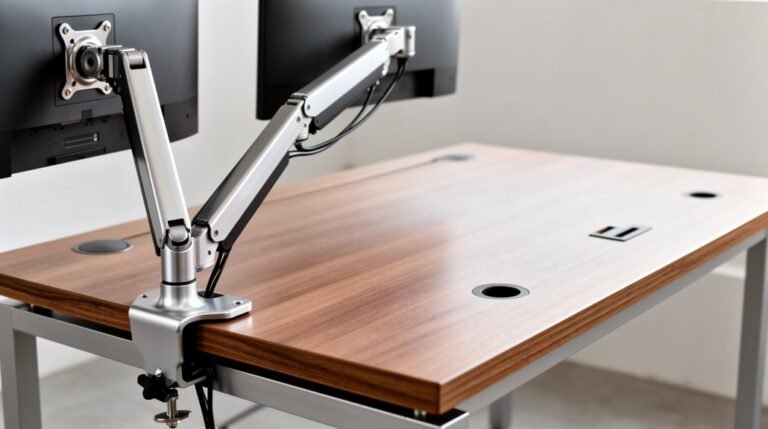
Using multiple monitor arms on a glass desk can pose safety risks. The concentrated stress from clamps may lead to cracks or shattering, particularly with tempered glass.
Guarantee the total weight of your monitors doesn’t exceed the desk’s capacity. Use reinforced mounting plates to distribute weight evenly and reduce pressure on the glass.
Always consult manufacturer guidelines and consider professional installation to guarantee a secure and safe setup for your equipment.
Conclusion
Using a monitor arm on a glass desk can be practical, but it requires careful consideration.
First, assess the desk’s weight limit and stability. Confirm the monitor arm’s mounting solution is compatible with glass.
Always check for signs of stress or damage after installation. If you’re unsure, consider professional installation for peace of mind.
Prioritize your workspace needs to maintain an ergonomic setup while safeguarding the desk’s integrity. Make informed choices to enhance your productivity.