How to Use a Standing Desk Converter Properly
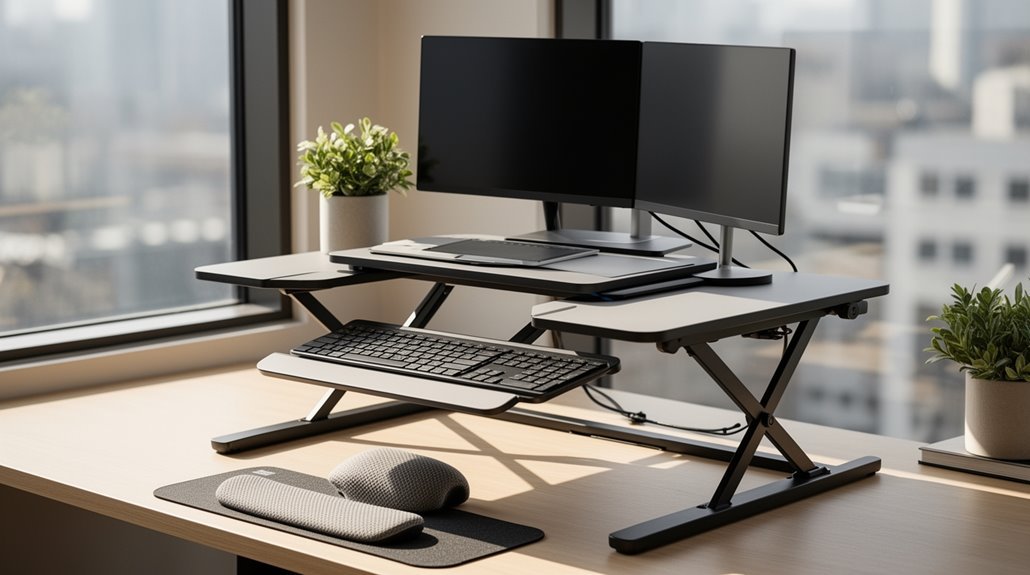
To use a standing desk converter properly, first set it up securely and add felt pads under the base for stability. Incorporating a standing desk converter benefits for health by promoting better posture and reducing back pain. By alternating between sitting and standing, you can enhance circulation and boost energy levels throughout the day. Additionally, these converters allow for more dynamic movement, which can improve overall productivity and focus.
Adjust the height using the designated mechanism—gas spring, crank, or buttons—so your monitor sits at eye level. Make sure your keyboard and mouse are at the same height for ergonomic comfort.
Begin by standing for one to two hours total per day, alternating positions about every 30 minutes. Pay attention to your energy levels and comfort, and make adjustments as needed.
For additional insights on effective usage, continue exploring further details.
Setup and Installation
To start, make certain you have all components ready for assembly.
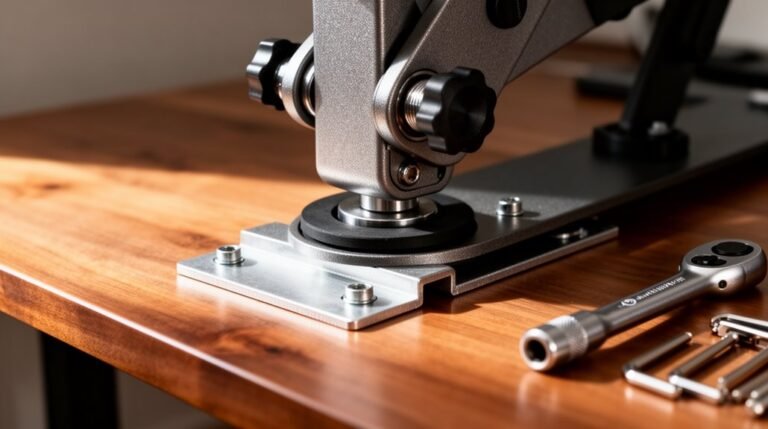
Place the base upside down and attach felt pads at each corner for stability and scratch protection.
Flip the base over and align it with the front edge of the desk, ensuring a flat surface that can support the converter’s weight. Leave adequate clearance around the base for cable management.
Next, attach the lifting column to the base using four M6x14 flat head screws, confirming the column faces the front.
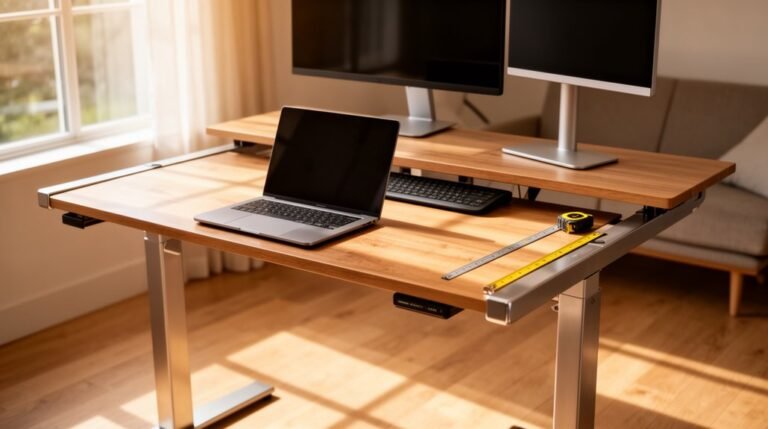
Secure the worksurface bracket to the lifting column with four M6x10 pan head screws, making sure all screw holes align before tightening. This motorized workstation riser allows users to stand or sit while working, enhancing versatility.
Double-check that the column and bracket are firmly attached, preparing for the next steps in assembly.
Adjusting Height
Adjusting the height of your standing desk converter is a straightforward process that greatly enhances your ergonomic experience.
Here’s how to do it effectively:
- Identify the adjustment mechanism: Determine if your converter uses a gas spring, manual crank, or electric buttons.
- Engage the control: For gas springs, hold the lever; for manual cranks, turn clockwise or counterclockwise; for electric models, press the up or down button.
- Adjust slowly: Move the platform steadily to avoid sudden shifts that could destabilize your equipment.
- Secure the platform: After adjustment, make sure the platform locks in place to prevent unwanted movement during use. Quick adjustments can significantly boost focus and ensure optimal comfort while working.
Following these steps guarantees ideal height settings for comfort and productivity.
Weight Capacity and Equipment
Understanding weight capacity is essential when using a standing desk converter, as it influences both stability and functionality.
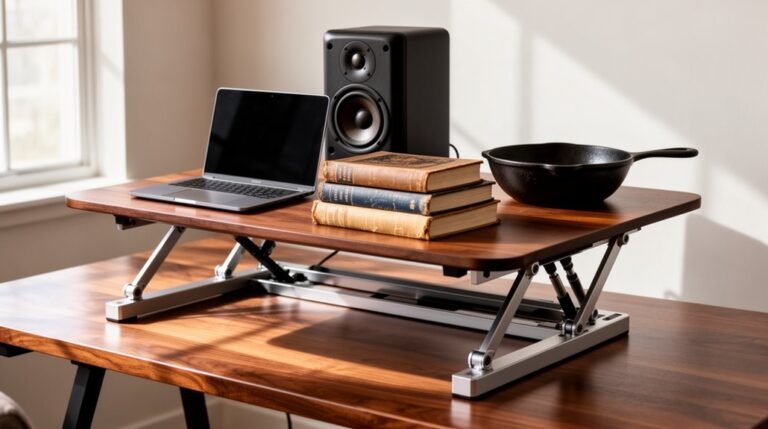
Most converters support between 22 lbs and 110 lbs, with entry-level models typically accommodating 25-35 lbs. Electric models often handle heavier loads, sometimes up to 110 lbs on the main surface. When using dual monitors, verify your converter has a capacity of 40+ lbs for stability. A single monitor with a laptop setup usually needs 33-44 lbs. Additionally, the VariDesk Pro Plus 36 has a weight capacity of 35 lbs, making it suitable for various monitor setups.
Remember, keyboard trays have separate limits, generally between 4.4 lbs and 11 lbs. To prevent tipping, maintain proper load distribution and use a desk depth of 18-28 inches. Exceeding weight limits risks converter failure and instability.
Ergonomic Positioning
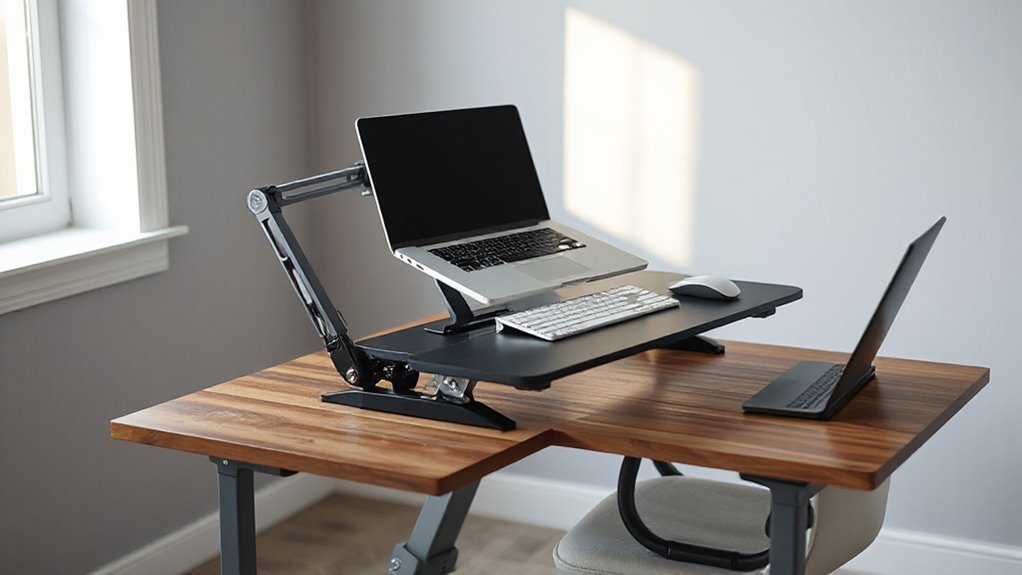
Optimizing your workspace for ergonomic positioning can considerably enhance your comfort and productivity.
To achieve this, follow these essential guidelines:
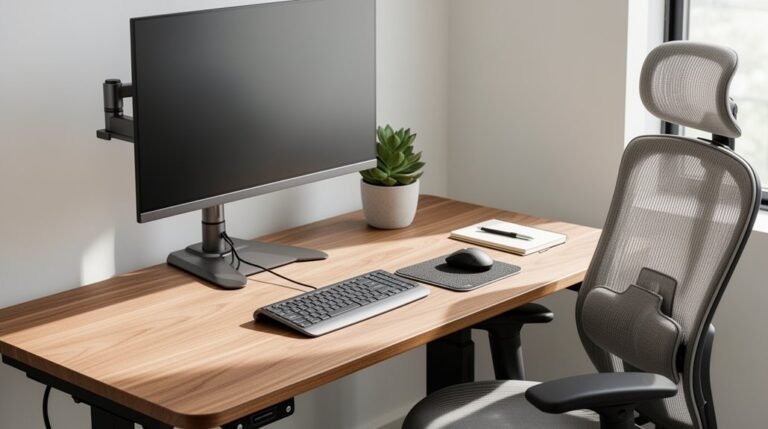
- Position the top of your monitor at or slightly below eye level to prevent neck strain.
- Maintain at least an arm’s length distance between your eyes and the monitor to reduce eye fatigue.
- Keep your keyboard and mouse at the same height, ensuring your arms bend at a 90-degree angle while typing.
- Stand with your feet shoulder-width apart, distributing weight evenly to maintain balance and prevent fatigue.
Usage Tips and Best Practices
To maximize the benefits of your standing desk converter, start by incorporating effective usage strategies. understanding the best features of standing desk converters can significantly enhance your workspace experience. Look for options that offer adjustability, stability, and ample surface area, as these elements contribute to a more ergonomic setup. Additionally, consider converters with built-in cable management features to keep your workspace organized and free from clutter.
Begin with one to two hours of standing work per day, gradually increasing this as your comfort improves. Alternate between sitting and standing every 30 minutes to prevent fatigue. During breaks, stretch and move to maintain circulation and reduce strain.
Use a quality footrest to reduce pressure on your legs, making sure it complements the converter’s height. Adjust the converter so your elbows align at 90 degrees, and position your monitor at eye level.
Monitor your energy levels and adjust standing time as needed, allowing your muscles adequate recovery. Finally, make certain your workspace is organized and that equipment weight doesn’t exceed the converter’s capacity.
Safety and Maintenance
Safety and maintenance are essential considerations when using a standing desk converter. To guarantee a safe workspace, follow these guidelines:
- Inspect Regularly: Check all bolts, screws, and connections for tightness to prevent wobbling.
- Monitor Stability: Test stability at all height levels, especially when fully extended, to guarantee safe operation.
- Manage Cables: Organize cables properly to avoid tangling or tripping hazards while adjusting the desk.
- Use Ergonomic Supports: Incorporate anti-fatigue mats or footrests to reduce discomfort during prolonged standing.
Frequently Asked Questions
Can I Use My Standing Desk Converter for Gaming?
Yes, you can use your standing desk converter for gaming, but there are important considerations.
Ascertain your monitor is at eye level to prevent neck strain. Check the converter’s weight capacity; heavy gaming equipment can exceed limits.
Maintain neutral wrist positions for your keyboard and mouse. Be aware that frequent height adjustments can disrupt your focus, potentially affecting gaming performance.
Guarantee stability to protect your equipment during intense gaming sessions.
How Do I Clean My Standing Desk Converter?
To clean your standing desk converter, start with a soft, damp cloth and warm, soapy water.
Wipe down the surface weekly, ensuring you also clean the keyboard tray and monitor stand.
For spills, clean immediately to prevent damage.
Avoid harsh chemicals and saturating surfaces.
After cleaning, dry the desk with a second cloth.
For wood, use minimal moisture; for glass, consider alcohol-based cleaners.
Always check manufacturer guidelines for specific care recommendations.
What Are the Best Accessories for a Standing Desk Converter?
1. Monitor Arms: They optimize screen positioning and free up desk space.
Dual and triple options support multi-display setups, ensuring ergonomic angles.
2. Keyboard Trays: Detachable, height-adjustable trays promote neutral wrist posture and provide stability while typing.
3. Standing Mats: Anti-fatigue mats cushion feet, improve posture, and enhance circulation.
4. Cable Management Systems: They organize cords, reduce clutter, and minimize tripping hazards, ensuring a clean workspace.
Can I Use a Laptop on a Standing Desk Converter?
Yes, you can use a laptop on a standing desk converter. Verify your converter supports your laptop’s weight, typically between 20 to 33 lbs.
Position the laptop at eye level to avoid neck strain. Use a separate keyboard and mouse to maintain ergonomic posture.
Look for converters with adjustable height and tilt options for best viewing angles. Stability is vital, so choose a sturdy converter that minimizes wobbling during use.
Are There Any Health Benefits of Using a Standing Desk Converter?
Using a standing desk converter enhances posture by allowing you to alternate between sitting and standing, which helps reduce back pain and neck strain.
It’s customizable, aligning with your height for ergonomic support.
Standing improves circulation, lowers heart strain, and increases calorie burn, aiding weight management.
Additionally, it boosts productivity and focus, promoting better cognitive function and reducing mental fatigue, ultimately contributing to overall health and wellbeing.
Conclusion
To summarize, using a standing desk converter properly can greatly enhance your workspace ergonomics.
Studies show that standing for just 15 minutes every hour can improve energy levels and reduce discomfort.
Make sure your converter is set up correctly, with the top of your screen at eye level and your wrists straight while typing.
Regular adjustments and maintenance are essential for peak performance.
With the right setup, you can create a healthier and more productive work environment.