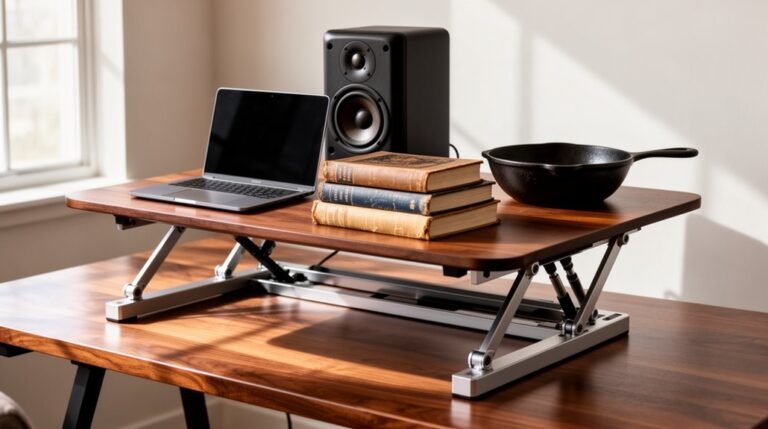
How to Alternate Sitting and Standing With a Desk Converter
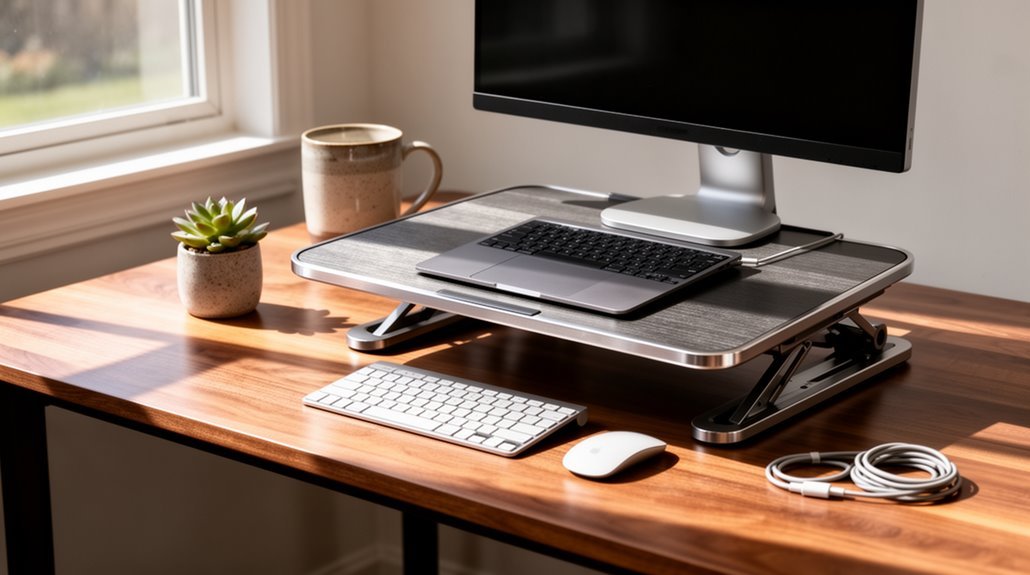
To alternate sitting and standing with a desk converter effectively, start by selecting a model that fits your workspace and needs. When considering the standing desk health benefits for users, it’s essential to understand how they can improve posture and reduce the risk of chronic diseases. Many people report increased energy levels and productivity when using these desks, making it easier to stay focused throughout the day. Moreover, incorporating movement into your work routine can lead to enhanced mental clarity and overall well-being. An ergonomic workstation setup for comfort is essential for maintaining productivity throughout the day. This not only applies to your desk and chair but also to the placement of your monitor and keyboard. Ensuring that all elements of your workspace are optimized will help reduce strain and enhance overall comfort during long working hours.
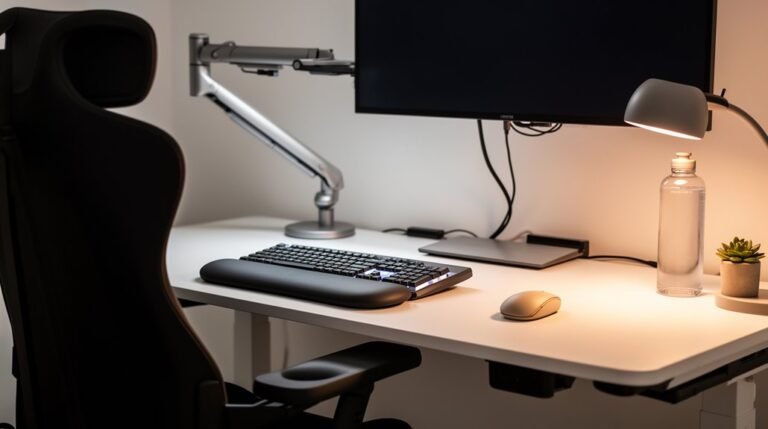
Position the monitor at eye level to minimize neck strain. Keep your keyboard and mouse at elbow height and adjust the converter so your elbows are bent at about 90°.
Begin by standing for 5 minutes every 30 minutes, then gradually increase standing time to 15-minute intervals by Week 6.
You’ll learn additional tips for optimizing your setup and improving comfort as you adjust to alternating between sitting and standing.
Understanding the Health Benefits of Alternating Positions
When you alternate between sitting and standing, you engage in a practice that considerably enhances your overall health. This method improves posture, reducing back pain and neck strain, as height-adjustable desks promote ergonomic alignment.
Frequent changes in position, ideally every 30 minutes, minimize discomfort, particularly in the lower back. Additionally, standing boosts circulation, increasing blood flow and reducing strain on your heart compared to prolonged sitting. However, static standing can lead to discomfort; consequently, incorporating movement is essential. Enhanced circulation and heart health is a significant benefit of standing, as it encourages light physical activity throughout the day.
Each time you switch positions, you also burn more calories, aiding weight management and metabolic health.
Setting Up Your Desk Converter for Optimal Use
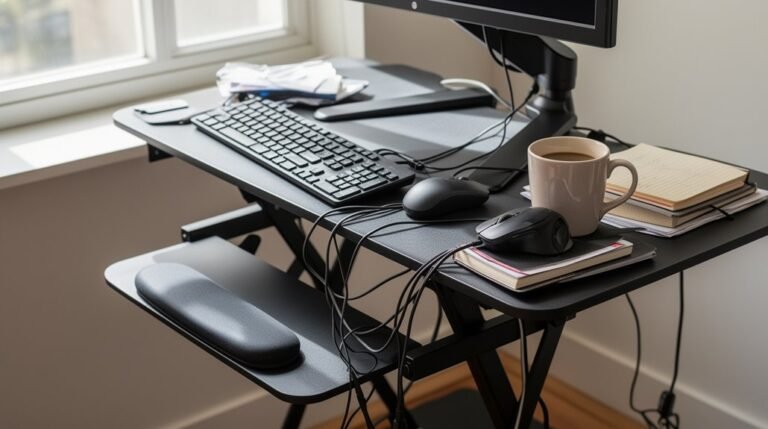
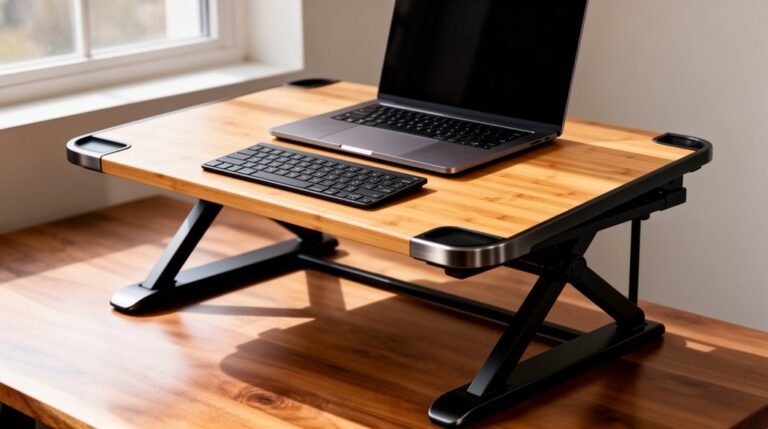
To maximize the benefits of your desk converter, start by selecting the right size for your workspace. Measure your desk width and depth to guarantee the converter fits without overcrowding. Choose a platform that accommodates your monitor and equipment needs—avoid overhanging platforms to maintain stability. If you have multiple monitors, a larger converter, like one with a 915 mm width, is ideal. For narrow desks, consider compact models such as the VariDesk Cube Plus 40. Position your monitor at eye level to reduce neck strain, while keeping the keyboard and mouse at elbow height for neutral wrist posture. Ascertain all equipment is within easy reach, and manage cables effectively to prevent snagging during adjustments. Remember, fast and often free delivery ensures that most items are in stock and ready to ship immediately after order placement.
Recommended Schedule for Switching Between Sitting and Standing
A recommended schedule for switching between sitting and standing guarantees you can maximize the benefits of your desk converter while minimizing discomfort.
Beginner Progression (Weeks 1-6)
Start with standing for 5 minutes every 30 minutes during Week 1, totaling 40-50 minutes of standing daily.
In Week 2, increase this to 5 minutes every 25 minutes, achieving 50-60 total minutes.
Continue progressing weekly, reaching 15-minute intervals by Week 6, with 120-130 minutes of standing.
Daily Sit-Stand Ratios
Aim for a 1:1 ratio initially, then shift to a 2:1 split based on comfort.
A standard guideline is 1 hour of standing for every 2 hours of sitting. Frequent position changes help reduce musculoskeletal strain and fatigue, so adjust your schedule to align with your energy levels and workload for best results.
Enhancing Productivity and Focus With Postural Changes
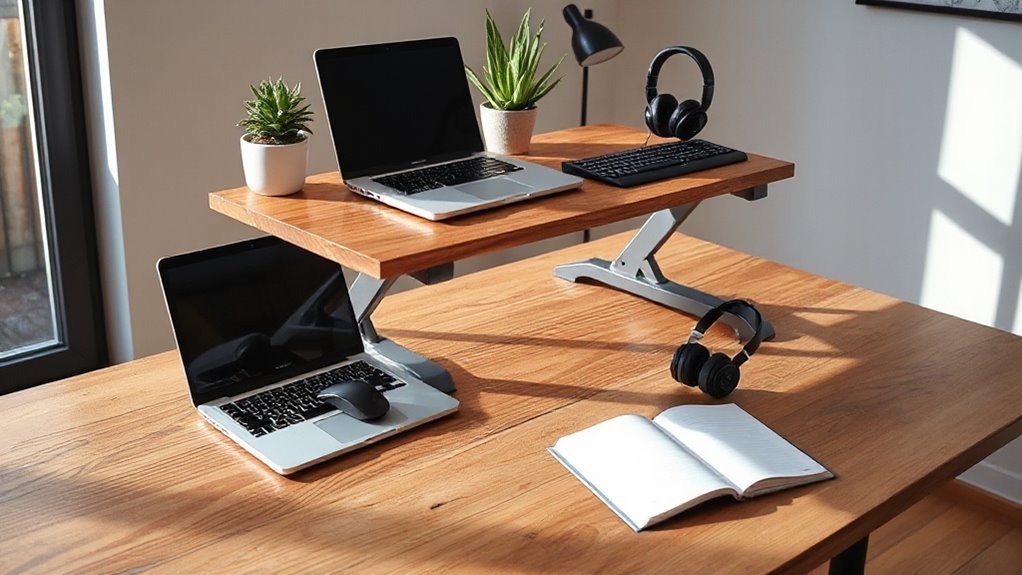
Position variation plays an essential role in boosting productivity and focus while working at a desk.
Switching between sitting and standing greatly increases productivity; for instance, call center employees using sit-stand desks showed a 46% productivity boost. Standing enhances alertness, particularly in the afternoon when energy dips.
Users of height-adjustable desks reported a 65% increase in productivity over a year. Alternating positions reduces sedentary behavior, with users experiencing a 17% decrease in sitting time after three months.
Improved concentration and mental clarity result from standing, aiding decision-making and verbal fluency.
Ultimately, adjusting your posture throughout the day helps maintain energy and focus, thereby enhancing overall work output in knowledge environments.
Tips for Maintaining Ergonomics While Using a Desk Converter
Maintaining proper ergonomics while using a desk converter can greatly enhance comfort and productivity. Adjust the converter height so your elbows are bent at about 90°, reducing strain.
Position the monitor top at or slightly below eye level to avoid neck strain. Use converters that elevate both the keyboard and monitor to guarantee consistent posture. Keep the keyboard slightly lower than the monitor, maintaining a neutral wrist position.
Center the converter on your desk for stability, and distribute heavy items symmetrically. Maintain a distance of 50–70 cm from your eyes to the monitor to reduce eye strain.
Regularly take breaks and provide legroom for circulation, enhancing overall comfort during use.
Frequently Asked Questions
Can a Desk Converter Fit on Any Existing Desk?
Yes, a desk converter can fit on many existing desks, but compatibility varies. Freestanding models require sufficient desk surface area, while clamp-mounted types need desks with suitable edges.
Check the desk’s weight capacity to verify it supports the converter and its contents. Additionally, consider the desk’s dimensions—depth and width—as some converters have specific requirements for stable placement.
Always assess the desk’s features, such as drawers, which might interfere with converter installation.
What Are the Weight Limits for Desk Converters?
Desk converters generally support weight capacities ranging from 28 to 110 lbs.
Popular models typically handle 35 to 44 lbs, accommodating dual monitors or monitor-laptop setups.
Premium options, like the UPLIFT Desk E7, can support up to 110 lbs, suitable for heavier setups.
Exceeding these limits risks instability, mechanical failure, and damage to the product.
Always consider the combined weight of devices, including accessories, to guarantee safe usage.
Are There Specific Brands of Desk Converters Recommended?
You should consider the Ergotron WorkFit-S for its versatile design, earning an 83/100 rating.
It features a three-tier system and costs $742.
The VertDesk Converter, rated 82/100, offers a double z-shaped base, allowing smooth adjustments for dual monitors.
The Duke VESA, priced at $721.99, is stable and features a gas lift for easy height adjustments.
Finally, the VariDesk Pro Plus 36 supports dual monitors, with 11 height settings for versatility.
How Do I Maintain My Desk Converter for Longevity?
To maintain your desk converter for longevity, clean it regularly. Dust accumulates quickly, causing wear; use a microfiber cloth to wipe surfaces.
Lubricate moving parts, like gas springs, every few months to guarantee smooth adjustments. Inspect bolts and screws to prevent wobbling, especially at max height.
Finally, avoid exceeding the maximum weight capacity, and maintain a stable environment between 60-80°F to prevent damage to components and finishes.
Can Desk Converters Be Used in Small Office Spaces?
Yes, desk converters can be effectively used in small office spaces. Their compact design fits atop existing desks, maximizing workspace without bulky replacements.
Models typically maintain a small footprint, ensuring they don’t overcrowd limited areas. Additionally, many converters support various desk sizes and layouts, accommodating multiple monitors and other equipment.
Their portability allows easy movement between workstations, making them suitable for multi-use environments like shared offices or apartments.
Conclusion
Incorporating a desk converter into your workspace can greatly improve your overall well-being.
By alternating between sitting and standing, you reduce the risk of musculoskeletal disorders and enhance circulation.
Aim for a balanced schedule, adjusting your height settings to guarantee ergonomic alignment.
As you switch positions, notice the subtle changes in your focus and energy levels, like the gentle ebb and flow of a tide.
Ultimately, this simple adjustment can lead to a more productive and healthier work life.