What Is a Desk Converter and Do You Need One?
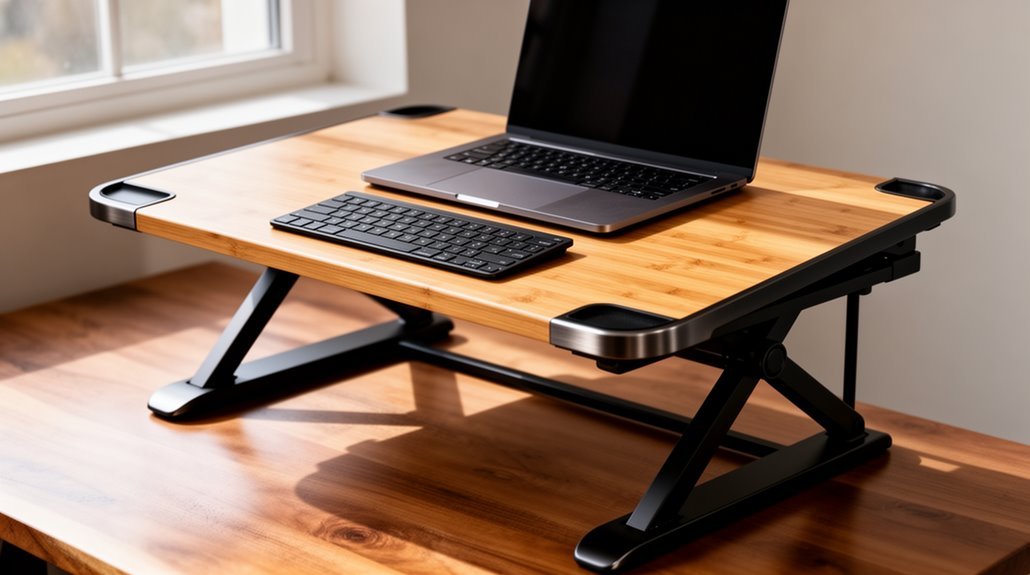
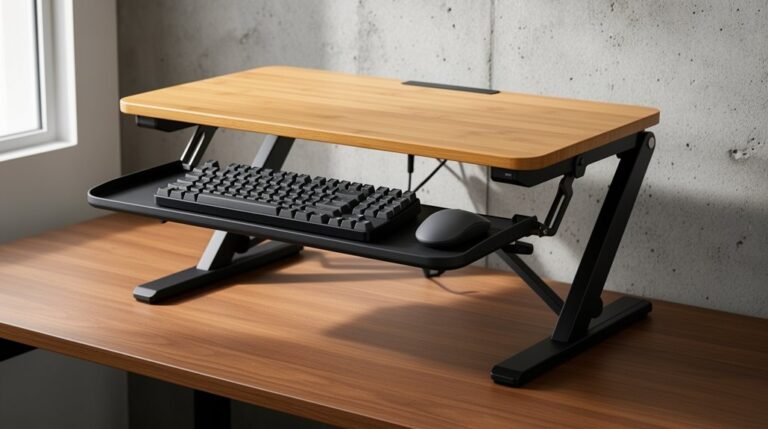
A desk converter is a device that elevates your workspace, allowing you to switch between sitting and standing. It promotes better posture, reduces neck and back pain, and can enhance your overall health.
You might need a desk converter if you experience discomfort from prolonged sitting. Key features to look for include height adjustability (at least 16 inches), stability (supporting 25–110 lbs), and ergonomic designs.
By using a desk converter, you can reduce fatigue and increase productivity. To learn more about their benefits, keep exploring.
Understanding Desk Converters
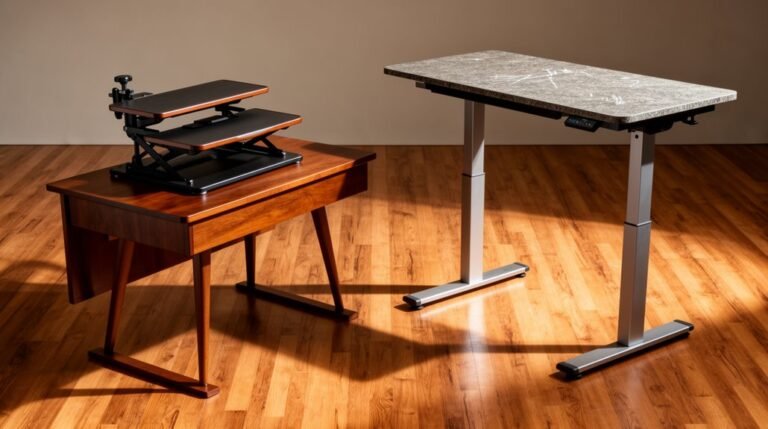
Desk converters are devices that elevate your workspace, allowing you to switch between sitting and standing positions. They reduce prolonged sitting time, which is linked to various health issues. By promoting better posture, these converters help alleviate neck and back pain. Additionally, they are a cost-effective solution for users seeking health benefits similar to those of standing desks without the need for a full setup.
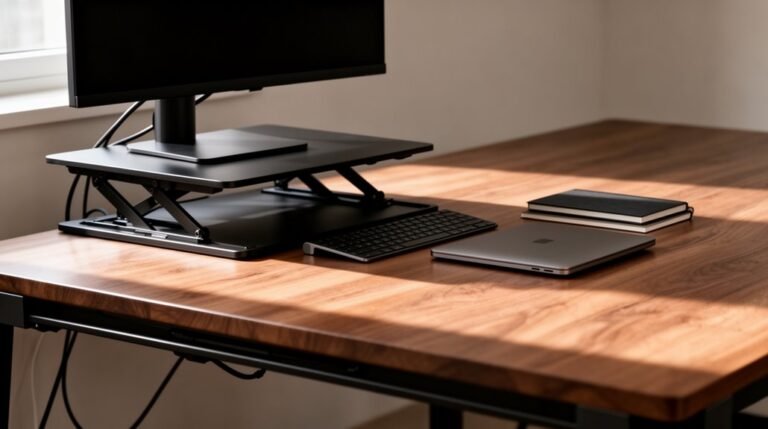
You’ll also notice increased circulation and reduced leg swelling, combating fatigue from extended sitting. With ergonomic advantages, they maintain a neutral spine position, ensuring proper alignment of your wrists and elbows. Many models feature adjustable heights, catering to a range of users. Practical functionality allows for smooth shifts, whether manual or electric. Compact designs retrofit existing desks, making them a cost-effective solution for ergonomic improvements.
Types of Desk Converters
Exploring the various types of desk converters reveals distinct designs tailored for different user needs and workspace configurations.
Each type offers unique features to suit various preferences and budgets.
- Fixed Dual Platform Desk Converters: They feature two levels for monitors and keyboards, using mechanical aids for smooth height adjustment. Configuration errors can lead to issues with stability and usability if not properly addressed.
- X-Lift Desk Converters: These compact options utilize a single gas spring, making them budget-friendly and portable, but less stable.
- Electric/Motorized Desk Converters: They provide effortless adjustment at the push of a button, offering a wide range of height settings for ergonomic customization.
Choosing the right desk converter depends on your specific workspace requirements and ergonomic needs.
Key Features to Look For
When selecting a desk converter, key features greatly impact ergonomics and functionality. Look for ergonomic adjustability with a height range of at least 16 inches and monitor height adjustments allowing for ≥5 inches of movement. Opt for keyboard tray tilt that adjusts from flat to -10° for better wrist posture. Stability is essential; choose models with a weight capacity of 25–55 lbs, or up to 110 lbs for heavy setups, guaranteeing a weighted base or thick-gauge steel construction. Consider ease of use with spring-assisted mechanisms and dual-handle designs for quick adjustments. Finally, check the work surface width, typically 28–36 inches, and verify the build quality meets safety certifications like GreenGuard or ANSI/BIFMA for durability. The VariDesk Pro Plus 30 is designed with a two-tier structure that accommodates one monitor and a keyboard/mouse deck, enhancing workspace efficiency.
Health Benefits of Using a Desk Converter
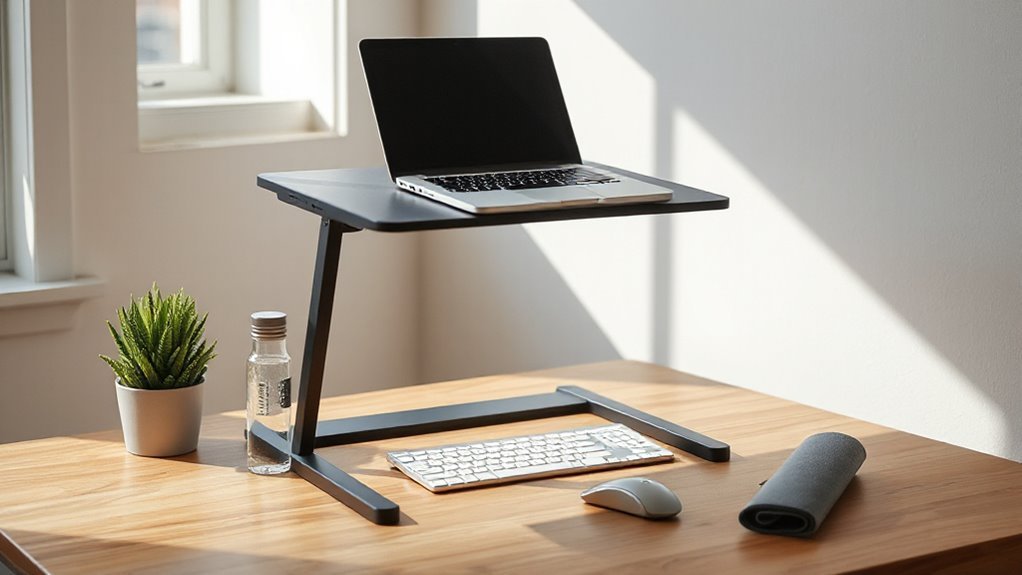
The benefits of using a desk converter extend beyond basic functionality, greatly impacting user health. By enabling you to alternate between sitting and standing, desk converters can notably reduce back and neck pain. Research indicates that users experience improved posture, reduced muscle fatigue, and enhanced energy levels.
- Standing desks help maintain a neutral spine position, alleviating strain on your back and shoulders.
- Alternating positions every 30 minutes reduces acute sleepiness and mental fatigue.
- Regular use can lower the risk of chronic diseases, like type 2 diabetes and cardiovascular issues, by promoting movement.
Incorporating a desk converter into your workspace can lead to a healthier, more dynamic work environment, ultimately enhancing your overall well-being.
Weighing the Pros and Cons
Before deciding whether a desk converter suits your workspace, it’s essential to evaluate its advantages and drawbacks.
Cost-Effectiveness
Converters typically range from $200 to $800, cheaper than full standing desks. However, low-cost models often lack durability, leading to potential replacement costs. Quality standing desks offer better long-term value. adjusting height for standing desks allows users to easily switch between sitting and standing throughout the day, promoting better posture and overall health. As more people recognize the benefits of ergonomic furniture, the demand for reliable and adjustable solutions continues to grow. Investing in a quality model can significantly enhance productivity and comfort in the workplace. when evaluating standing desk converter options, it’s important to consider factors such as weight capacity and ease of adjustment. Many users also find that features like keyboard trays and cable management systems can enhance their overall experience. Investing a bit more in a converter that combines functionality with durability can ultimately save money and improve productivity in the long run.
Space and Layout
Converters occupy about 40 inches of a 60-inch desk, reducing usable space. This can create clutter and force you to stretch for items when raised.
Ergonomics
Many converters lack fine-tuned adjustments, which can result in poor posture. This may necessitate additional equipment like footstools.
Stability
Some converters lack stability, posing tipping risks. Heavy equipment may exceed maximum weight capacities, further complicating use.
Cable Management
Converters don’t include integrated cable management, leading to tangles during height adjustments.
Frequently Asked Questions
Can Desk Converters Accommodate Multiple Monitors?
Yes, desk converters can accommodate multiple monitors. Most converters support dual setups, requiring a minimum width of 36 inches.
Monitor compatibility ranges from 13″ to 32″, with VESA standards of 75x75mm and 100x100mm.
Verify your converter has a solid base for stability, as individual monitors typically weigh between 17.6 to 22 lbs.
Height-adjustable models allow ergonomic positioning, enhancing comfort during extended use with dual displays.
How Do I Choose the Right Desk Converter Size?
To choose the right desk converter size, measure your desk’s width and depth. Aim for at least 39.4 inches wide and 25.6 inches deep.
Check the converter’s weight capacity, ideally between 10 lbs and 45 lbs, depending on your equipment.
Ascertain the height adjustability range meets your needs, typically between 4 inches and 17 inches.
Finally, confirm there’s enough overhead clearance to avoid obstructions.
Are Desk Converters Easy to Move Between Locations?
Yes, desk converters are easy to move between locations. Their lightweight, non-motorized designs facilitate transport, eliminating the need for electrical outlets.
Compact footprints reduce carrying burdens, allowing for single-handed adjustments during setup. Most models arrive pre-assembled, requiring minimal installation time.
The vertical lift mechanisms maintain a small profile, making them suitable for tight spaces. These features guarantee you can quickly establish an ergonomic workspace, regardless of your environment or desk type.
Do I Need Any Special Tools for Assembly?
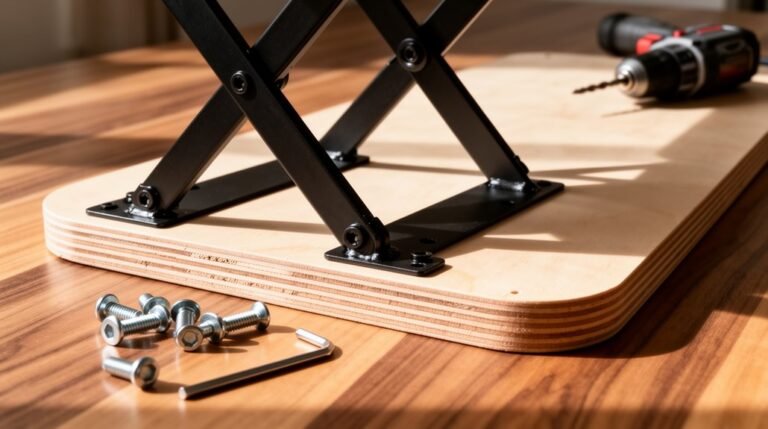
You won’t need any special tools for assembly. A basic screwdriver is all you require to attach tension straps for stability.
Most standing desk converters demand minimal assembly, typically completing the process in under an hour. You’ll only need basic hand tools, and no power tools are necessary.
Assembly components involve manual alignment for the keyboard tray and secure mounting on your existing desk surface for proper functionality.
Can I Use a Desk Converter With a Corner Desk?
Yes, you can use a desk converter with a corner desk.
Look for models specifically designed for corner setups, featuring an angled or triangular shape. These converters guarantee a snug fit, optimizing workspace.
Most offer height adjustments from 17 to 20 inches, accommodating various user heights.
Confirm your desk depth is between 23.5 and 29.75 inches for compatibility.
Check the weight capacity, typically 25 to 35 lbs, to support your equipment effectively.
Conclusion
In conclusion, a desk converter symbolizes the bridge between sedentary work and ergonomic comfort.
By facilitating adjustments in height, it caters to different user needs, promoting better posture and reducing strain.
When evaluating whether you need one, consider your workspace, work habits, and health goals.
Ultimately, investing in a desk converter can enhance productivity and well-being, making it a practical choice for modern work environments.
Choose wisely, as your workspace shapes your daily experience.