Office Chair Maintenance Tips for Longevity
Office chair maintenance is key to extending your chair’s longevity. Prioritize regular cleaning, lubrication, and inspections to keep mechanisms working smoothly.
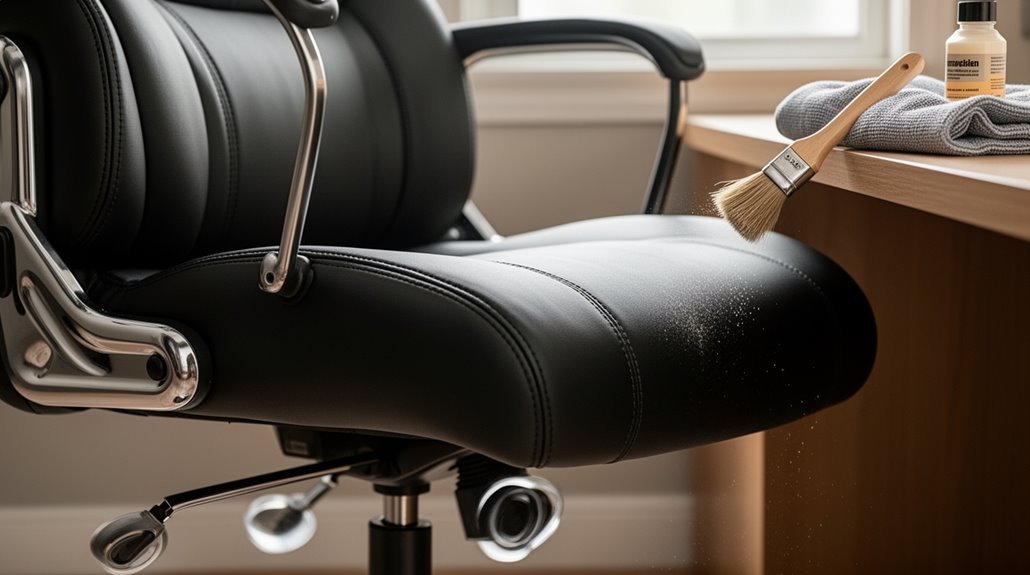
Weekly, vacuum the chair using brush attachments and use compressed air to clear crevices. Wipe surfaces with appropriate cleaners for the upholstery material to prevent dirt buildup.
Lubricate moving metal parts with white lithium grease and apply silicone lubricant to height-adjustment cylinders to maintain smooth operation. Avoid over-lubricating cushions or fabric.
Schedule inspections every 6 to 12 months to check for loose screws, worn casters, or other signs of wear. Tighten fasteners and replace damaged components promptly.
Avoid exceeding the manufacturer’s weight limits and refrain from using the chair improperly. Keep the chair out of direct sunlight to prevent material degradation and fading.
Regular Cleaning and Hygiene
To maintain your office chair’s condition, regular cleaning is essential. Start with weekly vacuuming using brush attachments to remove dirt and dust from all surfaces. Use compressed air to dislodge debris in crevices and mesh patterns, ensuring thorough cleanliness. In addition to vacuuming, explore various cleaning techniques for office chairs, such as using a mild detergent solution for fabric or leather surfaces. Ensure to follow specific care instructions based on the chair’s material to avoid damage. Regular maintenance not only extends the life of the chair but also enhances comfort and hygiene in your workspace.
For visible clumps or hair, manually remove these before vacuuming or using compressed air.
Keep fabric upholstery clean with water-based agents or mild soap solutions. Test cleaning solutions on inconspicuous areas first.
For leather and vinyl, damp microfiber cloths with conditioner help prevent cracking. Weekly surface wiping removes dirt before it builds up.
For mesh and plastic, soft sponges with mild soap clean effectively without fraying. Regular cleaning maintains hygiene and prolongs your chair’s lifespan.
Lubrication and Moving Parts
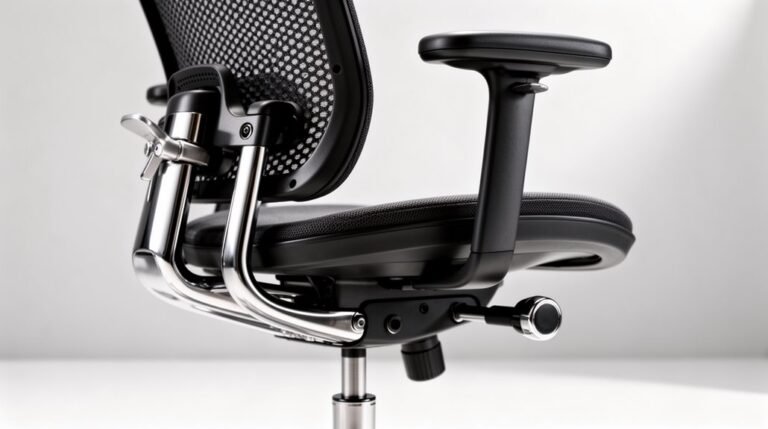
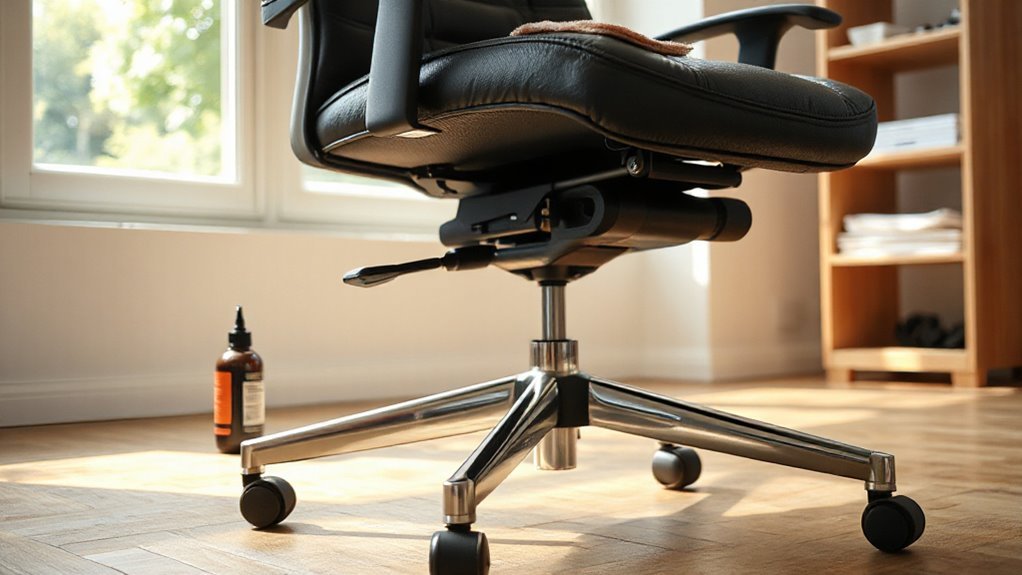
Proper lubrication is essential for maintaining the functionality of your office chair’s moving parts. Apply white lithium grease to metal-to-metal contacts, ensuring longevity and reduced friction.
For wheel casters, use graphite lubricant, which stays dry and doesn’t attract dirt. Height adjustment cylinders and wheels benefit from silicone-based lubricants or WD-40, though use WD-40 cautiously, avoiding clutch plates. Regular maintenance of moving parts ensures optimal comfort and prevents breakdowns. Clean all surfaces before application to maximize effectiveness; debris can hinder lubrication. Lubricate tilt mechanisms, swivel joints, and springs to prevent stiffness and noise.
Maintain a regular schedule, lubricating every few months or when squeaking occurs. Always wipe away excess lubricant to prevent grime buildup, and avoid over-lubrication, which can cause malfunction in critical components.
Inspection and Tightening
Regular inspection and tightening of your office chair’s components are key to maintaining its performance and safety. Schedule routine inspections every 6 to 12 months to catch minor issues early. Set reminders on your calendar or phone to stay consistent. During inspections, check for loose screws, bolts, or joints, and examine the upholstery for wear. Tighten all visible screws and bolts with the appropriate tools, turning clockwise. Focus on critical joints that bear weight, guaranteeing stability. If you notice wobbly bases or sagging cushions, inspect for loose parts immediately. Document any findings, and replace damaged components as needed. These steps guarantee your chair remains functional and safe for long-term use, preserving its integrity over time. Additionally, be aware that high traffic volume can lead to server overload, which may apply to your chair’s usage in busy environments.
Usage and Environment
While using your office chair, it’s essential to follow specific practices that maximize its lifespan and functionality.
Always use the chair as intended; avoid standing or sitting on armrests to prevent structural damage. Adhere to the manufacturer’s specified weight limits for safety.
When adjusting mechanisms, avoid sudden or excessive force to reduce wear on moving parts. Keep your chair away from direct sunlight and heat sources to prevent fading and warping.
Position it on appropriate flooring to minimize caster wear. Regularly adjust tension controls to match your weight for ideal support.
Finally, maintain a stable indoor environment to protect materials and regularly clean the chair in a well-ventilated area to prevent damage.
Replacement and Repair
Maintaining your office chair’s functionality involves knowing when to replace or repair its components. Regular inspections can help you identify wear and tear, guaranteeing your chair remains comfortable and safe.
- Check casters for wobbling or resistance.
- Inspect gas lift cylinders for height issues.
- Examine the base for cracks or instability.
- Assess armrests for damage or looseness.
Replacing common parts like casters, gas lifts, or foam is straightforward. Most casters snap in place, while gas lift cylinders require you to remove the seat.
Armrests usually involve screws or clips. Make sure you match parts to your chair’s specifications, like caster stem sizes and base measurements, for a proper fit.
Timely replacements prevent further damage and enhance your chair’s lifespan.
Adjustments and Ergonomics
Understanding how to adjust your office chair is essential for achieving best comfort and support.
Start with the seat height; your feet should remain flat on the ground, legs bent at a 90-degree angle. Adjust the seat to position its highest point just below your kneecap when standing.
Next, guarantee the seat depth allows a one to two-inch gap between the front edge and the back of your knees.
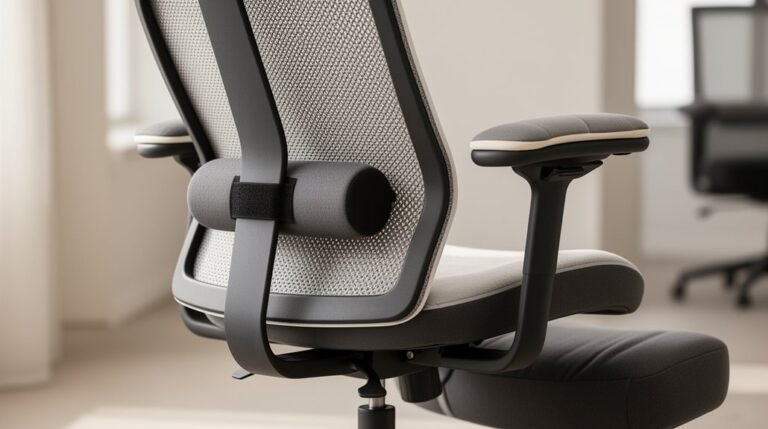
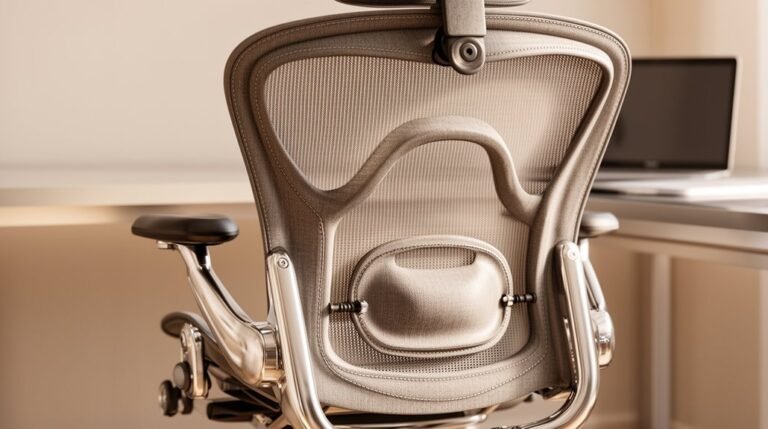
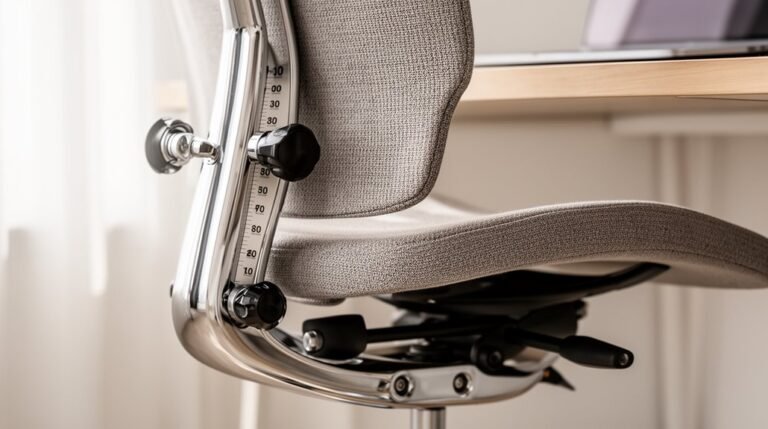
Adjust lumbar support to align with the natural curve of your lower back.
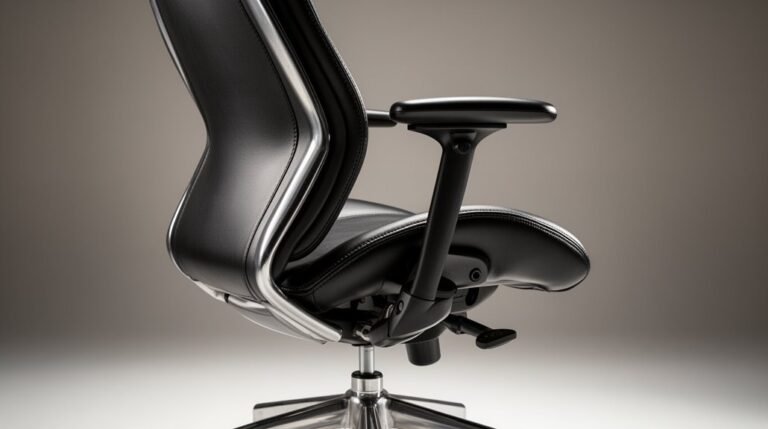
For armrests, they should be at elbow height with your arms hanging vertically.
Finally, adjust the backrest horizontally and vertically, ensuring it supports your spine without pushing your head forward or downward.
Tips for Maintaining Appearance and Functionality
To keep your office chair looking and functioning at its best, regular maintenance is key.
Implementing a routine helps preserve both appearance and performance.
- Wipe down surfaces weekly with a microfiber cloth to eliminate dust.
- Vacuum the seat and armrests monthly to prevent dirt buildup.
- Spot clean stains promptly using mild soap; avoid harsh chemicals.
- Lubricate moving parts every six months to guarantee smooth operation.
Frequently Asked Questions
How Often Should I Replace My Office Chair?
You should replace your office chair every 5 to 10 years, depending on its quality and usage.
Budget chairs often last around 5 years, while premium models can exceed 10 years with proper care.
The British Council for Offices recommends an 8 to 12-year replacement cycle.
Signs of wear, like sagging support or visible damage, indicate it’s time for a new chair.
Regular inspections help identify when a replacement is necessary.
What Materials Are Best for Office Chair Longevity?
Genuine leather lasts over a decade with care, resisting spills and aging gracefully.
Mesh offers breathability and ergonomic support but typically lasts 6 to 10 years, depending on quality.
Vinyl and faux leather are durable, cost-effective, and last around 5 to 7 years, ideal for high-traffic areas.
Fabric chairs, while comfortable, wear out faster and require more maintenance.
Choose wisely for durability, comfort, and maintenance ease.
Can I Use Furniture Polish on My Office Chair?
Yes, you can use furniture polish on your office chair, but choose the right type.
Water-based polishes work for most finishes, while silicone-based ones provide a high-gloss sheen.
Always clean the chair before applying polish, and use a cloth instead of spraying directly.
Avoid polishing upholstery unless specified.
Test a small area first, as using the wrong polish can damage the finish and void warranties.
Regular maintenance enhances appearance and longevity.
How Do I Remove Odors From My Office Chair?
To remove odors from your office chair, sprinkle baking soda over the entire surface, focusing on high-contact areas.
Let it sit for 8–12 hours, then vacuum thoroughly.
Alternatively, mix equal parts white vinegar and water, spray it on the fabric, and allow it to air dry.
For persistent odors, consider using rubbing alcohol or professional cleaning services.
Regular cleaning helps maintain freshness and extends the chair’s lifespan.
Is It Necessary to Cover My Chair When Not in Use?
Yes, covering your chair when not in use is beneficial.
Covers protect against dust, preventing buildup that can affect both appearance and function. They also shield from UV rays, which can cause fading and material degradation over time.
Additionally, they guard against spills, reducing the risk of stains and physical wear.
Finally, they simplify cleaning routines, making maintenance easier and contributing to your chair’s longevity, ensuring it remains in prime condition.
Conclusion
Maintaining your office chair is essential for its longevity and your comfort.
Regular cleaning prevents buildup, while lubrication keeps moving parts functioning smoothly.
Inspecting and tightening components guarantees stability, and adjustments cater to your ergonomic needs.
By taking these steps, you’re not just prolonging the life of your chair; you’re investing in your workspace.
Remember, a stitch in time saves nine—attending to small issues now can prevent larger problems down the road.