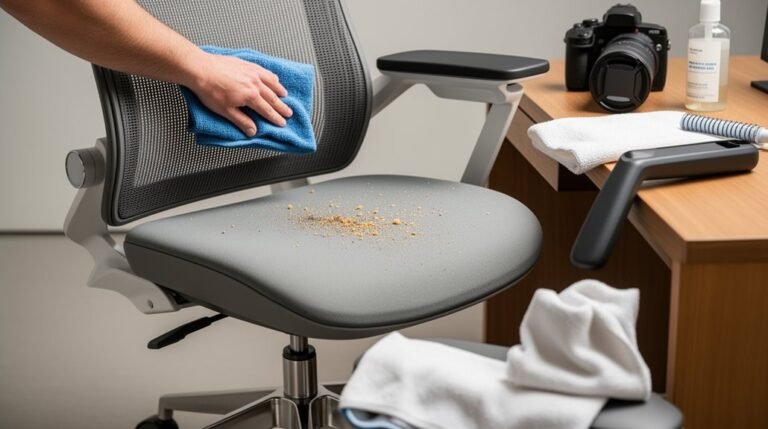
Why Does My Back Hurt in My Office Chair?
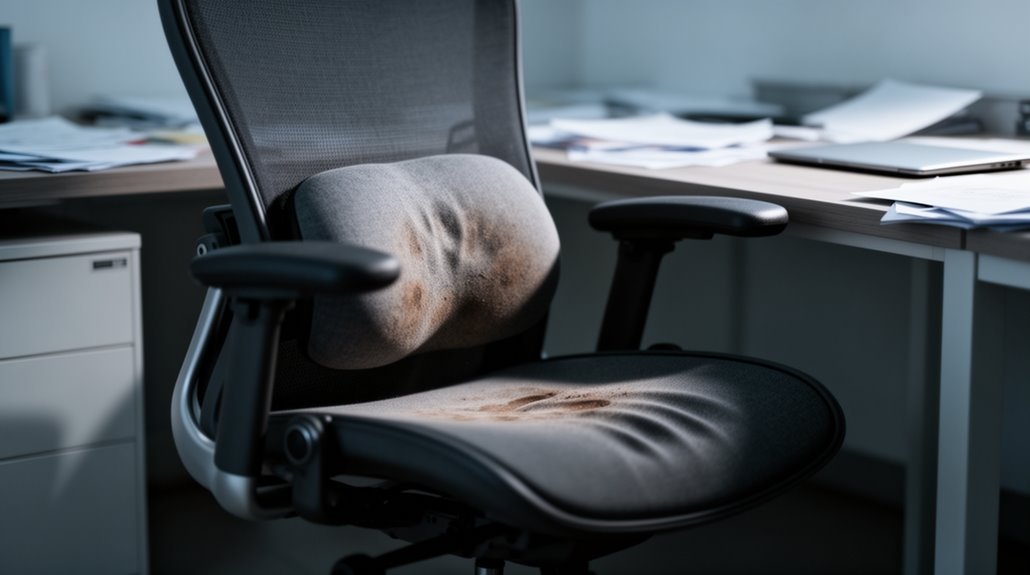
Why Does My Back Hurt in My Office Chair? Prolonged sitting in your office chair puts significant stress on your spine. Poor posture increases spinal strain, and inadequate chair support makes discomfort worse.
Leaning forward raises intervertebral disc pressure dramatically, which can lead to muscle fatigue and soreness. These changes build up over time if you stay in one position.
Regular movement breaks every 30–60 minutes are essential to relieve stress and reduce muscle fatigue. Ergonomic chair features, like proper lumbar support, help maintain correct posture and lower strain.
Understanding these factors can give you practical ways to alleviate discomfort—adjust your chair, change posture frequently, and take short walks or stretches throughout the day.
Prolonged Sitting and Its Impact on Spinal Health
As you sit for extended periods, your spine faces significant stress due to the way your body interacts with the chair. Your back muscles endure 90% more pressure when sitting than standing.
When leaning forward, low back intervertebral disc pressure can reach 190% of that experienced while standing. This constant pressure leads to soreness and stiffening of your postural muscles. Furthermore, reduced blood flow to your gluteus maximus weakens spinal support. Prolonged static sitting can cause spinal disc issues, particularly if you maintain a slouched position. Additionally, maintaining proper posture is essential for preventing further strain and ensuring the health of your spine. Over time, these discs may weaken and even herniate, potentially pinching nearby nerves. Addressing these factors early can help mitigate long-term damage and discomfort associated with prolonged sitting.
The Role of Posture in Back Pain
Maintaining proper posture is essential for preventing back pain, especially in office settings where many people spend hours seated.
Poor posture, like slouching or hunching, strains your spine and causes misalignments. Slump sitting promotes posterior pelvic tilt, increasing the load on your spine and leading to fatigue in spinal muscles. An upright sitting position, while better, can also cause muscle fatigue if maintained too long. Extended awkward postures greatly heighten the risk of low back pain; prolonged sitting in “awkward posture” significantly increases LBP risk.
Over 80% of U.S. jobs involve sedentary work, exacerbating these issues. Using ergonomic chairs with lumbar support can help maintain a neutral spine, reducing discomfort and promoting better posture during long hours of work.
Movement Variation and Its Importance
Incorporating movement variation into your workday greatly reduces the static load on your spine and the surrounding muscles, which in turn minimizes the risk of musculoskeletal discomfort.
To enhance your physical wellbeing, consider these strategies:
- Alternate between sitting, standing, and walking to engage different muscle groups.
- Take regular movement breaks every 30–60 minutes to improve circulation and deliver oxygen to spinal tissues, thereby reducing the risk of chronic diseases.
- Use stretches and mobility exercises to support natural movement patterns and reduce stiffness.
- Explore your workspace by changing positions frequently, which can decrease pressure on intervertebral discs.
Chair Support and Ergonomics
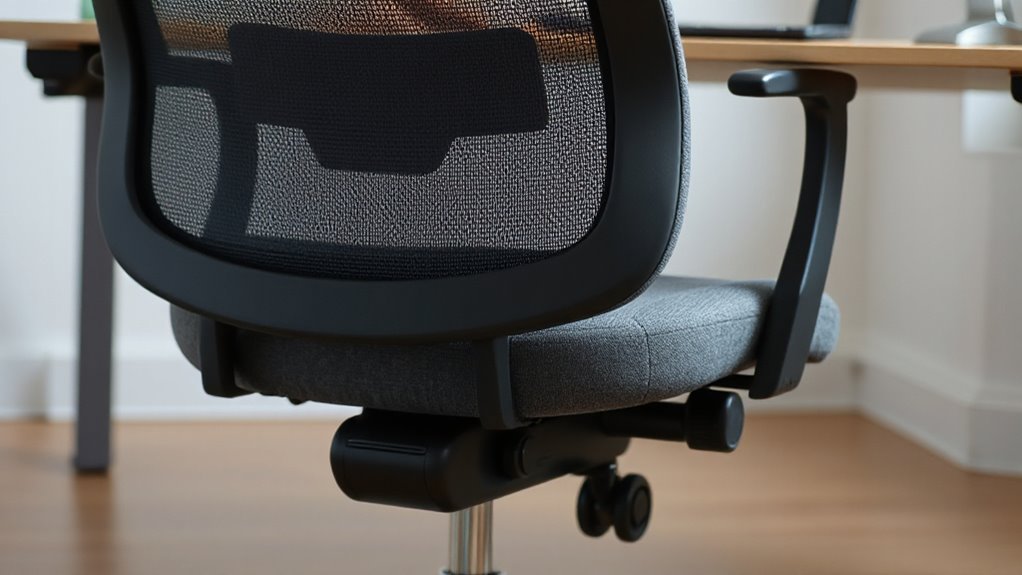
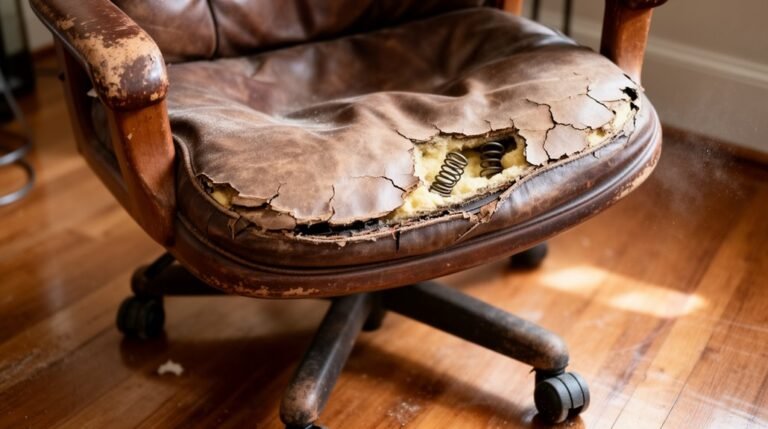
Proper chair support plays a significant role in maintaining spinal health during long hours of sitting. Chairs lacking lumbar support can lead to lower back pain, as they don’t match your spine’s natural S-curve.
Adjustable lumbar support, with height and pressure settings, helps prevent slouching and reduces stress on your spine and pelvis. The ideal position for support is near your belt line, aligning with your lower back’s curve.
Seat height and depth matter too; your knees and hips should form 90-110 degree angles while your feet rest flat on the floor. Additionally, breathable materials and sufficient cushioning maintain comfort during extended periods.
Properly designed armrests should allow for 90-degree elbow angles, reducing strain on your shoulders and neck.
Workstation Setup and Its Effects
When you set up your workstation correctly, it can greatly impact your comfort and overall health during long hours of work.
Here are key elements to take into account:
- Desk Height: Verify your desk allows your feet to rest flat on the floor, with knees at a 90-degree angle.
- Monitor Position: Position the monitor top at or slightly below eye level to reduce neck strain.
- Chair Adjustments: Adjust the armrests so your elbows remain at a 90-degree angle while typing.
- Keyboard and Mouse: Keep these tools within easy reach to minimize arm strain.
Following ergonomic guidelines can enhance your productivity and comfort, reducing the risk of musculoskeletal disorders in the long run.
Understanding Risk Factors for Lower Back Pain
Understanding the risk factors for lower back pain (LBP) is essential for preventing discomfort and maintaining productivity in the workplace. Prolonged sitting, especially over two hours daily, increases LBP likelihood due to static loading on the spine.
Awkward postures, like forward bending, raise intra-discal pressure and lumbar stiffness, heightening LBP risk. Cumulative occupational factors, such as twisting or lifting, compound these issues, with prolonged sitting, poor posture, and physical strain creating a significant risk.
Previous office work experience correlates with higher LBP complaints, as does past back pain.
Finally, poor workstation ergonomics, particularly lack of lumbar support, further exacerbates stress on the lower back, making awareness of these factors vital for prevention.
Frequently Asked Questions
Can Specific Exercises Help Alleviate Back Pain From Sitting?
Yes, specific exercises can alleviate back pain from sitting. Dynamic sitting exercises, like lumbar stretches, maintain flexibility and mobility.
Seated forward flexion and figure four stretches target lower back muscles. Taking movement breaks every 30 minutes to perform standing stretches enhances posture and reduces tension.
Regularly engaging in these exercises improves spinal health, increases blood flow, and strengthens core muscles, ultimately preventing discomfort associated with prolonged sitting.
How Often Should I Change My Sitting Position?
To optimize comfort and health, change your sitting position at least 40 times during your workday.
Aim for adjustments every 20 to 30 minutes, even if it’s for a few seconds. You should make at least two postural changes per hour.
Avoid prolonged sitting for more than 50 minutes.
Additionally, alternate between sitting and standing every 15 to 45 minutes to reduce strain and promote circulation effectively.
What Type of Chair Is Best for Back Support?
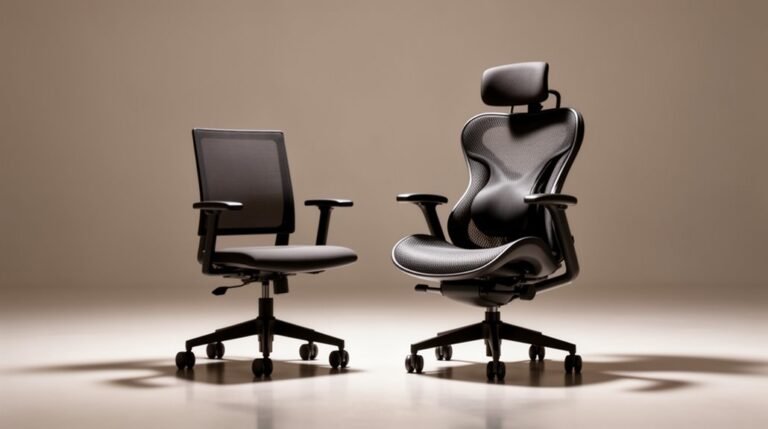
For ideal back support, choose ergonomic chairs with adjustable lumbar support.
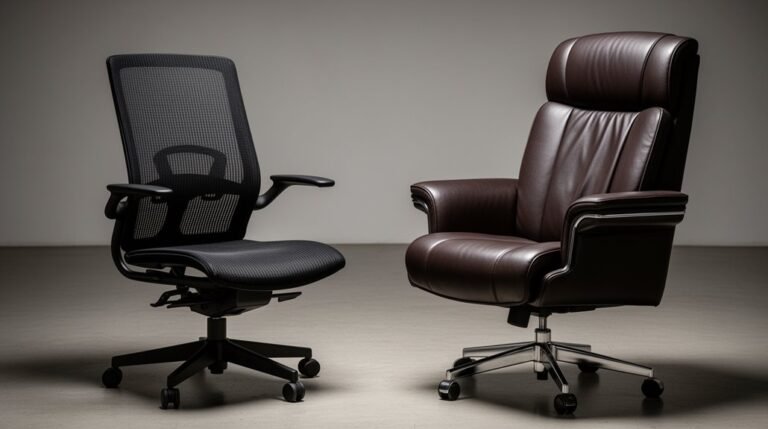
These chairs conform to your spine’s natural curve. High-back chairs provide full spinal coverage, while mesh-back designs promote breathability.
Look for 4D armrests to minimize shoulder tension. Seat height and depth should adjust easily, allowing your feet to rest flat and improving circulation.
Recline features should support a neutral spine posture between 100–110 degrees to alleviate pressure on your back.
Are Standing Desks a Good Alternative for Back Pain?
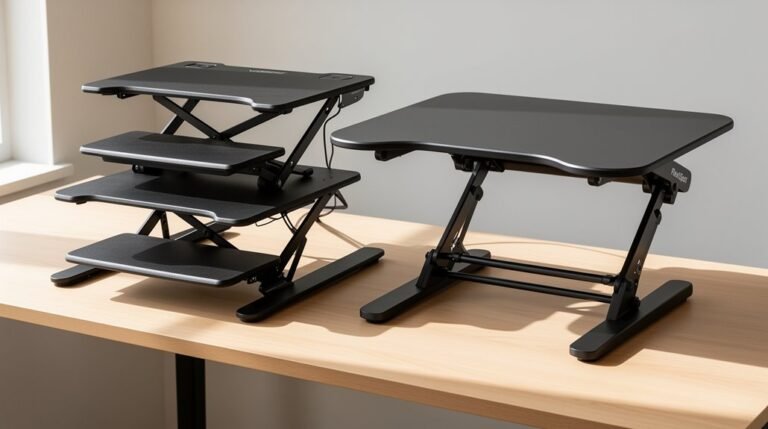
Yes, standing desks can be a good alternative for back pain. Studies show a 50% reduction in low back pain among users when combined with behavioral counseling.
Alternating between sitting and standing reduces muscle strain and improves posture. The recommended usage ratio is 1:1 for sitting and standing, with changes every 30-40 minutes.
However, standing desks alone may not address serious spinal issues and should be used alongside other interventions for best results.
Can Stress Contribute to My Back Pain at Work?
Yes, stress can notably contribute to your back pain at work. High job demands, low control, and effort-reward imbalance increase your risk of chronic low back pain.
Studies show that severe stress correlates with a 2.8-fold increase in back pain incidence. Job strain and work-family imbalance also elevate your odds.
Addressing psychosocial factors, alongside physical ergonomics, is essential for managing discomfort effectively in your office environment.
Conclusion
To sum up, if your office chair feels like a torture device, you’re not alone. Prolonged sitting, poor posture, and inadequate chair support can all contribute to back pain.
Movement variation is essential for spinal health, yet many ignore this simple solution.
Proper workstation setup is critical, but ironically, many prioritize comfort over functionality.
By addressing these elements, you can mitigate discomfort and enhance your productivity, turning your chair from a foe into a supportive ally for your back.