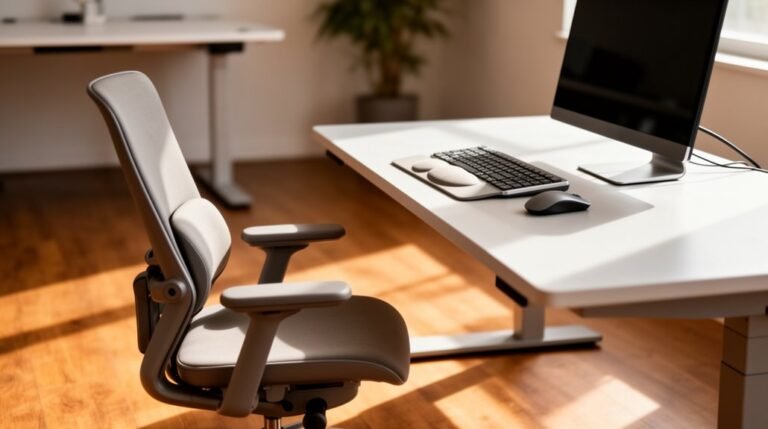
How to Stop Slouching in Your Chair
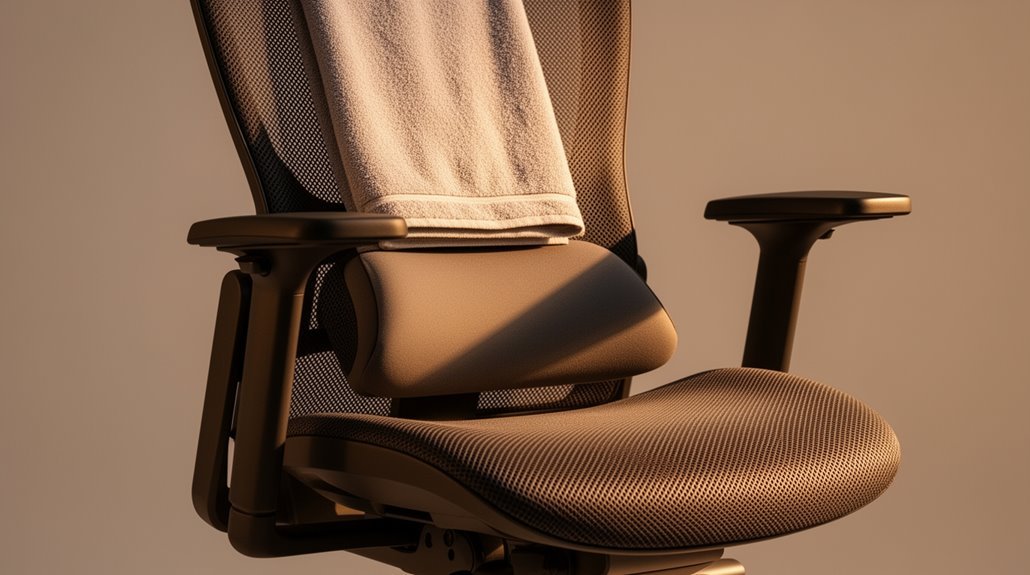
To stop slouching in your chair, adjust your ergonomic chair for proper support. Make sure your height allows your feet to rest flat on the floor with knees at a 90-degree angle.
Utilize lumbar support to maintain your spine’s natural curve. Position your monitor at eye level to prevent neck strain.
Keep elbows close to your body and bent at 90 degrees while typing. Following these steps will enhance your posture and comfort, revealing more techniques for improvement.
Understanding the Importance of Ergonomic Chairs
When you spend hours sitting at a desk, the type of chair you use can greatly impact your health and comfort.
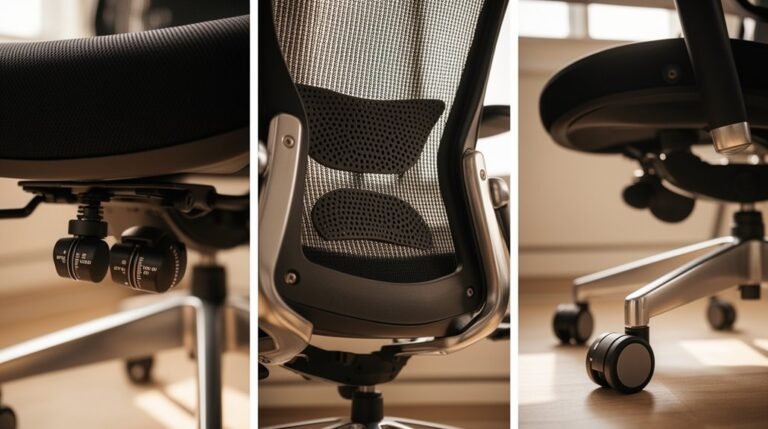
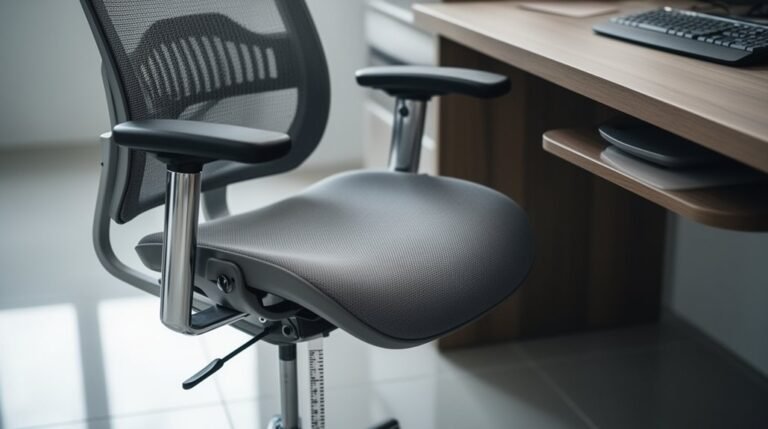
Ergonomic chairs are specifically designed to support your spine’s natural curves, reducing the risk of musculoskeletal disorders (MSDs) like back pain and neck discomfort. They offer adjustable features such as seat height, backrest angle, and armrests, which lower muscle strain during prolonged sitting. Research on ergonomic furniture has shown that users of ergonomic chairs report significant reductions in discomfort, enhancing overall productivity. These chairs promote proper posture by aligning your hips, knees, and feet, which also improves blood circulation.
Investing in an ergonomic chair is essential for maintaining spinal health and preventing long-term injuries related to workplace seating.
Key Features to Look for in an Ergonomic Chair
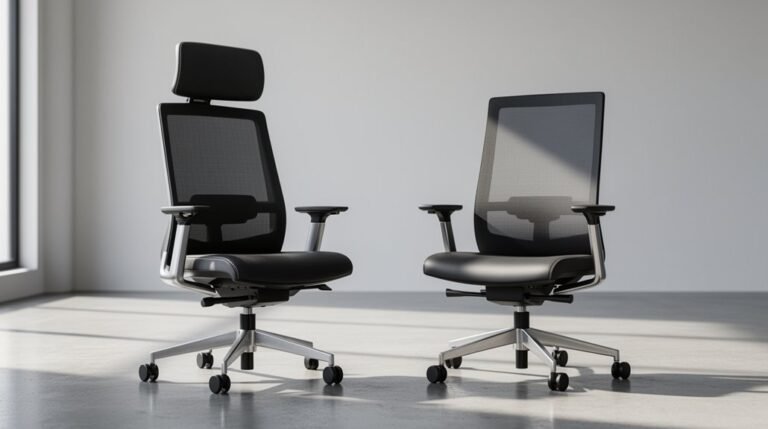
Choosing an ergonomic chair involves understanding several critical features that enhance comfort and support.
Here are three key aspects to take into account:
- Lumbar Support: Look for adjustable lumbar support that fits the natural curve of your lower back. This feature helps maintain spinal alignment and reduces strain, making it essential for ergonomic design for health.
- Seat Adjustability: Verify the seat height is adjustable, allowing your feet to rest flat on the floor. A seat depth of 2-4 inches from the chair edge to the back of your knees is ideal for comfort.
- Backrest Design: Choose a backrest with adjustable height and angle. It should recline between 90-130 degrees, supporting different tasks and encouraging movement throughout your workday.
These features collectively promote better posture and prevent slouching.
Adjusting Your Chair and Workstation for Optimal Posture
To achieve ideal posture at your workstation, it’s essential to adjust both your chair and desk setup to fit your body properly.
Start by setting your chair height so your feet rest flat on the floor, and your knees are at a 90-degree angle. Verify your thighs are parallel to the floor, avoiding pressure behind your knees.
Adjust your armrests to support your elbows at about 90 degrees, keeping your shoulders relaxed. Position your desk so your elbows remain bent at 90 degrees when typing.
Place your monitor at eye level, about 20 to 40 inches away, to minimize neck strain. Proper alignment is critical for preventing discomfort and promoting long-term health.
Finally, keep your keyboard and mouse at elbow height, promoting a neutral wrist position.
Effective Posture Techniques While Sitting
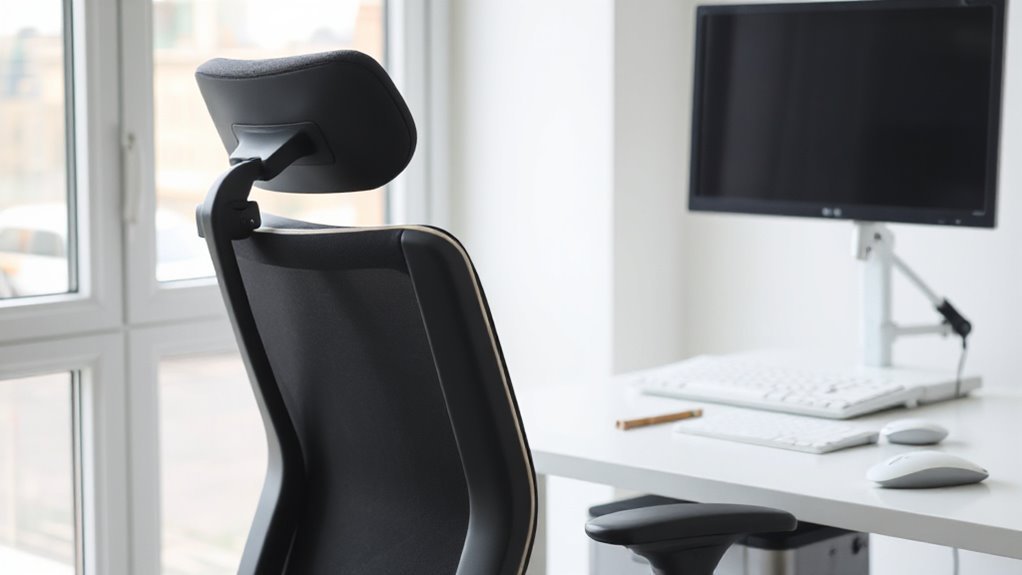
Achieving proper posture while seated is essential for minimizing the risk of slouching and associated discomfort. Implement these effective techniques to maintain an upright position:
- Engage Your Core: Tighten your abdominal muscles to stabilize your lumbar spine. This helps prevent forward trunk flexion and supports your overall posture.
- Utilize Lumbar Support: Use a lumbar roll or cushion to maintain the natural ‘S’ curve of your spine. Adjust it to fit the curvature between your lower ribs and hips, ensuring full support.
- Align Your Head and Shoulders: Keep your head aligned with your spine, with your chin slightly tucked. Relax your shoulders down and back, positioning your elbows close to your body to reduce strain.
Incorporating these techniques can markedly enhance your sitting posture.
Behavioral Habits to Encourage Better Posture
When it comes to improving posture, developing specific behavioral habits can make a significant difference. Set regular posture reminders using a timer or app to prompt checks every 20–30 minutes.
Place visual cues, like stickers, in your workspace to encourage upright sitting. Incorporate movement breaks by standing up for at least 5 minutes each hour; this resets your posture.
Use ergonomic tools, such as lumbar support cushions, to maintain proper alignment. Practice mindful posture habits by keeping your shoulders back and feet flat on the floor.
Finally, build core strength through exercises like planks and bridges. These strategies collectively enhance awareness and support better posture throughout the day, reducing the tendency to slouch.
Common Posture Mistakes and How to Correct Them
Improving your posture involves addressing specific mistakes that often go unnoticed. Here are three common posture errors and how to correct them:
- Chair Height: Verify your chair height allows your feet to rest flat on the floor. A chair too low or too high disrupts lumbar support and causes discomfort.
- Lumbar Support: Use a chair with adequate lumbar support to maintain your spine’s natural curve. Insufficient support leads to slouching and muscle strain.
- Monitor Position: Center your monitor at eye level. An uncentered monitor forces your neck and torso into twisted positions, causing muscle imbalances.
Frequently Asked Questions
How Often Should I Replace My Ergonomic Chair?
You should replace your ergonomic chair every 5 years to guarantee ideal support and comfort.
If you use it frequently, consider replacing it sooner. High-end models can last 10-15 years with proper care, while cheaper options may need replacement every few years.
Regularly inspect for visible wear, reduced comfort, and unstable components. Addressing these issues early can extend your chair’s lifespan and maintain ergonomic functionality effectively.
Can Slouching Lead to Long-Term Health Issues?
Yes, slouching can lead to long-term health issues. It strains muscles and joints, increasing the risk of chronic pain in the back, neck, and shoulders.
Poor posture can also cause muscle imbalances, which may lead to joint problems like osteoarthritis.
Additionally, slouching compresses internal organs, leading to digestive issues. Over time, it can affect lung capacity, reducing oxygen intake and impacting overall health and fitness.
Addressing slouching early is essential for prevention.
Are Standing Desks Better for Posture Than Sitting?
Standing desks generally promote better posture than sitting desks. They encourage frequent posture changes, reducing spinal compression.
When you stand, your spine aligns more naturally, minimizing slouching. However, improper standing posture can lead to asymmetry. Adjust your desk height so your elbows are bent at about 90 degrees, and keep your monitor at eye level.
Combining both desk types allows you to alternate and maintain an ergonomic posture throughout the day.
What Exercises Can Strengthen My Back and Improve Posture?
To strengthen your back and improve posture, incorporate these exercises:
Glute Bridges: Lift your hips from the floor while lying on your back, performing 3 sets of 10 reps.
Bird Dog: Extend opposite arm and leg on hands and knees, aiming for 3 sets of 10 reps per side.
Seated Rows: Pull your shoulder blades together while seated, completing 3 sets of 10 reps.
Chest Stretches: Open shoulder muscles to reduce rounding.
Regular practice will enhance your posture effectively.
How Can I Remind Myself to Maintain Good Posture?
To maintain good posture, set a timer or smartphone app to check every 30 minutes.
Place sticky notes with reminders on your monitor for constant visibility.
Consider using a vibrating smartwatch to alert you when you slouch.
Position a mirror nearby to visually monitor your alignment.
Additionally, utilize posture-correcting apps that leverage your device’s camera to detect slouching, ensuring you stay aware and aligned throughout the day.
Conclusion
Improving your sitting posture is vital for long-term health and productivity.
An ergonomic chair, properly adjusted, can feel like sitting on a cloud and provides essential support.
Incorporate effective posture techniques and establish positive habits to enhance your comfort.
Be mindful of common mistakes and take proactive steps to correct them.
By prioritizing your posture, you can markedly reduce discomfort and boost your overall well-being while working.
Make these changes today for a healthier tomorrow.