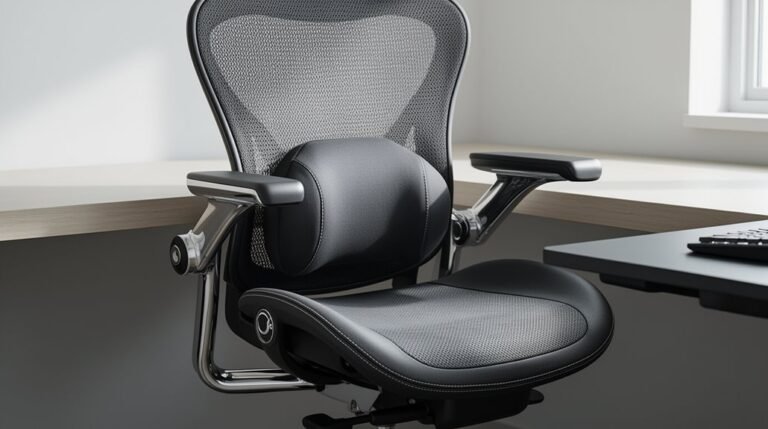
How to Choose an Ergonomic Office Chair
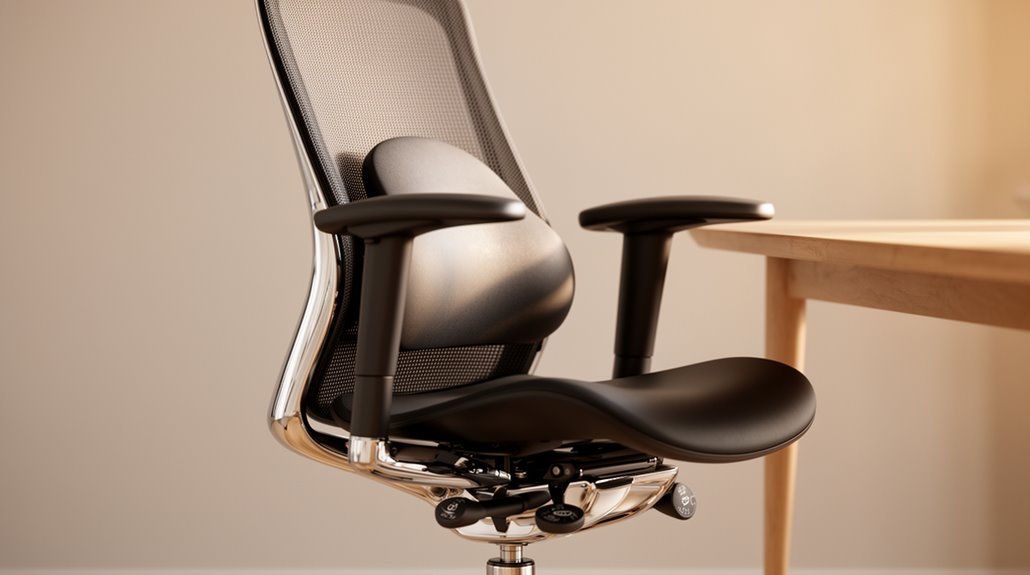
To choose an ergonomic office chair, prioritize lumbar support that aligns with your lower spine. Proper lumbar support reduces strain and helps maintain a healthy posture throughout the day.
Evaluate seat dimensions next. Aim for an adjustable height (about 16–21 inches) and a depth around 15–18 inches so your thighs are supported without pressure behind the knees.
Analyze the backrest design for an S-curve that follows your spine and offers height adjustability. A well-shaped backrest encourages a natural spinal alignment and reduces fatigue.
Consider armrest features; height-adjustable armrests that help maintain a 90-degree elbow angle are best. Proper arm support can reduce shoulder and neck tension.
Assess material quality by favoring durable fabrics and high-density foam for long-lasting comfort. Finally, consider your budget and test various options in person to find the best balance of features and comfort. Continue exploring additional adjustments and features for an ideal fit.
Understanding Lumbar Support and Its Importance
When you sit for extended periods, having proper lumbar support becomes vital for maintaining spinal health.
Lumbar support consists of additional padding or structural elements that align with the spine’s natural curve, specifically targeting the five lumbar vertebrae. This support prevents your spine from collapsing into a C-shape, which is essential for maintaining S-shaped curvature.
By decreasing strain on the lower back, lumbar support alleviates discomfort and promotes proper spine alignment. It actively encourages a healthier sitting position, reducing muscle fatigue from prolonged sitting.
In addition, effective lumbar support minimizes back pressure, enhancing overall comfort. Investing in ergonomic lumbar support not only prevents chronic lower back pain but also improves your focus and productivity throughout the workday. Ergonomic chairs are designed specifically to support users during long hours of work, making them a crucial consideration for anyone who spends significant time seated.
Evaluating Seat Dimensions for Comfort
Understanding seat dimensions is essential for guaranteeing comfort in an ergonomic office chair. Start with seat height. A standard adjustable height ranges from 16 to 21 inches, accommodating most users. Taller individuals benefit from a range of 18 to 22 inches, while shorter users require heights between 15 to 17 inches.
Next, consider seat depth, which should be 15 to 18 inches. This guarantees support without pressure behind the knees. The width typically measures 18 to 20 inches, though wider options are available for larger users. Additionally, ensuring the chair has proper sizing can significantly enhance overall comfort and productivity.
Finally, maintain a minimum 0.5-inch gap between the seat edge and the back of the knees. This design promotes circulation and supports comfortable positioning, preventing discomfort during extended use.
Analyzing Backrest Design and Adjustability
To guarantee ideal support during extended sitting, the design and adjustability of the backrest play an essential role.
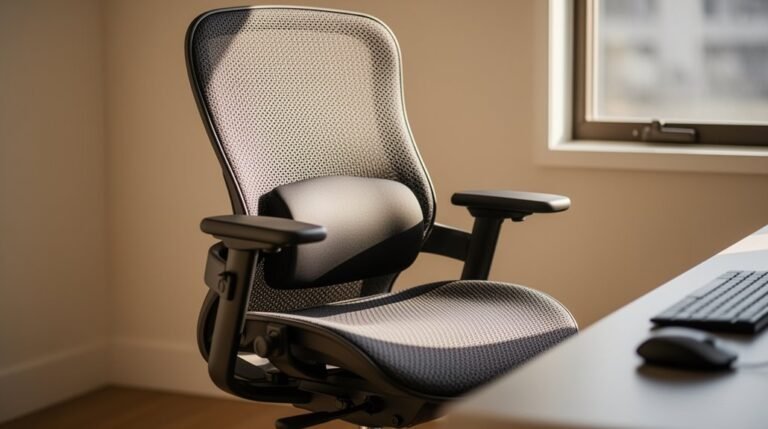
Adjustable lumbar support should fit the natural inward curve of your lower spine, preventing slouching and reducing pressure. Dynamic lumbar systems adapt to your posture, enhancing comfort and spinal alignment.
Height and depth adjustment allows you to customize the fit to your torso length and spinal contour. Backrests should mimic your spine’s S-curve, providing continuous support from the lumbar region to your shoulders. Additionally, proper lumbar support is vital for promoting a natural S-curve in the spine.
Look for ergonomic shapes with breathable materials, like mesh, to improve comfort.
Finally, make sure the backrest height and width are adjustable to accommodate your unique body dimensions, promoting proper spinal alignment and reducing strain.
Exploring Armrest Features and Support
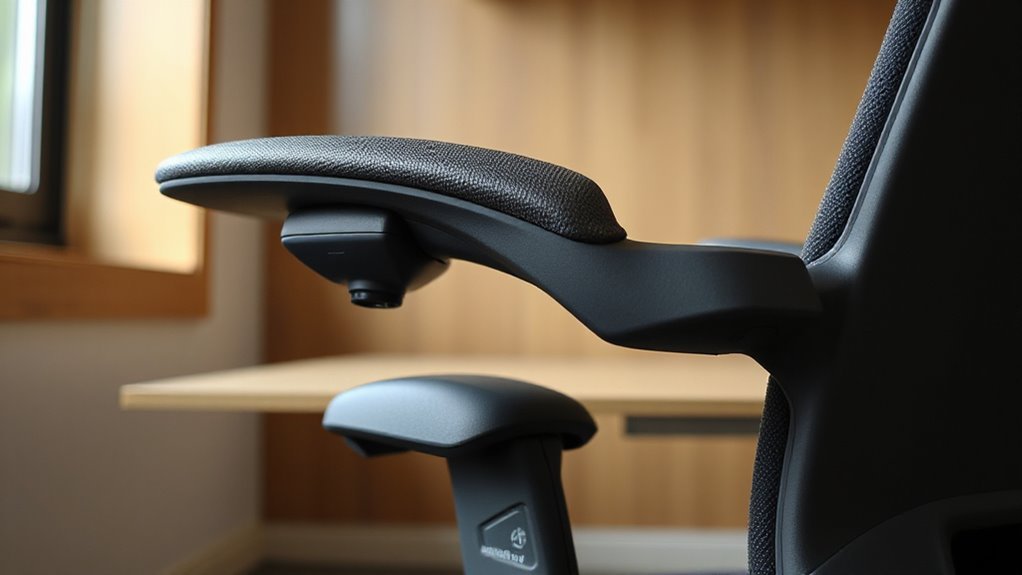
Armrests are essential for maintaining ergonomic support during long hours of sitting, as they help stabilize your upper body and reduce strain on your shoulders and neck.
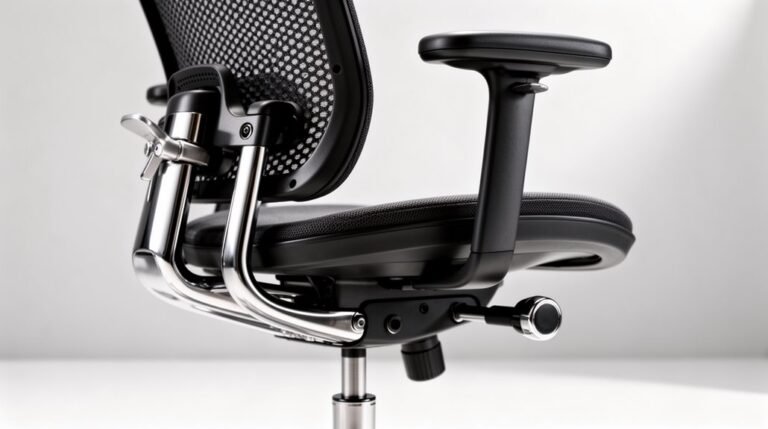
Fixed armrests provide basic support but lack adjustability. Height-adjustable armrests let you align your arms naturally, easing shoulder strain.
2D armrests enhance customization through height adjustment and rotation. For even more support, 3D armrests adjust in height, depth, and rotation, while 4D armrests offer the highest customization with width adjustments.
Proper armrest height should be between 6.7 and 10.6 inches to maintain a 90-degree elbow angle. The recommended width spacing is about 18.1 inches, ensuring freedom of movement and preventing shoulder compression.
Assessing Material and Padding Quality
Choosing the right materials and padding for your office chair greatly impacts your comfort and support.
Polyester fabric is durable and resistant to wrinkling, while tightly woven fabrics enhance longevity and resist snagging. For breathability, consider high-quality mesh, which allows air circulation and maintains shape over time.
Look for high-density foam padding; it retains shape and offers superior durability compared to low-density alternatives. Cold-cured foam provides lasting comfort when paired with upholstery.
Evaluate the chair’s frame; steel or aluminum guarantees stability and longevity. Check for certifications like CertiPUR-US® to verify foam safety.
Prioritize materials that require minimal maintenance, such as mesh or PU leather, especially in busy office environments. Quality materials enhance your overall ergonomic experience.
Considering Price Range and Budget Options
When considering the price range for an ergonomic office chair, it’s crucial to balance your budget with the features you require. One important aspect to consider is the benefits of ergonomic chairs; they provide support that can prevent strain during long hours of work. Additionally, investing in such a chair can enhance productivity by promoting better posture and comfort. Ultimately, a well-designed ergonomic chair can contribute significantly to both your health and overall work efficiency.
Here’s a breakdown of options to guide your decision:
- Budget-Friendly Options ($50–$150): These chairs offer basic support and are suitable for short-term use, ideal for students or small home offices.
- Mid-Range Ergonomic Chairs ($200–$350): This category provides better ergonomic support with features like 1D armrests and sync tilt functionality, suitable for remote workers.
- Premium Mid-Tier Investment ($350–$700): These chairs deliver advanced adjustments and refined styling, perfect for those seeking thorough ergonomic solutions.
Evaluate these categories to guarantee you invest wisely in a chair that meets your specific needs and budget constraints.
Reviewing Warranty and Return Policies
Reviewing warranty and return policies is essential for ensuring your investment in an ergonomic office chair is protected.
Look for warranties ranging from 1 to 15 years. Extended warranties often indicate higher quality. Note that lifetime warranties may cover specific parts only. Common exclusions include normal wear and tear, accidental damage, and misuse.
Check the claim process; some brands require proof of purchase and photos of damage.
Return policies vary, with windows from 14 to 90 days. Be aware of restocking fees, often between 10-25%, and that return shipping costs usually fall on you.
Finally, most warranties are non-transferable, limiting coverage to the original purchaser, which can affect resale value.
Customizing Your Chair for Optimal Fit
Customizing your ergonomic office chair can greatly enhance comfort and support during long hours of work. Understanding the key differences between office and ergonomic chairs is essential when making a choice that suits your needs. While office chairs may offer a basic level of support, ergonomic chairs are designed with multiple adjustments to promote better posture and reduce strain. Investing in an ergonomic chair can lead to improved productivity and overall well-being during extended periods of sitting.
To achieve a suitable fit, focus on these key adjustments:
1. Adjust Seat Height and Depth: Verify your feet rest flat on the floor with knees bent at a 90-degree angle.
Maintain a 2-3 finger width gap between the seat edge and the back of your legs to prevent pressure.
2. Configure Lumbar Support: Position lumbar support to snugly fit your lower back curve.
Adjust the height and depth to provide gentle pressure for spinal alignment.
3. Position Armrests: Set armrests so your elbows rest at a right angle, minimizing shoulder strain.
If they elevate your elbows, consider removing them.
These adjustments promote better posture and reduce discomfort during prolonged use.
Testing Before You Buy: The Importance of Try-Outs
Testing an ergonomic office chair before purchase is essential for ensuring proper fit and support.
Physical testing allows you to assess comfort and alignment with your body contours. When seated, evaluate the backrest’s position, ensuring it supports the small of your back. Measure the gap between the back of your knees and the chair’s edge; it should be 2-3 inches.
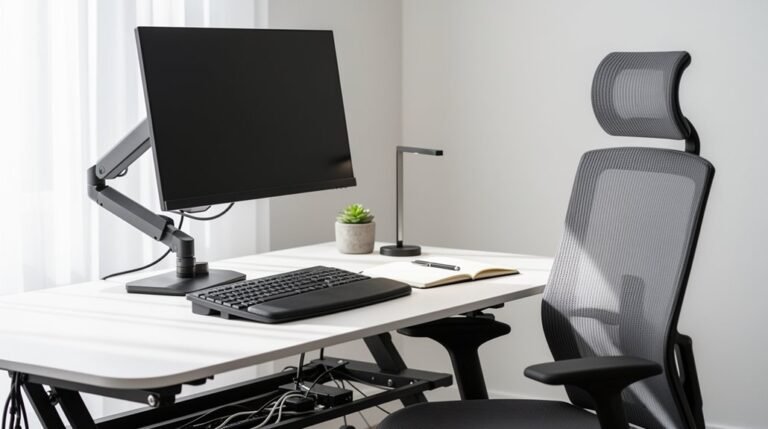
Check monitor height by sitting in the chair, ensuring your eyes align with the screen. Inspect armrest height and angle to confirm they match your desk setup.
In-person testing also enables you to gauge chair stability, material quality, and adjustment mechanisms, ensuring your long-term health and productivity are supported effectively.
Frequently Asked Questions
How Long Should I Expect My Ergonomic Chair to Last?
You should expect your ergonomic chair to last between 10 to 15 years if it’s high-quality and well-maintained.
Average chairs typically last 5 to 10 years, while budget options might only serve you for 3 to 5 years.
Factors like build quality, usage frequency, and user weight greatly influence longevity.
Regular maintenance, such as cleaning and tightening components, can also help extend the life of your chair, ensuring ideal performance.
Can I Use an Ergonomic Chair With a Standing Desk?
Yes, you can use an ergonomic chair with a standing desk.
Look for chairs with height adjustability, typically ranging from 25” to 38”. Features like adjustable lumbar support and breathable materials enhance comfort during seated periods.
Consider options like standing stools or saddle chairs to promote core engagement.
Make sure the chair’s footprint fits your desk’s spatial constraints, as larger chairs may limit usability.
This combination supports better posture and reduces fatigue during work.
What Maintenance Does an Ergonomic Chair Require?
You need to clean your ergonomic chair regularly.
Wipe down surfaces weekly with a microfiber cloth.
Vacuum upholstery every week, using a soft brush attachment for mesh.
Deep clean quarterly, vacuuming all components.
Inspect screws and lubricate moving parts biannually.
Keep the chair away from direct sunlight, and replace worn casters every six months.
Following these guidelines guarantees longevity and peak performance of your chair.
Are There Specific Ergonomic Chairs for Short or Tall Users?
Yes, there are ergonomic chairs designed specifically for short and tall users.
Short users benefit from chairs with a seat height of 15 to 16 inches and shallower seat depths under 18 inches.
Conversely, tall users need chairs with seat heights of 22 to 23 inches and deeper seats of 18 to 20 inches.
Both user types should look for adjustable backrests and armrests to guarantee proper spinal support and comfort.
How Do I Clean and Care for My Ergonomic Chair?
Caring for your ergonomic chair is like tending a garden; regular maintenance keeps it thriving.
Vacuum with a soft brush attachment to remove dust from surfaces. Wipe non-fabric parts with a damp cloth. For stains, blot immediately, then apply a diluted mild detergent.
Schedule weekly dusting, monthly upholstery cleaning, and quarterly deep cleanings. Always test cleaning solutions on hidden areas first to prevent damage.
Keep your chair looking new and functioning well.
Conclusion
Choosing an ergonomic office chair is essential for your comfort and productivity.
Carefully evaluate lumbar support, seat dimensions, and backrest adjustability to find a chair that meets your specific needs.
Consider armrest features, material quality, and budget options to enhance your experience.
Don’t overlook warranty policies, as they protect your investment.
Ultimately, testing the chair before purchasing guarantees it fits you perfectly, much like finding the right key for a lock and releasing your potential for better work performance.