Monitor Light Vs Desk Lamp: Which to Choose?
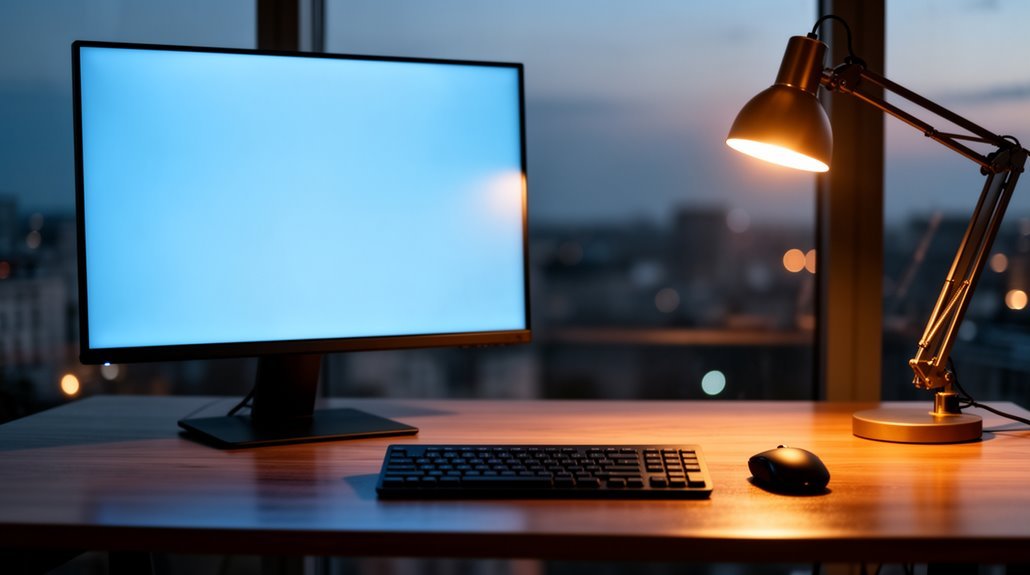
Monitor light vs desk lamp: which to choose?
When choosing between a monitor light and a desk lamp, consider your workspace requirements. Monitor light bars save space by mounting on screens and provide focused illumination that minimizes glare and reflects light primarily onto your desk. They’re energy efficient and typically produce up to about 500 lux with lower power consumption.
Desk lamps, by contrast, offer more flexible positioning and can deliver higher overall brightness. That makes them better for tasks requiring broader, stronger light or when you need to illuminate papers and peripherals away from the monitor.
Each option has merits, so evaluate how you use your workspace — screen-focused work favors a monitor light, while varied tasks and adjustable lighting needs favor a desk lamp. Further insights can help guide your decision.
Design and Space Efficiency
When considering design and space efficiency, monitor light bars offer a significant advantage over traditional desk lamps. They mount directly on your monitor, occupying no desk surface area, which is ideal for small or cluttered workspaces. Unlike desk lamps, which stand independently and require larger bases, light bars use vertical space above the monitor, freeing up valuable horizontal desk space. They support a minimalistic setup, enhancing both visual and physical workspace organization. Additionally, monitor light bars feature clamp designs that securely attach to various monitor types, including curved and ultra-wide screens. Their compact form factor allows for easier wire management, reducing cable clutter compared to the bulkier cords of desk lamps. This streamlined design contributes to a cleaner workspace. Moreover, the asymmetric optical design of monitor light bars prevents direct screen glare, making them even more suitable for computer work.
Lighting Quality and Eye Comfort
Monitor light bars excel in providing superior lighting quality and enhancing eye comfort during prolonged screen use. Here’s what sets them apart:
- Minimized Glare: They reduce screen glare and reflections, ensuring a comfortable viewing experience.
- Asymmetrical Design: This design focuses light on your desk and keyboard while limiting spill onto the monitor.
- Flicker-Free Technology: Many models offer flicker-free lighting, decreasing eye fatigue during long sessions.
- High Lux Levels: Monitor light bars typically provide higher lux levels, up to 800 lux at 45 cm, compared to desk lamps. Additionally, they often have a lower power consumption than traditional desk lamps, making them more energy-efficient for extended use.
In contrast, desk lamps can create glare and uneven lighting, leading to potential eye strain.
Choosing a monitor light bar can greatly enhance your eye comfort and overall productivity.
Adjustability and Control Features
Adjustability and control features play a significant role in how effectively you can use your lighting setup for productivity and comfort.
Monitor light bars mount directly to your monitor, saving desk space and offering fixed height. They typically allow limited rotational adjustability, about 25 degrees. Additionally, monitor light bars are designed to reduce eye strain by providing evenly distributed, glare-free light.
In contrast, desk lamps provide flexible positioning, featuring adjustable arms and necks for height and angle changes.
For brightness, monitor light bars often have multiple levels and color temperature settings, while desk lamps offer stepless dimming and more extensive tuning options.
Control interfaces vary; monitor light bars may include touch-sensitive controls or app integration, while desk lamps generally rely on traditional switches or knobs, making monitor light bars easier to adjust during work.
Lighting Coverage and Brightness
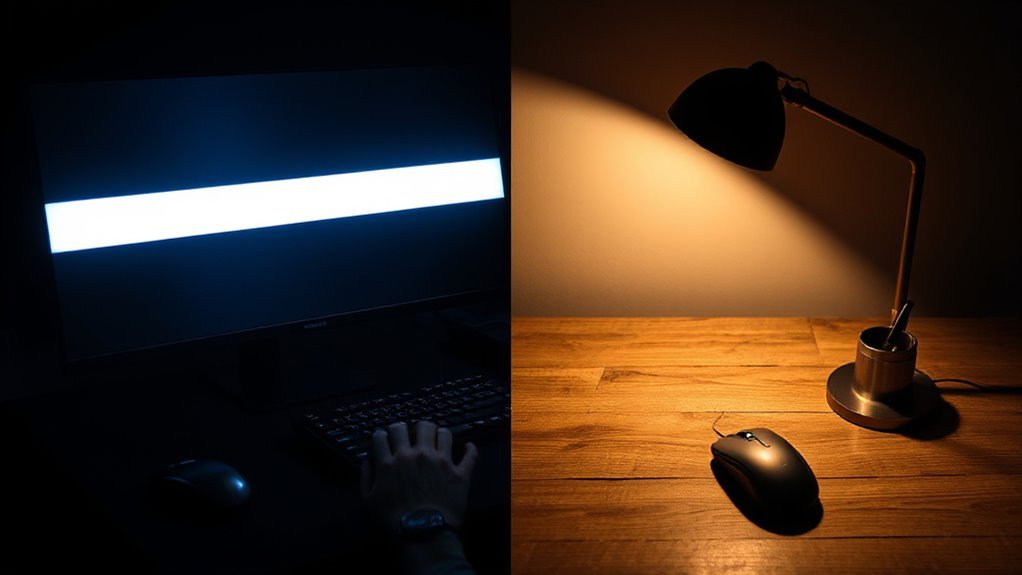
Understanding the differences in lighting coverage and brightness can greatly enhance your workspace experience.
When choosing between a monitor light bar and a traditional desk lamp, consider these key factors:
- Brightness Levels: Monitor light bars produce up to 500 lux, while desk lamps typically max out at around 300 lux.
- Light Distribution: Monitor light bars focus light directly on the workspace, reducing glare and shadows, unlike desk lamps that create uneven lighting.
- Power Consumption: High-end monitor light bars use approximately 9 watts, offering more brightness compared to the 3.1 to 5 watts of desk lamps.
- Advanced Features: Premium models, such as the BenQ ScreenBar Pro, offer 16 adjustable brightness levels for ideal lighting control.
Choose wisely to enhance your productivity.
Versatility and Usability
How do your lighting needs change throughout the day? Desk lamps provide flexibility, allowing you to position them anywhere on your desktop or nearby surfaces.
Their adjustable arms and heads let you direct light to various angles, accommodating tasks like reading or crafting.
In contrast, monitor light bars clamp to the top of your monitor, focusing light on your keyboard and screen area. While they offer tilt adjustments, they lack the repositioning capabilities of desk lamps.
Monitor light bars excel in reducing eye strain for screen tasks, but their fixed position limits broader usability.
If you need versatile lighting for diverse tasks, a desk lamp is likely the better choice.
Cost and Market Options
When considering lighting solutions, you’ll find a range of prices and features for both monitor light bars and desk lamps. Here’s a breakdown of the cost spectrum:
- Budget Options: Monitor light bars start at $16, while affordable desk lamps are around $40–$50.
- Mid-Range Choices: Expect to pay $60–$70 for monitor lights with better controls and $50–$150 for desk lamps with eye-care features.
- Premium Selection: High-end monitor lights can reach $150+, while premium desk lamps often exceed $150 with advanced controls.
- Value Comparison: Desk lamps typically offer greater longevity and simpler designs, which may provide better cost-effectiveness over time.
Both categories deliver scalable options tailored to various user needs and preferences.
Making the Right Choice for Your Needs

Selecting the right lighting solution involves evaluating various factors that cater to your specific requirements.
If you’re focused on screen-based tasks, monitor light bars offer asymmetric optical designs that minimize glare and reduce eye strain. Their zero flicker LEDs promote steady lighting for long sessions, while Low Blue Light technology protects your eyes from harmful wavelengths.
Conversely, desk lamps provide broader illumination but can create reflections on your monitor, leading to increased fatigue.
Consider your desk space; monitor light bars attach to your monitor, preserving valuable space, while desk lamps occupy fixed areas and may create clutter.
Assess your workflow needs as well—monitor light bars excel in screen-centric work, while desk lamps offer versatility for multiple tasks.
Frequently Asked Questions
Can Monitor Light Bars Fit on Any Type of Monitor?
Yes, monitor light bars can fit on many types of monitors, but compatibility varies.
Most models accommodate screens from 15″ to 32″ and thicknesses between 0.17″ and 2.56″. Some specialized options, like the Yeelight Monitor Light Bar Pro, work with curved monitors.
Always check the manufacturer’s specifications for clamp design and monitor edge compatibility to guarantee a secure fit. Not all models support ultra-thin or very thick monitors, so verify before purchasing.
How Do Monitor Light Bars Impact Monitor Ventilation?
Monitor light bars slightly obstruct airflow compared to unobstructed monitors, yet they maintain adequate thermal performance.
Their low-wattage LEDs (typically 5W) generate minimal heat, while asymmetrical designs direct light downward, limiting radiant heat exposure.
Mounting brackets create air gaps, allowing ventilation.
Desk lamps, on the other hand, can trap heated air against displays, raising component temperatures.
As a result, monitor light bars balance space-saving benefits with effective ventilation management for long-term monitor health.
Are Monitor Light Bars Compatible With Dual-Monitor Setups?
Yes, monitor light bars are compatible with dual-monitor setups. They mount on the seam between monitors, providing centered light.
For effective use, make certain both monitors are at the same height. Compact desks under 47 inches often need just one light bar, while wider desks may require two.
Angled or vertical arrangements can affect placement, so consider your monitor configuration to avoid glare and guarantee even illumination across both screens.
What Materials Are Commonly Used in Monitor Light Bar Construction?
Common materials in monitor light bar construction include aluminum alloy for the outer shell, ensuring lightweight durability and effective heat dissipation.
ABS plastic adds structural support, while LED strips serve as the main light source due to their energy efficiency.
Stabilization pads made of silicone or rubber prevent slipping, and copper wiring facilitates electrical connections.
Have you considered how these materials impact performance? Each component plays a vital role in functionality and longevity.
Do Monitor Light Bars Require Special Tools for Installation?
Monitor light bars typically don’t require special tools for installation. Most models include easy-to-use mounting clips designed for quick attachment to monitors without tools.
You’ll find a USB power cable in the package, enabling straightforward power connection to your device. Verify you use the correct clip type for your monitor’s design.
In rare cases, unique mounts might need simple hand tools, but these instances are uncommon in standard models.
Conclusion
Choosing between a monitor light and a desk lamp depends on your specific needs.
Monitor lights offer a streamlined design and direct illumination, which helps minimize desk clutter and can reduce screen glare for better eye comfort.
Desk lamps provide adjustable brightness and versatile lighting angles, giving broader coverage for various activities beyond just screen work.
If you need focused task lighting and improved eye comfort, a monitor light may be ideal. If you prefer flexibility for different tasks and wider illumination, a desk lamp might be more suitable.
Assess your workspace, lighting preferences, and budget to make the best decision.