Common Ergonomic Mistakes in Home Offices
Common ergonomic mistakes in home offices include inadequate chair selection, poor monitor setup, unergonomic desk arrangements, lack of proper equipment, and neglecting movement.
Confirm your chair has adjustable lumbar support, is customizable in height and depth, and has a waterfall edge to reduce thigh pressure. Proper chair choice helps prevent back and hip strain.
Position your monitor at eye level, about 20 to 40 inches away, to reduce neck and eye strain. Use a stand or adjustable arm if needed and minimize screen glare.
Arrange your desk to minimize reaching and prevent awkward twisting. Keep frequently used items within easy reach and manage cables and lighting to reduce clutter and distraction.
Incorporate ergonomic accessories like split or low-force keyboards and a comfortable mouse to reduce wrist and forearm strain. Finally, remember to move regularly—stand, stretch, and change posture throughout the day to maintain comfort and productivity.
Inadequate Chair Selection
Choosing the right chair is essential for your home office’s ergonomic setup. An ideal chair features adjustable lumbar support that fits the natural curve of your lower spine, maintaining alignment and reducing back strain. The lumbar support’s height and depth should be customizable to accommodate various body shapes. Additionally, the seat pan must support at least three-quarters of your thighs and have a waterfall front edge to enhance circulation. Make sure that armrests are broad, cushioned, and adjustable, allowing your elbows to stay close to your body. Finally, opt for breathable materials that regulate temperature, balancing softness with enough firmness for support. With these specifications, your chair will promote better posture and overall comfort during long work sessions. Investing in a chair with ergonomic support is crucial for preventing musculoskeletal issues from extended sitting.
Poor Monitor and Screen Setup
How can the setup of your monitor impact your overall comfort and productivity? Proper monitor height is essential; it should be at or slightly below eye level to reduce neck strain. Aim for a downward viewing angle of about 15 degrees.
Maintain a distance of 20 to 40 inches from your eyes, adjusting for larger screens. Position the monitor directly in front of you to prevent twisting your neck.
For dual monitors, keep them at equal height with edges touching. Avoid glare by angling the monitor away from bright lights.
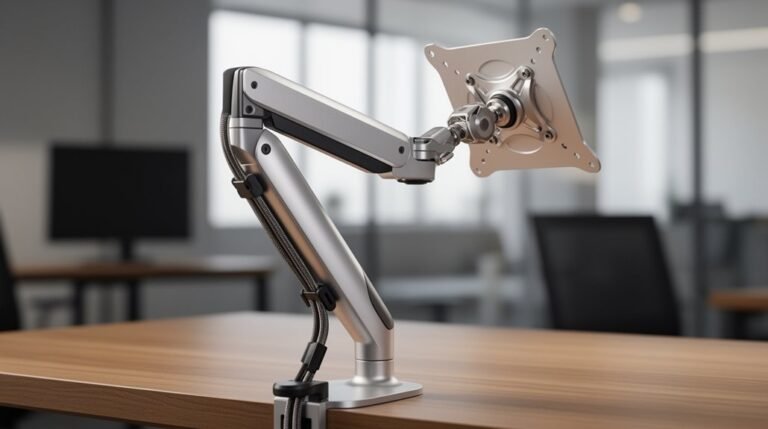
Utilizing a monitor arm or riser can help achieve ideal height and tilt, enhancing your comfort and reducing the risk of musculoskeletal disorders. Ergonomic monitor placement is crucial for ensuring that your workspace supports natural body alignment and reduces physical strain.
Unergonomic Desk and Workspace Arrangement
Many remote workers overlook the importance of an ergonomic desk and workspace arrangement, which can greatly impact comfort and productivity.
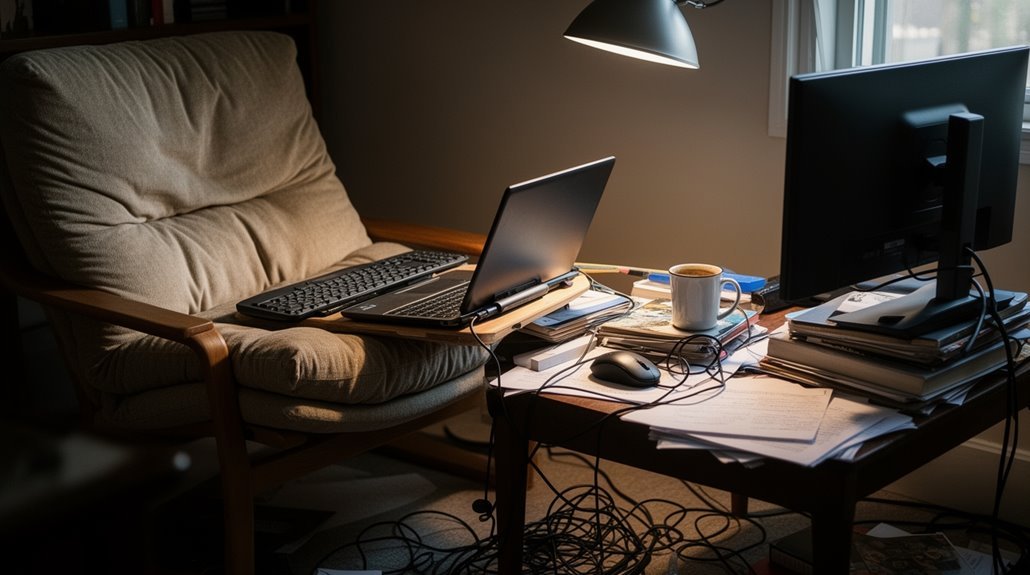
An inadequate chair often leads to improper height settings, causing elevated arms and poor head positioning. Many remote workers use makeshift seating, like dining chairs or couches, lacking proper support.
A staggering 37% lack a designated workspace, opting for any available surface instead. Poor desk design creates pressure points and awkward reaches for essential tools. This setup contributes to bad posture and discomfort, affecting 55% of home workers. Many employees work remotely from couches, beds, or floors, which exacerbates these issues.
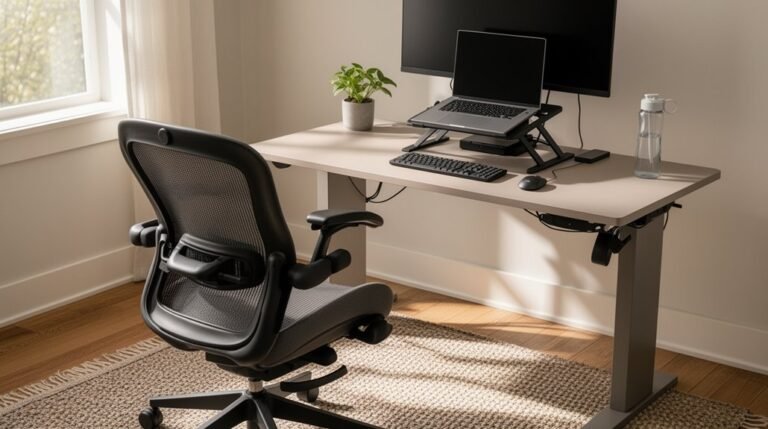
Ideal desk arrangements should prioritize reach distances, screen glare, and the positioning of key objects to enhance ergonomics and reduce strain.
Prioritizing ergonomic design is essential for long-term health and efficiency.
Lack of Proper Equipment and Accessories
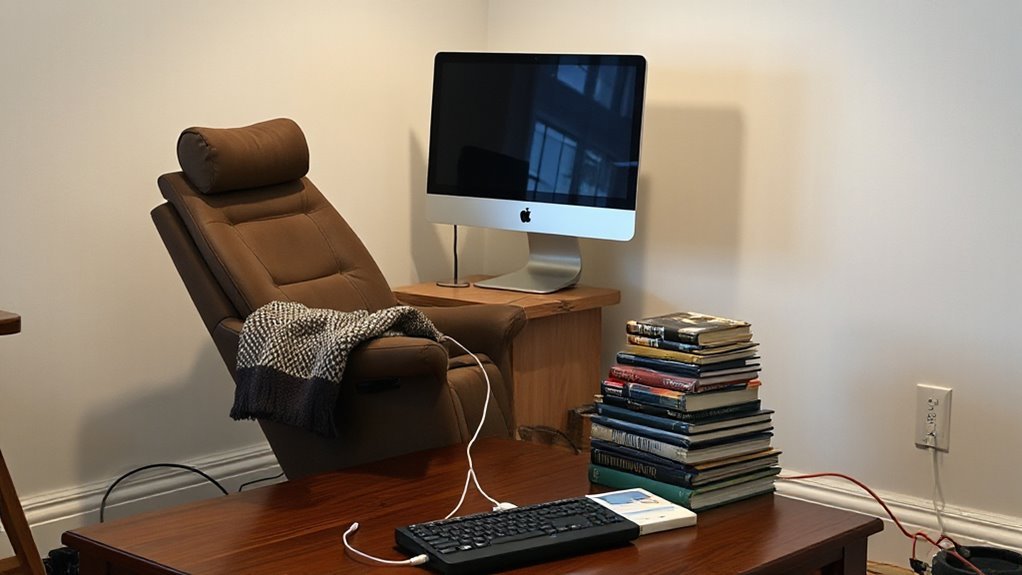
When you don’t invest in proper ergonomic equipment and accessories, it can severely impact your comfort and productivity during work hours.
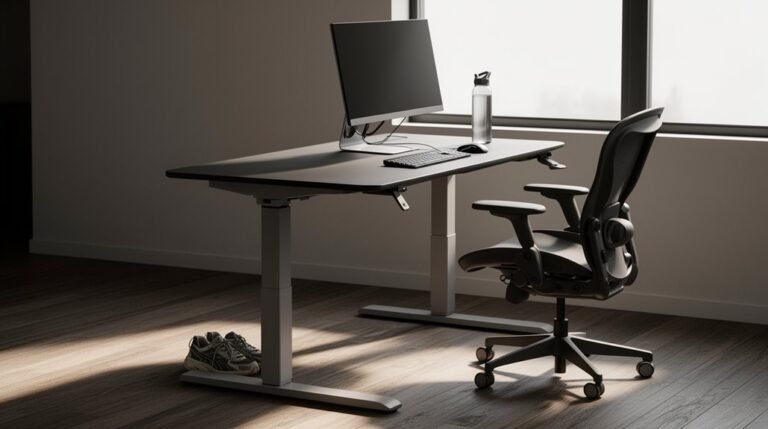
Without ergonomic chairs with lumbar support, you increase your risk of lower back pain from extended sitting. Height-adjustable desks allow you to alternate between sitting and standing, reducing sedentary risks; without them, you’re stuck in one position.
Ergonomic keyboards and mice prevent repetitive strain injuries; lacking these increases wrist strain. Monitor arms guarantee your screen is at the correct height, reducing neck and shoulder strain.
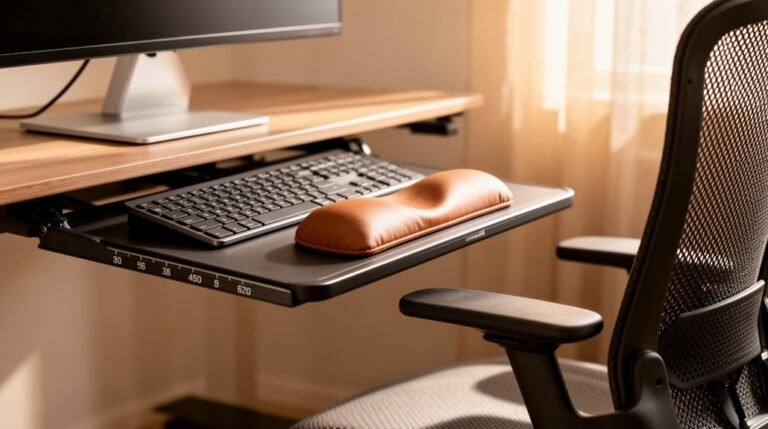
Footrests promote better posture and circulation, but without them, your feet may dangle. Finally, wrist rests and document holders help reduce awkward movements, minimizing muscle fatigue over time.
Neglecting Posture and Movement Habits
Neglecting proper posture and movement habits can lead to significant discomfort and health issues over time.
Poor ergonomics in your home office can contribute to chronic pain and muscle strain. Here are key points to examine:
- Long Sitting Periods: Over 82% of desk workers sit for more than 9 hours daily, increasing musculoskeletal strain.
- Hunched Postures: Commonly, slouched shoulders and forward head positioning lead to neck and shoulder pain.
- Lack of Movement Breaks: Not taking breaks every 30-60 minutes exacerbates muscle fatigue and stiffness.
- Inadequate Workstation Layout: Incorrect monitor and keyboard positioning can cause wrist and back strain.
Frequently Asked Questions
How Can I Improve My Home Office Lighting for Better Ergonomics?
To improve your home office lighting for better ergonomics, aim for 500 lux for computer work and 750-1000 lux for detailed tasks.
Position your desk at right angles to windows, maintaining at least 3 feet distance to minimize glare. Use adjustable task lamps with flexible light intensity.
Install overhead fixtures outside the critical glare angle, ideally 30 degrees away. Incorporate ambient, task, and accent lighting for a balanced workspace that reduces eye strain and enhances productivity.
What Are the Signs of Ergonomic Injury From Poor Setup?
You might feel persistent pain in your fingers, wrists, or back, indicating potential injuries.
Tingling sensations in your hands suggest nerve involvement.
If you notice swelling or joint stiffness, it’s a sign of irritation.
Frequent posture shifts or slouching can indicate discomfort.
Additionally, reduced strength in your limbs may affect your typing.
Eye strain and headaches often accompany poor workstation setups, highlighting the need for ergonomic adjustments.
Are There Affordable Ergonomic Solutions for Home Offices?
Yes, there are affordable ergonomic solutions for home offices.
Pre-owned ergonomic chairs offer adjustable support without high costs.
Lumbar pillows provide additional back support for under £30.
DIY options, like using shelves for monitor height, improve posture.
Wrist rests, priced around £10, enhance wrist alignment.
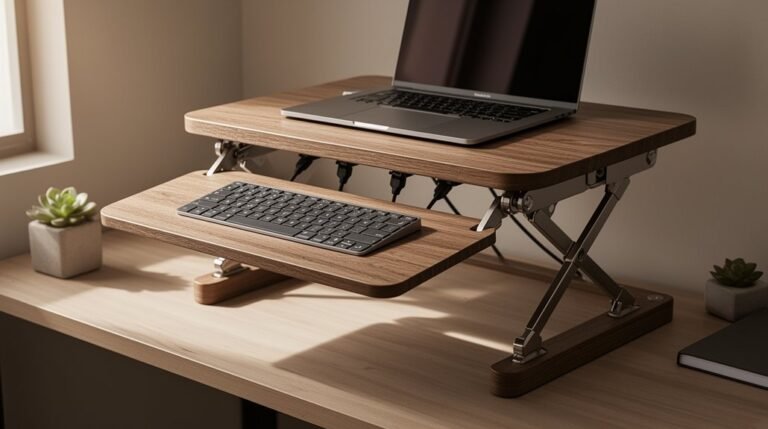
Sit-stand converters allow flexibility, while footrests support leg positioning.
Regular breaks and posture awareness further optimize comfort, ensuring productivity without significant financial investment.
How Often Should I Take Breaks During Work Hours?
To optimize your productivity, take breaks every 52 minutes, followed by 17 minutes of rest. This ratio enhances focus and energy.
Alternatively, consider 75-90 minute work sessions with 15-minute breaks. For longer shifts, take breaks every 2 hours, including a longer meal break.
Aim for 20-25% of your workday dedicated to breaks. These intervals prevent cognitive overload, improve concentration, and ultimately boost your overall work performance.
What Exercises Can Help Relieve Discomfort From Sitting?
To relieve discomfort from sitting, perform neck tilts, holding for 15 seconds per side.
Execute shoulder shrugs, raising shoulders to ears, then rolling back 10 times.
Incorporate trunk rotations while lying down to stretch the back.
Try bridge pose by raising hips while lying on your back, holding for five seconds, repeated 20 times.
Finally, practice seated hamstring stretches, holding for 10 to 30 seconds per leg, to enhance flexibility.
Conclusion
Avoiding common ergonomic mistakes in your home office is essential for your health and productivity.
Choose a proper chair and set your monitor at the ideal height. A well-organized workspace can greatly reduce discomfort.
Move regularly and maintain good posture to support long-term well‑being.
Address these factors to create a work environment that supports your body, enhancing focus and efficiency.
Invest time in evaluating your setup, and you’ll reap the benefits of a more comfortable and effective workspace.