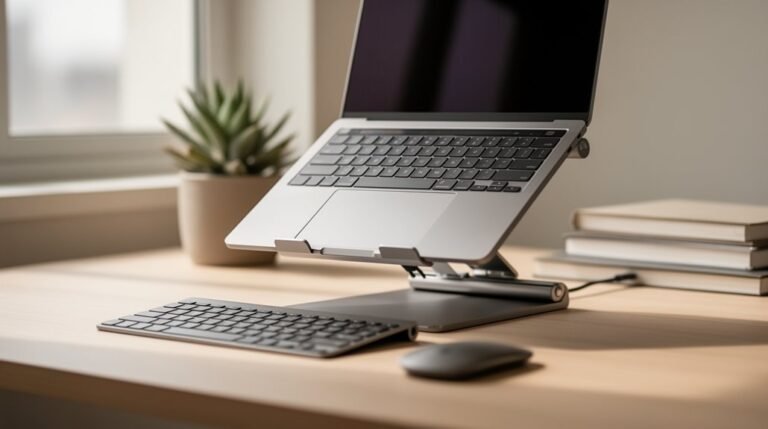
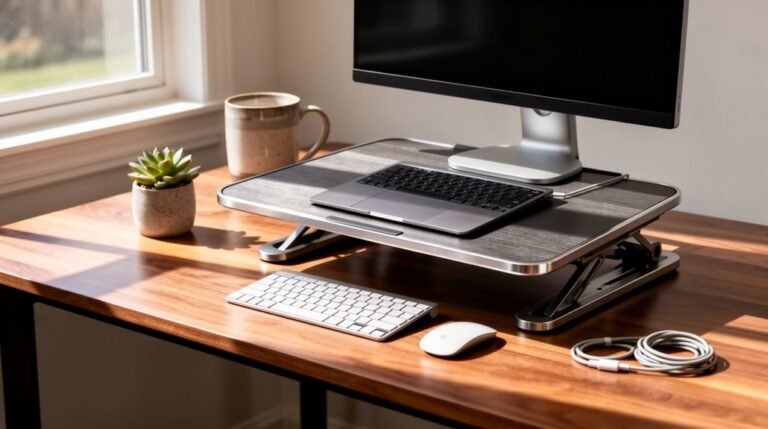
DIY Ergonomic Office Hacks
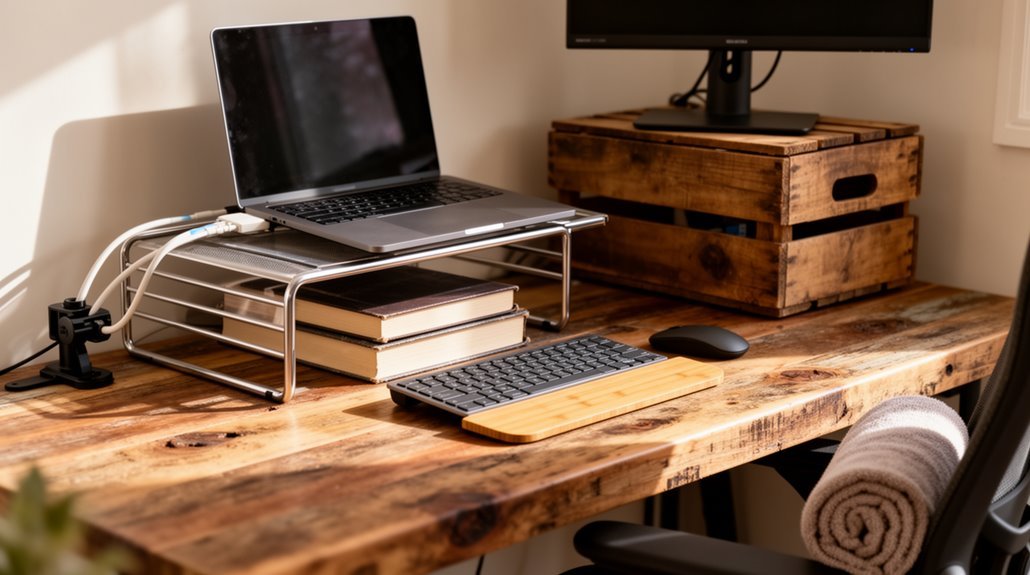
DIY Ergonomic Office Hacks: Create a comfortable workspace by adjusting your chair height so your feet rest flat on the floor and your knees are level with your hips. Aim for a 90° to 110° angle at your elbows when typing to reduce strain.
Position your monitor 20 to 40 inches away and set the top of the screen at eye level to prevent neck discomfort. For added lower-back support, try using a rolled towel or small cushion behind your lumbar region.
Incorporating these simple adjustments can noticeably improve your posture and comfort. You can explore more helpful tips to further refine your setup.
Importance of Ergonomics in Home Offices
As remote work becomes increasingly common, the need for ergonomic office setups is more critical than ever. A considerable 65% of employees experience work-related musculoskeletal pain, often due to poor workstation design.
Ergonomic furniture minimizes discomfort, reducing the occurrence and severity of musculoskeletal disorders. Studies reveal that optimizing your workspace can improve productivity by 40%, as ergonomic chairs enhance focus and decrease distractions. Investing in ergonomic solutions not only supports your well-being but also creates long-term cost savings for businesses.
Additionally, an ergonomic setup can lead to fewer injuries, greatly lowering workplace costs associated with health claims. By investing in ergonomic solutions, you not only support your well-being but also enhance your overall work efficiency.
Prioritizing ergonomics in your home office fosters a healthier work environment, contributing to long-term satisfaction and productivity.
Common Issues With Remote Workspaces
Remote workspaces often present considerable challenges that can impact your health and productivity. Many remote workers lack a dedicated workspace, with 40% improvising setups in unsuitable areas like living rooms and bedrooms. This absence of a defined area disrupts concentration and increases distractibility.
Additionally, inadequate ergonomic furniture, such as non-adjustable chairs and tables, forces poor posture, leading to musculoskeletal problems. Over 60% of workers can’t access necessary ergonomic equipment, exacerbating discomfort. Prolonged sitting in these setups contributes to lower back and neck pain, while reduced movement lowers blood flow, increasing cardiovascular risks. 41% of remote workers report experiencing lower back pain, highlighting the urgent need for better home office arrangements.
These factors culminate in a higher incidence of musculoskeletal disorders, considerably threatening both physical health and overall work productivity.
Creating a Comfortable Chair Setup
A well-adjusted chair can greatly enhance your comfort and productivity while working.
Start by adjusting the seat height so your feet rest flat on the floor, with knees at or slightly below hip level. Aim for a hip-knee angle of 90–120 degrees to promote blood flow. If your feet don’t reach the floor, use a footrest.
Set the seat depth to maintain a gap of 2–3 fingers between the seat edge and the back of your knees. Make sure the backrest supports your spine’s natural S-curve, especially the lumbar region. Ergonomic features in your chair can help reduce discomfort and muscle fatigue during long hours of work.
For armrests, adjust them to create a 90–100 degree angle at your elbows. These adjustments can greatly reduce the risk of back pain and improve overall comfort.
Desk Height and Workspace Adjustments
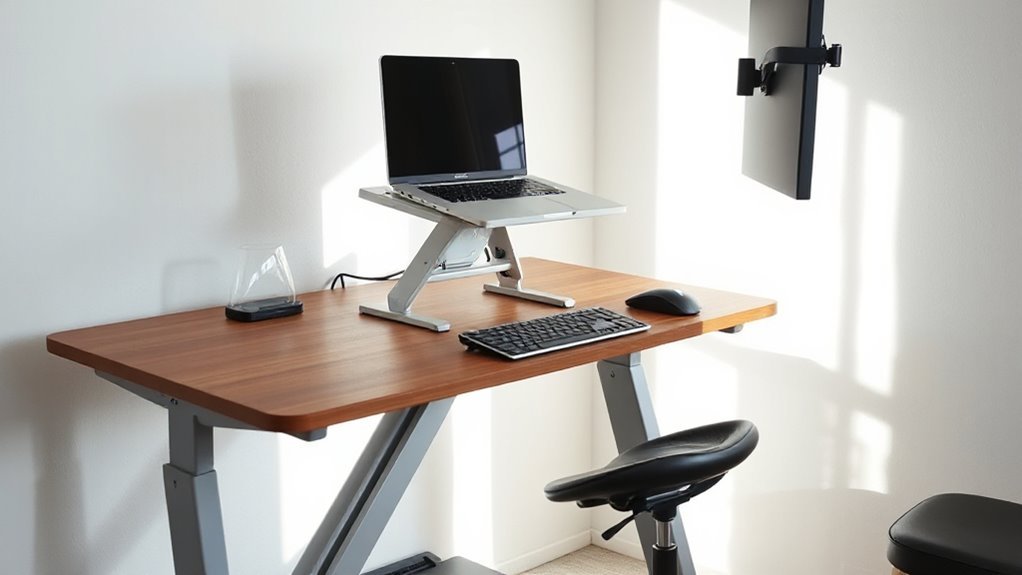
Finding the right desk height is essential for maintaining an ergonomic workspace.
Standard ergonomic desk heights range from 28 to 30 inches for seated work, suitable for individuals between 5’7″ and 6’0″. For standing desks, heights vary from 35 to 45 inches, depending on user height.
To personalize desk height, measure your height and use the formula: height in inches divided by 2, then subtract 6 to 8.5 inches. Aim for a 90° to 110° angle at your elbows when seated.
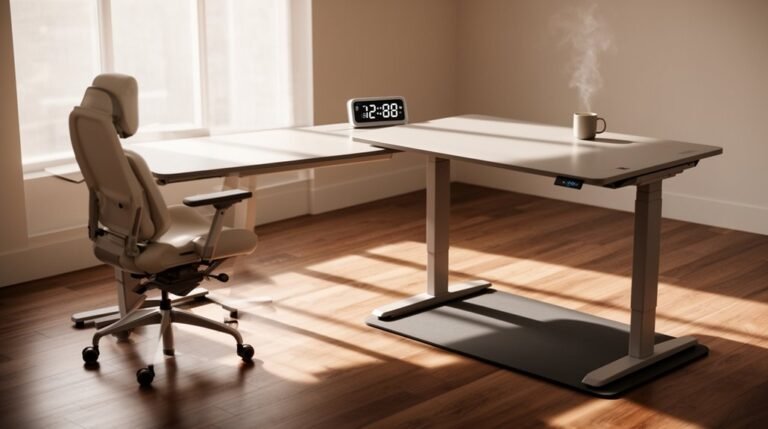
Verify your workspace allows for comfortable leg clearance, promoting natural body alignment. If possible, invest in an adjustable desk that accommodates both sitting and standing positions, enhancing comfort throughout the day.
Monitor Positioning for Optimal Viewing
Monitor positioning plays a significant role in creating an ergonomic workspace, complementing proper desk height adjustments.
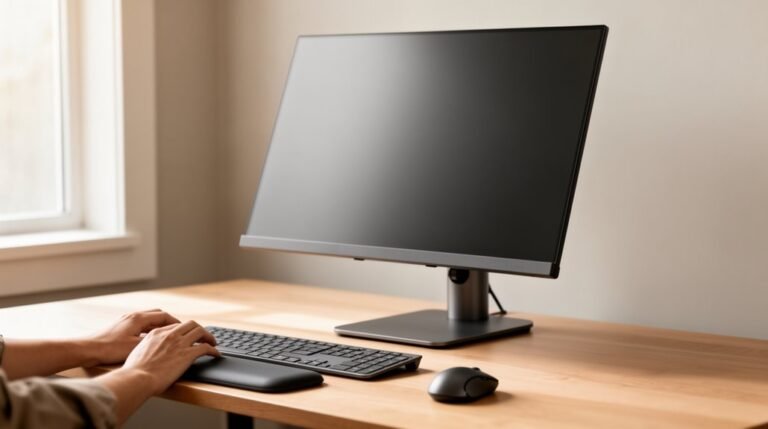
Position your monitor 20 to 40 inches away, ideally around an arm’s length, to minimize eye strain. The top of the screen should align with or be slightly below eye level, promoting a neutral neck posture.
For users with bifocal glasses, position the monitor lower and tilt it backward at 30°-45° for best viewing through the correct lens segment.
Tilt the monitor slightly upward, between 10° and 20°, to reduce glare. Make sure the monitor is directly in front of you, aligned with your nose, to prevent twisting.
Adjust brightness and contrast to further reduce eye strain and enhance comfort.
DIY Solutions for Lumbar Support
Creating effective lumbar support is essential for maintaining comfort during long hours of sitting, especially in a home office.
Hand Towel Lumbar Support
Fold a medium-sized hand towel into thirds lengthwise, then roll it tightly. Secure it with two rubber bands for portability. Aim for a thickness similar to a closed fist for ideal spinal alignment, reducing low back pain by 30-40%.
Paper Towel Roll Solution
A full roll of paper towels can serve as lumbar support for about $1. Adjust the size by peeling layers away. Use tape to maintain its shape, ensuring consistent support throughout your workday.
Proper Positioning
Position your hips fully back in the chair before inserting support. Maintain a slight forward lean, with feet flat on the floor for an upright yet relaxed posture.
Improvised Standing Desk Options
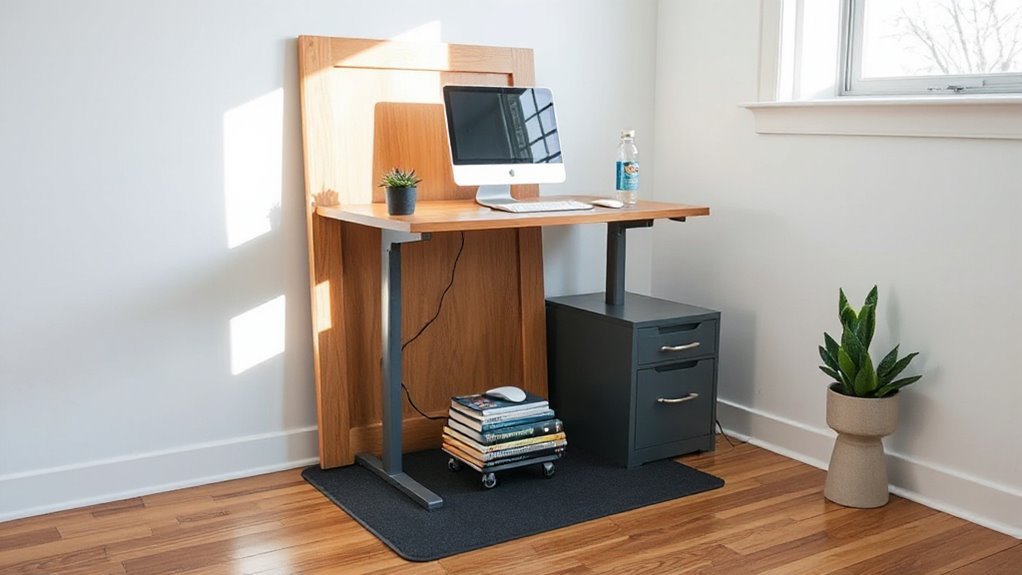
Improvised standing desk options provide flexible solutions for those seeking to alternate between sitting and standing while working.
Everyday Object Desk Risers: You can stack empty cartons or use books to create stable risers. Verify they’re level to prevent wobbling.
Ironing Board Standing Desk: An ironing board offers a height-adjustable solution. Use it on flat surfaces to avoid stability issues.
Cardboard and Pallet Desk Builds: Cut large cardboard into a frame or repurpose wooden pallets for a custom desk. Reinforce as needed for durability.
Sawhorse and Tabletop Desk: Pair two sturdy sawhorses with a solid tabletop for a robust setup. This allows for ergonomic adjustments.
Portable and Modular Desk Designs: Build using marine plywood for portability. These designs can be easily disassembled for transport.
Enhancing Productivity Through Ergonomics
Enhancing productivity through ergonomics involves optimizing the work environment to support physical well-being and cognitive function. Ergonomically designed workspaces improve productivity by 15%-25%, reducing discomfort and distractions.
Chairs that support posture and adjustable desks accommodate various body types, promoting correct alignment. This setup decreases the need for frequent breaks, maximizing effective working time.
Studies show organizations with ergonomic programs see a 24%-32% increase in employee satisfaction, correlating with sustained productivity. Comfortable workers exhibit higher alertness, leading to better decision-making and creativity.
Additionally, ergonomic workstations minimize physical strain, allowing for longer periods of focus and higher quality output. By investing in ergonomic solutions, you enhance not only individual performance but also overall workplace efficiency.
Long-term Health Benefits of Proper Setup
When you prioritize an ergonomic workspace, you greatly reduce the risk of musculoskeletal disorders (MSDs) such as chronic back pain and tendonitis.
Adjustable chairs with lumbar support align your spine, minimizing strain on your back and neck over time.
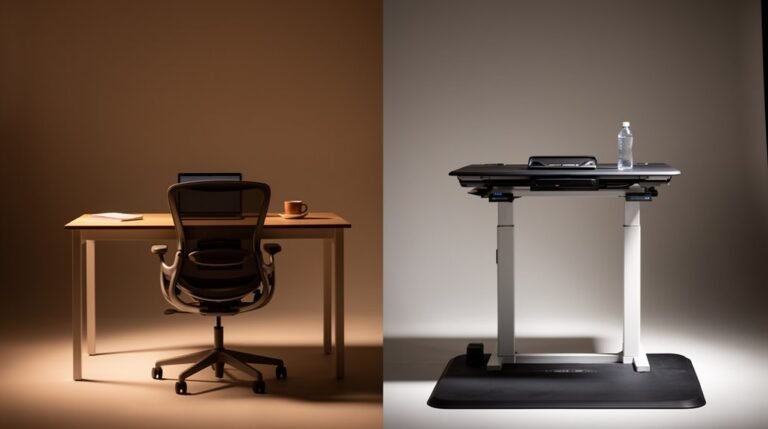
Sit-stand desks allow you to shift positions, decreasing static load on muscles and joints, which lowers discomfort.
Proper ergonomic positioning optimizes reach and movement patterns, thereby reducing repetitive strain injuries.
Enhanced circulation from ergonomic setups supports overall muscle endurance and prevents stiffness.
Long-term, these improvements lead to fewer work-related injuries, decreasing absenteeism and healthcare costs.
Frequently Asked Questions
How Can I Tell if My Chair Is Ergonomic?
To determine if your chair is ergonomic, check for key features.
The height should adjust to keep your feet flat on the floor, with thighs parallel. Make sure the backrest supports your lumbar curve and allows a slight recline.
Verify the armrests are adjustable, allowing your elbows to stay close to your body. The seat depth should prevent pressure behind your knees, promoting circulation.
Finally, a five-prong base enhances stability during movement.
What Are the Best Materials for DIY Lumbar Support?
You’ll want firm materials like tightly rolled towels or paper towel rolls, which provide adjustable support.
Consider encasing these in pillowcases for comfort. Adding elastic bands keeps your support secure.
For long-lasting options, use memory foam or micro beads, as they mold to your back.
Remember to guarantee a thickness of 1-3 inches, fitting between L3-L5 vertebrae, for effective lumbar alignment.
Prioritize breathability and durability for extended use.
Can I Use a Coffee Table as a Desk?
You can use a coffee table as a desk, but it’s not ideal.
Coffee tables usually stand at 16-18 inches, while proper desk height is 28-30 inches. This height difference may lead to poor posture and discomfort.
If you modify the table with a lift-top mechanism, you can achieve a more ergonomic setup.
Alternatively, consider adjustable tables designed for multi-use, as they offer better functionality and ergonomic benefits.
How Do I Know if My Monitor Is at Eye Level?
To check if your monitor’s at eye level, extend your arm horizontally. Your middle finger should nearly touch the screen’s center.
Ideally, the top of the monitor should sit 2-3 inches below your eye line. Adjust the height so the screen’s center aligns with a downward gaze, about 15-20 degrees.
Maintain an arm’s length distance, around 20-30 inches, to reduce eye strain and support a neutral posture during use.
Are There Any Apps to Help Improve My Posture?
Yes, several apps can help you improve your posture.
Perfect Posture & Healthy Back offers over 125 exercises with tutorials.
Posture AI analyzes your posture using AI, providing real-time feedback and corrective exercises.
FitCam combines AI with human coaching for personalized plans.
Smart Posture and Zen Posture use sensors and webcams to monitor your posture, sending reminders to correct slouching.
These apps support habit formation, muscle strengthening, and progress tracking for better posture.
Conclusion
Incorporating ergonomic principles into your workspace transforms your daily routine. By adjusting your chair height, desk position, and monitor placement, you can create an environment that greatly reduces discomfort and boosts productivity.
DIY solutions, like lumbar support and standing desks, are practical methods to enhance your setup. Small, inexpensive changes often make a noticeable difference in comfort.
Remember, a well-designed workspace isn’t just a luxury; it’s a necessity. Prioritizing ergonomics today can lead to long-term health benefits that feel as monumental as finding a treasure chest in your home office.