Ergonomic Home Office Ideas for Small Apartments
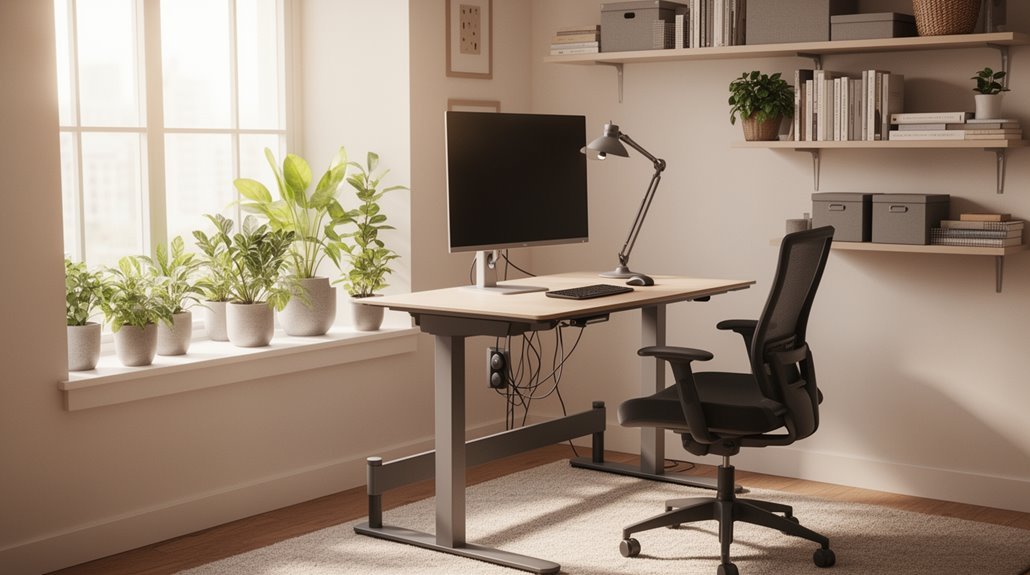
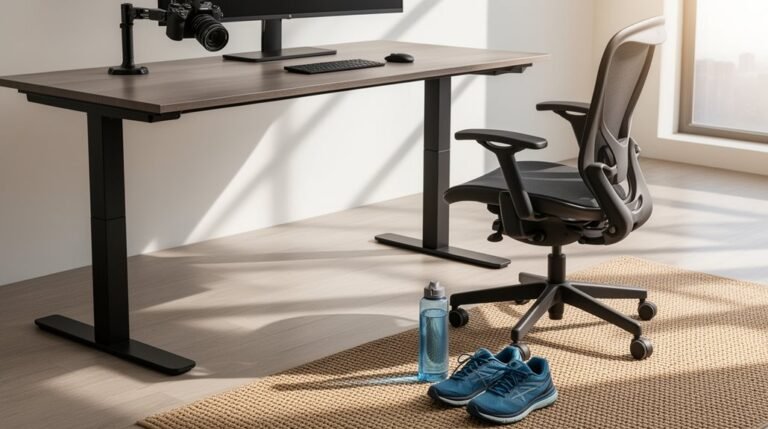
Ergonomic home office setups in a small apartment start with a height-adjustable desk. Aim for a desk that adjusts between about 22.5” and 48.5” so you can alternate sitting and standing throughout the day.
Choose compact desk styles to save floor space. Wall-mounted foldable desks or corner desks work well in tight layouts without sacrificing surface area.
Pick an ergonomic chair with adjustable lumbar support, seat height, and armrests to maintain comfort during long work sessions.
Place your monitor 20 to 28 inches from your eyes, with the top of the screen roughly at eye level to reduce neck strain. Use these tips to optimize your workspace and boost productivity.
Importance of Ergonomics in Small Spaces
When you set up an ergonomic workspace in a small area, you greatly reduce the risk of musculoskeletal disorders. Studies show that ergonomic designs can decrease this risk by up to 40% compared to traditional setups. Proper ergonomic interventions also lower workplace injuries, leading to fewer sick days. In compact workspaces, maintaining spine alignment becomes essential to minimize physical strain, especially during extended periods of sitting. Additionally, well-designed ergonomic spaces enhance overall comfort, reducing fatigue during work hours. These setups not only support long-term health but also prevent chronic injuries associated with poor posture. Ultimately, investing in ergonomics within small areas considerably benefits both health and productivity, providing a more efficient work environment. Furthermore, organizations adopting advanced ergonomic technologies see reductions in injury-related costs, emphasizing the importance of proper setup even in limited spaces.
Choosing the Right Height-Adjustable Desk
How do you find the perfect height-adjustable desk for your needs? First, consider the height range. Look for desks adjustable from 22.5” to 48.5” to accommodate diverse user heights, meeting ANSI/BIFMA standards.
Next, verify it allows for dynamic movement, promoting both sitting and standing positions. This flexibility helps reduce discomfort and fatigue. Research indicates that height-adjustable workstations can reduce sedentary behavior and improve overall employee wellbeing.
Remember to use monitor arms for ideal alignment, keeping your monitor at eye level. Your forearms should remain parallel to the floor, with wrists in a neutral position.
Additionally, check for compact designs that fit your apartment’s space without obstructing movement.
Finally, prioritize desks with cable management features to maintain a tidy workspace and support your ergonomic strategy effectively.
Compact Desk Options for Limited Areas
Utilizing compact desk options can markedly enhance your workspace efficiency, especially in limited areas.
Wall-mounted foldable desks are excellent choices, as they save floor space by folding flat against the wall when not in use. These desks blend seamlessly into your decor, offering a functional surface for writing or laptop use.
Ladder-style desks lean against walls, combining workspace with vertical storage, maximizing height while minimizing floor space. Versatile ladder-style desks optimize small spaces with a stylish design that allows for effective use of both workspace and storage.
Compact corner desks fit snugly into underused areas, providing essential work surfaces without clutter.
Petite desks are lightweight and easily movable, adapting to changing needs.
Integrated features like lighting and memo boards enhance usability, while smart cable management keeps your workspace organized and free from distractions.
Maximizing Storage With Foldable Desks
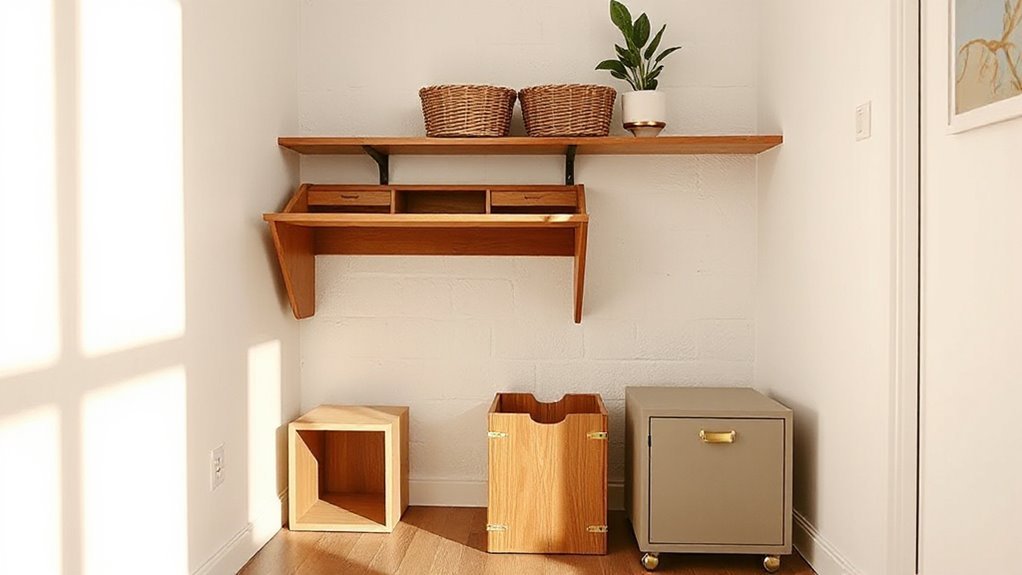
Foldable desks have become essential for maximizing storage in any workspace, especially when space is at a premium. Many models feature built-in drawers for organizing office supplies, while under-desk space accommodates rolling carts or baskets.
Wall-mounted options offer integrated shelves, perfect for books or decor. Compact designs fit snugly in corners or behind doors, utilizing otherwise wasted space. Certain models include hooks for hanging bags or headphones, enhancing vertical storage.
These desks often incorporate sturdy materials, ensuring durability for weighty items. Their easy assembly makes them ideal for renters or those frequently relocating.
With their versatile functionality, foldable desks not only serve as workspaces but also adapt to various organizational needs in small apartments.
Selecting an Ergonomic Chair for Comfort
When selecting an ergonomic chair for comfort, consider the specific features that support your posture and overall well-being.
Look for adjustable lumbar support that conforms to your lower back’s curve. The backrest should be 12 to 19 inches wide, guaranteeing adequate spine coverage.
Seat depth needs to allow 2 to 4 inches between your knees and the seat edge while sitting. Aim for a seat width of 17 to 20 inches for comfort.
Confirm the seat height is adjustable, allowing your feet to rest flat on the floor. Opt for breathable materials like cloth fabric.
Prioritize chairs with adjustable armrests, backrests, and seat slides to tailor the fit to your body dimensions and enhance your workstation ergonomics.
Proper Monitor Setup for Neck Health
To guarantee a comfortable workspace, it’s essential to position your monitor correctly. Place your monitor 20 to 40 inches away, ideally 20 to 28 inches, to minimize eye strain.
Set the monitor’s center 15 to 20 degrees below eye level, making sure your eyes land near the upper third when looking straight ahead. For multi-monitor setups, arrange screens in a slight V-shape with the primary monitor directly in front, limiting any neck twisting.
Keep the top of the screen at or slightly below eye level to prevent “tech neck” strain. Aim for identical heights in multi-monitor arrangements, and make certain your mouse is positioned toward the primary screen to reduce repetitive strain on your elbows.
Creating a Dedicated Workspace in Your Apartment
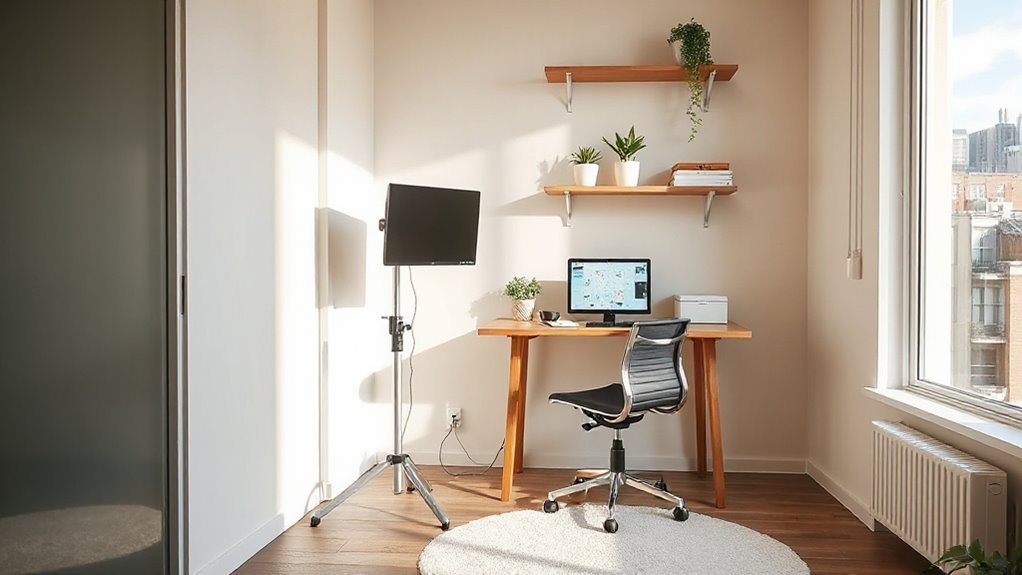
Creating a dedicated workspace in your apartment is essential for enhancing productivity and maintaining focus. Select a consistent area, like a corner of the living room or a nook by a window, to improve work-life separation.
Make certain this space is away from high-traffic zones to minimize distractions. Utilize visual barriers, such as folding screens or bookshelves, to create separation between work and living areas.
Choose compact or wall-mounted desks to save space while maintaining functionality. Incorporate vertical storage solutions to keep essentials within reach without cluttering the floor.
Optimize lighting with layered options, making sure task lighting reduces glare. Finally, consider calming color palettes to foster a professional atmosphere conducive to concentration.
Tips for Enhancing Productivity in Small Areas
Enhancing productivity in small areas requires strategic planning and thoughtful implementation of workspace design.
Start by positioning your desk in a dedicated area; studies show 58.5% of remote workers report higher productivity with this setup. Invest in an ergonomic chair, as comfort reduces fatigue and supports longer focus intervals.
Position your monitor at eye level to prevent neck strain. Keep your keyboard and mouse at elbow height to maintain neutral wrist positioning. Use a footrest to promote leg circulation during extended sitting.
Minimize distractions by decluttering your workspace and setting boundaries with roommates. Use noise-cancelling headphones to manage sound.
Finally, implement a structured work schedule, incorporating short breaks to enhance mental energy and prevent burnout.
Maintaining Work-Life Balance With Ergonomic Solutions
Maintaining work-life balance is increasingly important in today’s remote work environment. Ergonomic home office setups reduce physical strain, leading to lower stress and improved mental well-being.
When you prioritize ergonomic solutions, you’re less likely to work beyond scheduled hours, preventing burnout. Clear boundaries are essential; designated workspaces encourage you to disconnect from work during personal time.
Ergonomic furniture helps create this separation, making it easier to maintain your personal life. Research shows that 67% of remote workers report improved work-life balance after adopting ergonomic solutions.
Prioritizing comfort and flexibility in your workspace not only enhances productivity but also supports healthier work habits. By investing in ergonomic design, you promote both your physical and mental health.
Frequently Asked Questions
How Can I Improve My Posture While Working From My Couch?
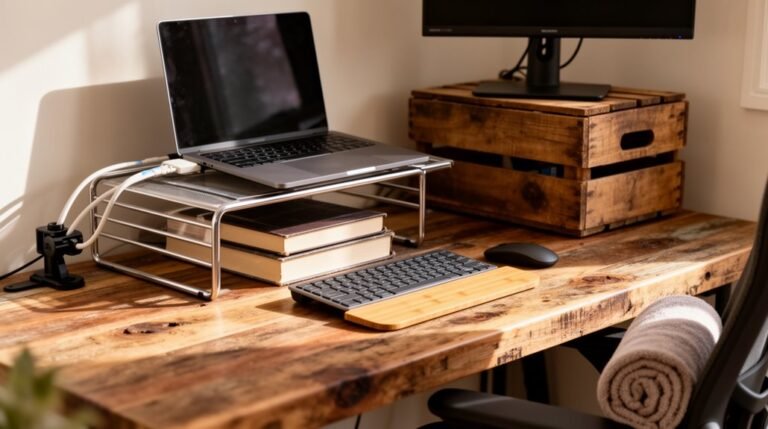
To improve your posture while working from your couch, elevate your screen to eye level using a stand or books.
Sit with a firm cushion supporting your lower back. Keep your feet flat on the floor or on a footrest.
Use an external keyboard and mouse for proper arm positioning.
Take breaks every 30-60 minutes for movement, and engage your core muscles to maintain stability and reduce strain on your spine.
What Are the Best Ergonomic Accessories for Small Apartment Workspaces?
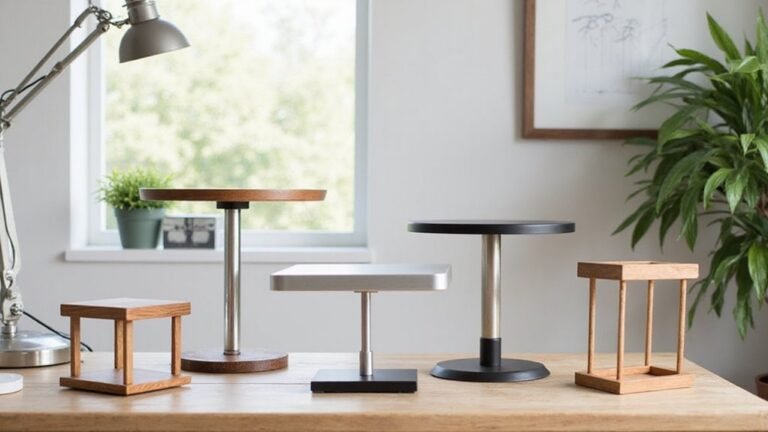
Monitor arms elevate screens to eye level, reducing neck strain.
Compact ergonomic chairs, under 24 inches wide, provide lumbar support without taking up much space.
Ergonomic keyboards and mice minimize repetitive strain injuries.
Wrist rests cushion during breaks.
Document holders keep papers at eye level, improving accuracy.
Multi-functional accessories, like cable management trays, maintain organization and aesthetics, promoting an efficient workspace without clutter.
Prioritize these items for maximum comfort and productivity.
Can I Use a Standing Desk in a Compact Area?
Yes, you can use a standing desk in a compact area.
For instance, a 45-inch wide desk fits perfectly in a corner while providing ample space for a monitor and laptop.
Adjustable height ranges from 28 to 48 inches, accommodating both sitting and standing positions.
Opt for a model less than 24 inches deep to maximize floor space.
Choose designs with slim profiles to guarantee efficient movement and maintain a clutter-free environment.
How Do I Choose the Right Chair for My Desk Height?
To choose the right chair for your desk height, first measure your desk. It should be between 29 to 30 inches tall.
Select a chair that allows your arms to rest comfortably at a 90-degree angle when seated. Ideally, your feet should stay flat on the floor, with knees slightly lower than hips.
Adjust the chair height to maintain this posture, ensuring your thighs remain parallel to the ground for ideal comfort and support.
What Plants Can Enhance My Workspace While Promoting Productivity?
To enhance your workspace and boost productivity, consider adding the following plants:
Snake Plant: Thrives in low light, filters toxins effectively, and requires minimal care.
Pothos: Fast-growing, adaptable to variable light, and tolerates infrequent watering.
Peace Lily: Purifies air, increases humidity, and flourishes in low to medium light.
Lavender: Offers stress relief and improves mood with its calming scent.
These plants not only beautify your space but also promote a healthier work environment.
Conclusion
Incorporating ergonomic solutions in small apartments enhances both comfort and productivity.
By selecting height-adjustable desks, compact furniture, and supportive chairs, you can optimize your workspace effectively.
Have you considered how an ergonomic setup can transform your daily routine? Proper monitor positioning and dedicated work areas prevent strain, while organized storage keeps clutter at bay.
Prioritizing these elements fosters a healthier work-life balance, making a small space feel efficient and conducive to success.